AI Takeoff Software: How It Counts Materials From Plans
AI takeoff software reads construction drawings and counts materials for you, turning a day of manual measuring into a checked list in hours. Here is how it works.
On this page
Short answer
AI takeoff software is a tool that reads construction drawings, finds the items a job needs, and counts them into a list an estimator can price. It works from PDF plans and BIM models, matching symbols and schedules to quantities such as square metres of flooring or metres of pipe. The estimator then checks the list instead of measuring every item by hand.
What is AI takeoff software?
AI takeoff software is a tool that reads construction drawings and counts the materials a job needs, so an estimator can price the work from a checked list. A takeoff is the quantity step in estimating: counting how many of each item a job needs, so the price can be worked out from those quantities.
For a fit-out job, the quantities might be square metres of flooring, metres of skirting, the number of doors, or the length of pipe runs. Traditionally an estimator reads the plans, measures each item, and types the numbers into a spreadsheet, which can take a full day on a large job.
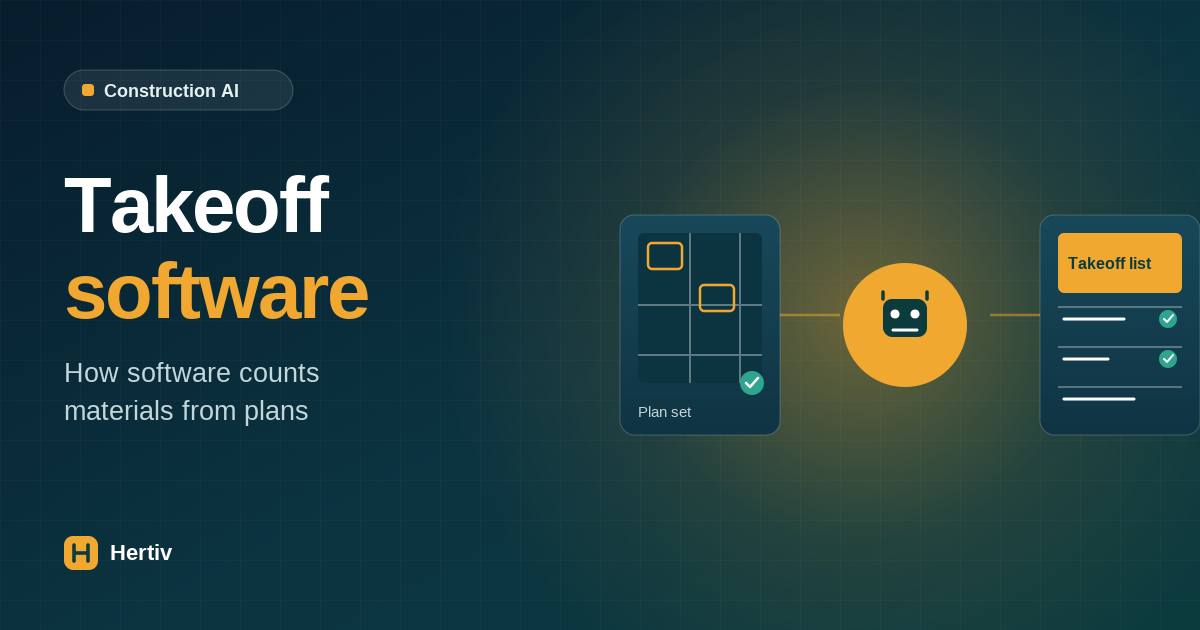
The AI version reads the same drawings, finds walls, rooms, fixtures and symbols, matches them to the schedule, and produces a list of items with counts and sizes for the estimator to check.
| Item | What the AI reads | Where it comes from |
|---|---|---|
| Flooring area | Room outlines and floor finishes | Floor plans and finish schedule |
| Wall length | Wall lines and room perimeters | Floor plans |
| Pipe runs | Pipe symbols and routes | Mechanical drawings |
| Windows and doors | Openings, sizes and types | Plans and window schedule |
| Fixtures | Sinks, lights and outlets | Plans and fixture schedule |
| Earthworks volumes | Levels and cut-and-fill areas | Site and grading plans |
The schedule is the most important document: if it is clean and the plan matches it, the takeoff is fast, and if they disagree, the tool flags the mismatch for a person. For the tool shortlist, see best AI takeoff software.
How does AI takeoff software read a drawing?
AI takeoff software reads a drawing in two ways at once: it looks at the shapes on the page, and it reads the text written on it. The model learns what a wall line, a door swing or a pipe symbol looks like, finds each one, and records where it sits.
Next it reads the schedules, the tables on the drawing set that list each item type with its size and specification. It matches each shape on the plan to a row in the schedule, so a plain rectangle on the drawing becomes a named item with real dimensions. When a symbol has no matching schedule row, or two rows look alike, the software flags it instead of guessing.
Drawings are rarely perfect. Scanned pages can be tilted, old sets mix hand-drawn notes with CAD lines, and some plans use a symbol the model has not seen. Good tools let the estimator fix the flagged items by hand and remember the fix, so the next set from the same architect reads more cleanly.
The detection work behind this is the same kind used elsewhere in construction tech. Computer vision development covers how models learn to read drawings, photos and site images in other parts of the job.
How accurate is AI takeoff?
AI takeoff is accurate when the drawings are clean and the schedule is complete. A tidy CAD set with a full schedule gives the model clear symbols and clear text to match, so most items land in the right row on the first pass. The estimator then checks the flagged items and a sample of the rest, which is far quicker than counting every item by hand.
Accuracy falls when the drawings are messy. Scanned hand-marked plans, schedules that use different codes from the drawings, and revisions where an item moved but the schedule did not update all create mismatches. The software can only read what is on the page, so an item drawn in the wrong place will be counted in the wrong place.
The honest way to judge it is to compare the draft against a hand count on one finished job before trusting it on a live bid. Count one floor by hand, compare it with the software's list, and see where the gaps are. If the gaps are all flagged items the estimator would catch in review, the tool is doing its job.
How do you start with AI takeoff software?
Starting with AI takeoff software takes six steps, and the first two decide whether the result is worth using. Start with the newest drawing set and the matching schedule, and check that the schedule covers every item type on the plans.
- Upload the latest plan PDFs and the schedule for the project, and confirm the revision numbers match.
- Check that the schedule lists every item type shown on the plans, including finishes and fixtures.
- Run the takeoff and let the software match openings and symbols to schedule rows.
- Review every flagged item and fix the ones the software could not match.
- Spot-check a sample of matched items against the drawings, including at least one of each type.
- Export the table and hand it to the estimator for pricing.
The review step is where the value sits. A takeoff with no review is a guess with nice formatting, while a takeoff with a focused review is a counted list the estimator can stand behind. Most teams find the review takes a fraction of the time the hand count used to take, which is the whole point of the tool.
Example (hypothetical): a fit-out job with 40 rooms
Example (hypothetical): an estimator is pricing the flooring and skirting for a fit-out job with 40 rooms. Each room takes about 15 minutes to measure by hand from the plans, so measuring all 40 rooms takes 40 times 15 minutes, which is 600 minutes, or 10 hours.
With AI takeoff, the software reads the plan set in about 20 minutes and drafts the list. The estimator then reviews the flagged items and checks a sample of rooms at about 3 minutes each, which is 40 times 3 minutes, or 120 minutes. The draft plus the review comes to about 140 minutes, or just over 2 hours, against 10 hours by hand.
The saving only holds if the review actually happens. In this example the software flagged 9 rooms where the finish schedule and the plan disagreed, and the estimator fixed them in the review. Skipping the review would have sent an estimate out with 9 wrong rooms, which is exactly the kind of error the tool is meant to prevent.
What are the common mistakes?
The most common mistakes are running the takeoff on an old drawing set, trusting the export without a sample check, and buying before testing the tool on your own drawings.
- Running the takeoff on an old revision. Revisions move walls, change sizes and drop items, and the software cannot know about a change that is not in the files it was given.
- Trusting the draft without reviewing the flagged items. A tool that misses one item type on every floor will produce a neat list that is wrong by the same amount on every unit.
- Using a schedule that does not match the drawings. When the schedule and the plan disagree, the takeoff needs a person to decide which one is right.
- Counting from one plan and missing the rest. A takeoff that reads only the floor plan misses the elevations, sections and schedules that carry the rest of the quantities.
- Buying before a trial. Run the tool on one finished job and compare it with the hand count before paying for a licence.
A window-only takeoff is a narrower version of the same idea, and it has its own guide: AI window takeoff covers how software counts windows from plans.
When is AI takeoff worth the money?
AI takeoff is worth the money when the volume of measuring is high and the drawings are clean enough to read. A team that prices several jobs a month will save more hours than the licence costs, while a team that prices one small job a quarter may not.
Three signs point to value. The first is repeat work: similar jobs with similar drawings, so the tool learns the symbols once and reuses them. The second is a clean drawing set, with schedules that match the plans. The third is a review habit, so the time saved is real and the counts are trusted.
If the drawings are messy, the schedules are missing, or the team has no one to review the output, the tool will not help. Fix the drawing discipline first, then add the software. A takeoff tool cannot read what the drawings do not show, and no licence fixes a missing schedule.
Key takeaways
- AI takeoff software reads drawings and schedules, then counts materials into a priced list
- It is accurate on clean CAD sets with complete schedules, and weak on messy or scanned drawings
- Always review flagged items and spot-check a sample before the list goes into an estimate
- Test it on one finished job against a hand count before buying a licence
- It pays off on repeat work with clean drawings, not on one-off jobs with missing schedules
Frequently asked questions
What does AI takeoff software do?
It reads construction drawings, finds the items a job needs, and counts them into a list an estimator can price. It works from PDF plans and BIM models, matching symbols and schedules to quantities such as square metres of flooring, metres of pipe or the number of doors.
How accurate is AI takeoff software?
It is accurate when the drawings are clean and the schedule is complete, with most items landing in the right row on the first pass. Accuracy falls on scanned, hand-marked or out-of-date drawings. The honest test is to compare the draft against a hand count on one finished job.
Does AI takeoff replace the estimator?
No. The software drafts the count, and the estimator checks it, fixes flagged items and applies the prices. The takeoff produces quantities; the estimator applies rates, judges the drawings and signs the estimate. The person still owns the numbers.
What file formats does AI takeoff software read?
Most tools read PDF plan sets and BIM models, and some read CAD files directly. The key input is a clean, current drawing set with a matching schedule. Scanned images work, but they read less reliably than vector PDFs or CAD exports.
How long does an AI takeoff take?
The draft usually takes minutes to an hour depending on the size of the plan set, plus review time. In a typical fit-out job, a 10-hour hand count becomes about 2 hours of draft plus review. The review is the part that must not be skipped.
What is the difference between AI takeoff and a window takeoff?
A window takeoff is one specific kind of takeoff: it counts only windows, with their sizes, glazing and frames. AI takeoff software covers the whole job, from flooring and walls to pipes and fixtures. The window version is a narrower case of the same idea.