AI Service Desk Solution: What It Does and How to Start
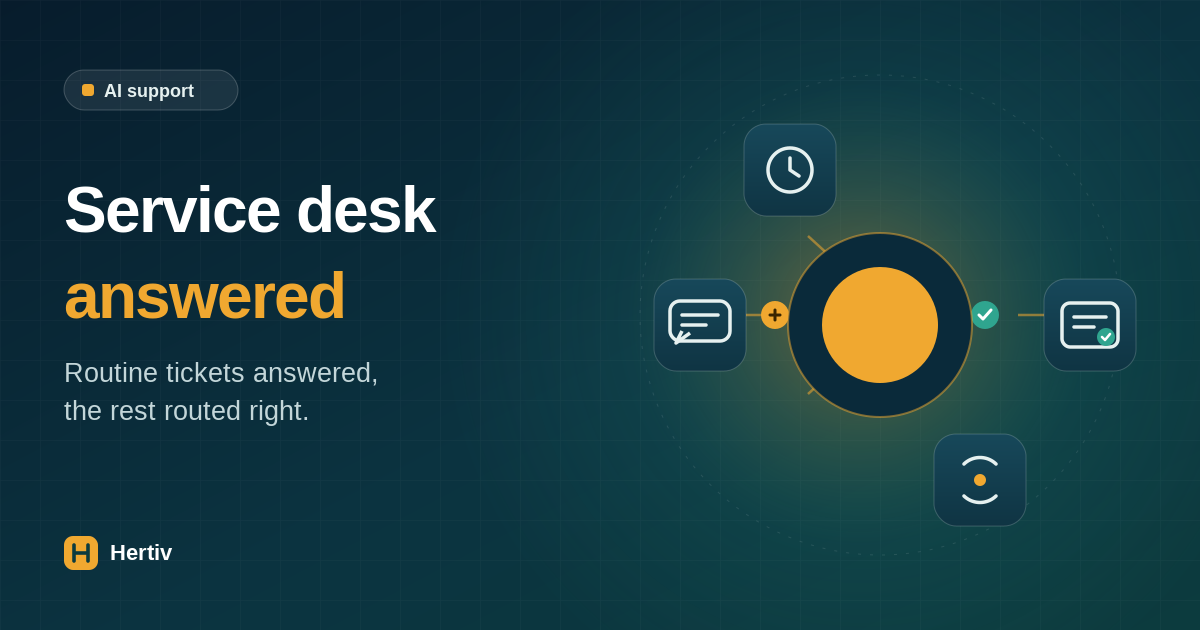
An AI service desk solution answers routine IT requests, routes the rest to the right team and learns from every ticket, so the same staff handles more work.
On this page
Short answer
An AI service desk solution is software that handles IT support requests with AI: it answers routine questions from the knowledge base, routes harder tickets to the right team with the context attached, and tracks what was fixed. It does not replace the support team; it clears the repetitive work so agents spend their time on the problems that need a person.
What is an AI service desk solution?
An AI service desk solution is software that handles IT support requests with AI: it answers routine questions from the knowledge base, routes harder tickets to the right team with the context attached, and tracks what was fixed. It is the support desk with an AI layer on top of the ticket queue.
The common pattern is a chat or email front door. A staff member writes the problem in plain words, the AI checks the knowledge base and past tickets, and either gives an answer with a link to the source or creates a ticket with the details already filled in. The agent who picks it up starts with the problem, the device and the steps already tried.
It differs from a plain help desk tool, which only stores and routes tickets. The AI part is the understanding: reading the request, matching it to a known fix, and deciding whether it can answer or must hand off. That is what cuts the queue, not a faster form.
What does the AI actually do?
The AI in a service desk does four jobs: it answers, it routes, it drafts, and it spots patterns. Each one saves a different kind of agent time, and each one needs different data to work well.
| Job | What it does | What it needs |
|---|---|---|
| Answer | Replies to routine questions with a source | Clean knowledge base |
| Route | Sends the ticket to the right team | Past tickets with labels |
| Draft | Writes a reply or summary for the agent | Ticket history and tone rules |
| Spot patterns | Flags a surge in one type of fault | Tagged tickets over time |
Answering is the most visible job, but routing is often the bigger saving. A ticket that reaches the wrong team loses a day in re-assignment, and a ticket with no context costs the agent twenty minutes of questions. Getting both right matters more than answering one more password question.
How does a request flow through it?
A request flows through an AI service desk in five steps: the user asks, the AI reads and matches, it answers or creates a ticket, an agent picks up the hard cases, and the outcome feeds back into the knowledge base.
- Ask. The user writes the problem in chat, email or the portal, in plain words, with the device and error message if known.
- Match. The AI searches the knowledge base and past tickets for the same problem and the fix that worked.
- Answer or create. If the match is strong, it answers with a source link. If not, it creates a ticket with the details, the category and a suggested priority.
- Resolve. An agent works the ticket, using the AI draft as a starting point, and confirms the fix with the user.
- Learn. The fixed ticket becomes a new example, and the knowledge base article is updated if the fix was new.
The handoff in step three is the part to design carefully. A clear rule, such as handing off when the topic is access, payroll data or a security incident, keeps the AI from guessing on sensitive requests. For the support side of the design, AI agents for customer support covers handoff and evaluation in more depth.
Where does it help most?
An AI service desk helps most where the same requests arrive again and again, the team is small, and users wait hours for a first reply because agents are busy with the queue.
Password resets, VPN and Wi-Fi problems, software installs, access requests and printer faults are the classic repeat requests. They are also the ones the knowledge base already answers, so the AI can handle a large share of them without new content. The saving shows up as shorter waits, not just fewer tickets.
It helps less where every request is different, such as a new system rollout or a team with unusual tools. In those cases the AI has few examples to match, so most requests still reach an agent. The desk still gains from routing and drafting, but the answer rate stays low until the knowledge base catches up. The same pattern holds for AI agents for operations teams, where repeat work automates first.
What do you need before you start?
You need a clean knowledge base, a labelled set of past tickets, a clear handoff rule, and someone who owns the content, before you start.
Clean the knowledge base first. Remove outdated articles and duplicates, because the AI will surface all of them and users will follow the wrong one. Then label a sample of past tickets by category and outcome, so the routing model has examples to learn from. A few hundred labelled tickets is usually enough to start.
Ownership is the part teams skip. Articles go stale, new faults appear and the AI keeps answering from old content unless someone updates it each week. Give that job to a named person with a weekly slot, and track how often the AI answer was accepted. The same ownership pattern applies to any assistant that answers from company content, which is why AI chatbot development starts with content and handoff rules too.
Example (hypothetical): a 300-person company
Example (hypothetical): a 300-person company gets 400 tickets a month. The support lead sorts them and finds 160 are password resets, VPN problems and software installs, 140 are access requests and hardware faults, and 100 are one-off problems.
The team cleans the knowledge base, keeping 60 articles and removing 40 outdated ones, and labels 300 past tickets by category. In the first month the AI answers 90 of the 160 repeat requests and routes the rest with the details filled in. Agents save about 90 answers at 6 minutes each, which is 9 hours a month, plus the time saved on routing.
The team also spots a pattern the AI flagged: 25 VPN tickets in one week, all from one office. The cause is a faulty switch, which the network team replaces. Without the pattern flag, those 25 tickets would have been treated as 25 separate user problems.
What are the common mistakes?
The most common AI service desk mistakes are launching on a stale knowledge base, letting the AI answer sensitive requests, and measuring ticket counts instead of resolution quality.
- Stale knowledge base. If the articles are old or duplicated, the AI gives wrong answers with confidence. Clean first, launch second.
- No handoff rule. Access, payroll and security requests need a person. Without a rule, the AI will try to answer them.
- Measuring deflection only. A closed ticket is not a fixed problem. Track re-opened tickets and user satisfaction, not just how many the AI answered.
- No content owner. Articles go stale within months. Give the updates a named owner and a weekly slot.
- Launching to everyone at once. Start with one team, fix the gaps, then roll out wider.
Key takeaways
- An AI service desk answers routine requests, routes the rest and learns from every ticket
- Routing and drafting often save more agent time than answering alone
- A clean knowledge base and labelled past tickets are needed before launch
- Sensitive requests such as access, payroll and security need a clear handoff rule
- Track re-opened tickets and satisfaction, not just how many tickets the AI closed
Frequently asked questions
What is the difference between an AI service desk and a help desk tool?
A help desk tool stores and routes tickets. An AI service desk adds understanding: it reads the request, matches it to a known fix, answers routine questions and drafts replies for agents. The AI layer is what cuts the queue, not the ticket store.
How many tickets can the AI answer on its own?
It depends on how many requests repeat and how clean the knowledge base is. Repeat requests such as password resets and VPN problems are the easiest to automate. One-off problems and new systems still need a person, so expect a share of tickets to keep reaching agents.
Does it replace support agents?
No. It clears the repetitive work so agents spend their time on the problems that need judgement, such as access issues, new faults and unhappy users. Most teams keep the same headcount and use the saved time to cut waiting times.
What data does it need to start?
A clean knowledge base and a labelled sample of past tickets, usually a few hundred, are enough to start. The tickets teach the AI how to route and what good answers look like, and the knowledge base gives it the facts to answer from.
How do you stop it giving wrong answers?
Ground every answer in the knowledge base with a source link, hand off when the match is weak, and review a sample of answers each week. Update the articles when the review shows the same wrong answer twice.
Can it work with the tools we already use?
Most AI service desk tools connect to common ticketing, chat and identity systems. Check the integration list before buying, and confirm that ticket history and user details carry over, since the AI needs both to route and answer well.