AI-Powered Inventory Management for Ecommerce: How It Works
AI-powered inventory management predicts what an online store will sell, keeps the right stock on hand and cuts stockouts. Here is how it works and how to start.
On this page
Short answer
AI-powered inventory management uses past sales, seasons, promotions and supplier lead times to predict demand for each product, then sets stock levels and reorder points on its own. For an ecommerce store, that means fewer stockouts, less dead stock and less manual counting, because the forecast updates every day as new orders arrive.
What is AI-powered inventory management?
AI-powered inventory management is a way of running stock for an online store in which software predicts demand, sets stock levels and triggers reorders, instead of a person updating spreadsheets by hand. It takes the store's sales history, current stock, supplier lead times and planned promotions, and turns them into a daily plan for what to order and when.
The difference from a normal stock system is the forecast. A normal system reorders when stock falls below a fixed number that someone set months ago. An AI system reorders based on what it expects to sell next week, so the number moves with the season, the price and the marketing calendar. That matters most for stores with hundreds of products, where no one person can watch every item.
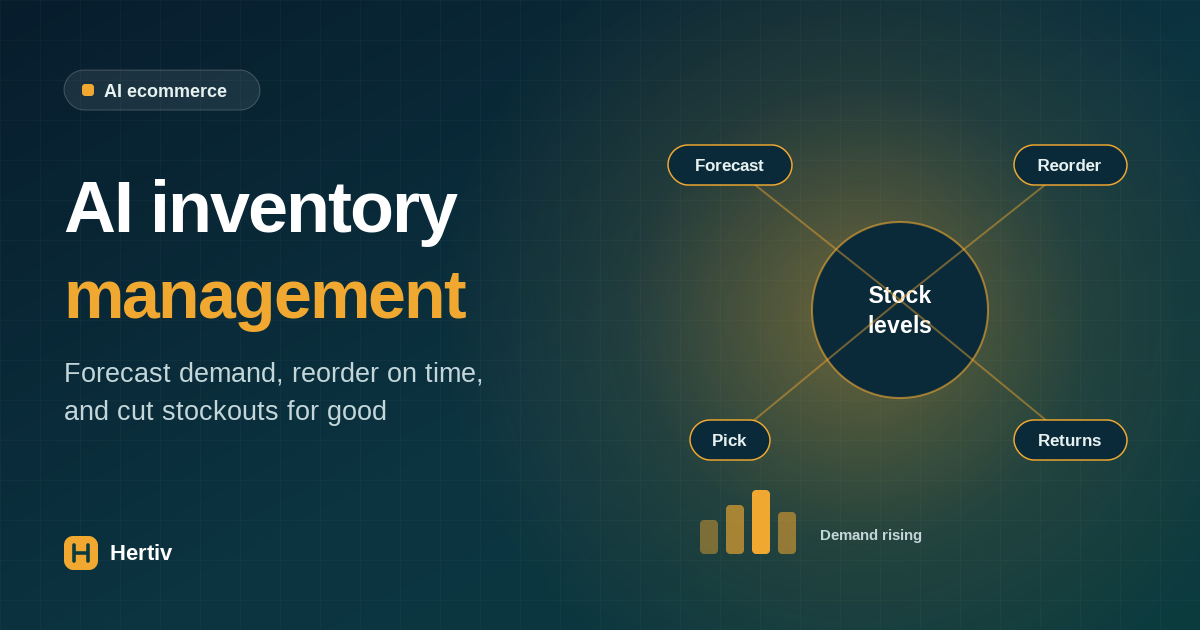
| Part | What it does | Why it helps |
|---|---|---|
| Demand forecast | Predicts sales for each product | Orders match real demand |
| Stock levels | Sets a target level per product | Less money tied up in stock |
| Reorder point | Says when to order more | Fewer stockouts |
| Warehouse picks | Guides where items sit and move | Faster packing and shipping |
| Returns check | Flags products that come back often | Bad listings get fixed early |
The system does not replace the store owner. It makes a recommendation, and a person approves the order or sets rules for when the system can order on its own. For the wider picture of AI in online retail, see AI in ecommerce benefits.
How does AI forecast demand for an online store?
AI forecasts demand by looking for patterns in the store's own sales history and in the things that change those sales, such as the day of the week, the season, a price change or a promotion. It weighs recent sales more than old ones, so a product that started selling fast last month gets a higher forecast than one that sold well a year ago.
The forecast also uses signals outside the order list. A promotion, a holiday, a new listing or a price cut all change how much of a product sells, and the system learns how much each of these moved sales in the past. A store that ran a 20 percent sale last spring and saw sales double will get a forecast that expects the same lift when the sale runs again.
No forecast is exact, and a good system says how sure it is. For a steady product with years of sales, the forecast is tight. For a new product with no history, the system starts with similar products and widens the range until real sales come in. That honesty is what makes the forecast useful: the store can keep extra stock for uncertain products and less for steady ones.
How does it decide when to reorder?
The system decides when to reorder by comparing current stock with the demand it expects during the time it takes a supplier to deliver, plus a safety stock for surprises. The reorder point is lead-time demand plus safety stock, so an order placed at that point should arrive just as the last units sell.
Safety stock is the buffer. A product with steady sales and a reliable supplier needs a small buffer, while a product with spiky sales or a slow supplier needs a bigger one. The system sizes the buffer from how much sales actually varied in the past, rather than from a guess, so the buffer shrinks when sales settle down.
The order size matters too. Ordering a little at a time keeps cash free but raises shipping and handling costs, while ordering a lot at once ties cash up in a warehouse. The system balances the two by looking at the cost of holding stock against the cost of placing an order, and it updates the balance as prices and sales change.
What does AI change inside the warehouse?
AI changes the warehouse by deciding where each product should sit and in what order pickers should collect it. Fast-selling items move close to the packing bench, slow items move further away, and items often bought together sit near each other, so a picker walks less for each order.
It also changes how stock is counted. Instead of shutting the warehouse for a full count, the system asks for small cycle counts of a few items each day, chosen by which items look most likely to be wrong. A product with a recent return, a damaged box or a mismatch between sales and stock gets counted first.
For stores that hold stock in more than one place, the system decides which warehouse should ship each order. It weighs the stock on hand, the distance to the customer and the shipping cost, so an order goes out from the warehouse that can deliver it fastest at the lowest cost. That is where a pilot usually starts, as explained in how to build an AI proof of concept.
How do you start with AI inventory management?
You start with AI inventory management by cleaning up your data and proving the forecast on a small set of products before you trust it with the whole catalogue.
- Fix the product list. Merge duplicate listings, correct wrong stock counts and make sure every product has one clear name and code.
- Gather two years of sales. The system needs daily sales, prices, promotions and returns to learn the patterns. Export it from your store and your suppliers.
- Pick twenty products to pilot. Choose a mix of steady sellers, seasonal items and a few problem products, so you can see how the forecast behaves.
- Run the forecast beside the old method. For four to six weeks, compare what the system predicted with what actually sold, and check its reorder advice against your own judgement.
- Let it order the pilot products. Once the forecast beats your old method, let the system place orders for the pilot set, with a person reviewing the largest orders.
- Roll out in waves. Add products in batches, and keep a monthly review of forecast accuracy, stockouts and dead stock.
Most of the work is data, not software. A store with clean sales records can run a pilot in weeks, while a store with messy records spends most of its time fixing them first. Testing the model properly matters too, which is why how to test AI models is worth reading before you sign a contract.
Example (hypothetical): an online shop cuts stockouts
Example (hypothetical): a small online shop sells one best-selling product at 240 units a week. Its supplier takes two weeks to deliver, and the shop keeps a safety stock of 120 units, so its reorder point is 240 times 2 plus 120, or 600 units.
The shop starts with 1,200 units. Sales of 240 a week bring stock down to 600 after two and a half weeks, so the shop orders 1,200 more. During the two-week delivery time it sells 480 units, so 120 units are left when the new stock arrives and the total rises to 1,320 units. Three weeks later stock falls to 600 again, the shop orders again, and the pattern repeats.
Over 12 weeks the shop sells 2,880 units and places two orders of 1,200, ending with 720 units on hand. In the previous 12 weeks, with fixed reorder numbers set by hand, the same shop ran out of stock six times. With the AI forecast it runs out zero times, because the reorder point moves with real sales instead of staying fixed.
What are the common mistakes?
The most common mistakes in AI inventory management are trusting the forecast before it has been checked, feeding it bad data, and letting dead stock pile up while the system is still learning.
- Skipping the pilot. Letting the system order everything on day one turns a small forecast error into a warehouse full of the wrong stock.
- Dirty product data. Duplicate listings and wrong stock counts teach the system the wrong patterns, so fix the data first.
- Ignoring promotions. If the system does not know about a sale, it will read the sales spike as normal demand and over-order afterwards.
- Forgetting dead stock. The system orders what sells, but someone still has to clear the products that stopped selling.
- No human review. A sudden supplier delay or a product recall needs a person to step in, because the forecast cannot know about it.
Key takeaways
- AI-powered inventory management forecasts demand from real sales, not from fixed guesses
- The reorder point is lead-time demand plus safety stock, and both move as sales change
- Clean product and sales data matter more than the software you pick
- Pilot on twenty products and compare the forecast with your old method before rolling out
- Someone still has to clear dead stock and step in when a supplier is late
Frequently asked questions
Does AI inventory management work for a small store?
Yes, if the store has at least a year of sales history and a few dozen products. A small store can start with its twenty best sellers and a spreadsheet export, then move to a dedicated tool once the pilot shows the forecast beats manual ordering.
What data does the system need?
It needs daily sales per product, prices, promotions, returns and supplier lead times. The more of this history you have, the better the forecast, but even a year of clean daily sales is enough to start a useful pilot.
Can AI inventory management handle seasonal products?
Yes, that is one of its strengths. It learns the seasonal pattern from past years, so it raises stock before the season and cuts orders as the season ends, instead of relying on one person's memory of last year.
How accurate is the forecast?
Accuracy depends on the product. Steady sellers with long histories are forecast closely, while new or spiky products have a wider range. A good system reports its accuracy each month so you can see which products to trust and which need a bigger buffer.
Does it replace the person who orders stock?
No. It replaces the manual maths of working out what to order and when. A person still approves large orders, handles supplier problems, and decides what to do with products that stopped selling.
How much does AI inventory management cost?
Costs vary by tool and catalogue size, so check the vendor's pricing page or ask for a quote. Many tools charge per product or per order, and a pilot on twenty products is usually the cheapest way to find out if it pays for itself.


