AI Inference Cost Optimization: How to Cut the Bill
Inference is the running cost of every AI feature, and it grows with every request. Cut it with smaller models, caching, batching and smarter prompts.
On this page
Short answer
AI inference cost optimization means reducing what you pay each time a model answers a request, without making answers noticeably worse. The main levers are choosing a smaller or cheaper model where it is good enough, caching repeated answers, shortening prompts, batching work, and routing simple requests away from your most expensive model.
What is AI inference cost optimization?
AI inference cost optimization is the work of reducing what you pay each time a model answers a request. Inference is the running cost of an AI feature: every chat reply, summary, classification or draft costs tokens, compute time or both, and that cost grows with every user and every request.
Unlike training, which is a one-off cost, inference never stops. A feature that is cheap at a hundred requests a day can become the largest line in the budget at a hundred thousand. Optimization is about keeping the quality users notice while cutting the cost they never see: shorter prompts, cheaper models for easy work, cached answers for repeated questions, and work done in batches instead of one request at a time.
The goal is not the cheapest possible answer. It is the cheapest answer that still does the job. A support draft that is slightly shorter but still accurate is a win; a draft that misses the customer's question is not, however cheap it was.
What drives inference cost?
Inference cost comes from a small number of drivers, and knowing which one dominates your bill decides where to start. Most teams find that one or two drivers explain most of the spend.
| Cost driver | How it adds up | What to watch |
|---|---|---|
| Input tokens | Every word in the prompt, each request | Long context and repeated instructions |
| Output tokens | Every word the model writes | Long, open-ended answers |
| Model size | Bigger models cost more per token | Using the flagship model for easy work |
| Request count | Volume times cost per request | Retries, polling and duplicate calls |
| Latency needs | Reserved capacity costs more | Paying for speed nobody needs |
| Tool calls | Each call adds tokens and time | Agents that call tools in loops |
Measure before you cut. Log tokens in and out per feature, per model and per user group for two weeks. The table tells you where the money goes, and it usually points at one feature or one prompt that is worth fixing first. Compare your numbers with LLM API cost per month to see how your bill lines up with typical usage.
Which levers cut the bill fastest?
The fastest savings usually come from caching and prompt trimming, because they need no model change and no retraining. Start there, then move to model choice and routing.
- Cache repeated answers. Many requests are the same question asked again: FAQs, common support queries, repeated document summaries. Store the answer and serve it without calling the model. A cache hit costs almost nothing.
- Trim the prompt. Cut instructions the model does not need, drop history older than the last few turns, and send retrieved text that is relevant rather than whole documents. Shorter prompts cost less on every request.
- Use a smaller model for easy work. Classification, extraction and short drafts often work as well on a smaller model as on the largest one. Test the small model on real examples before deciding.
- Batch the work. Jobs that do not need an instant answer, like nightly summaries or bulk tagging, can run in batches at lower rates instead of one request at a time.
- Route by difficulty. Send simple requests to a cheap model and hard ones to the strong model. A small classifier or a few rules can do the routing, and the savings add up fast.
- Cap the output. Set a sensible limit on answer length for each feature. A two-paragraph draft does not need room for ten paragraphs.
Apply one lever at a time and measure the effect on cost and on answer quality. Changing everything at once makes it impossible to tell what worked.
Example (hypothetical): a support-drafting app
Example (hypothetical): a support team uses an AI feature that drafts replies to customer tickets. It handles 500,000 requests a month. Each request sends 800 input tokens and gets back 200 output tokens. That is 400 million input tokens a month and 100 million output tokens.
At assumed rates of $0.50 per million input tokens and $2 per million output tokens, the input costs $200 a month and the output costs $200 a month, for a total of $400 a month. The team then caches the 30 percent of requests that repeat common questions, and trims prompts so the average input falls, cutting total token use by 40 percent.
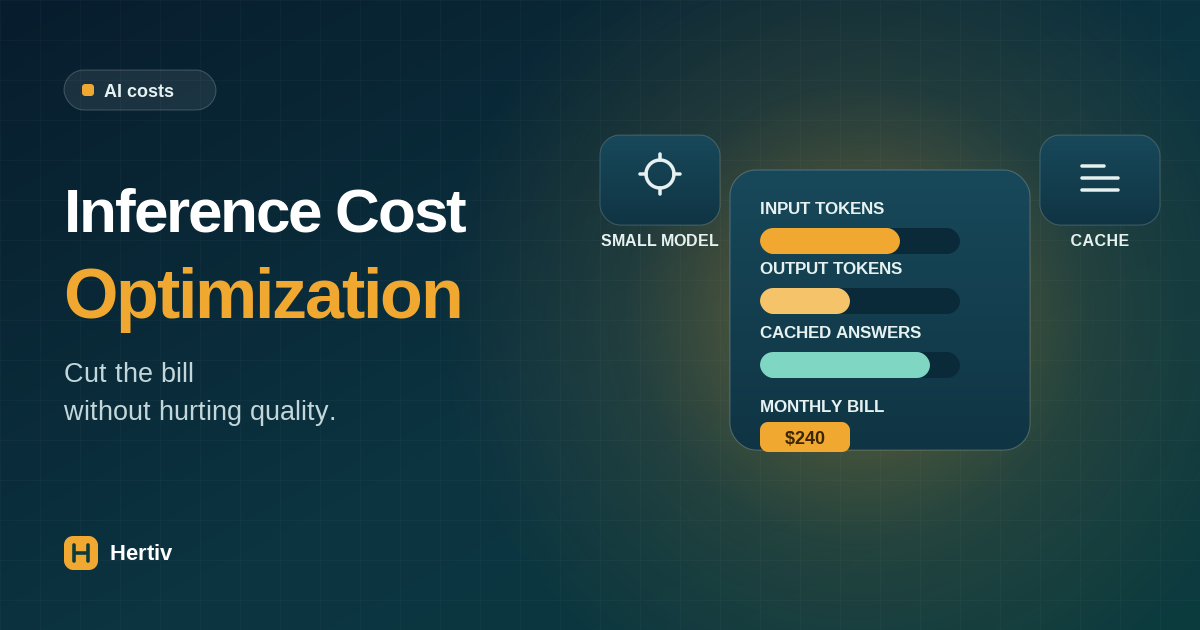
The bill falls to $240 a month, saving $160 a month, or $1,920 a year. The drafts are checked the same way as before, and the quality scores do not change, because the cached answers are the same answers the model gave before, and the trimmed prompts keep the instructions that matter.
When should you self-host instead?
Self-hosting a model can be cheaper than an API once volume is high and steady, but it is not cheaper at low volume. A hosted API charges per token with no fixed cost; a self-hosted model charges for the server whether anyone uses it or not. The crossover point depends on your volume, your model size and how much engineering time you have.
Self-hosting makes sense when requests are predictable, the model is small enough to run cheaply, and you need control over data or latency that an API cannot give. It makes less sense when volume is spiky, the team has no one to run the infrastructure, or the best model for the job only exists as an API. A comparison of self-hosting LLMs cost shows the fixed costs to budget for.
A middle path is common: keep the API for hard requests and self-host a small model for the easy, high-volume work. That way the fixed cost serves the requests where it saves the most, and the API covers the rest.
What are the common mistakes?
The most common inference cost mistakes are optimizing before measuring, cutting quality to save pennies, and letting retries and loops run unchecked.
- Cutting before measuring. Without per-feature token logs, teams cut the wrong thing and save almost nothing.
- Chasing the cheapest model everywhere. A small model that gives wrong answers costs more in support time and lost trust than it saves in tokens.
- Unbounded retries. A failed request that retries five times costs five times as much. Set a retry limit and log the failures.
- Agents that loop. An agent that calls tools in a circle can burn hundreds of requests on one task. Cap the steps and stop on repetition.
- Forgetting the cache. Teams rebuild answers they already gave yesterday. A simple cache is often the biggest single saving. If you are deciding what the savings are worth, how to measure AI ROI gives a plain way to weigh cost against value.
How do you measure whether it worked?
Measure inference optimization with two numbers tracked together: cost per request and answer quality. Cost alone is easy to cut by making answers worse, and quality alone is easy to buy by spending more. The pair keeps the team honest.
- Set the baseline. Record cost per request and a quality score for each feature for two weeks before changing anything.
- Change one lever. Apply a single change, such as caching or a smaller model, to one feature.
- Compare for two weeks. Check cost per request and quality on the same mix of work. A saving that drops quality is not a saving.
- Roll out or roll back. Keep changes that cut cost without hurting quality, and revert the rest.
- Review monthly. Prices, models and usage all change, so revisit the numbers every month and repeat the loop.
Keep a simple dashboard: tokens per request, cost per request, cache hit rate and quality score, by feature. When the numbers move, the team knows why, and the next saving is easier to find than the last.
Key takeaways
- Measure tokens per feature before cutting anything; one feature usually dominates the bill
- Caching repeated answers and trimming prompts are the fastest savings
- Use smaller models for easy work and route hard requests to the strong model
- Cap retries and agent steps, or loops will eat the savings
- Track cost per request and answer quality together, and review monthly
Frequently asked questions
What is AI inference?
Inference is what happens when a trained model answers a request: it reads the prompt and generates a reply. It is different from training, which is the one-off work of teaching the model. Inference happens every time a user triggers an AI feature, so its cost grows with usage.
How much does inference usually cost?
It depends on the model, the number of tokens and the volume of requests. Small features can cost a few dollars a month, while high-volume products can run into thousands. The only reliable figure for your case comes from your own token logs and the vendor's current pricing page.
Does a smaller model always give worse answers?
No. For narrow, well-defined work like classification, extraction and short drafts, a smaller model often matches a large one. For open-ended reasoning and long writing, the larger model usually does better. Test both on your real examples before deciding.
What is prompt caching?
Prompt caching stores the model's answer to a repeated prompt so the next identical request can be served without calling the model again. It works best for FAQs and repeated questions, and it can cut costs sharply when many users ask the same things.
Is self-hosting always cheaper than an API?
No. Self-hosting has fixed server costs whether the model is used or not, so it only wins once volume is high and steady. At low or spiky volume, an API that charges per token is usually cheaper, because you pay nothing when nobody asks.
How do I know if my optimization hurt quality?
Compare quality scores before and after the change on the same set of examples, using human review or a fixed test set. If scores fall, the saving is not worth it. Track cost and quality together so a bad trade-off shows up immediately.


