AI Chatbot Development Trends Shaping Support and Sales
AI chatbots are moving beyond scripted answers toward grounded replies, voice conversations and actions for the user. Here are the trends shaping how they are built.
On this page
Short answer
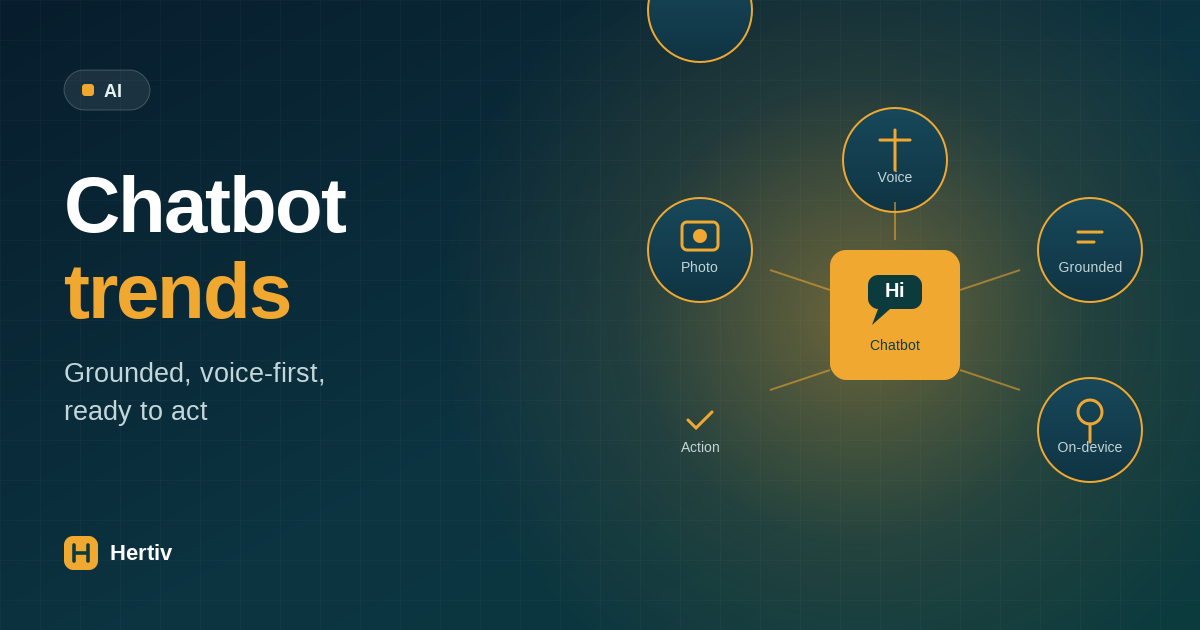
AI chatbot development is moving from scripted answers toward chatbots that ground replies in company documents, talk by voice, and take actions such as booking, ordering or updating a record. The trends that matter most are retrieval grounding, agentic actions, voice-first design, multimodal input, proactive outreach and smaller on-device models.
Which chatbot development trends matter most?
The chatbot trends that matter most are the ones that change what a chatbot can do, not just how it sounds. A chatbot that can check an order, book a slot or update a record is a different product from one that only answers questions.
Use this comparison to shortlist. Effort assumes you already have a knowledge base or a help centre.
| Trend | What changes | Best fit | Effort |
|---|---|---|---|
| Retrieval grounding | Answers cite your documents | Support, policy questions | Medium |
| Agentic actions | Chatbot completes tasks | Orders, bookings, updates | High |
| Voice-first chatbots | Talk instead of typing | Phone support, cars, hands-free | Medium |
| Multimodal input | Photos and documents as input | Returns, faults, claims | Medium |
| Proactive outreach | Chatbot starts the conversation | Reminders, renewals, check-ins | Low to medium |
| Small on-device models | Runs without a server round trip | Apps, privacy-sensitive tasks | Medium |
Start with grounding. A chatbot that answers from your own documents is the foundation every other trend builds on.
Retrieval grounding
1. Retrieval grounding: best for answers you can trust
Retrieval grounding means the chatbot looks up relevant documents before answering, then bases its reply on what it found, with citations. This cuts invented answers, which are the main reason teams distrust chatbots.
The pattern is retrieval-augmented generation: the question is matched against help articles, policies and ticket history, the best matches are passed to the model, and the answer links back to them. When nothing relevant is found, the chatbot says so and hands off.
Pros:
- Answers tied to your own content, with sources to check
- Wrong answers are easy to trace and fix
- Content updates reach the chatbot without retraining
Cons:
- Needs a cleaned knowledge base, without duplicates
- Retrieval quality sets the ceiling for answer quality
Clean the documents first. If your help centre has five versions of the same policy, the chatbot will surface all five.
Agentic actions
2. Agentic actions: best for chatbots that get things done
Agentic chatbots do more than answer: they check a delivery, change a booking, raise a ticket or update an address, using the tools your systems already expose. The conversation becomes a task, not just a Q and A session.
The design rule is narrow tools and clear approval gates. The chatbot should call a specific API for a specific job, with scoped permissions, and ask a human to confirm anything irreversible, such as a refund or a cancellation.
Pros:
- Customers finish tasks without waiting for an agent
- Fewer handoffs between chat and other channels
- Every action is logged, so failures can be traced
Cons:
- One bad step can propagate through several systems
- Needs scoped permissions and a rollback plan
Move to actions only after a question-answering chatbot is live and measured. See AI agents use cases for where agentic work already pays off.
Voice-first chatbots
3. Voice-first chatbots: best for phone and hands-free use
Voice-first chatbots let people talk instead of type, which fits phone support, driving, warehouses and any place where hands and eyes are busy. Speech recognition and speech synthesis have improved enough that the conversation feels natural for routine tasks.
The hard parts are interruptions, background noise and turn-taking. A good voice chatbot knows when the caller has finished speaking, handles a correction gracefully, and confirms the details that matter, such as a date or an amount, before acting.
Pros:
- Faster for callers than navigating menus
- Works where typing is impractical
- Feels closer to talking with a person
Cons:
- Noise and accents still cause errors
- Long answers are hard to follow by ear
Keep voice answers short and confirm the key facts out loud before the chatbot acts on them.
Multimodal input
4. Multimodal input: best for problems you can show
Multimodal chatbots accept photos, screenshots and documents as part of the conversation. A customer can send a photo of a damaged parcel, a screenshot of an error or a page of a contract, and the chatbot can see what the problem is.
This changes returns, fault reporting and claims, where describing the problem in words is slow and error-prone. The chatbot reads the image, asks one or two follow-up questions, and starts the right process.
Pros:
- Faster problem reporting than typed descriptions
- Fewer misunderstandings about what is wrong
- Photos become part of the case record automatically
Cons:
- Image quality varies, and poor photos still confuse the model
- Storing customer photos adds privacy duties
Test with real customer photos, not studio shots, before launch. For the vision side, computer vision development covers the model choices.
Proactive outreach
5. Proactive outreach: best for reminders and renewals
Proactive chatbots start the conversation: a renewal reminder, a delivery update, a check-in after a purchase, or a nudge when a form is left unfinished. Done well, this feels like good service; done badly, it feels like spam.
The rule is relevance and consent. The message should relate to something the customer already cares about, arrive at a sensible time, and offer a clear way to stop. Every proactive message should have a purpose the customer would agree with.
Pros:
- Renewals and completions happen without chasing
- Customers hear about problems before they complain
- Cheap to run once the triggers are set up
Cons:
- Too many messages train people to ignore them
- Bad timing damages trust quickly
Start with one trigger, such as an unfinished checkout, and measure the response before adding more.
Small on-device models
6. Small on-device models: best for fast, private chat
Small models running on the phone or laptop let a chatbot answer without sending every message to a server. This cuts delay, works offline, and keeps sensitive conversations on the device.
The trade-off is capability. A small model handles routine questions, summaries and form-filling well, but it should hand off to a larger model or a human for anything complex or unusual. The design is a split: easy work on the device, hard work in the cloud.
Pros:
- Answers in milliseconds, even offline
- Sensitive text never leaves the device
- Lower running costs at high volume
Cons:
- Less capable than large cloud models
- Updates need an app release, not a server deploy
Use on-device models for the common cases and keep a cloud fallback for the rest.
How to choose which chatbot trend to build first
Choose by the job your customers already ask for, not by the trend that sounds newest. A trend that fits a real workflow will pay back; one that does not will sit unused.
- List the top ten questions and tasks your support team handles today.
- Check which ones a grounded chatbot could answer or complete from existing documents and tools.
- Score each on volume, error cost and whether a human already reviews the result.
- Pick one trend and one task for a pilot with a defined success threshold.
- Measure resolution rate and handoff rate on a fixed set of real conversations.
Grounding comes first in almost every case. Without it, the fancier trends have nothing solid to stand on. AI chatbot development covers the build and handoff design in more depth.
What are the common mistakes?
The most common chatbot mistakes are launching without grounding, giving the chatbot write access too early, and measuring chats instead of resolved problems.
- No evaluation set. Without real conversations and known good answers, quality debates are guesswork.
- Answers without sources. Staff distrust a chatbot they cannot check, and errors are hard to fix.
- Actions without approval gates. A chatbot that refunds or cancels without confirmation will eventually do it wrongly.
- Voice without confirmation. Spoken details such as dates and amounts need to be read back.
- Proactive messages without consent. Unwanted outreach damages the brand faster than it helps.
- Measuring chats, not outcomes. Volume says nothing about whether problems were solved.
For testing before launch, how to test AI models covers the evaluation approach.
Key takeaways
- Grounding in your own documents comes before every other trend.
- Agentic chatbots need narrow tools and approval gates for irreversible actions.
- Voice and multimodal input fit tasks where typing is slow or unclear.
- Proactive messages only work with relevance and consent.
- Small on-device models handle routine work; hard cases still need the cloud or a human.
Frequently asked questions
What is the biggest trend in AI chatbot development?
Retrieval grounding is the biggest shift, because it ties answers to a company's own documents and cuts invented replies. Agentic actions, where the chatbot completes tasks, is the next step once grounding works reliably.
Do chatbots need fine-tuning?
Usually not at first. Retrieval over your own documents plus a clear prompt handles most support and sales cases. Fine-tuning helps when you need consistent tone or format at scale, and it is easier to justify once you have an evaluation set.
Are voice chatbots ready for customer support?
Yes for routine tasks such as order status, bookings and password resets, where the conversation is short and the details are easy to confirm. Longer or sensitive conversations still work better with a human or a typed chat.
What is an agentic chatbot?
An agentic chatbot is one that takes actions, not just answers questions. It can check a delivery, change a booking or raise a ticket using your systems, with scoped permissions and a human approval gate for irreversible steps.
How do you measure whether a chatbot is working?
Track resolution rate, handoff rate and customer satisfaction on a fixed set of real conversations. Time saved per conversation matters too, but only if the problem was actually solved without a follow-up.
How much does it cost to build an AI chatbot?
Costs vary with scope, integrations and the volume of conversations. A grounded support chatbot with one or two integrations is the cheapest starting point. Ask vendors for a scoped pilot price and see vendor site for current pricing.


