AI Automation Templates for Beginners: 8 to Start With
Eight beginner-friendly AI automation templates that save real time, from inbox triage to invoice checks. Pick one, run it for a week, then expand.
On this page
Short answer
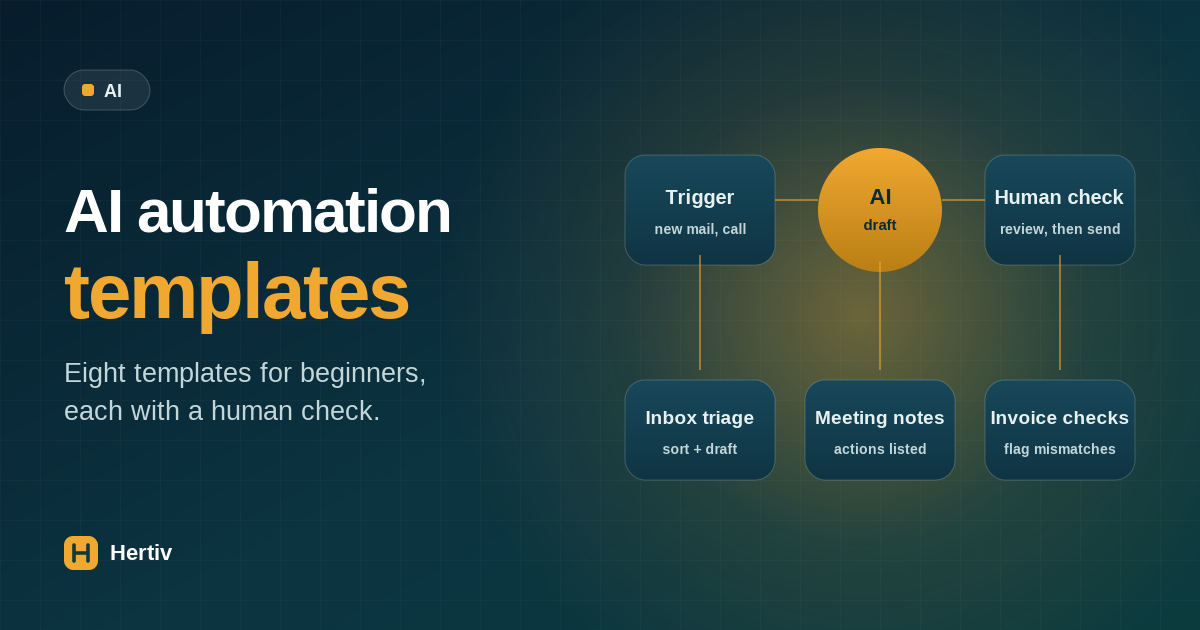
These AI automation templates help beginners save time without writing code or buying expensive tools. Each one follows the same pattern: a trigger, an AI step, and a human check. Start with one template, run it for a week, and only then add a second.
Which AI automation templates are best for beginners?
The best beginner templates are the ones with a clear trigger, a small AI step and a human check before anything leaves the team. They save time on repetitive work and they fail safely, because a wrong draft is caught before it reaches a customer.
| Template | What it automates | Time saved | Risk if wrong |
|---|---|---|---|
| Inbox triage | Sorts and drafts replies | High | Low, drafts are reviewed |
| Meeting notes | Summarises calls into actions | High | Low, notes are checked |
| Invoice checks | Flags mismatches for review | Medium | Low, nothing is paid automatically |
| Lead research | Builds a brief before a call | Medium | Low, briefs are read first |
| Social drafts | Drafts posts for editing | Medium | Low, nothing is published alone |
| FAQ answers | Drafts replies from help articles | High | Medium, needs source citations |
| Data clean-up | Standardises names and formats | Medium | Low, changes are reviewed |
| Weekly report | Turns numbers into a summary | Medium | Low, figures are checked |
Pick the template that matches your most boring repeated task. If you spend an hour a day sorting email, start with inbox triage. If meetings eat your afternoons, start with notes. One working template teaches you more than five half-built ones.
<h3>1. Inbox triage: best for busy support and sales teams</h3>
Inbox triage reads incoming mail, sorts it into categories and drafts a reply from your help articles. A person reviews each draft before sending, so a wrong draft never reaches a customer. The trigger is a new email; the AI step is classification and drafting; the human check is the send button.
Set it up with a small set of categories first: billing, delivery, account access and everything else. Add more categories only after the first four work well for two weeks. Keep a log of drafts that needed heavy edits, because those show where your help articles are unclear.
Pros: saves the most time of any beginner template; easy to measure; fails safely.
Cons: needs clean help articles to draft well; can misclassify unusual requests at first.
<h3>2. Meeting notes: best for teams that live in calls</h3>
Meeting notes take a call recording or transcript and produce a short summary with decisions and action items. The trigger is the end of a call; the AI step is summarising; the human check is a quick read before the notes are shared.
Use a fixed format for every summary: decisions, actions with owners, and open questions. A fixed format makes the notes easy to scan and easy to check. If a summary misses an action, add that case to your examples so the next one improves.
Pros: no one has to take notes during the call; actions are written down the same day.
Cons: summaries can miss tone or context; sensitive calls should stay out of the template.
<h3>3. Invoice checks: best for small finance teams</h3>
Invoice checks read an incoming invoice, compare it with the order and flag mismatches for a person to review. The template never pays anything on its own. The trigger is a new invoice; the AI step is extraction and comparison; the human check is the payment decision.
Start with three checks: amount against the order, supplier name against your records, and due date against your payment terms. Add more checks only when the first three run cleanly for a month. Keep the flagged cases in a queue so the team can see patterns, such as one supplier that keeps sending wrong amounts.
Pros: catches errors before payment; builds a clear audit trail; low risk.
Cons: needs clean order data; unusual invoice formats take time to handle.
<h3>4. Lead research: best for sales teams before calls</h3>
Lead research builds a short brief before a sales call: what the company does, recent news, and likely needs. The trigger is a new meeting on the calendar; the AI step is gathering and summarising public information; the human check is the salesperson reading the brief.
Keep the brief to one page with sources. A brief without sources is hard to trust, and a salesperson who cannot verify a claim will ignore the whole template. Limit the brief to public information and your own CRM notes, and do not include anything you would not want the prospect to see.
Pros: better calls with less prep time; consistent briefs across the team.
Cons: public data can be out of date; briefs need a quick human read.
<h3>5. Social drafts and FAQ answers: best for marketing and support</h3>
Social drafts turn a short brief into a first draft for a post, and FAQ answers turn a help article into a draft reply. Both follow the same safe pattern: the AI drafts, a person edits, and nothing is published or sent without review. The trigger is a new brief or a new question; the human check is the edit.
For social drafts, give the template your brand voice in a few lines and three examples of posts that worked. For FAQ answers, give it the help article and ask for a cited answer, so the reviewer can check the source in one click. Both templates improve fast once you keep examples of good edits.
Pros: faster first drafts; consistent tone; easy to review.
Cons: drafts can sound generic without good examples; FAQ answers need accurate source articles.
<h3>6. Data clean-up and weekly reports: best for operations teams</h3>
Data clean-up standardises names, formats and categories in a spreadsheet, and a weekly report turns a set of numbers into a short written summary. Both save the kind of time that is hard to notice until it is gone: the hour spent fixing a sheet before a meeting, or the morning spent writing the same report again.
For clean-up, run the template on a copy first and review the changes before applying them to the real sheet. For reports, fix the numbers first and let the AI write the words: the template should summarise figures you trust, not invent them. Keep the report to one page with the same sections every week, so readers learn where to look.
Pros: removes repetitive manual work; reports become consistent week to week.
Cons: clean-up can change data in unexpected ways; reports need verified numbers.
How to choose your first template
Choose by pain and safety, not by how impressive the demo looks. A template that saves a reviewer ten minutes a day and can be checked will beat a flashy one nobody trusts.
- List the tasks you repeat every day and time them for one week.
- Pick the one with the highest volume and the lowest cost of a mistake.
- Check the data: can you give the template clean examples and a source to cite?
- Build the smallest version, with a human check on every output.
- Run it for one week, measure time saved, then decide whether to expand.
Before you automate a workflow, a short AI proof of concept with a fixed test set is the cheapest way to find out whether the idea is real.
If the task involves agents taking actions, AI agent use cases shows where agents help and where a simple template is enough.
Do not automate a broken process. If the steps are unclear or the data is messy, fix the process first, then automate it. Automation copies whatever you feed it, including the mistakes.
Common mistakes
Most beginner automation failures come from skipping the human check, automating a messy process, or trying to build five templates at once. Each one is easy to avoid.
- No human check. Letting the AI send, publish or pay without review is the fastest way to lose trust.
- Too many templates at once. One working template teaches more than five half-built ones.
- Messy inputs. If your help articles or spreadsheets are out of date, the output will be too.
- No measurement. Without timing the task before and after, you cannot tell whether the template helped.
- Automating a broken process. Fix the steps first, then automate them.
- Ignoring privacy. Do not feed customer data or sensitive calls into a template without checking the rules.
If you are deciding between a simple template and a multi-step system, what a multi-agent system is explains when several agents are worth the extra complexity, and when they are not.
Key takeaways
- Start with one template that has a clear trigger, a small AI step and a human check.
- Inbox triage and meeting notes save the most time for most beginners.
- Never let a template send, publish or pay without a person reviewing it.
- Fix messy data and unclear steps before automating them.
- Measure time saved for one week before adding a second template.
Frequently asked questions
Do I need to write code to use AI automation templates?
No. Most beginner templates run on no-code automation tools that connect your email, calendar, documents and chat apps. You set a trigger, add an AI step with a prompt, and add a human approval step. Code helps for unusual cases, but it is not needed for the eight templates in this article.
How much time can a beginner template save?
It depends on the task. Inbox triage and meeting notes often save several hours a week for a busy team, because they remove repetitive drafting and note-taking. Smaller templates save minutes a day, which still adds up over a month. Time the task before and after for one week to get a real number.
What is the safest first automation?
Inbox triage or meeting notes, because both keep a human in the loop and fail safely. A wrong draft is caught before it is sent, and a wrong summary is caught before it is shared. Avoid automating payments, refunds or legal messages as a first template.
Do I need clean data before automating?
Yes, for the parts the template reads. If your help articles are out of date, drafted replies will be wrong. If your spreadsheet has five versions of the same customer name, clean-up will struggle. Spend a day cleaning the sources the template depends on before you build it.
Can AI automation replace my team?
No. These templates remove repetitive drafting and sorting, but a person still reviews, decides and talks to customers. The goal is to give the team more time for the work that needs judgement, not to remove the judgement.
How do I know if a template is working?
Pick one measure before you start, such as minutes saved per day, drafts accepted without edits, or errors caught before payment. Track it for one week on the same tasks. If the number does not improve, change the prompt or the examples before building more templates.


