Zendesk AI Competitors: 8 Helpdesks Worth Comparing
Zendesk is strong, but its AI features and pricing are not for every team. These eight helpdesks offer AI triage, drafting and chatbots of their own.
On this page
Short answer
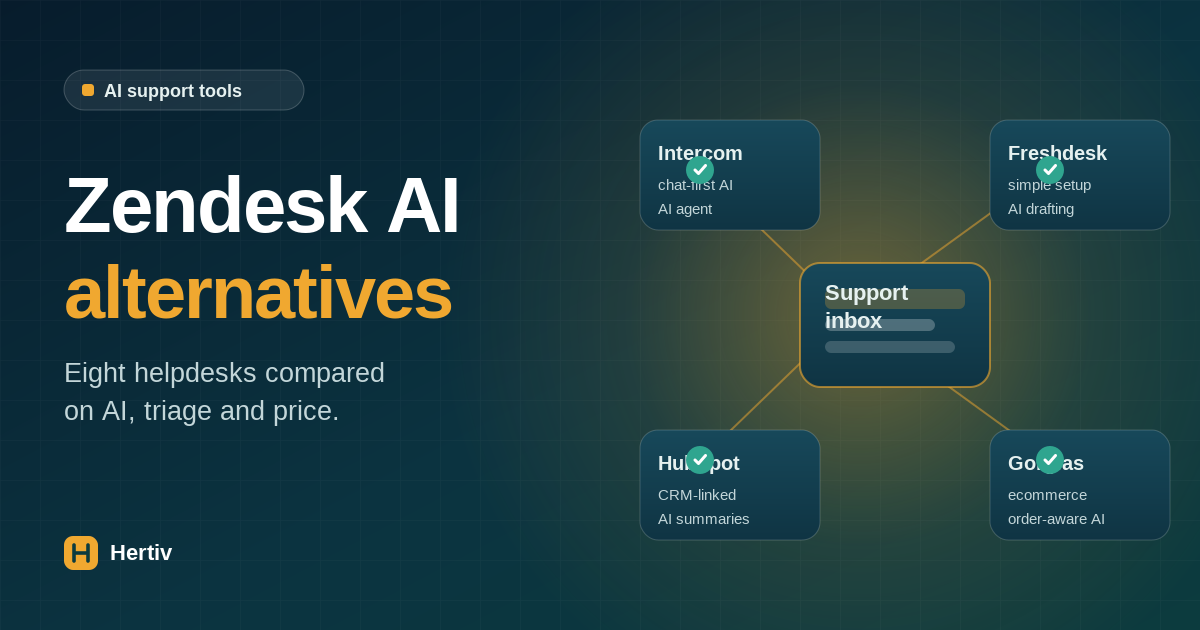
The main Zendesk AI competitors are Intercom, Freshdesk, HubSpot Service Hub, Salesforce Service Cloud, Zoho Desk, Help Scout, Gorgias and LiveAgent. Each offers AI features such as reply drafting, ticket triage and chatbots, and the right pick depends on your channels, team size and budget.
Which Zendesk AI competitors are worth a look?
Zendesk bundles a helpdesk with AI features such as suggested replies, ticket triage and chatbots. The eight competitors below cover the same ground in different ways: some lead with chat, some with a CRM, some with ecommerce context, and some with low cost.
| Tool | Best for | AI strengths | Hosting |
|---|---|---|---|
| Intercom | Chat-first support | AI agent, reply drafts | Cloud |
| Freshdesk | Simple setup | Reply drafting, triage | Cloud |
| HubSpot Service Hub | HubSpot users | Drafting, summaries | Cloud |
| Salesforce Service Cloud | Large operations | Drafting, case priority | Cloud |
| Zoho Desk | Small teams, low cost | Reply suggestions | Cloud |
| Help Scout | Shared inbox teams | Drafting, summaries | Cloud |
| Gorgias | Ecommerce support | Order-aware AI answers | Cloud |
| LiveAgent | Multi-channel, low cost | Chatbots, suggestions | Cloud |
None of these is a drop-in copy of Zendesk. Each trades some polish for a different strength, so the comparison starts with your own support channels and team size. Open-source options are a separate question, covered in our guide to open-source Zendesk AI alternatives.
Chat-first and simple helpdesks
1. Intercom: best for chat-first support
Intercom is a customer messaging platform built around live chat, with AI features that suggest replies, triage conversations and answer common questions before an agent steps in. It suits teams whose support mostly happens in chat rather than email.
Its AI agent can resolve simple requests end to end, and its inbox keeps chat, email and social messages in one queue. The interface is polished, and the reporting shows which conversations the AI handled and which needed a person.
Pros:
- Strong live chat and AI agent
- Good reporting on AI resolutions
- Clean agent inbox
Cons:
- Pricing grows with contacts and seats
- Email handling is weaker than chat
- See vendor site for current plans
2. Freshdesk: best for teams that want a simple setup
Freshdesk is Freshworks' helpdesk, with ticket management, automation rules and an AI assistant that drafts replies and suggests knowledge base articles. It is a straightforward pick for teams that want a working helpdesk without a long setup.
Its automation covers ticket routing, SLA timers and canned responses, and the AI features sit on top of a familiar ticket queue. Teams can start small and add channels as they grow.
Pros:
- Quick setup with a familiar queue
- Automation and AI drafting included
- Affordable entry plans
Cons:
- AI features are lighter than Intercom
- Reporting is basic on lower plans
- See vendor site for current plans
CRM-linked helpdesks
3. HubSpot Service Hub: best for teams already on HubSpot
HubSpot Service Hub is the support arm of HubSpot's CRM, with tickets, live chat, a knowledge base and AI tools that draft replies and summarise conversations. It makes most sense for teams already running sales or marketing on HubSpot.
Because tickets live next to customer records, agents see purchase history and past conversations without switching tools. The AI features draw on that same customer data to draft replies in context.
Pros:
- Tickets tied to full CRM records
- AI drafting and summaries
- Strong knowledge base tools
Cons:
- Best value only with HubSpot CRM
- Costs rise with seats and contacts
- See vendor site for current plans
4. Salesforce Service Cloud: best for large, complex support operations
Salesforce Service Cloud is the support product of the Salesforce platform, with case management, omnichannel routing, knowledge and AI features that draft replies and predict case priority. It fits large teams with complex routing and reporting needs.
Its AI assistant, Einstein, can suggest replies, summarise cases and route work based on rules a team defines. The depth is the point: almost any workflow can be built, at the cost of setup time.
Pros:
- Deep routing and reporting
- AI drafting and case summaries
- Huge integration library
Cons:
- Long setup and admin overhead
- Priced for larger teams
- See vendor site for current plans
Budget-friendly helpdesks
5. Zoho Desk: best for small teams on a budget
Zoho Desk is Zoho's helpdesk, with multi-channel tickets, automation and an AI assistant that suggests replies and tags. It is a low-cost pick for small teams that need a solid ticket queue without paying for a premium platform.
Its automation handles assignment, escalation and notifications, and the AI features cover reply suggestions and sentiment on tickets. It works well for teams already using other Zoho tools.
Pros:
- Low cost with a full ticket queue
- Automation and AI suggestions
- Works with the Zoho suite
Cons:
- Interface feels dated in places
- AI features are modest
- See vendor site for current plans
6. Help Scout: best for small teams that want a shared inbox
Help Scout is a shared inbox built for small support teams, with collision detection, saved replies and AI features that draft responses and summarise threads. It keeps the feel of email while adding the structure of a helpdesk.
Its strength is simplicity: agents work in a familiar inbox, managers see workload and response times, and the AI drafting helps small teams answer faster. It has no phone channel of its own, so teams that need voice use a separate tool.
Pros:
- Simple shared inbox agents like
- AI drafting and summaries
- Clear pricing per user
Cons:
- No built-in phone support
- Limited automation depth
- See vendor site for current plans
Specialist and multi-channel helpdesks
7. Gorgias: best for ecommerce support
Gorgias is a helpdesk built for online stores, with tickets that pull in order, shipping and refund data from the store. Its AI features draft replies using that order context and can resolve common questions such as delivery status on their own.
For a store, the difference is the context: an agent sees the order next to the ticket and can refund or update it without opening another system. The AI handles the repetitive questions that dominate store support.
Pros:
- Order data inside every ticket
- AI answers common store questions
- Strong Shopify and ecommerce links
Cons:
- Built for stores, not general support
- Costs scale with ticket volume
- See vendor site for current plans
8. LiveAgent: best for multi-channel teams on a budget
LiveAgent is a helpdesk that covers live chat, email, phone, social and messaging in one inbox, with automation rules and AI features for reply suggestions and chatbots. It suits teams that need many channels without a premium price.
Its breadth is the selling point: a small team can run chat, email and calls from one place, with routing rules and canned answers keeping response times steady. The interface is functional rather than polished.
Pros:
- Many channels in one inbox
- Automation and chatbot options
- Low entry price
Cons:
- Interface is less modern
- AI features are basic
- See vendor site for current plans
How to choose
You choose a Zendesk competitor by matching the tool to your channels, your team and the AI work you actually need, then testing it with real tickets before you commit.
- List your channels. Chat, email, phone, social and messaging: the tool must cover the channels your customers already use.
- Count the AI work. Decide which tasks the AI should handle: triage, drafting, chat answers or summaries. A tool that drafts well but cannot triage may not help.
- Run a pilot with real tickets. Give the shortlist two weeks of real conversations and measure how many the AI resolved and how many agents had to redo.
- Check the price at your volume. Compare the cost at your current ticket count and seat count, not at the entry tier. See vendor site for current plans.
- Test the handover. When the AI cannot answer, the ticket should reach a person with full context. A bad handover wastes more time than the AI saves.
Chatbots are only one part of the picture. For how chatbots fit into support more broadly, see AI chatbot use cases.
The same thinking applies to the whole support operation; see how to use AI in customer service for the wider guide.
What are the common mistakes?
The most common mistakes are buying on the AI demo, ignoring the handover, and underestimating the cost at real volume.
- Trusting the demo. A scripted demo shows the AI at its best. A pilot with your own tickets shows the truth.
- Ignoring the handover. If the AI cannot pass a conversation to a person with context, customers repeat themselves and agents lose time.
- Pricing at the entry tier. Costs rise with seats, contacts and ticket volume. Price the tool at your real numbers.
- Skipping the knowledge base. AI drafting is only as good as the articles and answers it draws on. Weak content means weak drafts.
- No measure of success. Without a baseline for resolution time and agent effort, you cannot tell whether the AI helped.
If you want agents that work across your whole support stack, AI agents for customer support describes how a team can start with one use case.
Key takeaways
- Intercom leads on chat-first AI, Freshdesk on simple setup
- HubSpot and Salesforce make sense when the CRM is already in place
- Zoho Desk, Help Scout and LiveAgent cover small teams at lower cost
- Gorgias wins for ecommerce because tickets carry order context
- Pilot with real tickets before committing; the demo is not the test
Frequently asked questions
What is the best Zendesk AI alternative?
It depends on your channels. Intercom suits chat-first teams, Freshdesk suits teams that want a simple helpdesk, HubSpot suits teams already on HubSpot, and Gorgias suits online stores. Run a short pilot with real tickets before choosing.
Do these tools have AI chatbots?
Most do. Intercom, Freshdesk, HubSpot, Salesforce, Zoho Desk, Gorgias and LiveAgent all offer chatbot or AI agent features, and Help Scout offers AI drafting. The depth varies, so test the chatbot with your own common questions.
Are Zendesk competitors cheaper?
Often, but not always. Entry plans are usually cheaper than Zendesk, yet costs rise with seats, contacts and ticket volume. Compare the price at your real numbers, and see vendor site for current plans before deciding.
Can I move my Zendesk tickets to a competitor?
Yes, most helpdesks offer import tools or migration help for tickets, customers and knowledge base articles. Check whether ticket history, attachments and custom fields carry over, and test the import with a sample before the full move.
Which competitor is best for small teams?
Help Scout and Zoho Desk suit small teams well: simple inboxes, clear pricing and enough AI drafting to speed up replies. LiveAgent is another low-cost option when you need many channels, and Freshdesk is a good middle step.
Do I still need agents if the AI handles tickets?
Yes. AI handles repetitive questions and drafts replies, but people handle complex cases, angry customers and decisions that need judgement. The goal is to give agents better drafts and fewer routine tickets, not to remove them.


