What Is Software Maintenance, and What Does It Cover?
Software maintenance keeps a live app running: fixing what breaks, adapting it to change and improving it. It starts at launch and usually costs more than the build.
On this page
Short answer
Software maintenance is the ongoing work of keeping a live application correct, secure and useful after it has been released. It covers fixing bugs, patching security holes, adapting the software to new systems and laws, and improving features based on how people actually use the product.
What is software maintenance?
Software maintenance is the ongoing work of keeping a live application correct, secure and useful after it has been released. It covers fixing bugs, patching security holes, adapting the software to new systems and laws, and improving features based on how people actually use the product.
Maintenance starts the day software goes live. The code, the data and the world around it keep changing, so the software needs regular care to keep working. A system that is never maintained slowly stops matching the business it serves.
Teams usually divide maintenance into four types:
| Type | What it fixes | Example |
|---|---|---|
| Corrective | Things that are broken | A checkout error after a release |
| Adaptive | Changes in the world around the software | A new operating system version |
| Perfective | Things that work but could work better | A faster search or clearer screen |
| Preventive | Problems before they happen | Replacing an old library |
Most maintenance work is a mix of these four types. A single release often fixes a bug, adapts to a new browser version and improves one screen at the same time.
Why does software maintenance matter?
Software maintenance matters because unmaintained software gets slower, less secure and harder to change. Small problems that are cheap to fix today become expensive outages later if nobody is watching.
Security is the sharpest reason. Libraries and frameworks get security fixes regularly, and old versions become targets. A system that has not been patched in a year is an easy target, even if it still works fine for its users.
Change is the other reason. Operating systems update, payment providers change their rules, and laws change what data a system may hold. Software that cannot adapt to these changes stops being usable, even if its own code never broke.
There is also a cost reason. Fixing a bug found by a user is usually more expensive than fixing one found by monitoring, because the user has already lost time or money. Regular maintenance catches problems while they are still small.
How does the maintenance loop work?
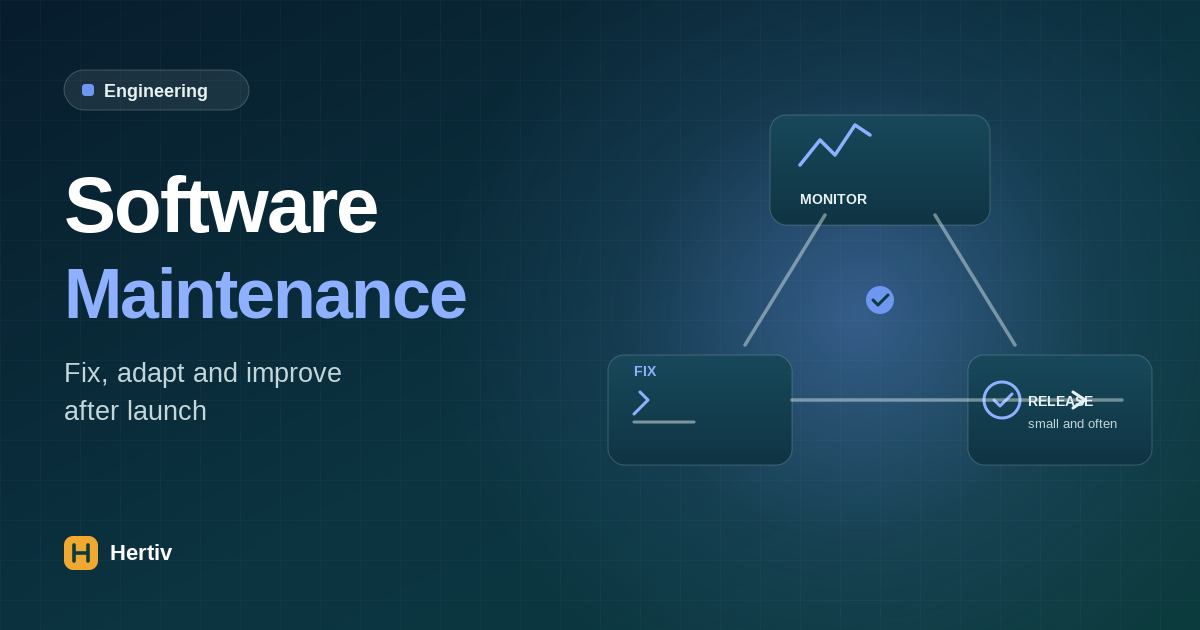
The maintenance loop is the repeating cycle of watching, deciding, fixing and releasing that keeps a live system healthy. It runs all the time, not just when something breaks.
- Monitor. Watch errors, speed, uptime and user reports so problems are found early.
- Triage. Sort new issues by impact: what stops users working, what affects a few, and what can wait.
- Fix. Repair the issue, add a test that would have caught it, and check the fix in a copy of the live system first.
- Release. Ship the fix in a small, reversible release and watch the same monitors for new problems.
- Review. Look at what broke and why, so the same class of problem is less likely next time.
The loop works best when releases are small and frequent. A small release is easy to check and easy to undo, while a large release that bundles many fixes is harder to test and harder to roll back. For the testing side of the loop, see what system testing is.
What does a maintenance plan include?
A maintenance plan is a written agreement about what will be looked after, how quickly problems get a response, and who does the work. Without one, maintenance happens only when someone has spare time, which means it rarely happens at all.
A good plan covers the scope, meaning which systems and features are included and which are not. It sets response times for different severities, so a payment failure gets attention in hours while a cosmetic issue waits for the next release.
The plan should also cover regular work that is not a response to a bug: security patches, dependency updates, backups, performance checks and documentation. This routine work is what stops the system from slowly falling behind.
Finally, the plan needs a budget and an owner. Maintenance needs hours every month, and someone must be responsible for deciding what gets fixed first. A plan without hours or an owner is just a wish list.
Example (hypothetical): a booking app that stopped being maintained
Example (hypothetical): a small hotel chain runs a booking app built two years ago. The app works, so nobody budgets time for it. Then the payment provider changes its rules, and the app's payment library is too old to support the new rules.
The team has to rush. It updates the payment library, which forces an update of the framework, which breaks three other parts of the app. Testing takes two weeks because there are no automated tests. During that time, new bookings fall, because the old payment flow fails for some cards.
The total cost is higher than a year of steady maintenance would have been. If the team had spent four hours a month on updates, the payment library would have been current, and the rule change would have needed a small change instead of a rebuild.
After the incident, the chain agrees a maintenance plan: four hours a week for updates and monitoring, a monthly review of errors, and a rule that no library goes more than three months without an update. The app is not new, but it is now looked after.
What are the common mistakes?
The most common software maintenance mistakes are treating it as an afterthought, fixing only what users report, and letting updates pile up until they become a project of their own.
- No budget for maintenance. If nobody pays for it, it does not happen, and the system falls behind.
- Only fixing reported bugs. Users report a fraction of problems. Monitoring finds the rest.
- Letting updates pile up. A year of skipped updates is a rebuild, not a maintenance task.
- No tests for fixes. A fix without a test can break again in the next release without anyone noticing.
- Big, rare releases. Large releases are hard to check and hard to undo when something goes wrong.
- Nobody owns it. When maintenance is everyone's job, it is nobody's job.
How to plan and budget for maintenance
You plan and budget for software maintenance by counting the systems you run, the risks they carry, and the hours needed to keep them current, then protecting those hours from new feature work.
Start with an inventory: every live system, who uses it, what it depends on, and when it was last updated. Systems with no owner and no recent update are the highest risk.
Next, set a regular rhythm. A common pattern is a small weekly slot for patches and monitoring, a monthly review of errors and performance, and a quarterly check of dependencies and security. Small and regular beats large and rare.
For budgeting, teams often reserve a share of development time for maintenance rather than a fixed sum, because the work varies. The exact share depends on the system's age and importance, but the key point is that it is planned, not borrowed from feature work when time allows. For the cost side, see what software maintenance costs.
Key takeaways
- Maintenance is the ongoing work that keeps live software correct and secure
- There are four types: corrective, adaptive, perfective and preventive
- A small, regular loop of monitor, fix and release beats rare big releases
- Skipped updates pile up until they become a rebuild
- A maintenance plan needs scope, response times, hours and an owner
Frequently asked questions
When does software maintenance start?
Maintenance starts the day software goes live. From that point, the code, the data and the world around it keep changing, so the software needs regular care to stay correct, secure and useful.
What is the difference between maintenance and support?
Maintenance is the work itself: fixing bugs, patching, adapting and improving the software. Support is the service around that work, such as help for users and agreed response times. The two usually go together.
How much time should maintenance take?
It depends on the system's age, size and importance. A common pattern is a small weekly slot for patches and monitoring, plus a monthly review. The exact hours matter less than making them regular and protected.
Is maintenance only about fixing bugs?
No. Fixing bugs is only one of four types. Maintenance also adapts software to new systems and laws, improves features based on real use, and prevents problems by replacing old parts before they fail.
What happens if software is never maintained?
It slowly stops working well. Security holes go unpatched, updates pile up, and small problems grow into outages. Eventually a forced change, such as a payment rule update, turns into a costly rebuild.
Who should own software maintenance?
One named person or team should own it, with hours set aside each week. When maintenance is everyone's job in theory, it is nobody's job in practice, and the system is the thing that suffers.


