What Is RFQ Automation? How Quote Requests Speed Up
RFQ automation turns quote requests into a system: suppliers are invited, quotes are collected and compared, and the buyer picks a winner without chasing emails.
On this page
Short answer
RFQ automation is software that runs the request-for-quotation process: it sends quote requests to chosen suppliers, collects their prices and terms in one place, compares them on the same criteria, and records the decision. It replaces email threads and spreadsheets with a repeatable flow, so buyers spend their time judging offers instead of chasing them.
What is RFQ automation?
RFQ automation is software that manages requests for quotation from drafting to award. A request for quotation, or RFQ, is a formal ask to suppliers: here is what we need, tell us your price and terms. Automation handles the sending, collecting, comparing and filing of those replies.
Manual RFQs run on email and spreadsheets. A buyer writes the request, sends it to a list of suppliers, waits for replies in different formats, then copies prices into a sheet to compare them. Each step depends on someone remembering to do it.
| Step | Manual RFQ | Automated RFQ |
|---|---|---|
| Send request | Separate emails per supplier | One request to all suppliers |
| Collect quotes | Inbox, mixed formats | Structured form, one place |
| Compare offers | Copy prices into a sheet | Side-by-side comparison |
| Remind suppliers | Buyer remembers to chase | Automatic reminders |
| Record decision | Filed email, if filed | Audit trail, every step logged |
The point is not to remove the buyer. It is to remove the admin work around the buyer, so the judgement about which supplier wins stays human while the chasing and copying disappear.
How does RFQ automation work?
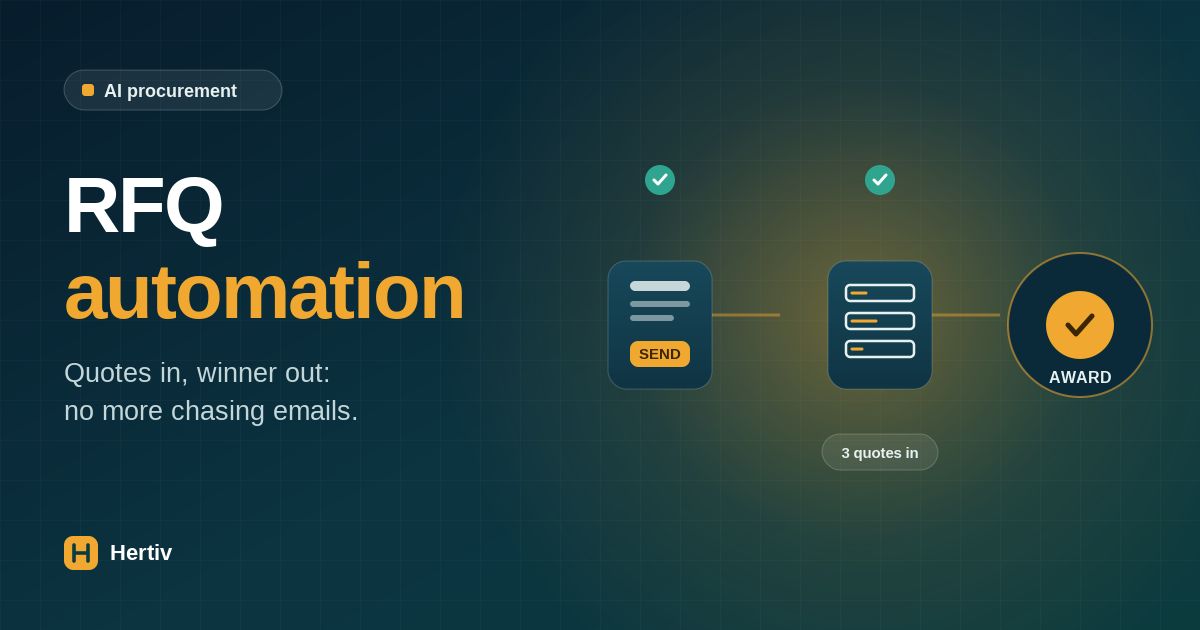
RFQ automation follows a fixed flow. The buyer defines what is needed once, and the system carries the request through to a decision with the same steps every time.
- The buyer creates the RFQ with items, quantities, delivery dates and terms, often from a template.
- The system invites the right suppliers, based on category, past performance or location.
- Suppliers reply through a structured form, so prices and terms arrive in the same format.
- The system compares offers side by side on price, delivery, payment terms and compliance.
- The buyer picks a winner, and the system notifies suppliers and files the record.
AI features sit on top of this flow in newer tools: drafting the request from a purchase order, flagging quotes that look off, and suggesting suppliers from past orders. The core flow stays the same with or without them.
Teams that already use AI agents for procurement often add RFQ automation first, because the quote step is the most repetitive part of buying.
Where does RFQ automation help most?
RFQ automation helps most where quote requests are frequent, similar and time-sensitive. If a team sends the same kind of request every week, the savings add up fast.
Common fits include indirect goods such as office supplies and packaging, raw materials with volatile prices, logistics and freight, maintenance services, and IT hardware. In each case the buyer already knows what good looks like, so comparing offers is mechanical.
It helps less for one-off, complex purchases where the specification itself is the work, such as a custom machine or a consulting engagement. There the buyer still needs long conversations with suppliers before any price makes sense.
Manufacturing, retail and construction teams see the fastest returns, because they request quotes for similar items again and again.
What data does an RFQ system need?
An RFQ system needs clean data about items, suppliers and past prices. Without it, the automation sends vague requests and compares offers that do not match.
The item list matters most: clear descriptions, quantities, units and delivery dates. A request that says "steel bolts" will get ten different answers; a request that names the grade, size and quantity gets comparable ones.
Supplier data matters next: who supplies what, their contact details, past prices and on-time record. The system uses this to pick whom to invite and to flag quotes that are far from past prices.
Finally, the system needs the rules: who approves which spend, what terms are acceptable, and which suppliers are approved. Those rules turn a quote comparison into a decision the business can defend.
Example (hypothetical): a buyer automates 40 quote requests
Example (hypothetical): a buyer at a small factory requests quotes for packaging materials 40 times a month. Each manual request takes about 45 minutes: writing the email, chasing replies, and copying prices into a sheet. That is 40 times 45 minutes, or 30 hours a month.
With automation, the buyer spends about 10 minutes per request: picking a template, checking the supplier list, and reviewing the comparison. That is 40 times 10 minutes, or about 7 hours a month. The saving is roughly 23 hours a month, or nearly three working days.
The buyer also gets fewer errors. Quotes arrive in the same format, so the comparison no longer depends on reading five different email layouts. Late replies fall too, because the system reminds suppliers automatically before the deadline.
The arithmetic is simple, but the result depends on the templates being right. If the item descriptions are vague, the quotes will not be comparable, automated or not.
What should you check before you automate RFQs?
Check the basics before buying a tool. Automation speeds up a process; it does not fix a broken one.
- Item data: are descriptions, units and quantities consistent across your catalogue?
- Supplier list: do you know who supplies what, and are their contacts current?
- Approval rules: who signs off at each spend level, and are the rules written down?
- Volume: do you send enough similar requests for the saving to cover the tool?
- Integration: can the tool read your purchase orders and write back to your finance system?
Run a pilot on one category for a month. If the comparison is clean and suppliers reply on time, expand. If quotes still arrive in mixed formats, fix the templates before adding more categories.
Cost is worth checking early: enterprise procurement software cost varies widely, so price the tool against the hours you expect to save.
What are the common mistakes?
Most RFQ automation failures come from rushing the setup, not from the software. Teams automate a vague process and then blame the tool for vague quotes.
- Automating before item descriptions are consistent
- Inviting too many suppliers, which buries the buyer in replies
- Comparing on price alone and ignoring delivery and payment terms
- Skipping the approval step, so nobody owns the decision
- Letting the system pick the winner with no human review
- Forgetting to tell suppliers the format has changed
Keep the buyer in the loop at the decision step. Automation should prepare the comparison; the person should make the call.
Key takeaways
- RFQ automation runs the quote process from request to award.
- It helps most for frequent, similar purchases with clear specs.
- Clean item and supplier data decide whether quotes are comparable.
- Start with one category and expand only after the pilot works.
- The buyer still makes the decision; the system prepares it.
Frequently asked questions
What does RFQ stand for?
RFQ stands for request for quotation. It is a formal request sent to suppliers asking for their price and terms for specific goods or services, so the buyer can compare offers on the same basis.
How is RFQ automation different from e-procurement?
E-procurement covers the whole buying process, from requisition to payment. RFQ automation covers one part of it: sending quote requests, collecting replies and comparing offers. Many e-procurement tools include RFQ automation as a module.
Can small businesses use RFQ automation?
Yes. Small teams often gain the most, because one buyer handles many categories. A simple tool with templates and supplier reminders is enough; the team does not need the full enterprise suite to start.
Do suppliers like automated RFQs?
Most do, once they know the format. A structured form is clearer than a free-text email, and automatic reminders help them reply on time. Tell suppliers the format has changed before the first automated request goes out.
What happens if a supplier replies outside the system?
The buyer can still record the quote manually, but it weakens the comparison. Better to ask the supplier to resubmit through the form, so every offer is judged on the same fields and the audit trail stays complete.
Does RFQ automation pick the cheapest supplier?
No. It compares offers side by side, but the buyer picks the winner. Price is one factor; delivery time, payment terms, past performance and compliance all belong in the decision.


