What Is an AI Copilot, and How Does It Work?
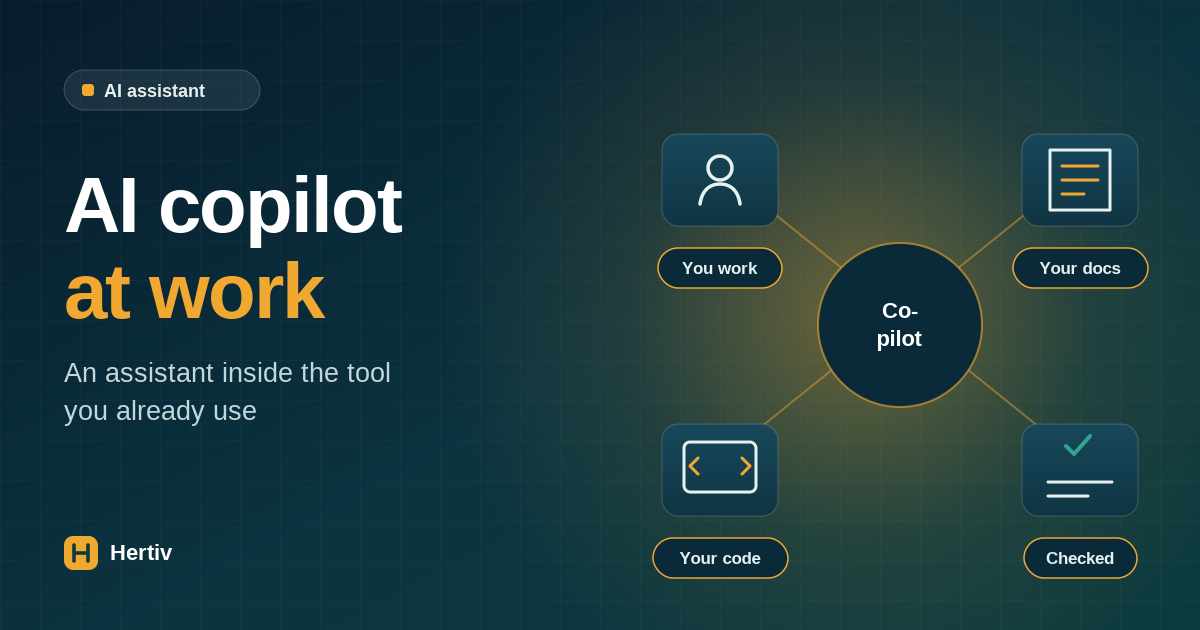
An AI copilot is an assistant that works beside you inside the tool you already use, drafting, suggesting and checking while you stay in charge of the final call.
On this page
Short answer
An AI copilot is an AI assistant built into a tool you already use, such as a code editor, a support console or a document app, that suggests the next step while you stay in control. It reads the context of your current task, offers a draft or a suggestion, and you accept, edit or reject it. Unlike a standalone chatbot, it works where the work already happens.
What is an AI copilot?
An AI copilot is an AI assistant that works inside the software you already use, suggesting the next step while you stay in charge. It watches the context of your current task, such as the code you are writing or the ticket you are answering, and offers a draft, a suggestion or a check. You decide what to accept.
The name comes from the cockpit: the pilot flies the plane and the copilot helps with tasks, checks and suggestions. The same idea applies here. The copilot does not take over the job. It handles the routine parts so the person can focus on judgement, and it never sends anything out without a human in the loop.
| Copilot type | Where it lives | What it suggests |
|---|---|---|
| Code copilot | Code editor | Code, tests, fixes |
| Support copilot | Helpdesk console | Replies, summaries |
| Writing copilot | Document app | Drafts, rewrites |
| Sales copilot | CRM | Follow-ups, briefs |
| Data copilot | Spreadsheet or BI tool | Formulas, charts |
Copilots differ from general chatbots in one important way: they see the work. A chatbot answers a question you type, while a copilot sees the file, the ticket or the record you have open and makes a suggestion about that specific task. That shared context is what makes the suggestion useful instead of generic. If you want the wider picture, read AI copilot use cases next.
How does an AI copilot work?
An AI copilot works by reading the context of your current task, sending the relevant parts to a language model, and showing you a suggestion you can accept or change. The model does not see your whole system, only the document, ticket or code you are working on and the rules your team set.
A typical interaction looks like this:
- You open a task, such as a support ticket or a code file, and the copilot reads the context.
- You ask for help, or the copilot offers a suggestion on its own, such as a reply draft.
- The model generates a suggestion using your documents, past answers or code patterns.
- You review the suggestion, edit it if needed, and send or save the final version.
- The system logs what was suggested and what you changed, so the team can improve it.
Good copilots ground their suggestions in your own data. A support copilot pulls from your help centre, a code copilot reads your codebase, and a sales copilot reads the CRM record. Without that grounding, the suggestions are generic and often wrong. The other key part is the review step: the copilot drafts, the person decides.
Where do AI copilots help most?
AI copilots help most where the work is repetitive, the volume is high and a human already reviews the output. Support, coding, sales follow-up and document drafting are the usual starting points, because a bad suggestion is caught before it reaches a customer.
In support, a copilot drafts replies from past tickets and the help centre, so agents answer faster and with a consistent tone. In coding, it suggests the next lines of code, writes simple tests and explains unfamiliar code. In sales, it drafts follow-up emails from call notes and prepares a short brief before each meeting.
Copilots also help new team members. A junior agent can see a good draft before writing their own, and a new developer can ask the copilot to explain a part of the codebase. The copilot acts as a patient colleague who has read the whole manual. It does not replace training, but it shortens the time it takes to do useful work.
The pattern to look for is a task where the output is checked anyway. If a human reviews every reply, every code change or every document before it ships, a copilot can safely speed that work up. If the output goes out unchecked, a copilot is the wrong tool.
What can a copilot do, and what can it not do?
A copilot can draft, summarise, suggest and check. It can write a first version of a reply, turn a long ticket thread into a short summary, suggest the next lines of code, or flag a likely mistake in a document. It is good at the routine parts of a task and at finding the right passage in a large set of documents.
It cannot take responsibility for a decision. A copilot does not know your customer, your contract terms or your internal politics, and it can be confident about a wrong answer. It cannot judge whether a refund is fair, whether a clause is risky, or whether a code change is safe in production. Those calls need a person who understands the context and the consequences.
A copilot also cannot work with data it cannot see. If your help centre is out of date, your code has no tests, or your CRM notes are thin, the suggestions will reflect that. The quality of the copilot follows the quality of the material it reads. For the boundary between copilots and fully autonomous tools, see AI copilot vs AI agent.
Example: a support team adds a copilot
Example (hypothetical): a support team of 10 agents handles 200 tickets a day. Each ticket takes about 5 minutes to answer, so the team spends 200 x 5 = 1,000 minutes, or about 16 hours and 40 minutes, on replies each day.
The team adds a copilot to the helpdesk. The copilot drafts a reply from the help centre and past tickets, and each agent reviews and edits the draft before sending. Review takes about 2 minutes per ticket, so the team now spends 200 x 2 = 400 minutes, or about 6 hours and 40 minutes, on replies. That saves about 10 hours a day across the team.
The team uses the saved time for the hard tickets: billing disputes, angry customers and cases that need a phone call. Ticket volume stays the same, but the answers are more consistent and the agents have time for the work that needs a person. The copilot did not replace anyone; it moved the routine work to the machine and the judgement work to the people.
What are the common mistakes?
The most common AI copilot mistakes are giving it too much freedom, feeding it stale data, and rolling it out without measuring whether it helps.
- Letting it send without review. A copilot that messages customers directly will eventually send a wrong answer. Keep a human in the loop.
- Stale source material. If the help centre or the codebase is out of date, the suggestions will be too. Clean the sources first.
- No evaluation. If you do not track edit rates, time saved or error rates, you cannot tell whether the copilot helps or just looks busy.
- Too broad a rollout. Starting with every team at once means every problem arrives at once. Start with one team and one workflow.
- Ignoring permissions. A copilot that can read every document may surface private information in a suggestion. Scope what it can see.
How to start with an AI copilot
You start with an AI copilot by picking one workflow where output is already reviewed, then testing the copilot on real work with a small group before rolling it out further.
- Pick one workflow. Support replies, code suggestions or document drafting are good first choices because the output is checked.
- Clean the sources. Remove duplicate and outdated help articles, and make sure the copilot reads current material.
- Set the rules. Decide what the copilot can see, what it can draft, and what it must never send on its own.
- Run a small pilot. Give it to a few people for two to four weeks and track time saved, edit rate and errors.
- Review and decide. If the pilot saves real time without new errors, expand to more people. If not, fix the sources first.
Building a copilot into your own product is a different job from buying one for your team. If you are adding a copilot to software you sell, AI copilot development covers the integration and permission model.
Key takeaways
- An AI copilot is an assistant inside the tool you already use, not a separate chat window
- Copilots draft and suggest while a human reviews and decides, which keeps quality under control
- They work best on repetitive tasks where output is already checked, such as support replies and code
- A copilot is only as good as the documents and data it can read, so clean sources come first
- Start with one workflow and a small pilot, and measure time saved and error rate before expanding
Frequently asked questions
What is the difference between an AI copilot and a chatbot?
A chatbot answers questions in a separate chat window, while a copilot works inside the tool where the task happens, such as a code editor or a helpdesk console, and sees the current file or ticket. A copilot suggests the next step for that specific task, and the person accepts or edits it before anything is sent.
Can an AI copilot replace support agents?
No. A copilot drafts replies and summarises tickets, but it cannot judge a fair refund, handle an angry customer or take responsibility for a wrong answer. It saves time on routine tickets so agents can spend more time on the cases that need judgement and a personal touch.
Do AI copilots need training data?
They need access to your own documents, such as help articles, past tickets or code, so their suggestions are grounded in your material. Most teams do not train a model from scratch; they connect a copilot to existing content and set rules for what it can see and draft.
Are AI copilot suggestions private?
That depends on the product and its settings. Some copilots send context to a cloud model, while others run inside your own environment. Check where the data goes, what is stored, and whether the vendor uses your data to train other models before you roll one out.
How do you know if a copilot is working?
Track three things on a fixed sample of real work: time per task, how much of each draft gets edited, and how often a suggestion is wrong. If time falls and errors do not rise, the copilot is helping. If the edit rate stays high, the sources or the prompts need work.
What does an AI copilot cost?
Costs vary by product and by how much it is used, since most vendors charge per user or per suggestion. Ask the vendor for its current pricing page and check what is included, such as the number of users, the model used and any data limits, before you commit.


