Web3 Antivirus: How It Protects Wallets and dApps
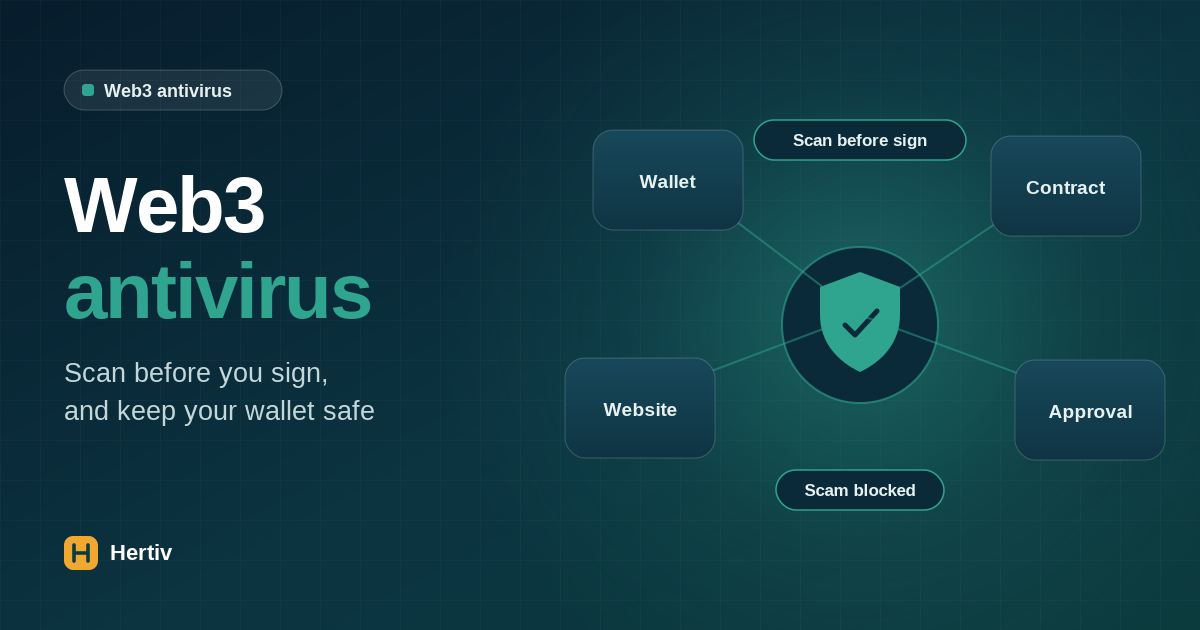
Web3 antivirus checks wallets, smart contracts, links and transactions for scams before you sign. It blocks phishing sites and flags risky contracts.
On this page
Short answer
Web3 antivirus is software that checks wallets, smart contracts, links and transactions for scams and malware before you approve them. It works like antivirus for the web, but instead of scanning files it scans the things a crypto user actually touches: token approvals, contract addresses, website links and transaction requests.
What Web3 antivirus is
Web3 antivirus is a layer of protection between a user and the blockchain. When a user is about to sign a transaction, approve a token or connect a wallet to a website, the tool checks the request against lists of known scams, scans the smart contract for risky code and warns the user before anything is signed. The check takes a second and happens before money can move.
Ordinary antivirus looks for malicious files on a computer. Web3 antivirus looks for malicious behaviour on the chain: a contract that can drain a wallet, a website that copies a real exchange, or a token approval that gives away unlimited spending rights. The threats are different, so the checks are different too.
Most Web3 antivirus tools work as a browser extension or a wallet add-on. They sit beside the wallet and inspect each request as it arrives. Some also scan a user's past approvals and list the ones that should be revoked. Learn the basics of what Web3 is if the terms wallet, contract and dApp are new to you.
What Web3 antivirus checks
A Web3 antivirus tool checks four things before a user signs anything: the website, the contract, the transaction and the token approval. Each check catches a different kind of attack, and together they cover most of the scams users meet.
| Check | What it looks for | Attack it stops |
|---|---|---|
| Website check | Fake or copied sites | Phishing pages |
| Contract scan | Risky or hidden code | Drainer contracts |
| Transaction review | What the signature really does | Hidden transfers |
| Approval review | Unlimited spending rights | Token theft later |
| Address check | Known scam addresses | Payments to scammers |
The website check is often the most useful. Many scams start with a link that looks like a real exchange or a real NFT mint, and the tool warns the user before the wallet connects. A quick look at how blockchain works helps explain why a signed transaction cannot be undone.
How the checks work
The tool combines three sources of information. First, blocklists of known scam addresses, contracts and websites, kept up to date by the vendor and by the community. Second, automated scans of smart contract code that look for risky patterns, such as a function that lets the owner take all funds. Third, simulation: the tool runs the transaction in a safe copy of the chain and shows what would actually happen.
Simulation is the strongest check. A transaction request can hide its real effect behind confusing wording, but a simulation shows the outcome in plain terms: which tokens leave the wallet, which tokens arrive, and which approvals change. If the simulation shows the wallet losing funds with nothing coming back, the user has a clear reason to stop.
No tool is perfect. New scams appear faster than blocklists update, and a contract can hide risky code in ways a scan misses. The tool is a warning system, not a guarantee, and it works best alongside careful habits.
Protecting wallets and approvals
The most common way users lose funds is a token approval. Many dApps ask for unlimited approval to spend a token, which means the contract can move any amount at any time. A Web3 antivirus tool lists these approvals and flags the unlimited ones, so the user can revoke the ones they no longer need.
Good practice is to approve only the amount a transaction needs, and to revoke approvals for dApps you no longer use. Some wallets now let users set a spending limit per approval, which limits the damage if a contract turns out to be malicious. The antivirus tool reminds the user to do this and shows which approvals are still open.
Hardware wallets add another layer. When a transaction must be confirmed on a separate device, a scammer who controls the browser still cannot sign it. Web3 antivirus and a hardware wallet together cover more attacks than either one alone. Wallet safety is a core part of how crypto wallets are developing.
Limits of Web3 antivirus
Web3 antivirus cannot protect against every attack. It cannot stop a user who willingly sends funds to a scammer after a convincing conversation, and it cannot fix a contract that is honest but badly written. It also cannot recover funds once a transaction is signed, because blockchain transactions cannot be reversed.
False alarms are another limit. A new and honest project may be flagged because it looks like a past scam, or because its contract uses a pattern the scanner does not recognise. Users who ignore every warning because of false alarms lose the protection entirely, so vendors tune their tools to keep false alarms low.
The tool also depends on its own lists and servers. If the vendor stops updating its blocklist, protection fades fast. Pick a tool that is actively maintained and check its update history before relying on it.
How to use Web3 antivirus in six steps
Setting up Web3 antivirus takes minutes, and the habit of reading its warnings takes a little longer. The steps below cover both the setup and the daily habit.
- Install a Web3 antivirus extension from the official store, not from a link.
- Connect it to your wallet and let it scan your past approvals.
- Revoke unlimited approvals for dApps you no longer use.
- Read the simulation before signing any transaction.
- Stop and check if a warning appears, even on a site you trust.
- Review your approvals once a month and remove the ones you do not need.
The monthly review matters most. Approvals pile up over time, and each open approval is a door into the wallet. A short monthly check closes the doors you forgot about.
Example (hypothetical): a fake mint site is stopped
Example (hypothetical): a user clicks a link promising a free NFT mint from a project they follow. The site looks right, and the wallet asks them to sign a transaction to mint the NFT. Before the signature, the Web3 antivirus tool runs its checks.
The website check finds that the site's address is one letter different from the real project site. The contract scan finds a function that lets the owner move all tokens from any connected wallet. The simulation shows the result plainly: the wallet would lose 3 tokens and receive nothing in return.
The user cancels the signature and reports the site. In the same week, the user signs 200 genuine transactions and the tool flags 3 of them: 2 are real scams and 1 is a false alarm on a new project. The tool's warning saved the user's funds, and the false alarm cost only a minute of checking.
Common mistakes with Web3 antivirus
The most common mistake is installing the tool from a link instead of the official store. Scammers copy antivirus tools too, and a fake extension is worse than no extension at all. Always install from the browser's official extension store or the vendor's own site.
Another mistake is ignoring warnings. Users who click through every warning because they are in a hurry lose the protection they installed the tool for. A warning is a reason to pause, not a hurdle to skip.
A third mistake is trusting the tool completely. Web3 antivirus catches many scams, but new ones appear every day. Keep the basics too: check website addresses by hand, never share a seed phrase, and never sign a transaction you do not understand.
Key takeaways
- Web3 antivirus checks sites, contracts and transactions before you sign.
- Simulation shows what a transaction really does, in plain terms.
- Revoke unlimited token approvals you no longer need.
- Install only from the official store, never from a link.
- The tool warns; you still decide whether to sign.
Frequently asked questions
What is Web3 antivirus?
Web3 antivirus is software that checks wallets, smart contracts, links and transactions for scams and malware before you approve them. It blocks phishing sites, flags risky contracts and shows what a transaction would really do before you sign it.
Is Web3 antivirus the same as normal antivirus?
No. Normal antivirus scans files on your computer for malware. Web3 antivirus scans blockchain activity: contract code, token approvals, website addresses and transaction requests. The threats are different, so the checks are different.
Can Web3 antivirus recover stolen crypto?
No. Once a transaction is signed and confirmed, it cannot be reversed on a blockchain. Web3 antivirus prevents losses by warning you before you sign, not by recovering funds afterwards.
Do I need Web3 antivirus if I use a hardware wallet?
It still helps. A hardware wallet stops a scammer from signing without the device, but it does not tell you whether the transaction itself is a scam. Web3 antivirus explains what the transaction does, so you can decide before confirming it on the device.
What is a token approval?
A token approval lets a smart contract move a set amount of a token from your wallet. Many dApps ask for unlimited approval, which means the contract can move any amount at any time. Reviewing and revoking approvals limits what a bad contract can take.
Are free Web3 antivirus tools safe?
Some are, but install them only from the official browser extension store or the vendor's own site. Scammers copy popular security tools, so a tool installed from a random link may itself be malicious.


