Top Machine Learning Vendors: 6 to Compare
Machine learning vendors differ in managed services, tooling and pricing, so the right pick depends on your data and team. Here are six well-known vendors compared.
On this page
Short answer
Machine learning vendors are companies that provide platforms, tools or managed services for building, training and running machine learning models. The best-known vendors differ in how much they manage for you, which clouds they support, and how they price, so the right choice depends on where your data lives and what your team can run itself.
Which machine learning vendors should you compare?
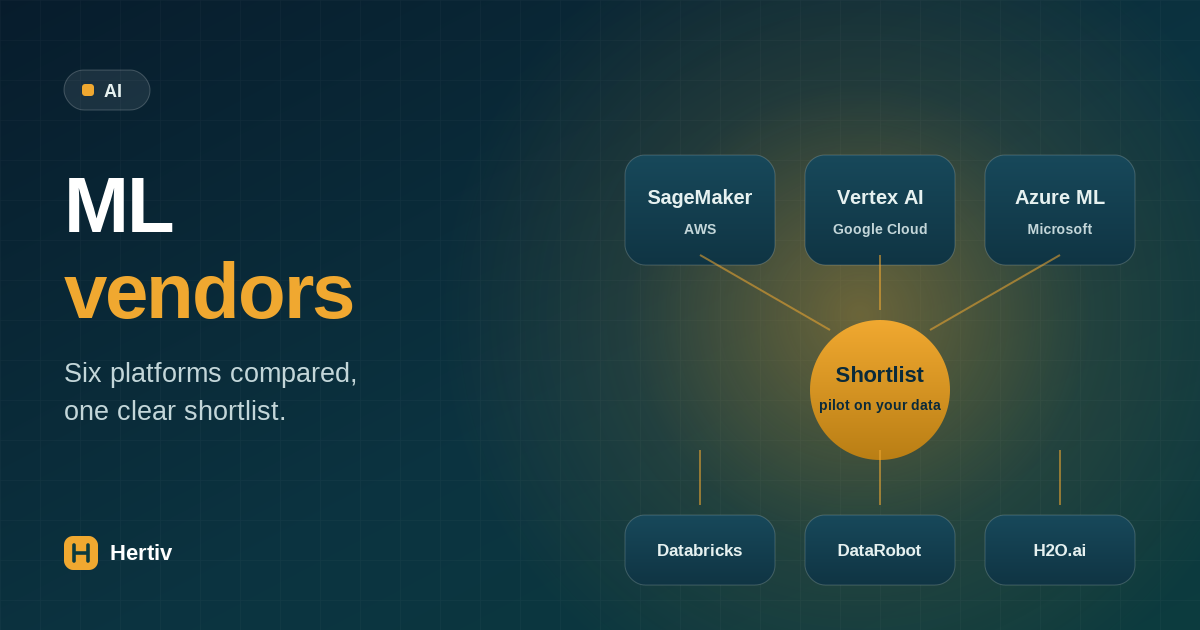
Start with vendors that run models at scale today and publish clear documentation and pricing. A short list of six covers the main approaches: full cloud platforms, a data platform with built-in machine learning, and specialist AutoML providers.
| Vendor | Main strength | Best for | Cloud fit |
|---|---|---|---|
| AWS SageMaker | Broad managed tooling | Teams already on AWS | AWS |
| Google Vertex AI | Managed training and serving | Teams already on Google Cloud | Google Cloud |
| Microsoft Azure ML | Enterprise controls | Teams already on Azure | Azure |
| Databricks | Data plus model workflows | Teams with large data lakes | Multi-cloud |
| DataRobot | Guided AutoML | Teams with few ML specialists | Cloud or on-premise |
| H2O.ai | Open AutoML tooling | Teams that want open tools | Cloud or on-premise |
None of these vendors is the right answer for every team. The comparison below looks at what each one does well and where it falls short, so you can match a vendor to your data, your cloud and your team. For the basics, what machine learning is explains the ideas behind these tools.
1. AWS SageMaker: best for teams already on AWS
1. AWS SageMaker: best for teams already on AWS
AWS SageMaker is Amazon's managed machine learning service. It covers data labelling, training, tuning and deployment in one place, and it connects directly to AWS storage, databases and security controls, which removes a lot of plumbing for teams already running on AWS.
The trade-off is breadth. SageMaker has many parts, and learning which ones you need takes time. Teams that use only a small part of AWS may find a simpler tool faster to start with.
Pros:
- Deep integration with AWS storage and security
- Covers the full workflow from labelling to deployment
- Wide choice of instance types and managed training
Cons:
- Many parts to learn before the first model runs
- Costs need care, since training and endpoints bill separately
- Least attractive outside AWS
2. Google Vertex AI: best for teams already on Google Cloud
2. Google Vertex AI: best for teams already on Google Cloud
Google Vertex AI is Google Cloud's managed machine learning platform. It brings training, tuning, deployment and monitoring together, and it pairs well with BigQuery for teams whose data already lives there.
Vertex AI suits teams that want a managed path from a notebook to a production endpoint without running their own training clusters. Teams outside Google Cloud get less value from it, since the strongest integrations are with Google services.
Pros:
- Managed training, tuning and serving in one place
- Strong pairing with BigQuery and Google storage
- Built-in monitoring for deployed models
Cons:
- Best value only inside Google Cloud
- Some advanced features need time to learn
- Pricing varies by region and usage, so check the vendor site
3. Microsoft Azure Machine Learning: best for enterprise controls
3. Microsoft Azure Machine Learning: best for enterprise controls
Microsoft Azure Machine Learning is Azure's managed service for building and running models. It fits organisations that already use Microsoft tools, with identity, access and audit controls that match enterprise rules.
It covers the standard workflow: data, training, evaluation and deployment, with workspaces that keep experiments organised. Teams that run on Azure get the most from it, since the integrations with Azure data and identity services do much of the setup work.
Pros:
- Strong identity and audit controls for regulated teams
- Workspaces keep experiments and models organised
- Good fit for teams already on Azure and Microsoft 365
Cons:
- Heavier setup than simpler AutoML tools
- Less useful outside Azure
- Costs need tracking across training and endpoints
4. Databricks: best for teams with large data lakes
4. Databricks: best for teams with large data lakes
Databricks is a data and AI platform built around large-scale data processing. Its machine learning features sit on top of the same lakehouse where teams already store and process data, so models train close to the data instead of moving it elsewhere.
It suits teams that already run data pipelines on Databricks and want model training, tracking and serving in the same place. Smaller teams without a data lake may find it more than they need.
Pros:
- Models train where the data already lives
- Strong experiment tracking and model registry
- Works across the major clouds
Cons:
- Needs a data platform mindset to get full value
- More setup than a single-purpose AutoML tool
- Pricing depends on compute, so check the vendor site
5. DataRobot: best for teams with few ML specialists
5. DataRobot: best for teams with few ML specialists
DataRobot is a specialist AutoML platform that guides teams from data to a deployed model. It tries many model types, ranks them by measured performance, and explains which features mattered, which helps teams without a large machine learning staff.
It suits business teams that need working models quickly and want guardrails around model quality. Teams that want full control over custom training may find the guided path too narrow.
Pros:
- Guided workflow from data to deployment
- Model explanations help non-specialists trust results
- Works in cloud or on-premise setups
Cons:
- Less room for custom training code
- Licensing costs need a direct quote, so check the vendor site
- Guided path may not fit research-heavy teams
6. H2O.ai: best for teams that want open tools
6. H2O.ai: best for teams that want open tools
H2O.ai offers open-source AutoML tooling alongside a managed cloud. Its open tools let teams train and compare models without a licence, and the managed cloud adds deployment and monitoring for teams that want support.
It suits teams that value open source and want to keep their options open. Teams that want a fully managed service with no infrastructure thinking may prefer a cloud platform instead.
Pros:
- Open-source AutoML with no licence needed to start
- Managed cloud available for teams that want support
- Runs in cloud or on-premise
Cons:
- Open tools need more setup than a managed service
- Smaller managed ecosystem than the big clouds
- Support and pricing differ between open and managed use
How to choose a machine learning vendor
You choose a machine learning vendor by starting from your data, your cloud and your team, not from the vendor list. The vendor that fits your stack is usually cheaper and faster than the one with the longest feature list.
- List where your data lives. Write down the systems, clouds and regions that hold the data the models will use, and rule out vendors that cannot reach it.
- Test on your own data. Give each shortlisted vendor the same real dataset and compare accuracy, training time and ease of deployment.
- Check data and access controls. Confirm who can see what, how data is logged, and whether the provider trains on your data. For regulated work, AI governance controls should be checked early.
- Work out the real cost. Estimate usage from a pilot, including training, storage and serving, not just model calls. See vendor site for current pricing.
- Plan the exit. Ask how your models, data and evaluations would move if you switched vendors, and avoid designs that only work on one platform.
A short pilot on real work tells you more than a sales demo. For teams planning a first machine learning project, machine learning development work usually starts with a small pilot on one workflow.
For the wider tooling picture, top LLM tools covers the language-model side.
What are the common mistakes?
The most common vendor mistakes are choosing on brand alone, skipping the pilot, and ignoring cost controls.
- Buying the most famous platform. A well-known platform can be the wrong fit for your data, your cloud or your budget.
- Skipping the pilot. A demo on the vendor's data says little about accuracy on yours. Test on your own data first.
- No cost guardrails. Training and serving costs grow fast when a model is rolled out widely. Set budgets and alerts from day one.
- Ignoring data rules. If the vendor cannot show where data goes and who can see it, legal and security teams will block the rollout later.
- Locking in too early. Building only for one vendor's features makes switching painful. Keep models and evaluations portable.
Key takeaways
- Start from where your data lives, then pick the vendor that reaches it
- Cloud platforms fit teams already on that cloud; specialist AutoML fits teams with few ML specialists
- A pilot on your own data beats a sales demo for every vendor
- Count training, storage and serving costs, not just model calls
- Keep models and evaluations portable so switching vendors stays possible
Frequently asked questions
What is a machine learning vendor?
A machine learning vendor is a company that sells a platform, tools or managed services for building, training and running machine learning models. Vendors range from full cloud platforms to specialist AutoML providers, and they differ in how much they manage for you.
Do I need a vendor, or can I build my own stack?
You can build your own stack from open-source tools, but you then run training, serving, monitoring and security yourself. A vendor manages much of that for you. Small teams usually gain from a vendor, while large teams with ML engineers may prefer to build.
How much does a machine learning vendor cost?
Costs vary by vendor, usage and region, and most vendors price training, storage and serving separately, so check the vendor site for current plans. Estimate from a pilot on real usage, and set budgets and alerts before rolling out widely.
Can I switch machine learning vendors later?
Yes, but it is easier if you keep your data, models and evaluations portable. Avoid building only on one vendor's special features, and keep training data and test sets in formats you control.
What is AutoML?
AutoML is software that automates parts of model building: trying model types, tuning settings and ranking results by measured performance. It helps teams with few ML specialists get working models, though it gives less control than hand-written training code.
Which vendor is best for a first machine learning project?
The vendor that fits your existing cloud and data is usually best for a first project, because setup is faster and your team already knows the platform. Run a small pilot on one workflow, measure accuracy and cost, and expand only when the pilot works.


