Top Computer Vision Companies Worth a Shortlist
The computer vision companies worth shortlisting have proven deployments, clear pricing and support that answers. This list compares six firms on what they do best.
On this page
Short answer
The top computer vision companies are the firms with proven deployments in real businesses, clear documentation and support that answers when a model misbehaves. This list compares six of them on what each does best, what it costs to start and where it falls short, so a team can shortlist two or three and run a pilot instead of reading sales pages.
Which computer vision companies are worth shortlisting?
The computer vision companies worth shortlisting are the ones with proven deployments in real businesses, clear documentation and support that answers when a model misbehaves. The field has many vendors, but only a few have run their models in production for years across retail, manufacturing and healthcare.
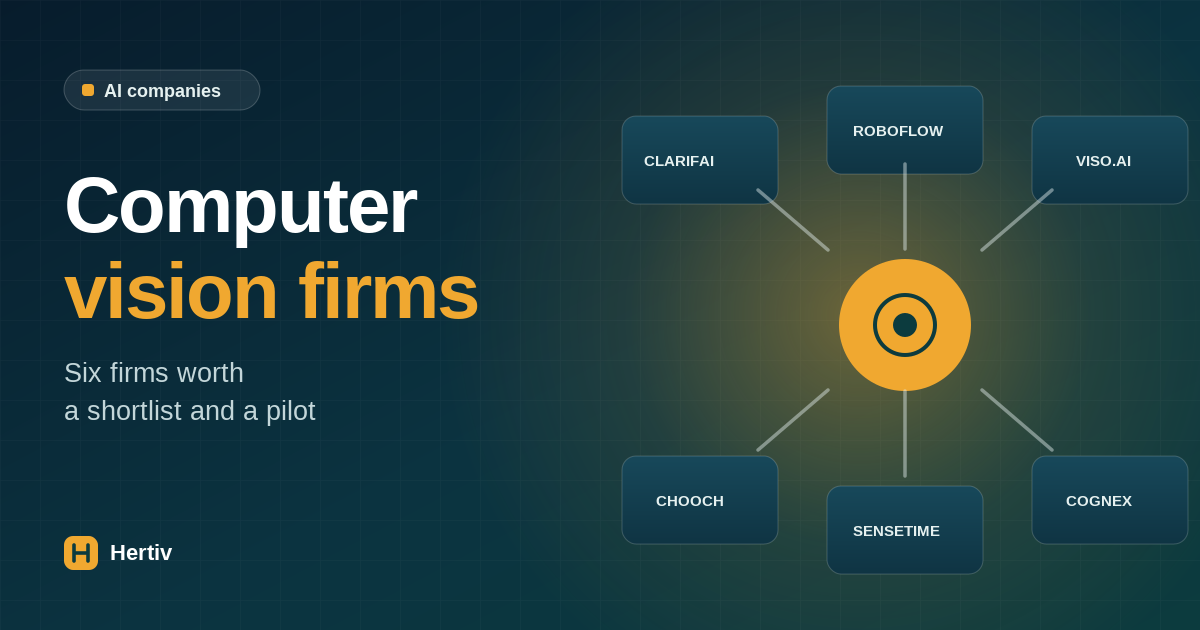
The six firms below cover different strengths. Some are platforms for building and training models, some are specialists in one industry, and some sell ready-made vision products. The table gives a quick comparison; the sections below explain what each one is best for and what to watch out for.
| Company | Best for | Starting point | Watch out for |
|---|---|---|---|
| Clarifai | General-purpose vision APIs | Cloud API | Pricing grows with volume |
| Roboflow | Training custom models | Dataset and training tools | Needs labelled data |
| Viso.ai | Edge and on-site vision | Edge platform | Hardware setup takes time |
| Chooch | Video analytics at scale | Cloud video platform | Best for large camera fleets |
| SenseTime | Large-scale face and city systems | Enterprise platform | Availability varies by region |
| Cognex | Factory inspection | Machine vision hardware | Industrial focus only |
No prices are listed here because vendors change them and most quote per project. Ask each shortlisted firm for a written quote and check their pricing page, or write "see vendor site" in your notes. The rest of this guide explains what each company does and where it fits.
<h3>1. Clarifai: best for general-purpose vision APIs</h3>
Clarifai is a platform that offers ready-made vision models through an API, covering image recognition, moderation, visual search and face detection. A team can send an image to the API and get back labels, boxes and scores without training a model first.
It suits teams that need vision quickly and do not have a machine learning team. The models are general-purpose, so they work well for common tasks like tagging product photos or checking user uploads, but they are less accurate on specialist tasks such as reading a specific industrial gauge.
- Pros: ready-made models, quick to start, clear API documentation
- Cons: pricing grows with volume, limited control over the model
<h3>2. Roboflow: best for training custom models</h3>
Roboflow is a set of tools for building custom vision models, from labelling images to training and deploying the result. It is built for teams that have their own images and want a model trained on them, rather than a general-purpose API.
It suits product teams that need to detect something specific, such as a defect on their own production line or a crop disease in their own fields. The labelling tools are the strongest part, and the platform handles the training pipeline so the team does not need to build one.
- Pros: strong labelling tools, training handled for you, good for custom detection
- Cons: needs labelled data to start, costs rise with dataset size
<h3>3. Viso.ai: best for edge and on-site vision</h3>
Viso.ai is a platform for running vision models on devices at the site, rather than in the cloud. Cameras and sensors process images locally, which keeps video on site and reduces the delay of sending every frame to a server.
It suits factories, warehouses and retailers that need real-time checks without sending video to the cloud. The platform manages the models on each device and updates them centrally, so a team can run the same model across many sites.
- Pros: runs on site, low delay, video stays local
- Cons: hardware setup takes time, needs on-site devices
<h3>4. Chooch: best for video analytics at scale</h3>
Chooch is a video analytics platform that runs vision models over camera feeds at scale, covering uses such as counting people, tracking vehicles and spotting unusual behaviour. It is built for organisations with many cameras and a need to search across them.
It suits airports, retailers and city operators that already have cameras and want to get more from them. The platform is designed for large fleets, so a small deployment with a handful of cameras will not use most of what it offers.
- Pros: built for many cameras, search across feeds, real-time alerts
- Cons: best for large fleets, setup needs planning
<h3>5. SenseTime: best for large-scale face and city systems</h3>
SenseTime is a large AI company that builds vision systems for face recognition, city monitoring and smart retail, mostly for enterprise and government clients. Its models are trained on very large datasets and are designed for deployments with thousands of cameras.
It suits organisations that need vision at city or national scale and can run a long procurement process. Availability varies by region, and the sales process is enterprise-grade, so a small team will find the engagement model too heavy.
- Pros: proven at very large scale, deep research team, full platform
- Cons: availability varies by region, enterprise sales process
<h3>6. Cognex: best for factory inspection</h3>
Cognex is a machine vision company that sells cameras, sensors and software for factory inspection, covering tasks such as reading codes, checking labels and spotting defects on a production line. It is hardware-first, with software built around its own devices.
It suits manufacturers that need reliable inspection on a line running at speed. The systems are built for industrial conditions, with rugged hardware and support for factory networks, but they are not designed for general-purpose vision tasks outside a plant.
- Pros: built for factory lines, rugged hardware, reliable at speed
- Cons: industrial focus only, tied to its own hardware
How to choose a computer vision company
Choosing a computer vision company starts with the task, not the vendor. Write down what the camera must decide, how often it must decide it and what happens when it is wrong, then match the vendor to that task.
- Define the decision. A model that counts people needs different accuracy from one that reads a safety label. Write the decision down before talking to vendors.
- Test on your own images. Ask each shortlisted firm to run a pilot on your images, not on their demo set. Accuracy on your data is the only number that matters.
- Check the data rules. Ask where images are stored, how long they are kept and whether the vendor trains on your data. Get the answers in writing.
- Count the full cost. Include cameras, labelling, training, hosting and support, not just the licence fee. A cheap API can become expensive at volume.
- Plan the fallback. Every vision system needs a human who can check a flagged result. Ask the vendor how the fallback works in their product.
Run a pilot with two firms if you can. A two-week test on your own images will tell you more than a month of sales calls, and it gives you a real comparison to show the team that will use the system. The same discipline applies to other vision work, as the computer vision startup ideas show in smaller teams.
What are the common mistakes?
The most common mistakes when choosing a computer vision company are picking by brand, skipping the pilot and ignoring the data rules.
- Picking the biggest name. A large vendor is not the best fit for every task. A specialist in factory inspection will beat a general platform on a production line, even if the general platform is better known.
- Skipping the pilot. A demo on the vendor's images proves nothing about your images. Insist on a pilot with your own data before signing.
- Ignoring data rules. If the vendor stores your images or trains on them, that needs to be in the contract. Ask before signing, not after.
- Underestimating labelling. A custom model needs labelled images, and labelling takes time. Budget for it or the project will stall before training starts.
- No fallback plan. A model will make mistakes. If nobody is assigned to check flagged results, the system will either block work or be ignored.
For a sense of how teams test vision models before buying, see how to test AI models before you commit to a vendor.
The wider computer vision use cases show where the technology already works in production.
Key takeaways
- Shortlist by task, not by brand: the best vendor is the one that fits your images and your decision
- Run a pilot on your own images with two firms before signing
- Count the full cost: cameras, labelling, training, hosting and support
- Get data storage and training rules in writing before any images move
- Every vision system needs a human fallback for flagged results
Frequently asked questions
What is the best computer vision company?
There is no single best one. The right choice depends on the task: Clarifai suits general APIs, Roboflow suits custom training, Viso.ai suits on-site vision and Cognex suits factory lines. Shortlist by task, then pilot on your own images.
How much does a computer vision system cost?
It depends on cameras, labelling, training and hosting. A small API pilot can cost little, while a factory deployment with hardware and support costs much more. Ask each shortlisted firm for a written quote that covers the full system.
Do I need labelled data to use computer vision?
Only for custom models. Ready-made APIs work without your own labels, but a model trained to detect something specific to your business needs labelled examples of it. Budget time for labelling or the project will stall.
Can computer vision run without the cloud?
Yes. Edge platforms run models on devices at the site, which keeps video local and reduces delay. This suits factories and retailers that need real-time checks, though it needs hardware on site.
How accurate is computer vision?
Accuracy depends on the task, the images and the model. A model that counts people in good light can be very accurate, while one that reads a damaged label in poor light will make mistakes. Test on your own images before deciding.
What happens when the model is wrong?
A person should check the flagged result. Every deployment needs a fallback: a staff member who can confirm or override the model's answer. Without one, a wrong result can block work or be ignored entirely.


