Structured Outputs in LLMs: How Models Return Clean JSON
Structured outputs make an LLM return JSON that matches a schema you define, so your code can read the fields directly instead of parsing free text.
On this page
Short answer
Structured outputs in LLMs are answers that come back in a fixed shape, usually JSON matching a schema you define, instead of free text. You name the fields, their types and which are required, and the model must return data that fits that shape, so your code can read the fields directly without parsing words.
What are structured outputs in LLMs?
Structured outputs in LLMs are answers that come back in a fixed shape — usually JSON that matches a schema you define — instead of free text. You tell the model the fields, their types and which are required, and the model must return data that fits that shape, or the call fails rather than returning something almost right.
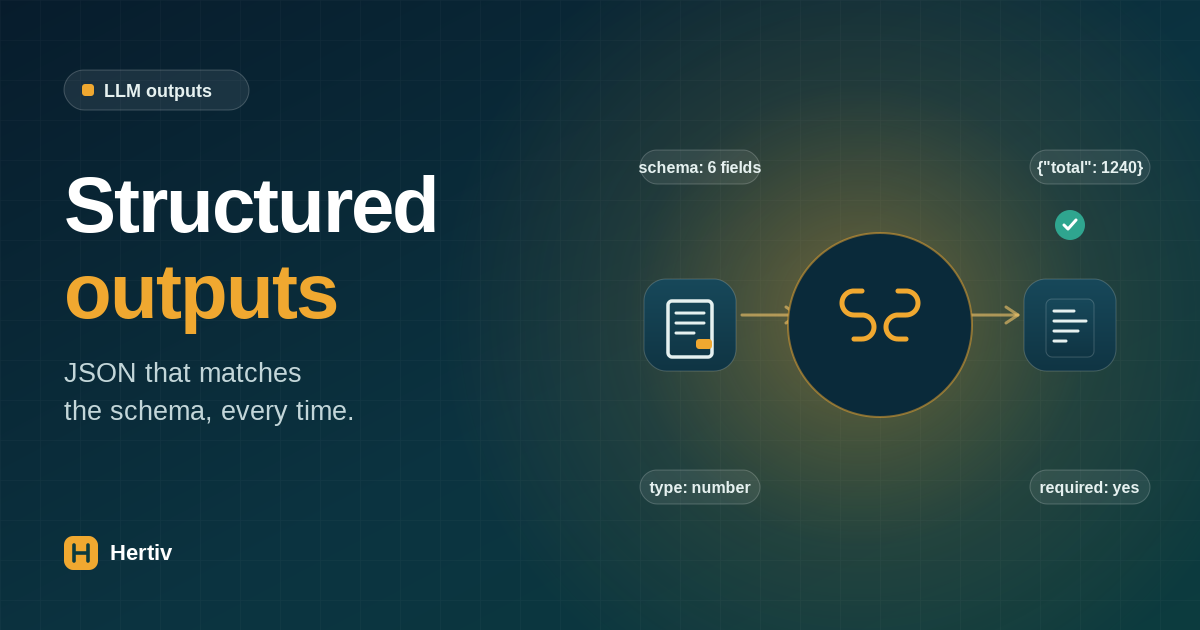
The problem they solve is simple: free text is easy to read and hard to use. A model that writes "the invoice total is 1,240" leaves your code to find the number, strip the words and hope the format never changes. A structured output returns {"total": 1240} every time, so your code can read the field directly and move on.
Three ways of getting data from a model are often confused, and the differences matter.
| Approach | What you get | Guarantee |
|---|---|---|
| Free text | Words in any shape | None; parsing is your problem |
| Structured output | JSON matching your schema | Shape is enforced by the model |
| Function calling | A named call with arguments | Shape enforced; the model picks the tool |
| Prompted JSON | JSON if the model cooperates | None; the model may drift |
Structured outputs sit between free text and function calling: you get the guarantee of a fixed shape without asking the model to choose a tool. That makes them the right choice when you need data, not an action.
How does a schema shape the answer?
A schema shapes the answer by naming every field the model must return, the type of each field, and which fields are required. A schema for an invoice might ask for invoice_number as a string, total as a number, currency as a short string, and line_items as a list of objects with description and amount. The model then fills that shape and nothing else.
The schema also sets the limits. You can say a field must be one of a few values — paid, unpaid or overdue — so the model cannot invent a fourth. You can require a date in a set format, or a number within a range. Each rule removes one way the answer can drift, and the fewer ways it can drift, the less code you need to defend against bad data.
Keep schemas small. A schema with six fields is easy for a model to fill correctly; a schema with sixty fields invites mistakes, because the model must hold the whole shape in mind while it reads the document. If the data is large, split it: one call for the header fields, another for the line items, each with its own small schema.
Name fields the way a person would. A field called total_amount is clearer than tot, and a clear name helps the model put the right value in the right place. Add a one-line description to any field whose meaning could be read two ways, such as whether total includes tax.
What happens when the model breaks the schema?
When a model breaks the schema under structured outputs, the call fails cleanly instead of returning bad data. The provider checks the output against your schema before returning it, and if a required field is missing or a type is wrong, you get an error you can handle — retry the call, fall back to a person, or log the failure.
That clean failure is the point. With free text, a bad answer looks like a good one until it breaks something downstream: a missing field crashes a report, a wrong type corrupts a database row, an invented value gets billed. A schema failure is loud and early, which is exactly what you want in a pipeline that runs without a person watching.
Retries should be limited and counted. One retry with the same prompt sometimes fixes a borderline case, but a document that fails three times is usually a document the model cannot read — a scan too blurry, a layout it has never seen, a language it handles badly. Send those to a person instead of burning calls on them.
Log every failure with the input that caused it. A pile of failed documents usually shares one cause — one supplier's format, one field that is always missing — and fixing that cause beats retrying each document one at a time. Function calling uses the same idea of a fixed shape for a different job; what function calling is explains when to use a tool call instead.
Where do structured outputs help most?
Structured outputs help most where a model reads messy input and your system needs tidy data: extracting fields from invoices, contracts, forms and emails; classifying support tickets into a fixed set of categories; pulling facts from a report into a database; or turning a free-text note into a record with named fields.
They also help where one model's output feeds another step. A first call that extracts the key facts in a fixed shape lets a second call reason about those facts without re-reading the whole document. The shape becomes the contract between the steps, and each step can be tested on its own.
They help less where the answer is genuinely open-ended. A summary, a draft email or a creative suggestion does not fit a fixed schema, and forcing one onto it adds work for no gain. If the consumer of the output is a person reading it, free text is the right shape.
The test is simple: if the next step is code, use a structured output. If the next step is a person, use free text. Mixed cases — a person reviewing machine-filled fields — still benefit from structure, because the reviewer can check each field against the source instead of reading a paragraph and hunting for the numbers.
How do you design a schema that works?
Designing a schema that works is mostly about restraint. Start with the smallest set of fields the next step actually needs, and add fields only when a real use case asks for them. Every field you add is another chance for the model to put the wrong value in the right box.
- List the fields the next step reads, and nothing else.
- Give each field a plain name and a type, and mark the ones that must always be present.
- Use fixed value lists for fields with few options, such as status or category.
- Add a one-line description to any field whose meaning could be read two ways.
- Test the schema on twenty real examples and fix the fields that come back wrong or empty.
The twenty-example test is the step most teams skip, and it is the one that saves the most trouble. Real documents contain the edge cases — the invoice with two totals, the form with a blank field, the email that mentions three dates — and the schema that survives twenty real examples is the one that survives production.
Version your schemas. When the next step needs a new field, add it as optional first, watch it fill correctly for a week, and only then make it required. Changing a required field without warning breaks every document already in flight. A practical guide to wiring the calls themselves is in how to implement function calling, which covers the same retry and validation habits.
Example (hypothetical): extracting fields from 500 invoices
Example (hypothetical): a finance team receives 500 invoices a month and types the key fields into its system by hand, taking about 3 minutes per invoice. Hand entry costs 500 × 3 = 1,500 minutes, or 25 hours a month.
The team switches to structured outputs with a six-field schema: invoice number, date, supplier, total, currency and due date. The model fills 490 invoices cleanly at about 5 seconds each: 490 × 5 = 2,450 seconds, about 41 minutes. Ten invoices fail validation and go to a person, taking 3 minutes each: 10 × 3 = 30 minutes.
Total time is about 41 + 30 = 71 minutes, against 1,500 minutes by hand, saving about 1,429 minutes, or close to 24 hours a month. The ten flagged invoices are the ones a person should have looked at anyway — blurry scans and unusual formats — and the other 490 now carry a record of exactly what the model returned.
The team keeps the schema small on purpose. It does not ask for line items in the same call, because line items would double the schema and the failure rate. Line items get their own call with their own schema, run only for the invoices that need them.
What are the common mistakes?
The most common mistakes with structured outputs are schemas that are too big, fields with no clear meaning, and trusting the shape so much that nobody checks the values.
- Sixty-field schemas. A huge schema invites mistakes; split large data into several small calls.
- Vague field names. A field called value tells the model nothing; name it total_including_tax.
- Trusting shape over value. A schema guarantees the shape, not the facts; the total can still be wrong.
- No retry limit. A document that fails three times needs a person, not a fourth call.
- Silent failures. If failures are not logged with their input, the same cause fails a hundred documents.
- Changing required fields live. A new required field breaks every document already in flight.
Structured outputs do one thing well: they turn a model's answer into data your system can trust enough to use without reading it first. Keep the schema small, test it on real examples, and check the values, not just the shape. For teams building agents that act on model output, AI agent development covers the guardrails that sit around these calls.
Key takeaways
- Structured outputs return JSON that matches your schema, not free text.
- The shape is enforced; a bad answer fails loudly instead of slipping through.
- Keep schemas small — six fields beat sixty.
- Test on twenty real examples before going live.
- A schema guarantees shape, not facts; check the values too.
Frequently asked questions
What are structured outputs in LLMs?
They are model answers returned in a fixed shape, usually JSON matching a schema you define, so your code can read named fields directly instead of parsing free text. The shape is fixed before the call, not discovered after it.
How are they different from function calling?
Structured outputs return data in a fixed shape. Function calling also returns a fixed shape, but the model chooses which tool to call, so it fits actions rather than plain data extraction.
What happens if the model breaks the schema?
The call fails cleanly with an error you can handle: retry once, fall back to a person, or log the failure. Bad data never reaches your system disguised as good data, which is the whole point of the guarantee.
Do structured outputs make the answers correct?
No. They guarantee the shape of the answer, not the facts inside it. A total can still be wrong, so always validate the values against the source document before using them.
When should I not use them?
When the answer is open-ended — a summary, a draft or a creative suggestion — free text is the right shape, because no fixed set of fields fits the answer.
How many fields should a schema have?
As few as the next step needs, often around six. Large schemas invite mistakes, so split big data into several small calls with their own schemas, and test each one on real examples.


