SRM Software for Business: What It Does and How to Choose
SRM software helps a business manage its suppliers: onboarding, contracts, performance and risk in one place. Here is what it covers and how to pick the right tool.
On this page
Short answer
SRM software, short for supplier relationship management software, helps a business manage its suppliers in one place: onboarding, contracts, performance, risk and spending. Instead of tracking suppliers in spreadsheets and inboxes, a team gets a shared record of who supplies what, how well they perform and where the risks sit, so buying decisions are based on facts rather than habit.
What is SRM software?
SRM software is software that helps a business manage its suppliers across their whole relationship, from first contact to renewal or exit. It keeps supplier records, contracts, performance scores and risk signals in one shared system that procurement, finance and operations can all see.
The name comes from supplier relationship management, the discipline of treating suppliers as partners to manage rather than vendors to chase. The software supports that discipline by making supplier information visible, comparable and up to date.
A small business may start with a supplier list and a contract folder. As the supplier count grows, that breaks down: nobody knows which contracts are expiring, which suppliers missed deliveries, or which ones carry a compliance risk. SRM software is the step that replaces that patchwork with a single source of truth.
It is not the same as an accounting system or an ERP. Those record what was bought and paid. SRM software records how the supplier relationship is going, and whether the business should keep, grow or replace it.
What does SRM software cover?
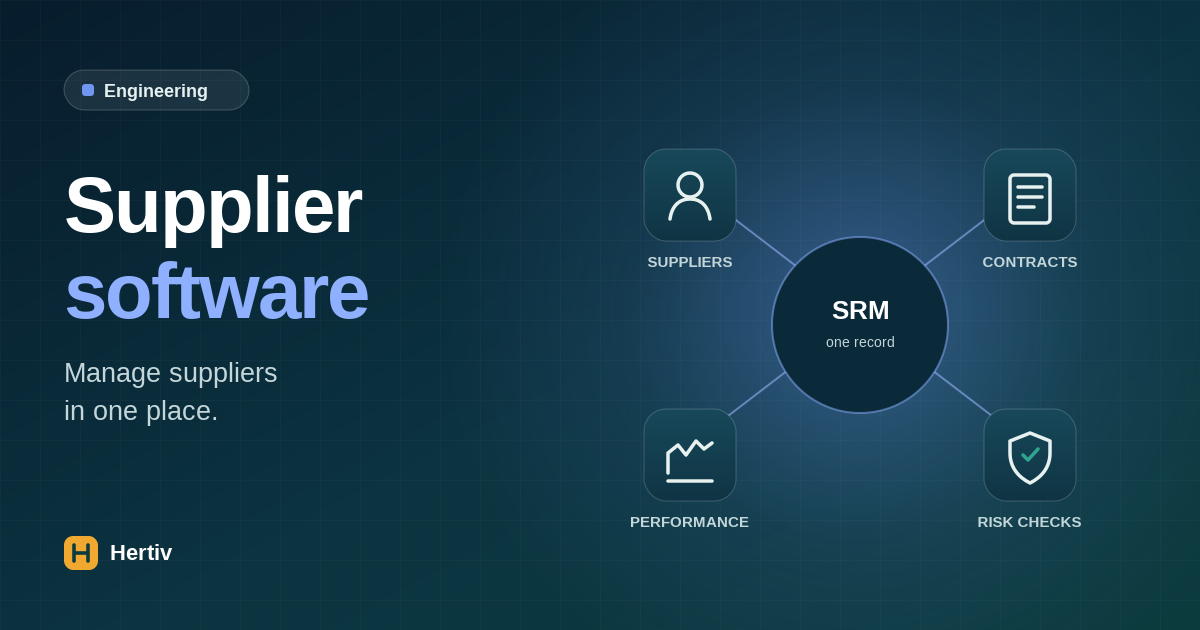
SRM software covers the full supplier lifecycle. The table below sets out the main areas and what each one does for the business.
| Area | What it does | Why it matters |
|---|---|---|
| Onboarding | Collects tax, bank and compliance documents | New suppliers start trading faster |
| Contracts | Stores terms, dates and renewal alerts | No contract expires unnoticed |
| Performance | Scores delivery, quality and responsiveness | Weak suppliers are visible early |
| Risk | Flags financial, geographic and compliance risk | Problems are caught before they bite |
| Spend | Shows what the business buys from each supplier | Volume can be pooled for better terms |
| Collaboration | Shared tasks, messages and documents | Fewer emails and missed handoffs |
Onboarding is usually the first area teams notice. A new supplier can take weeks to set up when documents travel by email. A structured onboarding flow with checklists and reminders can cut that to days, and it leaves an audit trail for compliance.
Performance scoring is the area that changes behaviour. When delivery times and defect rates are scored the same way for every supplier, the team can compare them fairly and raise problems with evidence instead of anecdotes.
How is SRM different from procurement software?
SRM software is different from procurement software because procurement software manages buying, while SRM software manages the supplier relationship that sits behind the buying. Procurement covers requisitions, purchase orders and invoices; SRM covers onboarding, performance, risk and renewal.
The two overlap in the middle. A purchase order system needs supplier records, and an SRM system needs spend data. Many vendors sell both in one suite, and the boundary between them is often a marketing choice rather than a technical one.
A useful test is the question each tool answers. Procurement software answers what was bought, from whom, at what price and when it was paid. SRM software answers whether that supplier is reliable, compliant and worth keeping, and what the business should do about it.
Small teams often start with procurement and add SRM features as the supplier base grows. A team with fewer than twenty suppliers can usually manage with a procurement tool and a shared supplier list. Once the count passes fifty, or once a single supplier failure can stop production, a dedicated SRM view becomes hard to do without.
How to choose SRM software
You choose SRM software by starting from your supplier list and your biggest pain, not from a feature list. The tool should fix the problem you actually have, whether that is slow onboarding, missed renewals or invisible supplier risk.
- Map your suppliers. Count them, sort them by spend and criticality, and note which ones carry compliance or delivery risk. This tells you how much structure you need.
- List must-have features. Pick the three or four areas that matter most, such as onboarding, contract alerts or performance scoring, and treat the rest as nice to have.
- Check integrations. The tool must connect to your accounting or ERP system and your email, or the team will keep two records and trust neither.
- Trial with real data. Load ten real suppliers, including one difficult one, and run a full onboarding and a renewal through the trial. A demo with sample data hides the hard parts.
- Check the pricing model. Some tools charge per user, others per supplier or per module. Work out the cost at your real supplier count, not the starter tier.
Ask vendors how they handle supplier self-service, because suppliers who can update their own documents save your team the chasing. Also ask how data leaves the tool, since a system you cannot export from becomes a trap over time.
Example (hypothetical): a manufacturer cuts supplier risk
Example (hypothetical): a manufacturer buys parts from 120 suppliers, and 40 of them are critical, meaning a late delivery stops the line. Supplier records live in spreadsheets, and contract renewals are tracked by one person in a shared calendar.
The team adopts SRM software and loads all 120 suppliers with contracts, delivery history and compliance documents. Onboarding for a new supplier falls from six weeks to two, because documents are requested through a checklist instead of by email.
Performance scoring flags three suppliers with repeated late deliveries in the first quarter. The team moves 15% of the volume from the worst performer to a second source, and late deliveries fall from 12 a quarter to 4. The review cycle for critical suppliers drops from 90 days to 30, so problems are raised while there is still time to act.
The arithmetic is simple: 120 suppliers, 40 critical, 3 flagged early, 8 fewer late deliveries a quarter. The saving is not the software cost, it is the production hours that no longer stop because a part did not arrive.
What are the common mistakes?
The most common SRM software mistakes are buying before mapping suppliers, loading bad data, and treating the rollout as a procurement project instead of a change in how the team works with suppliers.
- Buying on features, not on pain. A long feature list does not help if the tool cannot fix your onboarding delay or your missed renewals.
- Loading dirty data. Duplicate supplier records and out-of-date contracts carry the old mess into the new system. Clean the data first.
- No owner. Without one person responsible for supplier data quality, the system decays within months and the team stops trusting it.
- Skipping supplier self-service. If suppliers cannot update their own documents, your team spends its time chasing paper instead of managing risk.
- Measuring nothing. Set two or three measures before rollout, such as onboarding time and late deliveries, so the team can tell whether the tool is working.
How to roll out SRM software
You roll out SRM software in phases, starting with one supplier group and one workflow, then expanding once the team trusts the data. A big-bang rollout across all suppliers usually stalls on data cleaning.
Phase one is onboarding and contracts for the critical suppliers. Load their records, set renewal alerts and run new suppliers through the checklist. Phase two adds performance scoring and risk flags, using delivery and quality data the business already holds.
Phase three is supplier self-service and spend analysis. Suppliers update their own documents, and the team can see total spend per supplier and per category for the first time. Each phase should run for a month before the next starts, so problems are found while they are small.
If the rollout needs custom fields or integrations, a custom software development partner can build the connectors.
Once the data is clean, AI agents for procurement can take over routine supplier chasing and free the team for higher-value work.
Key takeaways
- SRM software manages suppliers across onboarding, contracts, performance, risk and spend in one place
- Procurement software manages buying; SRM software manages the relationship behind the buying
- Choose by your biggest pain, not by a feature list, and trial with real supplier data
- Clean supplier data before loading it, or the new system inherits the old mess
- Roll out in phases, starting with critical suppliers, and measure onboarding time and late deliveries
Frequently asked questions
What does SRM stand for?
SRM stands for supplier relationship management. It is the discipline of managing suppliers as partners over time, covering onboarding, contracts, performance, risk and renewal, rather than treating each purchase as a separate transaction.
Is SRM software only for large companies?
No. Small businesses with twenty or more suppliers can benefit, especially when one supplier failure would stop work. The difference is scale: a small team needs onboarding and contract alerts, while a large team also needs risk scoring and spend analysis.
How is SRM different from a CRM?
A CRM manages customers and sales, while SRM manages suppliers and buying. Both track relationships, but the data, the workflows and the risks are different. A business that buys and sells at scale usually needs both, kept separate.
How long does an SRM rollout take?
A first phase covering onboarding and contracts for critical suppliers usually takes four to eight weeks, including data cleaning. Full rollout with scoring, risk flags and supplier self-service can take three to six months, depending on supplier count and integrations.
What does SRM software cost?
Pricing varies by vendor and model: per user, per supplier or per module. Work out the cost at your real supplier count and user count, and see the vendor site for current prices, since list prices change and discounts depend on term and volume.
Can SRM software replace spreadsheets?
Yes, for supplier records, contracts and performance. The point is a single shared record that everyone trusts. Spreadsheets still have a place for one-off analysis, but they should not be the system of record for suppliers.


