Software Testing Process: The Steps Teams Follow
A software testing process runs from planning to reporting, and each phase has a clear exit check. Follow the steps in order and bugs get caught before users do.
On this page
Short answer
The software testing process is the ordered set of steps a team follows to check that software works: plan what to test, design test cases, set up the environment, run the tests, report defects, and sign off the release. Each step has an entry condition that must be true before it starts and an exit condition that must be true before the team moves on.
What is the software testing process?
The software testing process is the ordered sequence a team follows to check that software behaves as intended. It starts with planning, moves through test design and execution, and ends with a release decision based on evidence, not on a feeling that the code looks ready.
The process matters because testing without structure misses things. A team that jumps straight to running tests has no record of what was covered, no way to say which areas are risky, and no shared definition of "done". The table below shows the phases in order.
| Phase | What happens | Exit check |
|---|---|---|
| Planning | Scope, risks, tools and schedule | Test plan approved |
| Design | Test cases and test data | Cases reviewed and traced to requirements |
| Setup | Test environment and data | Environment matches production closely |
| Execution | Run tests, log results | Planned cases run, results recorded |
| Defect handling | Report, fix, retest | No open blocking defects |
| Sign-off | Review evidence, decide | Release decision recorded |
This process is separate from the testing approach itself. The approach is the method you choose, such as unit, integration or system testing, while the process is the order of work around it. See software testing methodologies for how teams pick an approach.
How do you plan testing before you write tests?
You plan testing by first listing what the release must do, what could go wrong, and how much time the team has. The plan then says which areas get the most attention and which tests run first.
Start with the requirements or user stories for the release. For each one, note the risk if it fails: a broken checkout costs more than a misaligned button. Rank the areas by risk, and put the highest-risk areas at the top of the test list.
The plan also names the tools, the test data, and who does what. It states how defects are reported, how often the team reviews progress, and what counts as a blocker. A short plan that everyone has read beats a long plan that sits unread. The plan should also say which tests are automated and which are manual, because the two kinds need different preparation.
How do you design test cases?
You design test cases by turning each requirement into a small check with a clear input, a clear action, and a clear expected result. A good test case can be run by someone who did not write it.
Each case needs a name, the steps to follow, the data to use, and the result that counts as a pass. Include the unhappy paths too: wrong passwords, empty fields, expired cards, and slow networks. Most real bugs live in these paths, not in the happy path.
Trace each case back to the requirement it checks. If a requirement has no case, it is untested, and the team should know that before release. Keep cases short and independent, so one failing case does not block the rest. Review the cases with a second person, because the author of a case often shares the same blind spot as the author of the code.
How do you run tests and report defects?
You run tests in the order the plan sets, starting with the highest-risk areas, and you record the result of every case. A test that was not recorded is a test that did not happen.
When a case fails, write a defect report with the steps to reproduce it, the data used, what you expected, and what actually happened. Add a screenshot or log where it helps. A report that a developer cannot reproduce will sit untouched, so the steps matter more than the severity label.
Fixed defects go back for retesting, and the team also runs the surrounding tests again to check the fix did not break something else. This retest step is part of regression testing, and it is what keeps a late fix from creating a new bug. Track the count of open defects by severity each day, so the release decision rests on numbers.
What are entry and exit criteria?
Entry criteria are the conditions that must be true before a phase starts, and exit criteria are the conditions that must be true before it ends. They stop a team from testing code that is not ready or releasing software that is not checked.
Typical entry criteria for test execution are that the build installs cleanly, the test environment is up, and the planned test cases are reviewed. If any of these is missing, the team fixes the blocker first instead of running tests that will fail for the wrong reason.
Typical exit criteria are that all planned cases have run, all blocking defects are fixed and retested, and the remaining known defects are documented with owners. The team should agree on these criteria during planning, not on release day. When the criteria are met, the release decision is a short review of the evidence, not a debate.
Example (hypothetical): testing a food-delivery app
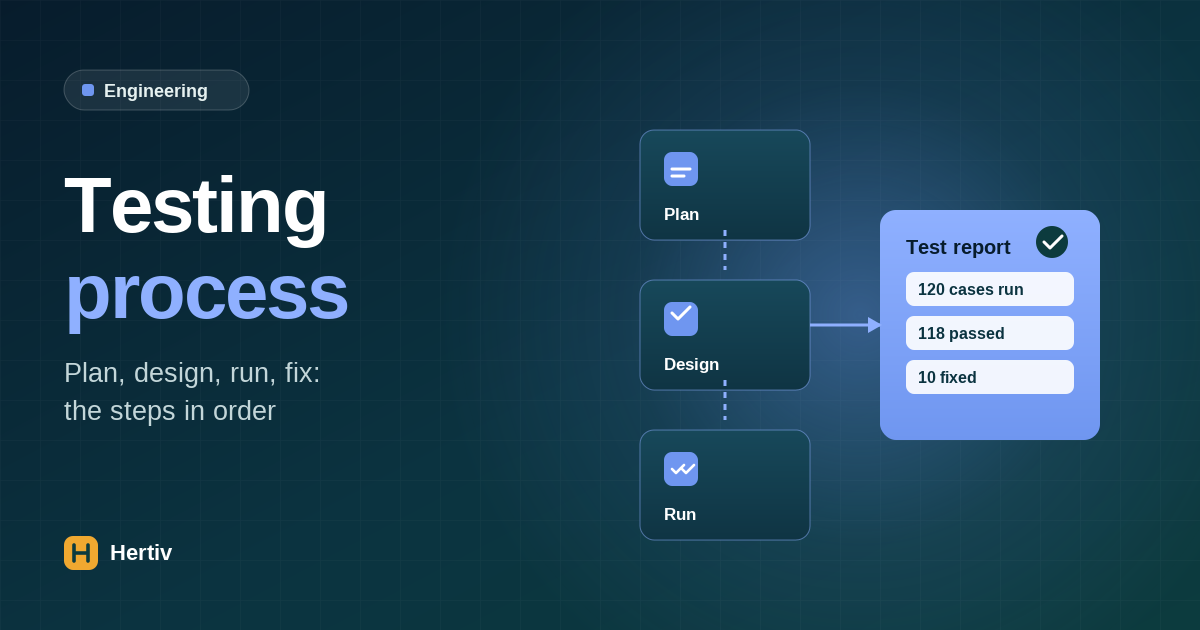
Example (hypothetical): a 12-person team is releasing a food-delivery app update that adds scheduled orders. The plan lists 120 test cases: 40 for ordering, 30 for scheduling, 25 for payments, and 25 for rider assignment.
Execution takes three days. On day one the team runs the 40 ordering cases and finds 6 defects. On day two it runs the 30 scheduling cases and finds 4 defects, including one where a scheduled order is sent to the kitchen a day early. The developers fix all 10 defects, and the team retests each one plus the 15 surrounding cases.
By day three, 118 of the 120 cases pass. The two failing cases are minor display issues on old phones, and the team records them as known defects with a fix date. The release goes ahead because the exit criteria are met: no blocking defects, and every planned case has run. The arithmetic is simple: 120 cases planned, 120 run, 10 defects found and fixed, 2 minor issues deferred.
What are the common mistakes?
The most common software testing mistakes are starting without a plan, testing only the happy path, and treating the release decision as a gut feeling.
- Skipping the plan. Without scope and risk ranking, the team tests whatever is easiest and misses the risky areas.
- Only happy-path cases. Real users mistype, lose connection and tap the wrong button. If those paths have no cases, they go untested.
- Vague defect reports. A report that says "it broke" with no steps cannot be fixed, so it gets ignored.
- No retesting. A fix that is never retested is an assumption, and fixes often break neighbouring features.
- Testing at the end only. When testing starts days before release, there is no time to fix what it finds. Start testing while the code is being written.
Teams that automate the repeated checks free up time for the exploratory work that finds the surprising bugs. See automated software testing tools for the tools teams commonly use.
Key takeaways
- A process turns testing from guesswork into evidence
- Planning first means the riskiest areas get tested first, not last
- Each test case needs a clear input, action and expected result
- Entry and exit criteria make the release decision a review of facts
- Retesting a fix is as important as finding the bug
Frequently asked questions
How is a testing process different from a testing methodology?
A methodology is the approach, such as unit testing or behaviour-driven development. The process is the order of work around it: plan, design, set up, run, fix and sign off. One process can hold several methodologies at once.
How long does a testing process take?
It depends on the size of the release. A small fix may need a few hours of testing, while a major release can take days or weeks. The plan should state the time up front, and the team should track progress against it daily.
Who writes the test plan?
Usually a test lead or senior tester writes it, with input from developers and the product owner. The developer knows what changed, the product owner knows what matters most, and the tester turns both into a plan.
Do small teams need a formal process?
Yes, but a short one. Even a one-page plan with the scope, the cases and the exit criteria is enough. The point is a shared record of what was tested, not a heavy document.
What is the difference between retesting and regression testing?
Retesting checks that a specific fixed defect is gone. Regression testing checks that the fix did not break anything else. Both run after a fix, and both belong in the plan.
When should testing start?
Testing should start while the code is being written, not after it is finished. Test cases can be designed from the requirements before the code exists, which also surfaces unclear requirements early.


