Smart Building IoT: How Connected Buildings Work
Smart building IoT links sensors, controls and software so a building adjusts heating, lighting and access to real use. Here is how the pieces fit.
On this page
Short answer
Smart building IoT uses connected sensors, controllers and software to adjust heating, lighting, ventilation and access based on what is actually happening in a building. Sensors measure temperature, occupancy, light and energy use; controllers act on the readings; and a platform logs everything so the facilities team can see savings, faults and usage patterns in one place.
What is smart building IoT?
Smart building IoT is the use of connected sensors, controls and software inside a building so that heating, lighting, ventilation, access and energy use adjust themselves to what is actually happening. A sensor reads a room, a controller acts on the reading, and the software keeps a record of both.
The idea is simple: a building should not heat an empty room, light an empty corridor or run fans at full speed when the air is already fresh. Without sensors, those systems run on fixed schedules and guesswork. With them, the building reacts to people, weather and time of day.
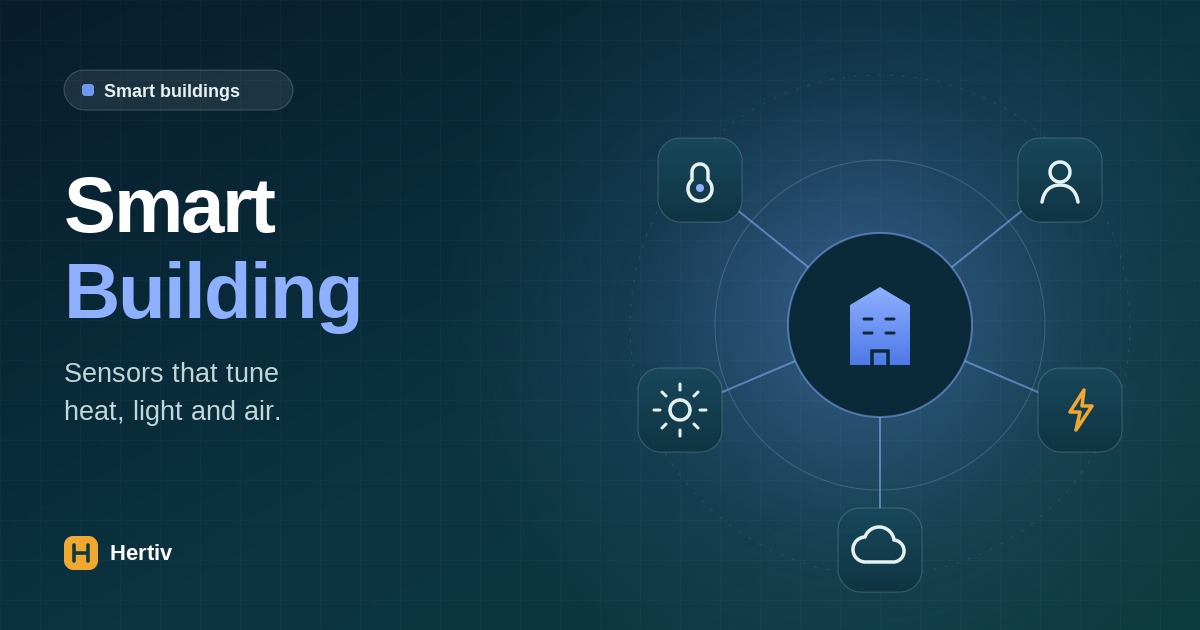
A typical setup has three layers. Sensors measure temperature, humidity, carbon dioxide, light, motion and energy use. Controllers switch equipment on and off or change a set point. A platform collects the data, shows it on a dashboard and lets the facilities team set rules, such as lowering the heating when a floor is empty after 6 pm.
What do the sensors in a smart building measure?
Each sensor type answers one question about the building, and each answer feeds a different control. The table shows the most common sensors and what they change.
| Sensor | What it measures | What it controls |
|---|---|---|
| Temperature | Air temperature in each zone | Heating and cooling set points |
| Humidity | Moisture in the air | Ventilation and dehumidifiers |
| Carbon dioxide | CO2 level, a proxy for occupancy | Fresh-air supply |
| Motion and presence | Whether a room is occupied | Lights and local heating |
| Light | Daylight level at the desk | Blinds and dimming |
| Energy meters | Power use per circuit or floor | Load limits and alerts |
Carbon dioxide sensors deserve a note. They do not count people, but CO2 rises when a room fills up and falls when it empties, so they are a cheap way to estimate occupancy. That estimate is what lets a ventilation system bring in fresh air only when a room is actually in use.
How does a smart building system work?
A smart building system works in a loop: sense, decide, act, record. The loop runs all day, and each pass is small, which is why the system can react faster than a person walking the building with a clipboard.
- Sensors send readings every minute or so, by wire or by a low-power wireless link.
- A gateway or controller collects the readings and forwards them to the platform.
- The platform compares each reading with a rule, such as keeping a room between 21 and 23 degrees while occupied.
- When a rule is broken, the platform sends a command: open a damper, dim a light, or start a pump.
- Every reading and command is logged, so the team can see what happened and why.
Most systems keep working when the internet drops. The local controller holds the rules and keeps the building running, then syncs the logs when the connection returns. That matters because heating and access cannot wait for a cloud service to come back.
Where does smart building IoT save energy and time?
The biggest savings come from stopping equipment from running when nobody needs it. Lighting, heating and ventilation are the three largest energy users in most offices, and all three are usually scheduled for the whole building rather than for the rooms that are actually in use.
Occupancy-based lighting is the usual first win: lights dim or switch off in empty rooms, and daylight dimming trims them further near windows. Heating follows the same logic, warming zones that are booked or occupied and letting empty ones drift down. Ventilation tied to CO2 keeps the air fresh without running fans at full speed all day.
Time savings matter too. A facilities team that can see every room on one dashboard spends less time on walk-rounds and complaints. A fault shows up as an alert with a location, such as a stuck valve on the third floor, instead of a vague report that one wing feels cold. The same data helps with IoT in connected buildings planning, where connectivity choices shape what the system can do.
What about data and security in a smart building?
A smart building collects a lot of data, and some of it is sensitive. Occupancy data can show when people arrive and leave, and access logs record who entered which door. The building owner needs a clear rule for who can see that data and how long it is kept.
Security starts with the network. Sensors and controllers should sit on their own network segment, separate from office computers, so a compromised sensor cannot reach business systems. Default passwords must be changed, firmware must be updated, and any remote access should need a second factor.
Privacy is a design choice, not an afterthought. Aggregate occupancy by zone rather than tracking individuals, and say so in the building policy. Staff accept sensors far more readily when they know the system counts rooms, not people. Low-power wireless options such as NB-IoT use cases show how sensors can report for years on one battery, which keeps maintenance visits rare.
Example: one office floor adds smart controls
Example (hypothetical): an office floor has 40 light fittings drawing 12 kilowatts in total. They run 12 hours a day on a fixed schedule, using 144 kilowatt-hours a day, even though the floor is mostly empty after 6 pm.
The team fits occupancy sensors and daylight dimming. Lights now run about 8 hours a day at full load, using 96 kilowatt-hours a day. That saves 48 kilowatt-hours a day, or about 1,056 kilowatt-hours over a 22-day working month.
Heating follows the same pattern. Two zones that used to heat from 7 am now start at 8 am, when the first bookings begin, and drop to a lower set point at 6 pm. The facilities team checks the dashboard each Monday, and the monthly energy report shows the floor using less power than the floor below it, which still runs on a fixed schedule.
What are the common mistakes?
The most common smart building mistakes are buying sensors before deciding what to control, and treating the dashboard as the goal instead of the savings. A sensor that reports beautifully but changes nothing is decoration.
- Installing sensors with no plan for which equipment they will control
- Leaving default passwords and one flat network for all devices
- Trusting occupancy data without checking it against the booking system
- Setting rules once and never reviewing them as the building use changes
- Buying a platform that cannot export its data to other tools
- Ignoring staff privacy worries until complaints arrive
Start small and measure. One floor, one system, one month of before-and-after data tells you more than a building-wide rollout. If the savings show up, expand; if they do not, the problem is usually a rule, not a sensor. Retail buildings face the same choices, as IoT in retail shows with its own sensor mix.
Key takeaways
- Smart building IoT is a loop: sensors measure, rules decide, controllers act, and the platform records it all.
- Occupancy and carbon dioxide readings drive the biggest savings in lighting, heating and ventilation.
- Keep building devices on their own network segment, with changed passwords and regular updates.
- Aggregate occupancy by zone and tell staff what is measured, so the system counts rooms, not people.
- Start with one floor and one system, and expand only when the before-and-after data shows a saving.
Frequently asked questions
What is the difference between a smart building and a building management system?
A building management system controls heating and ventilation from a central panel, usually on fixed schedules. Smart building IoT adds sensors in each room and rules that react to actual use, such as dimming lights in empty rooms. Many smart buildings keep the old management system and add sensors and software on top of it.
Do smart building sensors need Wi-Fi?
No. Many sensors use low-power wireless links or wired connections, and a gateway collects their readings. Wi-Fi can work for mains-powered devices, but battery sensors usually use a low-power protocol so a battery lasts years. The gateway, not each sensor, needs the connection to the platform.
How much can a smart building save on energy?
It depends on the building, the systems and how wasteful the current schedules are. Lighting and ventilation tied to occupancy are usually the first savings, followed by heating zones that match bookings. Measure one floor for a month before and after, and use that figure to judge whether to expand.
Is occupancy data a privacy risk?
It can be if it tracks individuals. The safer approach is to aggregate by zone, keep data for a short period, and state in the building policy what is measured and why. Access logs are different from occupancy data and should be handled under the building access policy, not the energy system.
Can an old building become a smart building?
Yes, in most cases. Wireless sensors and a gateway can be added without rewiring, and the existing heating and lighting controls can usually take commands. The harder parts are usually the network design and agreeing who owns the data, not the hardware itself.
What happens if the internet goes down?
A well-designed system keeps working. The local controller holds the rules for heating, lighting and access, so the building runs normally and only the remote dashboard and logging pause. Logs sync when the connection returns, which is why the controller, not the cloud, should hold the rules.


