RPA in Wealth Management: What Advisors Automate
RPA in wealth management automates client onboarding, reporting, fee billing and reconciliations in advisory firms. Here is which tasks fit, and how to start safely.
On this page
Short answer
RPA in wealth management is software that carries out repetitive, rule-based work in an advisory firm, such as client onboarding, portfolio reporting, fee billing and transaction reconciliations. It works best on high-volume tasks with clear rules and structured data, and it frees advisers for client conversations and decisions that need judgement.
What is RPA in wealth management?
RPA in wealth management is the use of software robots to carry out repetitive, rule-based tasks in an advisory firm, such as copying client data between systems, preparing portfolio reports and reconciling transactions. The robots follow fixed rules and work inside the same applications a person would open, so they do not change the firm's core systems.
Wealth firms are a good fit because much of the daily work is structured: client records, holdings, trades, fees and regulatory forms all arrive in known formats and follow the same steps each time. A robot can move that data, check it against a rule and file the result without waiting for a free pair of hands.
| Workflow | What the robot does | Why it fits |
|---|---|---|
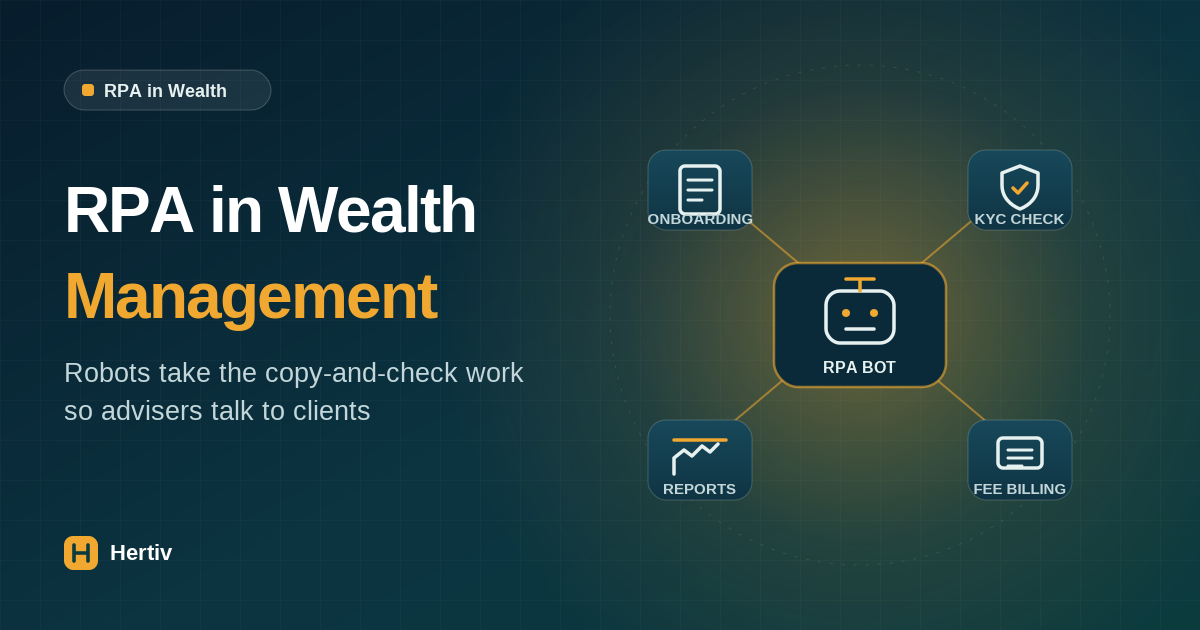
| Client onboarding | Collects documents and opens accounts | Same forms and checks every time |
| KYC and AML checks | Screens clients against watchlists | Rule-based screening, clear flags |
| Portfolio reporting | Builds statements and summaries | Data comes from known sources |
| Fee billing | Calculates fees and issues invoices | Fixed formulas from holdings |
| Cash movements | Moves dividends and contributions | Repeated transfers, set amounts |
| Compliance reporting | Prepares filings from system data | Standard formats, fixed deadlines |
The point is not to replace advisers. It is to take the copy-and-check work off their desks so they spend more time on client conversations, investment decisions and exception cases that need judgement.
Which wealth management tasks suit RPA?
The tasks that suit RPA are the ones a person does the same way every time: high volume, fixed steps, structured data and a decision that follows a rule rather than judgement. If a task changes with every client, it is a poor fit.
Good signs are easy to spot. The same form arrives every time, the data sits in known fields, the decision is a yes-or-no rule, and a wrong result is caught by a check before anything is sent. Onboarding, fee billing and reconciliation usually pass all four tests.
Tasks that do not suit RPA include investment advice, client conversations, complaint handling and anything that needs a person to weigh trade-offs. A robot cannot explain a decision to a client or judge whether a case is unusual, so those tasks stay with people. The same boundary applies across finance, as RPA in finance shows for accounting work.
How does RPA work inside a wealth firm?
RPA works by giving a software robot its own login to the systems the firm already uses: the CRM, the portfolio system, the custodian portal and the document store. The robot opens the same screens a person would, follows a recorded sequence of steps and logs everything it does.
A typical run follows five steps:
- Trigger. A new client file, a month-end date or a trade file starts the run.
- Collect. The robot pulls the records it needs from each system.
- Check. It compares values against rules, such as matching a holding to a statement line.
- Act. It files the result, drafts the report or raises an exception for a person.
- Log. Every step is written to an audit log the compliance team can review.
Human review points sit at the risky steps. A person checks exceptions, approves anything that moves client money and reviews a sample of routine runs, so the robot is fast but never unsupervised.
What are the benefits and limits?
The benefits are speed, consistency and a clear audit trail. A robot works through a month-end reporting run in minutes, copies figures without typing errors and works outside office hours, so Monday morning starts with the work done. Every action is logged, which helps when a regulator asks how a figure was produced.
The limits matter just as much. A robot cannot use judgement, so it will follow a bad rule exactly as written. It breaks when a screen layout or file format changes, and it needs clean data: a missing field or a renamed column stops the run. It also cannot give advice, which is why client-facing decisions stay with advisers.
Teams sometimes confuse RPA with AI agents. RPA follows fixed rules, while an agent can plan and adapt, which is a different tool with different risks. See RPA vs AI agents for the boundary between the two.
Example (hypothetical): automating client onboarding
Example (hypothetical): a wealth firm takes on 40 new clients a month. Each onboarding takes about 90 minutes of staff time: collecting documents, running checks, opening the account and filing the records. That is 40 x 90 = 3,600 minutes, or 60 hours a month across the team.
With RPA, the robot collects the documents, runs the screening checks and drafts the account in about 5 minutes per client. A person then reviews the file for 15 minutes before the account is opened. That is 40 x 20 = 800 minutes, or about 13 hours a month.
The firm saves about 47 hours a month, and the saved time goes to welcome calls and first portfolio reviews. Exceptions, such as a document that does not match, still go to a person, so the robot never opens an account on its own.
What are the common mistakes?
The most common RPA mistakes in wealth management are automating a broken process, skipping exception handling and giving robots shared logins.
- Automating a broken process. If the manual steps are unclear, the robot copies the confusion at higher speed.
- No exception handling. A run that stops on the first mismatch needs a queue and an owner, or work piles up unseen.
- Shared robot logins. Robots need their own credentials so the audit log shows what the robot did and what a person did.
- Skipping the audit log. Regulators ask how figures were produced, so logging is a requirement, not a nice extra.
- No owner for the robot. Screens and formats change, so someone must maintain the automation or it quietly stops.
Most of these mistakes are easy to avoid with a short pilot and a named owner. A firm that reviews the first month of runs closely learns quickly where the robot helps and where it needs a rule change.
How do you start with RPA in wealth management?
You start with RPA in wealth management by picking one workflow, mapping it on paper and running a small pilot before expanding to other teams.
- Pick one workflow with clear rules, such as onboarding or fee billing, and a named owner.
- Map every step on paper, including the exceptions, before any building starts.
- Build with review points. Decide which steps a person checks and where exceptions go.
- Pilot with a small group for a few weeks and review the audit log daily.
- Measure time saved and error rates, then expand to the next workflow only if the pilot beats the manual baseline.
Keep the first pilot small enough to watch closely. A team that reviews every run for two weeks learns where the robot helps and where the process needs fixing, and that review is what makes the wider rollout safe. Firms planning a wider automation programme often pair RPA with AI agents for finance once the first workflow is working.
Key takeaways
- RPA in wealth management automates rule-based work such as onboarding, reporting, fee billing and reconciliations
- The best candidates are high-volume tasks with fixed steps, structured data and yes-or-no decisions
- Robots work inside existing systems with their own logins and a full audit log
- RPA cannot use judgement, so advice, exceptions and client conversations stay with people
- Start with one workflow, map the exceptions first, and pilot with daily review before expanding
Frequently asked questions
Does RPA replace wealth advisers?
No. RPA handles copy-and-check work such as data entry, report building and reconciliations. Advisers keep the work that needs judgement: investment decisions, client conversations and exception cases. The robot frees adviser time rather than replacing the adviser.
What data does RPA need to work well?
RPA needs structured data in known fields, such as client records, holdings, trades and fees. Missing fields, renamed columns or scanned documents without a template will stop a run, so data cleanup comes before building the automation.
Is RPA safe for client money movements?
It can be, with controls. The robot should only move money on a fixed rule, with a person approving exceptions and reviewing a sample of runs. Every action must be logged so the compliance team can trace how a transfer was produced.
How is RPA different from an AI agent?
RPA follows fixed, recorded steps and cannot adapt when the situation changes. An AI agent can plan, use tools and handle variation, but it needs stronger guardrails. Many firms use RPA for fixed workflows and agents for work that needs judgement.
What does RPA cost a wealth firm?
Costs vary with the number of workflows, the systems involved and whether the firm builds in-house or hires a partner. See vendor site for current pricing, and compare it with the staff hours the automation saves on the chosen workflow.
Which workflow should a firm automate first?
Pick one high-volume workflow with clear rules and a named owner, such as client onboarding or fee billing. Map every step and exception on paper first, then run a small pilot and measure time saved before automating anything else.


