Physical AI: Benefits and Use Cases That Matter
Physical AI puts AI inside robots, vehicles and machines so they can see, decide and act in the real world. Here are the benefits and the use cases that work today.
On this page
Short answer
Physical AI is artificial intelligence that controls machines in the real world, such as robots, self-driving vehicles and factory equipment. It combines vision, sensors and control software so a machine can sense its surroundings, plan a task and carry it out. The main benefits are work done around the clock, fewer errors on repeat tasks and safer jobs for people, but it needs careful testing before it runs near people.
What is physical AI?
Physical AI is artificial intelligence that acts in the real world through robots, vehicles and machines. Instead of answering questions on a screen, it moves a robot arm, drives a vehicle, or runs a piece of factory equipment.
The name sets it apart from AI that only works with text, images or data. Physical AI connects software to sensors and motors, so a machine can see its surroundings, decide what to do, and then do it. A warehouse robot that finds a shelf, picks a box and carries it to a packing station is physical AI at work.
It is not one technology. It combines computer vision, control software, sensors and hardware, and each part has to work for the whole system to work. The software is only as good as the machine it runs on.
How does physical AI work?
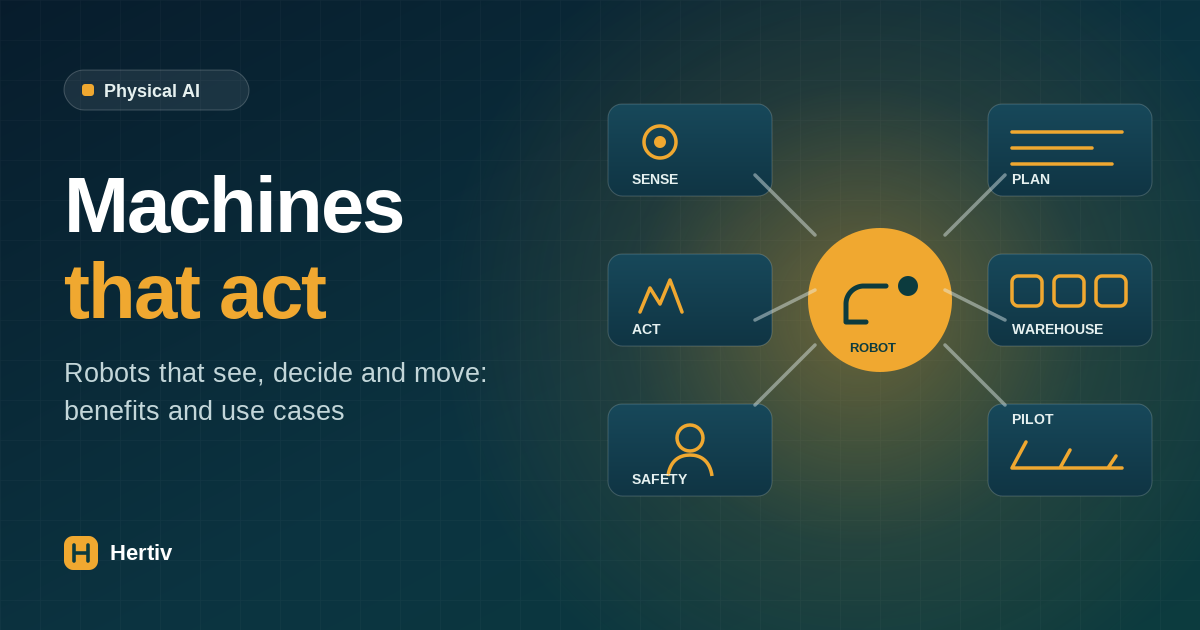
Physical AI works in a loop: sense, plan, act. Sensors such as cameras, lidar and touch sensors collect data about the world. The AI turns that data into a picture of what is around the machine and what is likely to happen next. Then it plans a movement and the motors carry it out.
The loop repeats many times a second. A robot arm that picks boxes checks its grip after each pick, and a vehicle checks the road ahead before it changes lanes. If the sensors disagree or the plan fails, the machine stops or asks for help rather than guessing.
Training happens in two places: in simulation, where the machine can practise without breaking anything, and in the real world, where it learns the details that simulation misses. The best results come from combining both.
The machine also needs a map of its limits. It should know what it cannot do, such as lifting a box heavier than its rating or driving in fog it cannot see through. Good systems hand those cases to a person instead of guessing, and they log what happened so engineers can improve the next version.
What are the benefits of physical AI?
The benefits below are the reasons teams invest in physical AI. The table shows each benefit, what it means in practice, and where it shows up first.
| Benefit | What it means | Where it shows |
|---|---|---|
| Round-the-clock work | Machines run nights and weekends without tiring | Warehouses and factories |
| Repeat-task accuracy | The same motion, done the same way every time | Assembly and packing |
| Safer jobs | People step back from heavy or risky tasks | Heavy lifting and hot zones |
| Faster inspection | Cameras check every item, not a sample | Quality control |
| Less waste | Precise movement uses less material and energy | Cutting and farming |
The benefit that matters most depends on the job. In a warehouse, round-the-clock work may matter most. In a hospital, safety and accuracy matter more than speed. A team should name the benefit it wants before choosing a machine.
Where is physical AI used today?
Physical AI is already at work in warehouses, factories, farms and hospitals, usually on narrow jobs that repeat many times a day.
- Warehouses. Robots move shelves, pick items and sort parcels, and they work beside people in shared aisles.
- Factories. Robot arms weld, assemble and inspect parts, and they stop when a person comes too close.
- Farms. Machines spot weeds, pick fruit and spray only where needed, cutting chemical use.
- Hospitals. Robots carry supplies, clean floors and help move patients between rooms.
- Roads and sites. Vehicles and machines handle transport, surveying and inspection in places that are hard to reach.
For factories, AI manufacturing examples show how these systems are used on production lines.
The software side matters as much as the machine. Real-world AI agent examples cover the planning and control software that directs the work.
What are the limits and safety risks?
Physical AI has real limits. It works well on jobs it has practised, but a new object, a changed layout or bad weather can confuse it. A robot that picks boxes in a tidy warehouse may fail in a cluttered one.
Safety is the main risk. A machine that moves with force can hurt a person, so systems need guards, sensors that detect people, and a way to stop fast. Rules for testing and certification differ by country and by industry, and they change as the technology spreads.
Cost is the other limit. The machine, the sensors, the software and the maintenance add up, and a pilot that works in one building may need rework in another. A team should prove the benefit in a small pilot before buying a fleet.
Teams also need to plan for the machine being wrong. A wrong pick in a warehouse is a small cost, but a wrong move near a person is not. That is why testing covers both normal work and failures, such as a sensor going dark or a motor stalling.
Example (hypothetical): robots in a warehouse
Example (hypothetical): a warehouse uses 12 picking robots alongside a team of 12 people. Each robot moves 90 bins an hour, and each person moves 45 bins an hour.
Over an 8-hour shift, one robot moves 720 bins and one person moves 360 bins. The 12 robots move 8,640 bins a day, while the 12 people move 4,320 bins. The robots move twice as many bins as the people in the same shift.
The robots do not replace the people. The people handle fragile items, fix jams and check orders the robots flag as unclear. The warehouse keeps both, because the robots are fast on repeat picks and the people handle the exceptions.
What are the common mistakes?
The most common mistakes with physical AI are buying machines before defining the job, skipping safety testing, and expecting a pilot to scale without changes.
- Buying the machine first. Define the task, the speed and the accuracy you need, then choose the machine.
- Skipping safety tests. Test with people nearby before the machine runs at full speed.
- Trusting simulation alone. Real floors are dusty, uneven and crowded. Test in the real place.
- No plan for exceptions. Decide who handles jams, errors and unclear items before launch.
- Ignoring maintenance. Sensors need cleaning and calibration, or accuracy drops over time.
A small pilot is also the fastest way to learn what the machine cannot do. How to build an AI proof of concept shows how to scope a pilot that gives a clear yes or no.
Key takeaways
- Physical AI is AI that moves machines in the real world, not just software on a screen
- It works in a sense-plan-act loop, checking its surroundings many times a second
- The main benefits are round-the-clock work, repeat accuracy and safer jobs
- It is already used in warehouses, factories, farms and hospitals on narrow, repeat jobs
- Prove the benefit in a small real-world pilot before buying a fleet
Frequently asked questions
What is physical AI in simple terms?
Physical AI is AI that controls a machine in the real world, such as a robot, a vehicle or factory equipment. It uses cameras and sensors to see what is around it, decides what to do, and then moves. The difference from chatbots is that its actions happen in the physical world, not on a screen.
Is physical AI the same as robotics?
No. Robotics is the hardware: arms, wheels, sensors and motors. Physical AI is the software that lets that hardware sense, decide and act on its own. A robot without AI follows fixed steps, while a robot with physical AI can react to what it sees and adjust its plan.
Where is physical AI used today?
In warehouses that move and pick goods, factories that assemble and inspect parts, farms that spot weeds and pick fruit, and hospitals that carry supplies and clean floors. Most uses are narrow jobs that repeat many times a day, where speed and accuracy pay for the machine.
Is physical AI safe to work beside?
It can be, if the system is designed for it, with sensors that detect people, guards and a fast stop. Safety rules differ by country and industry, and a machine should be tested with people nearby before it runs at full speed. Never assume a machine is safe because it worked in a demo.
How much does physical AI cost?
It depends on the machine, the sensors and the software, and prices vary by vendor, so check the vendor site. The machine is only part of the cost: installation, training, maintenance and safety testing add to it. Start with a small pilot to learn the real cost before scaling.
Will physical AI replace warehouse workers?
It changes the work more than it removes it. Robots take over repeat picks and heavy carries, while people handle fragile items, fix jams and check unclear orders. Warehouses that use robots still need people, but the people do different jobs that need judgement.


