OutSystems Competitors Worth Comparing Before You Choose
OutSystems is strong, but it is not the only low-code option. These six competitors cover different budgets and team sizes — compare them before you commit.
On this page
Short answer
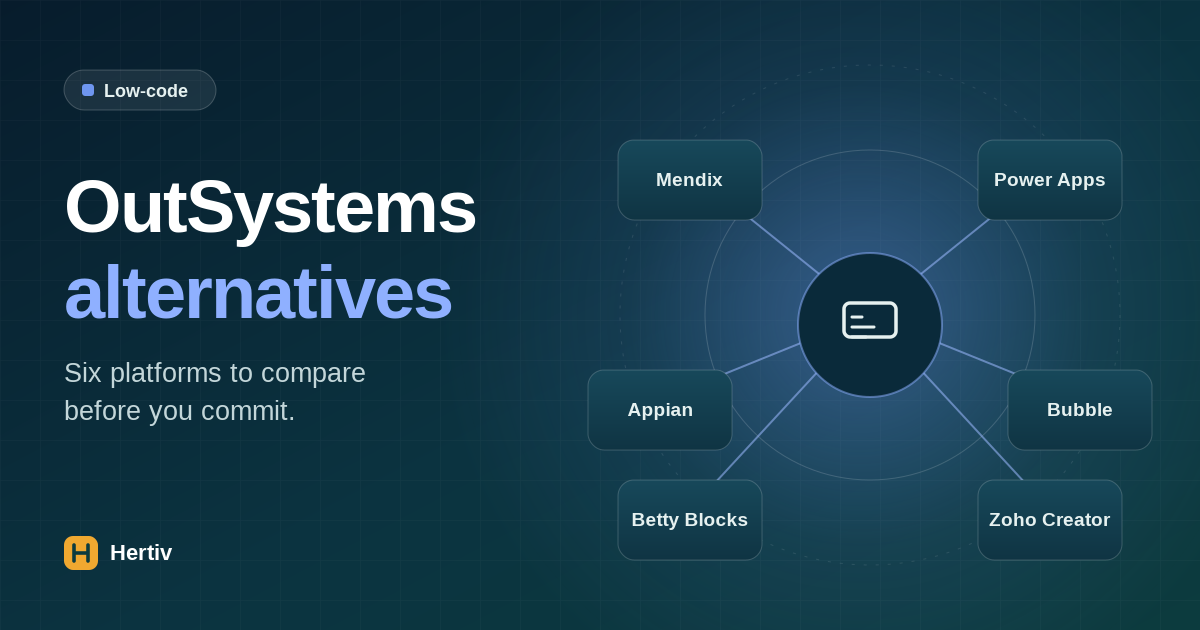
OutSystems competitors include Mendix, Microsoft Power Apps, Appian, Bubble, Betty Blocks and Zoho Creator, each a low-code platform with different strengths. The right choice depends on your budget, your team's skills, and whether you need enterprise governance or fast prototyping.
Which OutSystems competitors are worth comparing?
Six platforms cover most of the ground OutSystems does, from enterprise-grade development to no-code prototyping. The table below gives a quick read on each one; the sections after it explain where each platform fits and where it falls short.
| Platform | Best for | Build style | Pricing |
|---|---|---|---|
| Mendix | Enterprise apps with strong governance | Low-code, visual models | See vendor site |
| Microsoft Power Apps | Teams already on Microsoft 365 | Low-code, formula-based | See vendor site |
| Appian | Process-heavy apps and case work | Low-code, process models | See vendor site |
| Bubble | Startups prototyping web apps fast | No-code, visual editor | See vendor site |
| Betty Blocks | Citizen developers in mid-size firms | No-code, block-based | See vendor site |
| Zoho Creator | Small teams on a tight budget | Low-code, form-based | See vendor site |
Pricing changes often and depends on users, environments and features, so check each vendor's own pricing page rather than trusting a comparison article. The rest of this guide focuses on fit: what each platform does well, what it struggles with, and how to choose between them.
1. Mendix: best for enterprise apps with strong governance
1. Mendix: best for enterprise apps with strong governance
Mendix is the closest direct rival to OutSystems: a low-code platform aimed at professional developers building business applications, with visual modelling, reusable components and deployment options that include cloud and on-premise. Teams that need audit trails, role-based access and release control will find its governance features familiar.
Its marketplace of templates and connectors is broad, and it has a free tier for learning and small projects. The trade-off is similar to OutSystems itself: real enterprise use means real enterprise pricing, and the platform rewards teams that invest in learning its modelling approach.
Pros:
- Strong governance, versioning and deployment controls
- Large template and connector marketplace
- Works for both pro developers and trained citizen developers
Cons:
- Enterprise pricing rises quickly with users and environments
- Learning curve for the modelling approach
- Smaller community than the biggest platforms
2. Microsoft Power Apps: best for teams already on Microsoft 365
2. Microsoft Power Apps: best for teams already on Microsoft 365
Power Apps is the natural choice when the organisation already lives in Microsoft 365 and Azure. It connects easily to SharePoint, Teams, Excel and Dataverse, so internal tools that read and write Microsoft data can be built quickly by people who already know the ecosystem.
The formula language resembles Excel, which lowers the barrier for business users, and licensing is often already partly covered by existing Microsoft agreements. The trade-off is that apps built outside the Microsoft world need more work, and complex custom interfaces can be harder to build than in a dedicated low-code platform.
Pros:
- Deep integration with Microsoft 365, Teams and Azure
- Familiar formula language for Excel users
- Licensing can fold into existing Microsoft agreements
Cons:
- Weaker for customer-facing apps outside Microsoft
- Complex interfaces need workarounds
- Licensing rules are detailed and easy to misread
3. Appian: best for process-heavy apps and case work
3. Appian: best for process-heavy apps and case work
Appian is built around business processes and case management: approvals, claims, onboarding and other work that moves through defined steps with different people and rules. If the app is mostly a workflow with forms attached, Appian's process modelling is a strong fit.
It brings solid automation, records and reporting in one platform, and it is used heavily in regulated industries where audit trails matter. The trade-off is that it is less suited to consumer-facing products or apps where the interface is the main challenge, and pricing is aimed at enterprise budgets.
Pros:
- Strong process modelling, case management and automation
- Good audit trails for regulated work
- Records and reporting built in
Cons:
- Enterprise pricing, aimed at large organisations
- Less suited to customer-facing product apps
- Interface design is more constrained than in general low-code tools
4. Bubble: best for startups prototyping web apps fast
4. Bubble: best for startups prototyping web apps fast
Bubble is a no-code platform for building web applications without writing code: databases, workflows, user accounts and payments can all be set up visually. For a startup that needs a working product to test with real users, it is one of the fastest routes from idea to live app.
The trade-off is scale and control. Bubble apps run on Bubble's infrastructure, and very large or performance-sensitive apps can hit limits that a coded application would not. It is a strong prototyping and early-product tool, and teams should plan an exit route if the product grows large. The open-source side of this space is covered in our guide to open-source Bubble alternatives.
Pros:
- Very fast from idea to working web app
- No coding needed for databases, workflows and payments
- Large community and plugin library
Cons:
- Apps run on Bubble's infrastructure, with platform limits
- Performance can suffer at large scale
- Moving away later means rebuilding
5. Betty Blocks: best for citizen developers in mid-size firms
5. Betty Blocks: best for citizen developers in mid-size firms
Betty Blocks is a no-code platform aimed at business users building internal applications: portals, approval flows, dashboards and data tools. Its block-based builder and templates let non-developers assemble working apps, while developers can extend them where needed.
It fits mid-size organisations that want to clear a backlog of internal tools without hiring a large development team. The trade-off is scope: it is designed for business applications, not for consumer products or highly custom interfaces, and its pricing is aimed at organisations rather than solo builders.
Pros:
- Business users can build real internal apps
- Templates speed up common internal tools
- Governance features for IT oversight
Cons:
- Not built for consumer-facing products
- Custom interfaces have limits
- Pricing aimed at organisations, not individuals
6. Zoho Creator: best for small teams on a tight budget
6. Zoho Creator: best for small teams on a tight budget
Zoho Creator is a low-code platform for building custom business apps — forms, workflows, reports and mobile access — at a price that small teams can afford. It integrates with the rest of the Zoho suite, which suits teams already using Zoho CRM or Zoho Books.
It is a practical choice for replacing spreadsheets and email-based processes with a shared application. The trade-off is depth: very complex logic, heavy integrations or polished customer-facing interfaces are harder here than on enterprise low-code platforms, and the interface style is functional rather than refined.
Pros:
- Low cost, with a free tier for small use
- Good fit for replacing spreadsheets and email processes
- Integrates with the wider Zoho suite
Cons:
- Less depth for complex logic and integrations
- Interface style is functional, not polished
- Smaller ecosystem than the biggest platforms
How to choose
Choose by matching the platform to the app you actually need, not to a feature list. A short trial with a real use case tells you more than a demo.
- Define the app first. Write down who uses it, what it must do, and what data it touches. A customer-facing product and an internal approval tool need different platforms.
- Check the team. Will professional developers build it, or business users? The answer rules out half the list.
- Price the real usage. Count users, environments and integrations, then check the vendor's own pricing page for that shape of use.
- Build a small real app. Rebuild one existing process on two shortlisted platforms and compare the effort and the result.
- Plan the exit. Ask how data and logic leave the platform if you outgrow it, before you commit.
If the app is a first version of a product you plan to grow, a prototype on a fast platform can still be the right move — see our guide to what an MVP is before deciding how much to build.
If you want the open-source angle, our list of open-source OutSystems alternatives covers the free options.
Common mistakes
The most common mistakes are choosing on price alone, skipping the trial, and underestimating the work of moving data in and out.
- Choosing on price alone. The cheapest platform that cannot build the app costs more than the expensive one that can.
- Skipping the trial. Demos show the happy path; only a real build shows the rough edges.
- Ignoring data migration. Moving existing records in, and out again later, is where projects stall.
- No governance plan. Citizen-built apps without ownership and access rules become a security problem.
- Building everything in the platform. Some parts — payments, identity, reporting — are better left to specialist tools.
Key takeaways
- Mendix is the closest OutSystems rival for governed enterprise apps; Power Apps wins inside Microsoft 365
- Appian fits process-heavy case work; Bubble fits fast startup prototypes
- Betty Blocks suits citizen developers; Zoho Creator suits small teams on a tight budget
- Check pricing on each vendor's own page — it depends on users, environments and features
- Trial a real use case on two platforms before committing, and plan how data leaves the platform
Frequently asked questions
Is OutSystems better than Mendix?
Neither is better in general. Mendix and OutSystems are close rivals for enterprise low-code development, and the difference usually comes down to pricing for your user count, the templates available for your industry, and which platform your team finds easier to model in. A small trial build on both is the honest way to decide.
Can Power Apps replace OutSystems?
For internal tools inside a Microsoft 365 organisation, often yes. Power Apps connects directly to SharePoint, Teams and Dataverse and can be cheaper under existing licensing. For customer-facing apps or complex custom interfaces outside the Microsoft world, a dedicated low-code platform is usually a better fit.
Is Bubble suitable for a production product?
Bubble can run a production web app and many startups do exactly that. The limits appear at scale: performance, platform lock-in and the cost of rebuilding if you outgrow it. It is a strong choice for an early product, and a risky one for an app you know will need heavy scale.
What is the cheapest OutSystems alternative?
Zoho Creator and Bubble both have low-cost tiers, and open-source options cost nothing in licence fees. But the cheapest licence is not the cheapest project: the platform that builds your app fastest, with the least rework, usually wins on total cost. Check each vendor's own pricing page for your usage.
Do low-code platforms replace developers?
No. They change what developers spend time on: less boilerplate, more modelling, integration and governance. Complex logic, security, performance and data design still need skilled people, and citizen-built apps still need oversight from IT.
How long does it take to switch low-code platforms?
Longer than most teams expect. Data migration, rebuilding logic and retraining users take weeks to months depending on the app's size. That is why the exit question matters before you commit, not after: ask how data and rules leave the platform while you still have a choice.


