Open Source Milvus Alternatives: 6 Worth Comparing
Milvus is a popular open source vector database, but it is not the only one. Here are six open source options and how they differ.
On this page
Short answer
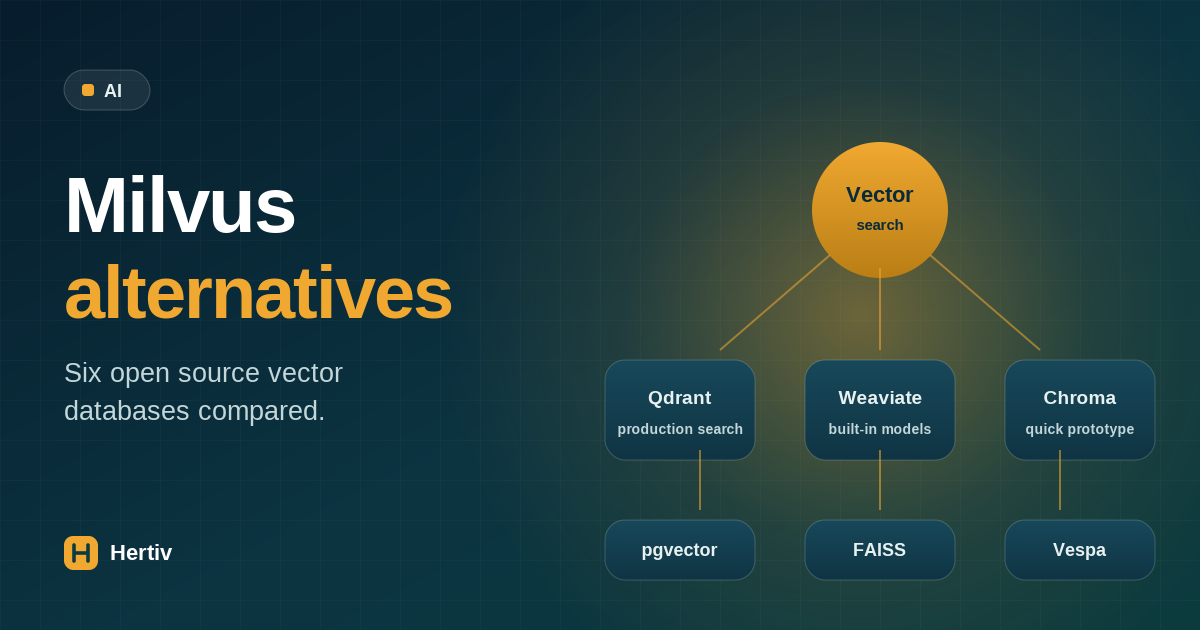
Open source Milvus alternatives are vector databases whose code is openly available and which store embeddings for similarity search, the same job Milvus does. The main options are Qdrant, Weaviate, Chroma, pgvector, FAISS and Vespa, and they differ in deployment style, scale and how much setup they need.
Which open source vector databases compare with Milvus?
Milvus is a vector database built for similarity search: it stores embeddings, which are lists of numbers that describe text, images or audio, and finds the closest matches to a query. Teams use it for search, recommendations and retrieval-augmented generation, where a language model needs the right documents before it answers. The alternatives below do the same core job, but they differ in how they run and how far they scale.
| Tool | Runs as | Best for | Setup effort |
|---|---|---|---|
| Qdrant | Service or embedded | Production search and RAG | Medium |
| Weaviate | Service or cloud | Search with built-in models | Medium |
| Chroma | Library or small service | Prototypes and small apps | Low |
| pgvector | Postgres extension | Teams already using Postgres | Low |
| FAISS | Library | Fast in-memory search | Low |
| Vespa | Distributed service | Large-scale ranking and search | High |
The right choice depends on where you are starting. A team with a small app and a few thousand documents needs a different tool from a team serving millions of queries a day. The sections below look at each option in turn, with what it does well and where it falls short. A broader comparison of vector databases for startups covers the paid options too.
<h3>1. Qdrant: best for production search and RAG</h3>
Qdrant is a vector database written in Rust that runs as a service or embedded in an application. It stores vectors with filters, so a query can ask for the closest match within a category, a date range or a single user, which is how most real search features work. It also supports several distance measures and payload data stored next to each vector.
Qdrant suits teams moving from a prototype to production, because the same tool works at both sizes. It is often used for retrieval-augmented generation, where a language model needs the right documents before it answers. It has a clear API, client libraries for common languages and a dashboard for checking what is stored. The main cost is running and watching the service, which is real work once traffic grows.
- Pros: strong filtering, good speed, clear API and dashboard.
- Cons: running it in production needs monitoring and backups.
<h3>2. Weaviate: best for search with built-in models</h3>
Weaviate is a vector database that can run embedding models itself, so it can turn text into vectors without a separate service. It stores objects with their vectors together, which keeps the data model simple: each item has its fields and its vector in one place. It also supports hybrid search, which mixes keyword matching with vector similarity in one query.
Weaviate suits teams that want fewer moving parts, because the database handles both storage and embedding. The trade-off is that the built-in models are a starting point, not a replacement for a tuned embedding setup, so teams with strict quality needs still bring their own models.
- Pros: built-in embedding, hybrid search, simple data model.
- Cons: built-in models may not match a tuned setup for quality.
<h3>3. Chroma: best for prototypes and small apps</h3>
Chroma is a small embedding database that starts as a library inside an application and can later run as a service. It is the simplest option on this list: a team can store a few thousand documents and run similarity search with a few lines of code, which is why it shows up in many first prototypes and demos.
Chroma suits early work, where the goal is to test whether retrieval helps at all. It is not built for heavy production traffic, and teams that outgrow it usually move to Qdrant or Weaviate. That is fine: a prototype database is meant to be replaced, not to last forever.
- Pros: very quick to start, tiny setup, good for testing ideas.
- Cons: not built for large or high-traffic production use.
<h3>4. pgvector: best for teams already using Postgres</h3>
pgvector is an extension for PostgreSQL that adds vector storage and similarity search to a database teams already run. Vectors live in the same tables as the rest of the data, so a query can join a vector search with ordinary filters, user data and permissions in one place. That removes a whole service from the architecture.
pgvector suits teams whose data is already in Postgres and whose vector load is moderate. It is simpler to operate than a separate vector database, because backups, access control and monitoring already exist. At very large scale, a dedicated vector database usually searches faster.
- Pros: no new service, vectors beside normal data, familiar tooling.
- Cons: slower than dedicated tools at very large scale.
<h3>5. FAISS: best for fast in-memory search</h3>
FAISS is a library for similarity search, not a database service. It holds vectors in memory and answers nearest-neighbour queries very fast, which makes it a good fit for batch jobs, research and pipelines that rebuild an index on a schedule. It does not store data durably or serve queries over a network by itself; the application around it does that.
FAISS suits teams that need raw speed and can manage storage themselves. It is widely used in machine learning work, and it supports several index types for trading speed against accuracy. Teams that need a managed service with users and permissions should look at the database options above instead.
- Pros: very fast search, flexible index types, widely used.
- Cons: a library, not a service; no built-in storage or access control.
<h3>6. Vespa: best for large-scale ranking and search</h3>
Vespa is a distributed platform for search, recommendations and ranking that handles vectors alongside text and structured data. It is built for large deployments where queries need ranking, filtering and real-time updates at the same time, which is why it is used for big search and recommendation systems rather than small prototypes.
Vespa suits teams with serious scale and the engineering time to run it. It is powerful but heavy: setting it up and tuning it takes more work than any other option here. Small teams should start simpler and only move to Vespa when the scale genuinely demands it.
- Pros: ranking, filtering and vectors in one system, built for scale.
- Cons: heavy setup and tuning, more than small teams need.
How to choose between these alternatives
Choosing starts with the size of the job and the team running it. A prototype with a few thousand documents needs the simplest tool, while a production search feature needs filtering, monitoring and backups. The table in the first section gives the short version; the steps below turn it into a decision.
- Count your vectors and queries. A few thousand documents and a few queries a minute is a different job from millions of vectors and constant traffic.
- Check what you already run. If Postgres is already in place, pgvector may remove a whole service from your setup.
- List the filters you need. If queries must stay inside one user or category, pick a tool with strong filtering.
- Test with your own data. Load a sample of real documents and check whether the top results are actually useful.
- Plan who runs it. A service needs monitoring and backups; a library needs code around it. Pick the one your team can keep running.
Run the test in step four before committing, because vector search quality depends on your documents and your embedding model, not on the database alone. The same comparison approach works for open source Pinecone alternatives, if Pinecone is the tool you are moving away from. Two tools can return different results for the same query, and the only way to know which is better for your data is to try both with real examples.
Common mistakes when picking a Milvus alternative
The most common mistake is picking the tool with the most features instead of the one that fits the job. A prototype does not need a distributed platform, and a production system does not need the simplest library. Match the tool to the scale you have now, with room to grow, and accept that the choice may change later.
The second mistake is judging a vector database by speed alone. Speed matters, but the quality of results matters more: a fast database that returns the wrong documents is worse than a slower one that returns the right ones. Test result quality with real queries from your own users before comparing speed numbers.
The third mistake is forgetting the embedding model. The database stores vectors, but the model creates them, and a poor embedding makes every database look bad. Spend time on the model and the data first, then pick the database. The fourth mistake is skipping backups and monitoring for a service that holds the search index; rebuilding an index from scratch after a failure takes far longer than setting up backups did.
Key takeaways
- Milvus is not the only open source vector database; six solid options exist.
- Chroma and pgvector are the simplest starts; Qdrant and Weaviate suit production.
- FAISS is a fast library, not a service; Vespa is built for large scale.
- Test result quality with your own documents before choosing on speed.
- Match the tool to your current scale and the team that will run it.
Frequently asked questions
What is Milvus used for?
Milvus stores embeddings and finds the closest matches to a query, which powers search, recommendations and retrieval-augmented generation. It is an open source vector database built for similarity search at scale, and teams use it when a language model needs the right documents before it answers.
Is Qdrant better than Milvus?
Neither is better in general; the answer depends on the job. Qdrant offers strong filtering and a clear API in a smaller package, while Milvus is built for very large deployments. Test both with your own data and pick the one whose results and operations fit your team.
Can I use pgvector instead of a vector database?
Yes, for moderate loads. pgvector adds vector search to PostgreSQL, so vectors live beside your normal data and you run one fewer service. At very large scale, a dedicated vector database usually searches faster, so pgvector suits teams whose data is already in Postgres.
Is Chroma good enough for production?
Chroma is built for prototypes and small apps, and it works well there. For high-traffic production use, teams usually move to Qdrant, Weaviate or a similar service that offers monitoring, backups and stronger filtering.
What is the difference between FAISS and a vector database?
FAISS is a library for fast in-memory similarity search, while a vector database is a service that stores vectors, serves queries and handles access and backups. FAISS needs code around it for storage and serving, so it suits pipelines and research more than a live product.
Do I need a vector database for RAG?
Yes, in most cases. Retrieval-augmented generation needs a place to store document embeddings and find the closest matches to a question quickly. A vector database does that job, though a small prototype can start with a library such as Chroma or FAISS instead.


