Open Source Pinecone Alternatives: 6 Worth Comparing
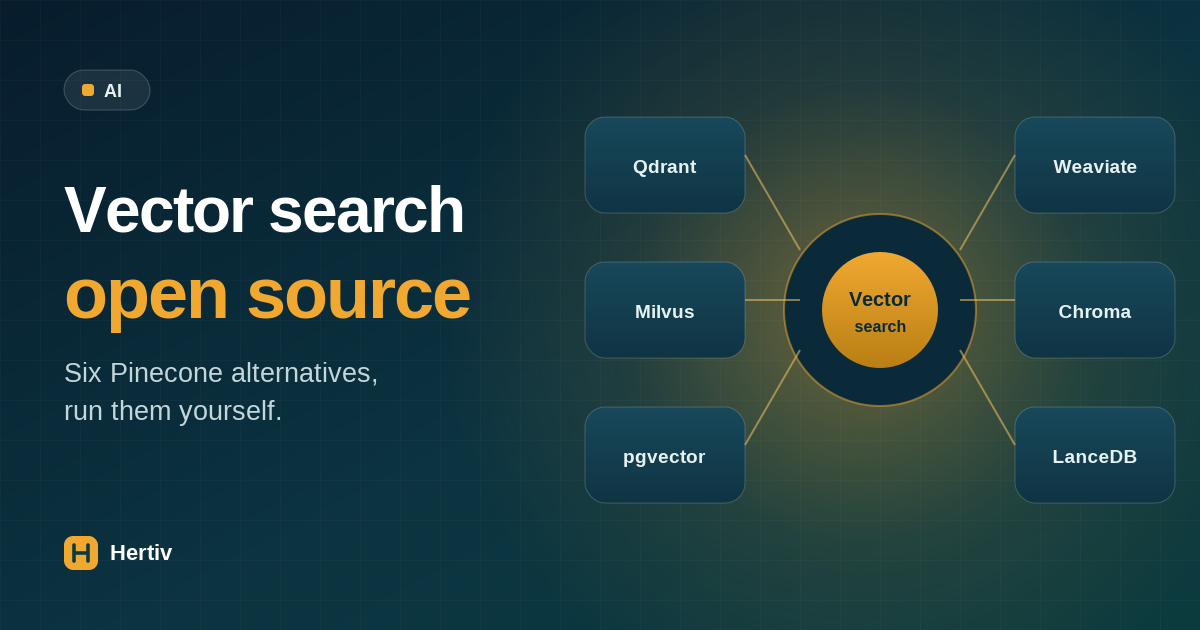
Open source Pinecone alternatives let you run vector search yourself: Qdrant, Weaviate, Milvus, Chroma, pgvector and LanceDB compared on fit.
On this page
Short answer
The best open source Pinecone alternatives are Qdrant, Weaviate, Milvus, Chroma, pgvector and LanceDB, because each runs vector search without a managed-service lock-in. Qdrant and Weaviate suit production search, Milvus suits large scale, Chroma suits small prototypes, and pgvector suits teams that already run Postgres. Pick by scale, filters and how much you want to operate yourself.
Which open source Pinecone alternatives should you compare?
The open source alternatives to Pinecone worth comparing are the ones that store vectors, filter them and return the nearest matches, without a managed service deciding your pricing and limits. Qdrant, Weaviate, Milvus, Chroma, pgvector and LanceDB all do this, with different strengths.
Pinecone is a managed vector database: you send it vectors and it handles the rest. The open source options give you control over hosting, cost and data, but you operate the database yourself. Use the table to shortlist by scale and by how much you want to run yourself.
| Alternative | Type | Best for | Main trade-off |
|---|---|---|---|
| Qdrant | Vector database | Production search | You run the cluster |
| Weaviate | Vector database | Search with modules | Heavier to operate |
| Milvus | Vector database | Very large scale | Complex setup |
| Chroma | Embeddable database | Small prototypes | Not for large scale |
| pgvector | Postgres extension | Teams on Postgres | Slower at large scale |
| LanceDB | Embedded database | Local and edge apps | Smaller community |
Start with your scale. A prototype with ten thousand vectors needs a different tool from a production service with ten million, and the wrong choice shows up as slow queries or a database that is hard to keep running.
Qdrant and Weaviate
1. Qdrant: best for production search
Qdrant is an open source vector database written for fast search with filters, such as finding similar products only in a given category or price range. It runs as a service you host, with a clear API and good documentation.
Qdrant suits production search where filters matter as much as similarity. It handles millions of vectors well, supports payload filtering and runs in a single node or a cluster. You operate it yourself, so you need someone to watch backups, upgrades and monitoring.
Pros:
- Fast filtered search
- Simple API and good docs
- Works well at production scale
Cons:
- You operate the cluster yourself
- Needs monitoring and backups
2. Weaviate: best for search with modules
Weaviate is an open source vector database with modules that can generate vectors from text or images, so you can send it raw content and let it handle the embedding step. It also supports hybrid search, which mixes keyword and vector results.
Weaviate suits teams that want the database to handle more of the pipeline, such as turning documents into vectors on the way in. It is heavier to operate than Qdrant, with more moving parts, so it fits teams that can run a real service rather than a quick prototype. For the retrieval side, retrieval-augmented generation explains how vector search feeds a language model.
Pros:
- Modules can create vectors for you
- Hybrid keyword and vector search
- Good for document-heavy apps
Cons:
- Heavier to operate and tune
- More parts to keep running
Milvus and Chroma
3. Milvus: best for very large scale
Milvus is an open source vector database built for very large collections, with billions of vectors across many nodes. It is used where search must scale far beyond what a single machine can hold.
Milvus suits large production systems with a dedicated team to run it. The setup is complex, with several components to deploy and watch, so it is overkill for a small app. Choose it when you know the collection will grow into the hundreds of millions of vectors.
Pros:
- Built for billions of vectors
- Scales across many nodes
- Strong filtering and indexing options
Cons:
- Complex setup and operation
- Overkill for small collections
4. Chroma: best for small prototypes
Chroma is a small open source embedding database that runs in your Python process or as a tiny server. You can start with a few lines of code, which makes it the fastest way to add vector search to a prototype.
Chroma suits prototypes, demos and small apps with tens of thousands of vectors. It is not built for large scale or for many concurrent users, so a prototype that grows will need to move to Qdrant, Weaviate or Milvus. Start with Chroma to learn what you need, then migrate when the numbers demand it.
Pros:
- Starts in a few lines of code
- Runs locally with no setup
- Good for prototypes and demos
Cons:
- Not built for large scale
- Weak for many concurrent users
pgvector and LanceDB
5. pgvector: best for teams that already run Postgres
pgvector is an open source extension that adds vector search to PostgreSQL, so a team that already runs Postgres can store vectors next to the rest of its data. There is no new database to learn, back up or monitor.
pgvector suits small and medium collections where the team already knows Postgres and the data fits in one database. It is slower than a dedicated vector database at large scale, and it lacks some of the advanced filtering and distributed features, but for many apps it is the simplest choice.
Pros:
- No new database to operate
- Vectors live next to your data
- Uses SQL you already know
Cons:
- Slower at very large scale
- Fewer vector-specific features
6. LanceDB: best for local and edge apps
LanceDB is an embedded open source vector database that stores vectors in files on disk, which makes it easy to ship inside an app or run on a laptop. It suits local search, edge devices and small services where a server database is too much.
LanceDB suits apps that need search without a server, such as a desktop tool or a small API. The community is smaller than Qdrant or Weaviate, so there are fewer examples and fewer people to ask when something breaks. For a first project, how to build an AI proof of concept explains how to scope the work before picking a database.
Pros:
- No server to run
- Easy to ship inside an app
- Good for local and edge use
Cons:
- Smaller community and fewer examples
- Not built for large teams
How to choose an open source Pinecone alternative
Choose an open source Pinecone alternative by matching the tool to your collection size, your filters and how much you are willing to operate.
- Count your vectors. Under a hundred thousand, Chroma or pgvector is enough; over ten million, look at Qdrant, Weaviate or Milvus.
- List the filters. If search must filter by category, price or date, pick a database with strong filtered search, such as Qdrant.
- Decide who operates it. If no one can run a cluster, pgvector on your existing Postgres is the simplest path.
- Test with real queries. Load a sample of your vectors and time the queries you will actually run, not a benchmark.
- Check the migration path. A prototype on Chroma should be able to move to a production database without a rewrite.
For a wider comparison of managed and open options, best vector databases for startups covers the field.
What are the common mistakes?
The most common mistakes with open source vector databases are picking for scale you do not have, skipping filters, and forgetting that you now operate the database.
- Picking for scale you do not have. Milvus for ten thousand vectors is work you do not need; Chroma or pgvector will do.
- Skipping filtered search. A database that cannot filter by category forces you to filter in code, which is slow and wasteful.
- No backups. Vectors take time and money to rebuild, so back up the database from day one.
- Testing with toy data. A benchmark on random vectors says little; test with your real data and real queries.
- Ignoring the upgrade path. A prototype database that cannot grow means a painful migration later.
- Forgetting monitoring. A vector database that runs out of memory fails slowly, so watch it like any other service.
Key takeaways
- Qdrant and Weaviate suit production search; Chroma suits small prototypes
- pgvector is the simplest choice for teams that already run Postgres
- Milvus fits very large collections but needs a team to run it
- Match the tool to collection size, filters and who operates it
- Test with real vectors and real queries before committing
Frequently asked questions
Why move from Pinecone to an open source alternative?
Teams move to control hosting, cost and data, and to avoid managed-service limits and pricing changes. Open source options let you run vector search on your own servers, but you take on backups, upgrades and monitoring yourself.
Which open source Pinecone alternative is easiest to start with?
Chroma is the fastest to start, because it runs in a few lines of Python with no server. pgvector is the easiest for teams that already run Postgres, since it adds vector search to a database they already operate.
Is Qdrant better than Weaviate?
Neither is better in general. Qdrant is simpler to run and strong on filtered search, while Weaviate can generate vectors from raw content and mixes keyword with vector search. Pick by whether you need those extra modules.
Can pgvector handle production vector search?
Yes, for small and medium collections. pgvector works well when vectors live next to your other data in Postgres. At very large scale it is slower than a dedicated vector database, so test with your real data first.
Do I need a vector database for RAG?
Most retrieval-augmented generation setups use a vector database to find relevant chunks before the model answers. For a small prototype, Chroma or pgvector is enough; production systems usually move to Qdrant or Weaviate.
What does it cost to run an open source vector database?
The software is free, but you pay for the server, storage, backups and the time to operate it. For a small collection the cost is low, often a single small server. See vendor site for managed hosting prices if you do not want to run it.


