MySQL vs MongoDB: Which Database Model Fits Your App?
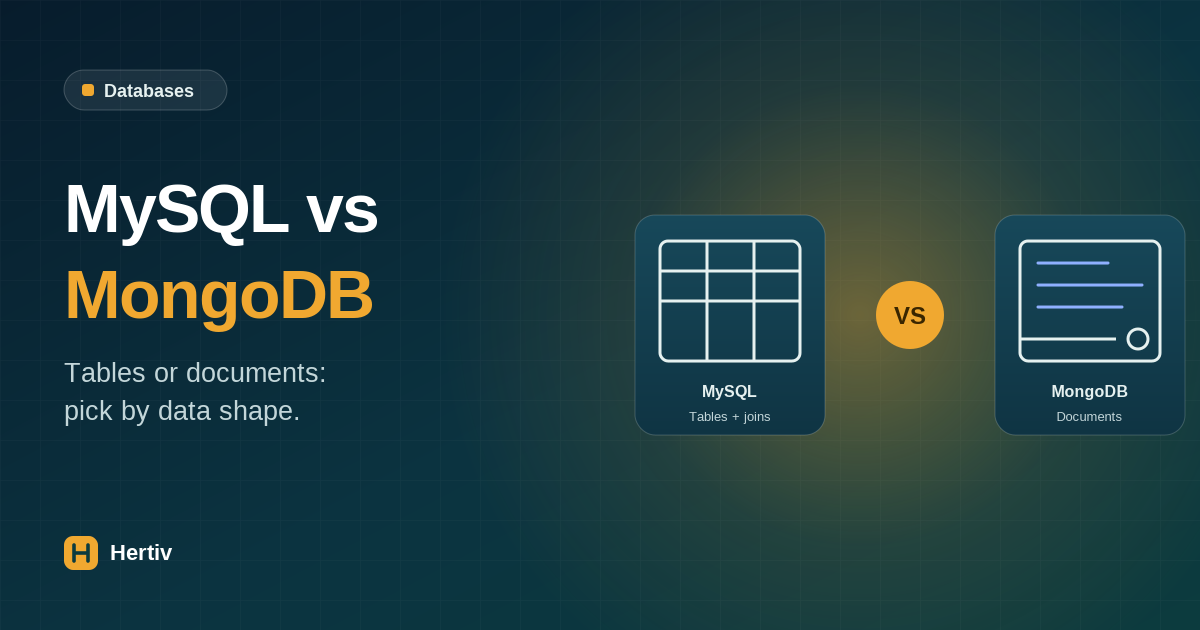
MySQL stores data in tables with fixed schemas, while MongoDB stores flexible documents. The right pick depends on your data shape and query patterns.
On this page
Short answer
MySQL is a relational database that stores data in tables with a fixed schema and joins between them, while MongoDB is a document database that stores data as flexible JSON-like documents. Choose MySQL when your data is structured and relationships matter; choose MongoDB when records vary in shape and you need to change the model often. Either can work for most apps, so the decision is about fit, not quality.
What is the difference between MySQL and MongoDB?
MySQL is a relational database that stores data in tables with a fixed schema, while MongoDB is a document database that stores data as flexible JSON-like documents. The difference is the data model, and it shapes how you design, query and change your data.
Use this comparison to see the trade-offs at a glance.
| Aspect | MySQL | MongoDB |
|---|---|---|
| Data model | Tables with rows and columns | Documents grouped in collections |
| Schema | Fixed, defined up front | Flexible, can vary per document |
| Relationships | Joins between tables | Embedded documents or references |
| Query style | SQL | Document queries and aggregation |
| Scaling | Vertical first, then read replicas | Horizontal sharding built in |
| Transactions | Mature multi-row transactions | Multi-document transactions supported |
| Best for | Structured data with strong relationships | Records that vary in shape |
Neither database is better in general. MySQL suits data that is structured and connected; MongoDB suits data that changes shape often. The right pick follows from your data, not from the popularity of either tool. If you are designing the wider system, data engineering covers how the database fits the pipeline around it.
When MySQL is the better fit
MySQL is the better fit when your data is structured, relationships between records matter, and the shape of the data rarely changes.
Typical cases are orders with line items, accounts with transactions, and inventory with suppliers. In these systems, a row in one table refers to rows in others, and the joins are part of the product. A fixed schema also acts as a contract: it stops bad data at the door, which matters when many services write to the same tables.
MySQL also fits teams that already know SQL. Reporting tools, analytics and admin interfaces expect tables, and a relational model makes ad-hoc questions easy to answer. If your team can already write SQL and your data is naturally tabular, MySQL is the low-friction choice.
Consistency is another reason. MySQL has mature multi-row transactions, so a payment and its ledger entry either both land or neither does. For financial records and anything where partial writes would be a problem, that guarantee is worth a lot.
When MongoDB is the better fit
MongoDB is the better fit when records vary in shape, the data model changes often, or the natural unit of data is a whole document rather than rows spread across tables.
Typical cases are product catalogues where each product has different attributes, user profiles with optional fields, and content items such as articles with nested sections. Storing each record as one document keeps the related data together, so reading it is one fetch instead of several joins.
MongoDB also fits teams that iterate fast on the data model. Adding a field means writing it in new documents, not running a migration across a whole table. That flexibility helps early products, where the model changes every sprint and the team cannot afford a migration for each change.
Scaling is the third reason. MongoDB was designed to shard data across servers, which suits write-heavy workloads that outgrow a single machine. If your growth plan involves very large write volumes across regions, that design matters. See what data engineering is for how the database choice interacts with the rest of the stack.
How does data modelling differ in practice?
Data modelling differs in where you put the relationships. In MySQL you normalise: you split data into tables and join them at read time. In MongoDB you often denormalise: you embed related data inside the document so a read is one fetch.
Take a product catalogue. In MySQL, a product row links to a category table, a price table and an images table. In MongoDB, a product document can hold its category, prices and image list together. The MongoDB read is simpler; the MySQL read is more flexible when you need to query across products by category or price.
The trade-off appears when data changes. In MySQL, changing a category name updates one row and every query sees it. In MongoDB, if the category name is embedded in thousands of documents, you must update them all or accept stale copies. Embedded data is fast to read and slow to change; referenced data is the reverse.
A practical rule: embed data that belongs to the document and rarely changes, and reference data that is shared and updated often. Most real MongoDB designs mix both, just as most MySQL designs use some denormalised tables for read speed.
How to choose in five steps
Choose by data shape and query pattern, not by which tool your team likes more. Five steps make the decision concrete.
- Write down your five most common queries. If they are joins across related tables, MySQL has the advantage. If they fetch one record and its parts, MongoDB has the advantage.
- Check how often the model changes. A stable model suits a fixed schema. A model that changes every sprint suits flexible documents.
- List the consistency requirements. If a payment and its ledger entry must land together, confirm the transaction support you need. Both databases support transactions now, but the patterns differ.
- Estimate scale and growth. For moderate volumes either works. For very large write volumes, check how each scales and what operating it will cost your team.
- Prototype with real data. Load a sample, run your five queries, and measure. A day of prototyping beats a week of debate.
If the five queries split evenly, pick the database your team already knows. Familiarity is worth more than a small technical edge. If you are building the product itself, custom software development covers how the database choice fits the wider architecture.
Example (hypothetical): a team planning a product catalogue
Example (hypothetical): a small ecommerce team is rebuilding its product catalogue. It has 120 product types, each with different attributes, and the catalogue changes every few weeks as suppliers add variants.
The team considers moving from tables to documents. It estimates the mapping work at 120 tables times 2 hours each, which is 240 hours. At $60 an hour, that is $14,400. Testing the new queries takes 40 hours at $60 an hour, which is $2,400. The total migration estimate is $16,800.
Before committing, the team prototypes with 20 product types and its five most common queries. The prototype shows reads are faster, but price updates now touch many documents. The team decides to keep prices in a referenced collection and embed the rest, which keeps reads fast and updates in one place.
The estimate did its job: it made the cost visible before the work started, and the prototype caught the update problem while it was still cheap to fix.
What are the common mistakes?
Most MySQL versus MongoDB mistakes come from choosing on habit instead of data shape, then discovering the mismatch after the product is live.
- Picking the tool the team already knows. Familiarity is a real factor, but it should not override a clear data-shape mismatch.
- Embedding data that changes often. Embedded copies go stale. Reference shared, fast-changing data instead.
- Normalising everything in MongoDB. If every read needs many lookups, you have rebuilt tables without the joins.
- Skipping the transaction check. Confirm how multi-record writes behave before you rely on them.
- Ignoring operations cost. A database your team cannot run, back up and monitor is a liability, not a feature.
- Migrating without a prototype. A day with real data catches problems that a comparison table cannot.
If your data model is still taking shape, what a data pipeline is explains how the database connects to the systems that feed it.
Key takeaways
- MySQL suits structured data with joins; MongoDB suits records that vary in shape.
- Embed data that belongs to the document; reference data that is shared and changes often.
- Write your five most common queries before choosing a database.
- Both databases support transactions now, but the patterns differ.
- Prototype with real data for a day before committing to a migration.
Frequently asked questions
Can I use MySQL and MongoDB together?
Yes, and many systems do. A common pattern is MySQL for transactional records such as orders and payments, and MongoDB for flexible content such as catalogues or user profiles. The cost is running two databases, so only split when each side has a clear reason.
Is MongoDB faster than MySQL?
It depends on the query. MongoDB is often faster for fetching a whole document with its nested data, while MySQL is often faster for joins and reporting across related tables. Measure both with your own data and your own queries instead of trusting a general claim.
Does MongoDB have a schema at all?
Yes, but it is flexible. Each document can have different fields, and you can add validation rules to require certain fields or types. The schema is enforced by your application or by validation rules, rather than by a fixed table definition.
Which is easier to learn, MySQL or MongoDB?
MySQL is easier if you already know SQL, since the query language is standard and widely taught. MongoDB is easier if your data is already shaped like JSON documents and you want to skip the mapping between objects and tables. Both have large communities and good documentation.
When should I migrate from MySQL to MongoDB?
Migrate when the data shape is the problem, not when the tool is fashionable. Signs include frequent schema migrations for optional fields, many joins for reads that should be one fetch, and a catalogue or content model that changes every sprint. Prototype first and price the migration.
Which database scales better?
MongoDB was designed to shard across servers, which suits very large write volumes. MySQL scales well with read replicas and careful indexing, and many large products run on it. At moderate volumes either works, so scale is rarely the deciding factor for a first product.


