Multi-Agent System Startup Ideas That Solve Real Problems
Multi-agent systems let several AI agents work together on one job. Here are six startup ideas where that teamwork pays off, and how to pick the one to build.
On this page
Short answer
A multi-agent system is a product where several AI agents work together on one job, each handling one part, checking each other's work and handing results along. That teamwork suits jobs that are too big or too varied for one agent, and it opens a set of startup ideas that a single-agent product cannot cover.
Which multi-agent startup ideas are worth building?
Multi-agent systems are worth building where a job has several steps, each needing a different skill, and where a human can check the result. A single agent can answer a question, but a team of agents can research, draft, check and file the work, which is a product in itself.
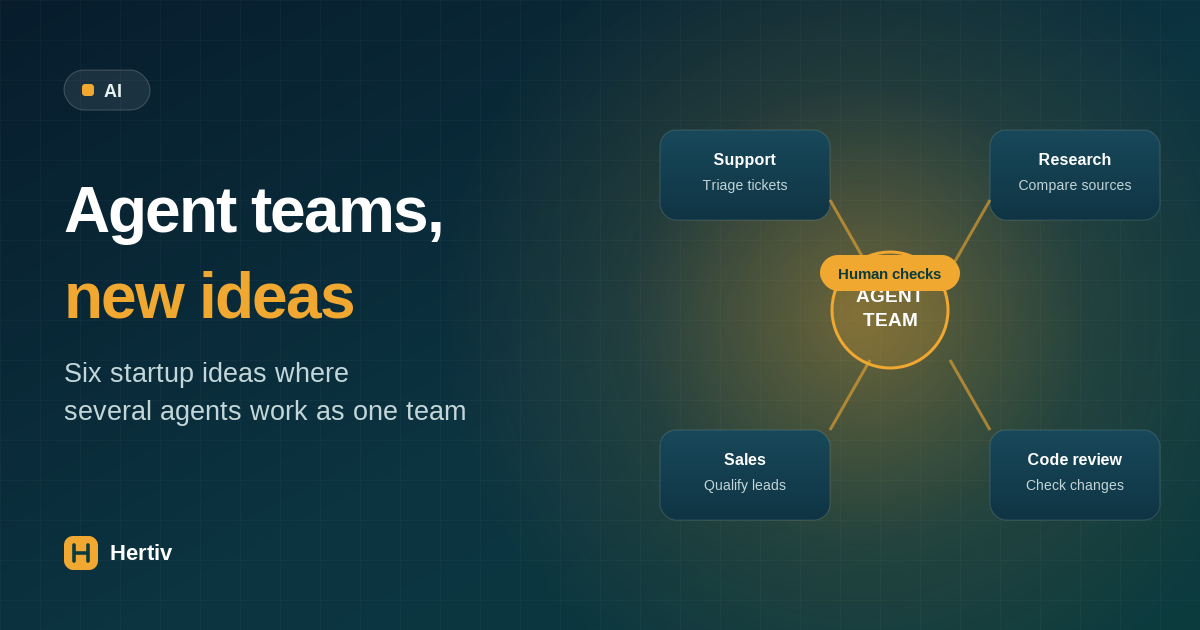
The table below maps six ideas to the buyers who would pay for them. Each one is a real workflow, not a demo, and each one has a human in the loop at the point where a mistake costs money. Teams already using single agents can see how multi-agent use cases extend that pattern to bigger jobs.
| Idea | What the agents do | Who pays |
|---|---|---|
| Support agent team | Triage, resolve and escalate tickets | Support leaders |
| Research crew | Gather, compare and summarise sources | Analysts and consultants |
| Sales pipeline agents | Qualify, enrich and draft follow-ups | Sales teams |
| Code review swarm | Review, test and document changes | Engineering teams |
| Supply-chain coordinators | Track orders and flag delays | Operations teams |
| Compliance document agents | Read, check and file documents | Regulated firms |
Pick one idea and one buyer. A multi-agent product that tries to serve every team serves none of them, because each workflow needs its own tools, checks and language.
Support agent team
1. Support agent team: best for teams drowning in tickets
A support agent team splits the ticket queue between agents: one reads and classifies each ticket, one searches the knowledge base and drafts an answer, and one checks the draft against the account before it is sent. A human approves refunds and anything involving money.
The value is consistency. Every customer gets the same quality of answer at any hour, and the human team keeps the tickets that need judgement. The team of agents handles the volume; people handle the exceptions.
Pros:
- Routine tickets resolved without waiting
- Same quality of answer every time
- Human team freed for hard cases
Cons:
- Needs a good knowledge base to work from
- Wrong answers reach customers if checks are weak
Research crew
2. Research crew: best for analysts who compare options
A research crew takes a question, splits it into searches, and has one agent per source type: documents, the web and internal data. A second agent compares what they found, flags contradictions, and drafts a summary with the sources attached.
The buyer is anyone who pays for comparisons: consultants, procurement teams and analysts. They pay for time saved and for citations they can check, not for a confident paragraph with no sources.
Pros:
- Comparisons that took a morning now take minutes
- Every claim carries a source to check
- Works across documents and the web
Cons:
- Weak sources produce confident but wrong summaries
- Needs a human check on anything that matters
Sales pipeline agents
3. Sales pipeline agents: best for teams with too many leads
Sales pipeline agents read each inbound lead, check it against the ideal customer profile, enrich the record from public data, and draft a reply for the salesperson. One agent qualifies, one enriches, one drafts, and the salesperson owns the conversation.
The product earns its place by keeping the pipeline clean: bad leads are rejected early, good leads get a fast reply, and no lead sits untouched for days. The agents prepare; the person decides.
Pros:
- Leads answered in minutes, not days
- Records enriched without manual work
- Salespeople spend time on real conversations
Cons:
- Wrong qualification costs a meeting
- Needs a clear ideal customer profile to work from
Code review swarm
4. Code review swarm: best for teams with a slow review queue
A code review swarm splits a pull request between agents: one checks style and tests, one looks for security issues, one writes the test the change is missing, and one drafts the review summary for the human reviewer. The human merges.
Small teams feel this most. A review queue that waits days kills momentum, and a swarm that clears the routine checks lets reviewers focus on design and logic, which is the part only a person can judge.
Pros:
- Review queue clears faster
- Missing tests are written, not just flagged
- Reviewers focus on design, not style
Cons:
- Agents can miss subtle logic errors
- Needs a strong test suite to be useful
Supply-chain coordinators
5. Supply-chain coordinators: best for operations teams chasing orders
Supply-chain coordinators watch orders across suppliers, carriers and warehouses. One agent tracks each shipment, one compares promised and actual dates, and one drafts the message to the customer or the supplier when a delay appears.
Operations teams pay for early warning. A delay found a week early can be fixed with a different supplier; the same delay found on the delivery day costs a customer. The agents watch; people decide what to do.
Pros:
- Delays found early, while they can be fixed
- Customers told before they ask
- Works across systems that do not talk to each other
Cons:
- Needs access to several systems at once
- Bad data produces false alarms
Compliance document agents
6. Compliance document agents: best for regulated firms with paperwork
Compliance document agents read contracts, policies and filings, check them against a rulebook, and file the result with an audit trail. One agent extracts the facts, one checks them against the rules, and one flags the cases a person must review.
Regulated firms pay for the trail as much as the answer. Every check is logged, every decision has a named reviewer, and the work can be shown to an auditor. That record is the product, not an extra.
Pros:
- Every check logged with an audit trail
- Human review kept where it matters
- Paperwork handled at volume
Cons:
- Rules change, so the rulebook needs upkeep
- High-stakes cases still need a person
How to choose a multi-agent startup idea
You choose a multi-agent startup idea by matching it to a workflow you can watch and a buyer who feels the pain. A good idea has clear tools, a checkable result and a human who can review the outcome.
- Name the workflow. Pick one job with several steps, where each step needs a different skill.
- Find the buyer. Talk to the person who pays when the job is slow or wrong, not the person who finds it interesting.
- Check the tools. Can the agents reach the systems the job needs, with scoped permissions and logging?
- Build one agent first. Ship the single most valuable step, then add the team around it once it works.
- Measure the check. Track how often the human has to redo the agents' work, and fix the worst step first.
A trend that does not match a workflow you own is a headline, not a plan. For a first step, an AI readiness assessment ranks use cases against the data a team actually has.
What are the common mistakes?
The most common mistakes are building a team of agents before one agent works, giving agents too much access too soon, and skipping the evaluation step that shows whether the team is helping.
- Too many agents, too soon. A team of five agents that cannot do one job well is worse than one agent that can.
- Write access with no guardrails. An agent that can refund, delete or email without limits will eventually do one of those wrongly.
- No logging. If the agents' steps are not logged, nobody can explain what they did or why.
- Skipping evaluation. Run the team on a fixed set of past cases every week and track how many it gets right.
- Vague goals. A goal like "help with sales" cannot be checked; a goal like "qualify leads against these five criteria" can.
These are the same habits that make single-agent use cases work: start small, keep the actions reversible, and let a person keep the decisions.
Key takeaways
- Multi-agent products suit jobs with several steps and a checkable result
- Pick one workflow and one buyer, not every team at once
- Ship one agent first, then add the team around it
- The human keeps the decisions; agents do the routine steps
- Log every step and evaluate weekly, or quality drifts silently
Frequently asked questions
What is a multi-agent system?
A multi-agent system is software where several AI agents work together on one job, each handling one part and handing results along. Unlike a single agent, the team can split a job by skill, check each other's work, and handle workflows that are too big for one agent.
How is a multi-agent system different from one AI agent?
One agent does a task on its own, while a multi-agent system splits the task between agents that specialise. The team can research, draft and check in parallel, which suits jobs with several steps, but it also needs more coordination and logging.
Do multi-agent systems replace teams?
No. They take the routine steps of a workflow, while people keep the decisions, the exceptions and anything involving money or risk. Most teams find the agents handle a share of the volume and the human team handles the rest better.
What does a multi-agent startup need to build first?
It needs one working agent on one workflow, with the tools connected, permissions scoped and logging in place. The team of agents comes after that agent works, because a team built on a broken first step only multiplies the errors.
Are multi-agent systems safe for customer data?
They can be, if they are built that way: scoped permissions, no access to data the job does not need, logging of every action, and a human check on anything sensitive. The risk is a team of agents with broad access and no oversight.
Which multi-agent idea is easiest to start with?
The easiest is usually the support agent team, because support has clear tools, a checkable result and a human who can review the outcome. A ticket is either resolved or it is not, which makes evaluation simple.


