How to Manage Your Mobile App's Reputation
App reputation is built from ratings, reviews and how fast you fix problems. Here is how to watch it, respond well and keep a bad release from doing lasting damage.
On this page
Short answer
Mobile app reputation management is the ongoing work of watching what users say about your app in store reviews, ratings and social channels, then responding and fixing the problems behind the complaints. It covers monitoring, replying to reviews, fixing the bugs users mention most, and asking happy users for ratings at the right moment.
What is mobile app reputation management?
Mobile app reputation management is the ongoing work of tracking what users say about your app, responding to it, and fixing the problems that cause bad reviews. It is not a marketing campaign; it is the day-to-day care of the public record your app builds in the stores.
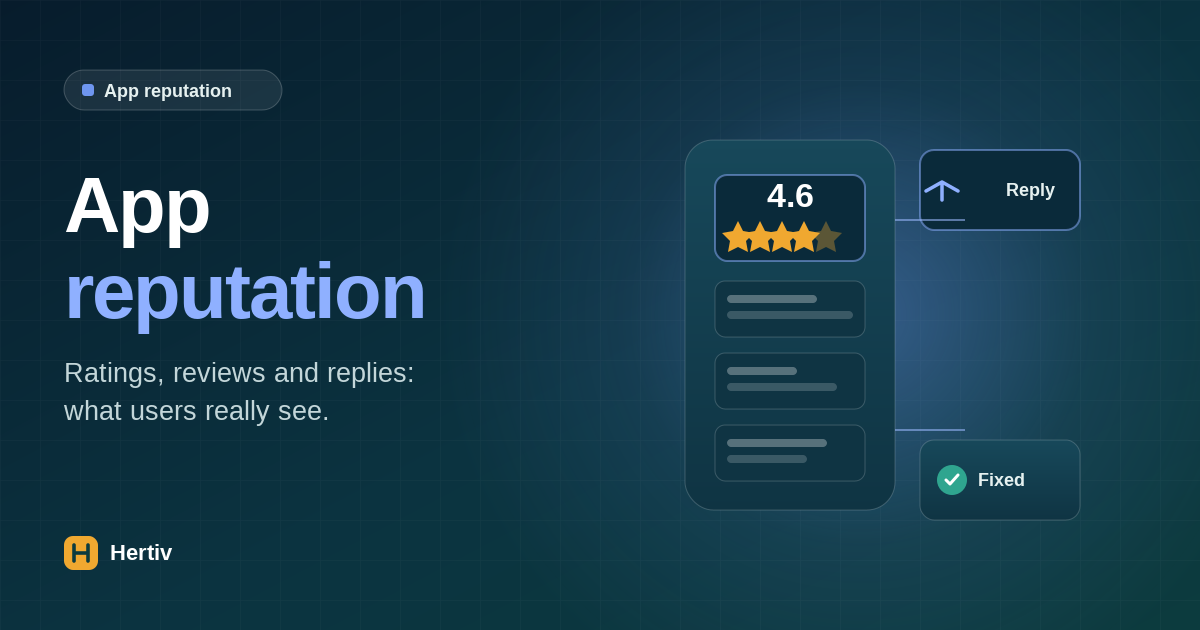
That public record is visible to every potential user. Before installing, people see the star rating, read a handful of recent reviews and check how the developer responds. A 4.6-star app with thoughtful replies looks very different from a 3.9-star app with angry one-star reviews left unanswered.
| Where reputation shows | What users see | What it signals |
|---|---|---|
| Star rating | Average of recent ratings | Overall satisfaction at a glance |
| Written reviews | Specific praise and complaints | Which features and bugs matter |
| Developer replies | How you respond to problems | Whether the team listens |
| Social mentions | Posts, screenshots, videos | Problems spreading beyond the store |
| Store featuring | Editorial picks and lists | Quality and stability over time |
Reputation work sits between product, support and store optimisation. The app team fixes the issues, support talks to users, and someone owns the daily habit of reading what is being said. For teams planning a new app, mobile app development should include a review response plan from the start, not after the first bad release.
Why do ratings and reviews matter so much?
Ratings and reviews matter because they directly affect how many people install your app and how much they trust it. Stores use rating and review signals in ranking, and users use them as a shortcut for quality.
A low rating does more than hurt feelings. It reduces the app's position in search results, lowers the share of store visitors who install, and makes every marketing dollar work harder. A one-star review about a crash that stays visible for months can cost more installs than the bug itself ever did.
Reviews also shape what your own team learns. Users report bugs, request features and describe confusing screens in their own words, often before support tickets arrive. Teams that read reviews weekly learn faster than teams that only look at crash reports.
The effect compounds. Good ratings bring more installs, which bring more ratings, which steady the average. Bad ratings do the opposite: fewer installs mean each new complaint weighs more. That is why a reputation dip after a bad release needs a fast, visible response rather than being left to recover on its own.
How to monitor what users say
Monitoring starts with a daily check of new reviews in both stores, plus alerts for sudden changes in rating or review volume. A small app can do this by hand; a larger one needs a tool that pulls reviews into one inbox.
Set up three habits. First, read every new review each morning and sort it into a bug, a feature request, a billing issue or praise. Second, track the average rating weekly, not daily, so one angry day does not cause panic. Third, watch for clusters: five reviews about the same crash in one day is a signal, not a coincidence.
Social channels matter too, but only as a second layer. Users post screenshots of errors and tag the app, and those posts reach people who never open the store page. A simple keyword alert for the app name catches most of it without turning into a full social listening project.
Keep the monitoring simple enough to survive a busy week. One shared inbox, one person responsible each day, and a short weekly summary of themes is enough for most teams. The goal is never to miss a real problem, not to read every comment ever written.
How to reply to reviews well
Replying well means answering quickly, in a human voice, with a concrete next step. Users do not expect a fix in the reply; they expect to be heard and told what happens next.
A good reply has three parts: acknowledge the specific problem, say what you are doing about it, and offer a way to follow up. For example, a reply to a crash report can say the team has reproduced the crash on a specific device, a fix is in the next release, and the user can contact support with their device model if it continues.
Do not argue with reviewers, copy the same reply to everyone, or promise dates you cannot keep. Do not ask a reviewer to change their rating in exchange for help, and never offer rewards for positive reviews, since both stores forbid that. A short, honest reply beats a polished one that says nothing.
Reply to positive reviews too, at least briefly. A thank-you that mentions the feature the user praised shows the team reads reviews, and it costs a few seconds. Prioritise one-star and two-star reviews first, then questions, then praise.
How to fix the problems behind bad reviews
Fixing the problems behind bad reviews means turning review themes into work items, not just answering each review in turn. Replies calm users; fixes stop the next hundred complaints.
- Count the themes. Tally the last 100 reviews by theme: crashes, login problems, slow loading, billing, missing features. The biggest group is the first fix.
- Reproduce before you build. Recreate the top complaint on a real device before writing code, so the fix targets the real cause.
- Ship the fix fast. Put the top one or two fixes in the next release, even if the release is otherwise small.
- Answer the affected reviews. Once the fix is live, reply to the reviews that reported it and say which version fixed it.
- Check the next batch. Watch the following two weeks of reviews to confirm the theme shrinks instead of returning.
This loop is the heart of reputation management. Teams that run it weekly see their rating recover after a bad release; teams that only reply to reviews see the same complaints repeat. Publishing a fix quickly is one of the strongest signals in the store, and it is worth reading how long it takes to publish an app store update so the team plans around review times.
Example (hypothetical): a food delivery app after a bad release
Example (hypothetical): a food delivery app with 1,000 ratings averaging 4.6 stars ships a release that breaks the checkout screen for some Android phones. Over the next week, 100 new one-star reviews arrive complaining about failed orders.
The rating math is simple. The old total is 1,000 ratings times 4.6, which is 4,600 stars. Adding 100 one-star ratings gives 4,700 stars across 1,100 ratings, which is about 4.3 stars. One bad week costs the app three tenths of a star.
The team replies to the new reviews within a day, ships a fix in four days, then answers the affected reviews again to say the fix is in version 2.4. Over the following month, the one-star reviews stop and the rating climbs back toward 4.5. The fix mattered, but so did the visible replies: users who saw the team respond were more likely to update their review.
Had the team ignored the reviews, the same 100 complaints would still sit at the top of the review list months later, dragging installs down long after the bug was fixed.
What are the common mistakes?
The most common mistakes are ignoring reviews, replying with copied text, and asking for ratings at the worst possible moment. Each one makes a small problem look bigger.
- Never reading reviews. The team learns about problems from churn instead of from users who were willing to explain.
- Copy-paste replies. Identical answers to different complaints tell users nobody actually read theirs.
- Arguing in public. A defensive reply is read by every future user, not just the reviewer.
- Rating prompts after a crash. Asking for a rating right after an error is the fastest way to collect one-star reviews.
- Paying for reviews. Fake or rewarded reviews violate store rules and can get the app removed.
Getting featured in the store is easier when the rating is steady and the reviews show an active developer, which is why app store featuring tactics start with a healthy rating and a clean review record.
Key takeaways
- App reputation is the star rating, the reviews and the visible replies, all read together
- A small drop in rating can cut installs, so a bad release needs a fast, visible response
- Read reviews daily, sort them by theme, and fix the biggest theme first
- Good replies name the problem, say what is being done, and offer a follow-up
- Never pay for reviews or ask for a rating right after an error
Frequently asked questions
How often should a team read app reviews?
Daily for new reviews, weekly for rating trends. A daily scan catches clusters of the same complaint early, while a weekly rating check smooths out one angry day. Assign one person each day so the habit survives busy weeks, and keep a short weekly summary of themes.
Should we reply to every review?
Reply to every one-star and two-star review, every question, and as many positive reviews as time allows. Negative reviews matter most because future users read them first. Keep replies short and specific, and never copy the same text to different complaints.
Can a low rating recover?
Yes, if the cause is fixed and the team replies visibly. Stores weigh recent reviews more than old ones, so a month of good reviews after a fix moves the average. Replying to the affected reviews once the fix is live helps, since some users update their rating.
When is the best time to ask for a rating?
After a moment of success, such as completing an order, finishing a lesson or saving a file. Never ask after a crash, a failed payment or an error screen. One well-timed prompt after a good experience collects far more five-star ratings than constant prompts.
Are review tools worth paying for?
They are worth it once review volume passes what one person can read in ten minutes a day. A tool that pulls both stores into one inbox, tags themes and alerts on rating drops saves time. For small apps, the stores' own consoles are enough.
What should we never do with reviews?
Never pay for reviews, offer rewards for five-star ratings, or ask reviewers to change a rating in exchange for help. Both stores forbid this and can remove the app. Also avoid arguing with reviewers in public, since every future user reads the exchange.


