How Long Does It Take to Publish an App on the App Store?
Apple states that most app reviews finish within 24 hours, but preparing the listing and fixing rejections take longer. Here is the full timeline.
On this page
Short answer
Publishing an app on the App Store usually takes a few days from a finished build to a live listing, though it can take longer if the review finds problems. Apple states that most reviews are completed within 24 hours, and the rest of the time goes to preparing screenshots, descriptions and privacy details, plus fixing anything the review team asks about.
How long does it take to publish an app on the App Store?
Publishing an app on the App Store is the process of submitting a finished build to Apple, passing its review and releasing it to users. For a clean submission, the whole process usually takes a few days, and the review itself is the shortest part.
The time is not only the review. Before submitting, the team must prepare the listing: screenshots, a description, keywords, privacy details and a build that passes Apple's checks. That preparation often takes longer than the review, especially for a first submission.
After approval, the app can go live at once or on a chosen date. The team controls the release timing, so the last step is a decision, not a wait. The App Store featuring tactics only matter once the app is live, so getting through review comes first.
What happens after you submit your app?
After you submit, Apple checks the build automatically for crashes, missing assets and basic policy problems, then a reviewer tests the app by hand. The reviewer opens the app, tries its main flows, and checks that it does what the listing promises.
If everything passes, the app is approved and the team can release it. If the reviewer finds a problem, the submission is rejected with a note explaining what to fix, and the team resubmits after fixing it. Each resubmission starts a new review.
Reviewers also check the listing itself: screenshots must show the real app, the description must match what the app does, and privacy details must list the data the app collects. A mismatch here is a common reason for rejection, even when the app itself works fine.
The review also covers payments. If the app sells digital goods, Apple checks that purchases use its payment system, and that the prices and subscription terms are clear. An app that takes payments another way will be rejected, and fixing that after the build is finished takes far longer than planning for it.
What slows a review down?
Reviews slow down when the submission is incomplete, the app crashes, or the listing does not match the app. The table below shows the common delays, why they happen and how to avoid them.
| Delay | Why it happens | How to avoid it |
|---|---|---|
| Missing details | Privacy or account info left blank | Fill every required field first |
| Crashes | A bug on the reviewer's device | Test on a clean install |
| Listing mismatch | Screenshots show features that do not exist | Use screenshots from the real build |
| Login missing | Reviewer cannot sign in to test | Provide a working demo account |
| Policy breach | Content or payments break the rules | Read the review rules before building |
Most delays are avoidable. A team that tests the app on a clean install, provides a demo account and fills in every field usually passes on the first try, while a team that rushes the listing pays for it in rejections.
How do you submit an app to the App Store?
You submit an app to the App Store by preparing the listing, uploading the build and answering Apple's questions, in order.
- Finish the build. Test it on a clean install and on the devices your users own.
- Prepare the listing. Write the description, pick keywords, and make screenshots from the real build.
- Fill in privacy details. List every type of data the app collects and what it is used for.
- Provide a demo account. If the app needs a login, give the reviewer a working account with sample data.
- Upload and submit. Upload the build, link it to the listing, and submit for review.
- Watch for messages. Answer any reviewer questions quickly, because the review waits for your reply.
After approval, choose a release date or release at once. If the app is rejected, fix what the note asks for and resubmit; a second review is usually faster than the first.
Example (hypothetical): a first submission timeline
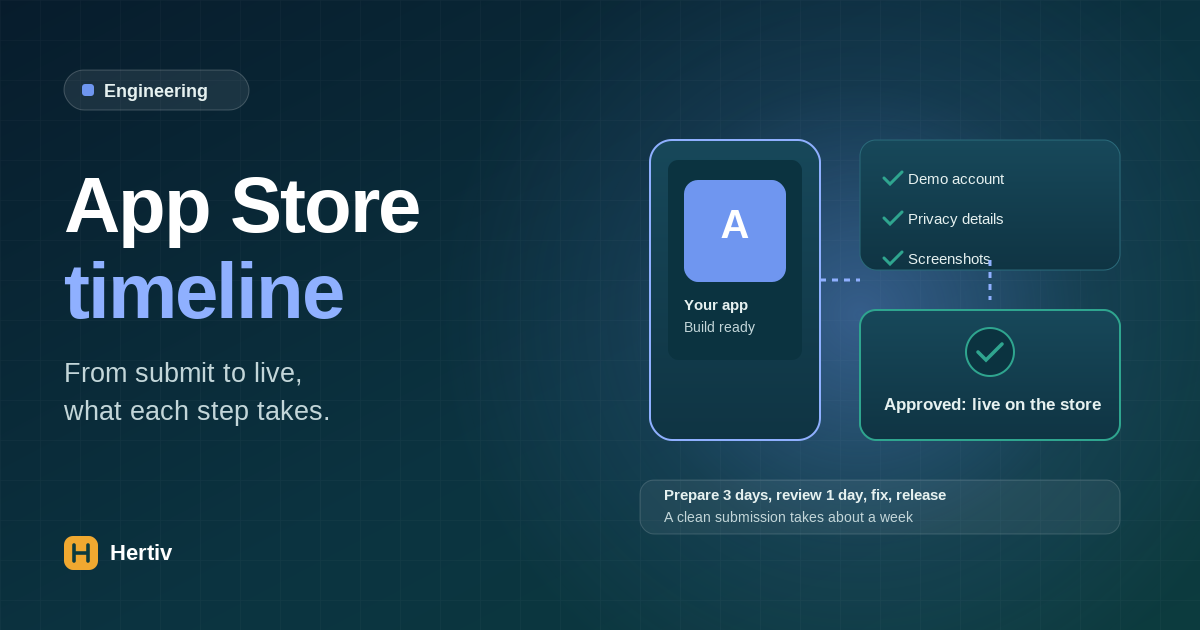
Example (hypothetical): a team submits its first app. Preparing the listing takes 3 days: screenshots, description, keywords and privacy details.
The review takes 1 day, but the reviewer asks for a demo account, which the team forgot. Fixing that and resubmitting takes 2 days, and the second review takes 1 day.
The total is 3 plus 1 plus 2 plus 1, which is 7 days from a finished build to a live app. The numbers are invented to show the arithmetic, not a real timeline. The point is that preparation and fixing take most of the time, while the review itself is short.
What are the common mistakes?
The common mistakes with App Store publishing start with treating the listing as an afterthought. Teams finish the app and then rush the screenshots, description and privacy details, which is where most rejections come from.
- No demo account. A reviewer who cannot sign in cannot test the app, and the submission is rejected.
- Screenshots that lie. Images showing features the app does not have will be flagged, even if the app works well.
- Missing privacy details. Every data type the app collects must be listed, or the review stops.
- Untested on a clean install. An app that works on the developer's phone can crash on a fresh device with no data.
- Ignoring the rules. Payment, content and age-rating rules are checked, and breaking one means a rejection.
Each of these is easy to check before submitting. A short checklist run by someone who did not build the app catches most of them.
How do you get through review faster?
You get through review faster by submitting a complete package the first time: a tested build, a true listing, a demo account and full privacy details. A rejected app is not a failed launch; it is a list of fixes, and most teams pass on the second try.
Test the app on a clean install and on the oldest device your users own, because that is where crashes hide. Ask someone outside the team to read the listing and check it against the app, since the builders stop seeing the gaps.
Finally, answer reviewer messages the same day. A review that waits for an answer waits for you, not for Apple, and a fast reply is the easiest way to shorten the timeline. For the build itself, mobile app development teams usually run the checklist before the upload, not after a rejection.
Key takeaways
- A clean submission usually takes a few days from a finished build to a live listing
- Most delays come from the listing, not the app: missing details, wrong screenshots or no demo account
- Each rejection starts a new review, so fixing the note properly matters more than resubmitting fast
- Test on a clean install and on the oldest device your users own
- Answer reviewer messages the same day, because the review waits for you
Frequently asked questions
How long does Apple take to review an app?
Apple states that most reviews are completed within 24 hours. The full process takes longer, because preparing the listing and fixing any problems the reviewer finds adds days around the review itself.
Can I publish an app the same day I finish it?
Only if the listing is already prepared and the review passes at once, which is rare for a first submission. Most teams should plan for a few days between a finished build and a live listing.
What happens if my app is rejected?
Apple sends a note explaining what to fix, and the team resubmits after fixing it. Each resubmission starts a new review, so fixing the note properly matters more than resubmitting quickly.
Do I need a demo account for review?
Yes, if the app needs a login. The reviewer must be able to sign in and test the main flows, so provide a working account with sample data or the review cannot proceed.
Can I choose when my app goes live?
Yes. After approval, the team can release the app at once or pick a future date. The release timing is a decision, not a wait, so plan it around your launch.
Does updating an app need a review too?
Yes, every new version goes through review, though updates to an approved app are usually faster than a first submission. The same rules apply: a true listing, a tested build and full privacy details.


