What Is Mobile App Fraud and How Do You Stop It?
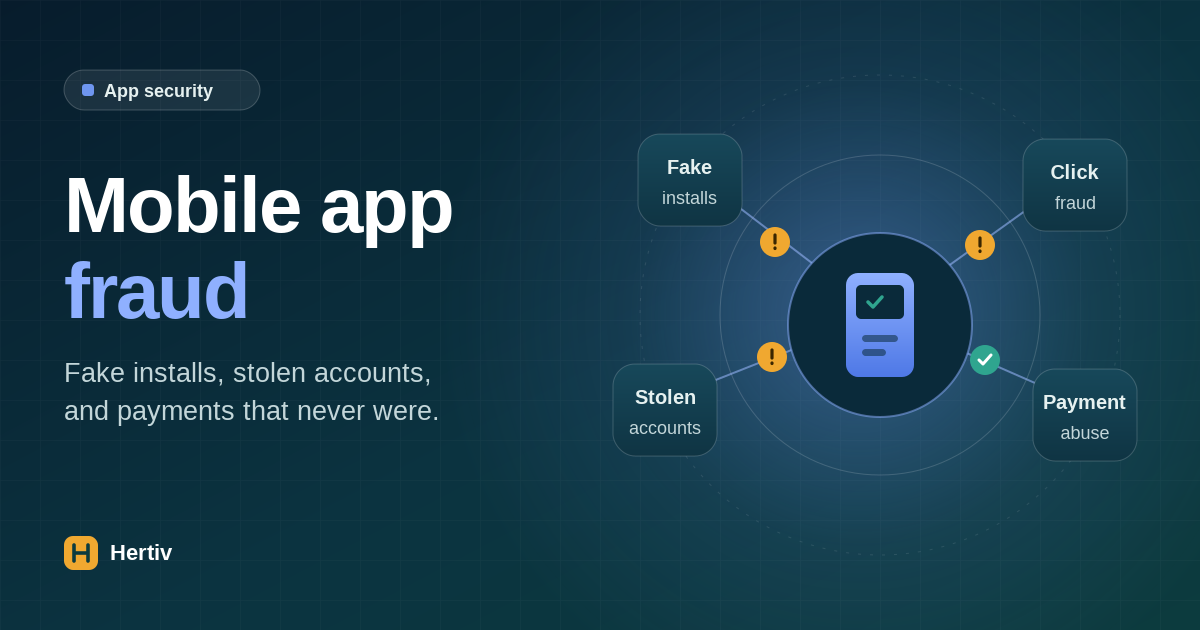
Mobile app fraud covers fake installs, click fraud, account takeovers and payment abuse. Here is how each type works and the checks that stop it.
On this page
Short answer
Mobile app fraud is any deliberate abuse of a mobile app for money or advantage, from fake installs and click fraud to stolen accounts and fraudulent payments. It is usually carried out by bots, device farms or stolen credentials, and it costs app owners ad spend, revenue and user trust. The defence is a mix of device checks, behaviour signals and payment verification applied at each risky step.
What is mobile app fraud?
Mobile app fraud is the deliberate abuse of a mobile app to steal money, fake results or take over accounts. It covers fake installs that inflate marketing numbers, clicks that never came from a real person, accounts opened with stolen details, and payments made with stolen cards.
Fraudsters use bots, emulators and device farms to imitate real users at scale. A single operator can run thousands of fake devices that install apps, tap ads and create accounts, all while looking like ordinary traffic to basic analytics.
| Fraud type | What happens | Who pays the price |
|---|---|---|
| Fake installs | Bots install the app to earn install payouts | Advertisers and marketing teams |
| Click fraud | Fake taps on ads drain the ad budget | Advertisers paying per click |
| Account takeover | Stolen logins are used to raid accounts | Users and the app owner |
| Payment fraud | Stolen cards fund purchases or cash-outs | Merchants, banks and users |
| SDK spoofing | Fake signals pretend an install happened | Ad networks and advertisers |
Fraud is a cost problem and a trust problem at once. Fake users skew product decisions, stolen accounts damage your reputation, and payment abuse brings chargebacks and card-scheme fines. That is why fraud checks belong in the product plan, not only in the security backlog. A partner for cybersecurity services can help map where your app is most exposed.
What are the main types of mobile app fraud?
The main types of mobile app fraud are fake installs, click fraud, account takeover, payment fraud and SDK spoofing. Each one targets a different step in the app journey, so each needs its own check.
- Fake installs. Bots or device farms install the app so an affiliate or ad partner earns a payout. The installs never turn into real users, so retention and revenue figures look worse than the install count suggests.
- Click fraud. Automated taps on ads burn the budget and distort which campaigns look effective. It is common in cost-per-click campaigns with weak verification.
- Account takeover. Attackers test stolen usernames and passwords from other breaches against your app, then use the accounts that open to steal funds, data or loyalty points.
- Payment fraud. Stolen card details are used for purchases, top-ups or cash-outs inside the app. The app owner usually bears the chargeback cost.
- SDK spoofing. Fraudsters send fake install and event signals directly to the attribution system, claiming credit for installs that never happened on a real device.
Most apps face more than one type at once. A shopping app, for example, can suffer fake installs from an affiliate, click fraud on its ad campaigns, and payment fraud at checkout, all in the same month.
How does mobile app fraud work?
Mobile app fraud works by imitating real user behaviour closely enough to pass basic checks, then collecting the payout or the goods. The fraudster's goal is to look ordinary at every step.
- Set up the fake fleet. Bots, emulators or a room full of cheap phones run scripts that install apps, tap ads and fill in forms.
- Blend in. The fake traffic copies real patterns: varied devices, plausible locations, human-like timing between actions.
- Trigger the payout. An install is attributed, an ad click is billed, an account is created or a payment is authorised.
- Cash out. Affiliates collect install fees, ad budgets are drained, or goods and funds are moved out of compromised accounts.
- Adapt. When a check blocks one method, the operator changes devices, locations or timing and tries again.
The same pattern shows up in other parts of the product. Identity checks that verify every access request are the core of zero trust security, and the same thinking applies here: trust no signal on its own, and check the device, the behaviour and the transaction together.
How do you detect mobile app fraud?
You detect mobile app fraud by watching for behaviour that real users rarely show, and by comparing signals that should agree with each other. No single signal proves fraud, but several weak signals together are a strong warning.
- Install-to-action time. A real user usually takes minutes or hours to reach a first purchase. Installs that convert in seconds, at scale, are suspicious.
- Device fingerprints. Many installs from identical device models, operating system versions and screen sizes point to a farm, not a crowd.
- Velocity. Hundreds of accounts from one IP address or device, or a sudden spike in installs from one source, deserve a closer look.
- Emulator signs. Missing sensors, no SIM card, or developer settings switched on can mark a device as an emulator.
- Behaviour gaps. Users who install but never scroll, never search and never return are not behaving like customers.
- Payment mismatches. A card from one country, a device in another, and a delivery address in a third is a classic fraud pattern.
Detection works best as a score, not a single rule. Each signal adds or removes points, and the total decides whether the action goes through, needs an extra check, or is blocked. Regular review of the score keeps it honest, and mobile app testing strategies can include fraud scenarios in the test plan.
How to prevent mobile app fraud
You prevent mobile app fraud by adding checks at each step where money changes hands, starting with the cheapest controls and adding stronger ones only where the risk justifies them.
- Verify installs with real events. Pay affiliates only when a device shows a real post-install action, such as an account created and confirmed, not for the install alone.
- Use device attestation. Ask the operating system to confirm the device is genuine and the app has not been tampered with, and refuse high-risk actions when it cannot.
- Rate-limit risky actions. Cap logins, sign-ups and payment attempts per device and per account, with delays that grow after repeated failures.
- Add step-up checks. Require a one-time code or biometric check for password changes, new devices, large payments and payout requests.
- Verify payments properly. Use address checks, 3-D Secure and card verification for first-time payments, and hold high-value orders for review.
- Monitor and block in the open. Track fraud rates by source, device and campaign, block the worst sources, and share the findings with your ad partners.
Prevention is a trade-off with friction. Every extra check costs some real users time, so apply the strongest checks to the riskiest actions and keep ordinary use smooth. A team planning mobile app development should agree these rules before launch, not after the first fraud spike.
Example (hypothetical): a shopping app finds fake installs
Example (hypothetical): a shopping app spends $20,000 a month on ads that pay $2 per install, so it buys 10,000 installs a month. The team notices that installs from one affiliate convert to first purchases far less often than installs from other sources.
It checks the data. Of the 10,000 installs, 1,800 come from the suspect affiliate and show no scrolling, no search and no return visit. The team treats those 1,800 as fake. At $2 per install, the fake installs cost 1,800 x $2 = $3,600 a month.
The team adds two checks. First, it pays the affiliate only for installs that open the app a second day. Second, it blocks devices that fail attestation. A month later, fake installs fall to 3% of the total, or 300 installs, costing 300 x $2 = $600. The saving is $3,600 - $600 = $3,000 a month, and the affiliate's real installs are still paid in full.
The lesson is to measure fraud in money, not only in counts. A 3% fake rate sounds small, but at $2 per install it is still $600 a month, and the same checks protect the payment step as well.
What are the common mistakes?
The most common mobile app fraud mistakes are trusting a single signal, paying for installs without proof of real use, and adding checks only after a fraud spike.
- Trusting one signal. An IP address or a device model alone proves little. Fraudsters change both easily, so combine device, behaviour and transaction signals.
- Paying for raw installs. Paying per install with no post-install event invites fake installs. Tie payouts to a real action a bot finds hard to fake.
- No step-up checks. Letting a new device change a password and cash out in one session is an open door for account takeover.
- Ignoring small fraud. A 2% fake rate looks harmless until the ad budget grows. Fraud scales with spend, so the fix should come early.
- Blocking real users by accident. Over-strict rules punish users on shared Wi-Fi or older phones. Review blocked cases and tune the thresholds.
Key takeaways
- Mobile app fraud includes fake installs, click fraud, account takeover, payment fraud and SDK spoofing
- Fraudsters imitate real users with bots, emulators and device farms, so single signals rarely prove fraud
- Detection works best as a combined score across device, behaviour and transaction signals
- Tie affiliate payouts to real post-install actions, not to the install alone
- Apply the strongest checks to the riskiest actions and keep ordinary use smooth
Frequently asked questions
What is the most common type of mobile app fraud?
Fake installs and click fraud are the most common, because they target ad budgets directly. Account takeover and payment fraud are less frequent but cost more per case, since they involve stolen money or goods rather than wasted ad spend.
Can small apps suffer from mobile app fraud?
Yes. Fraudsters target apps of every size, and small apps often have weaker checks, which makes them easier targets. Even a modest ad budget attracts fake installs once the app starts paying per install or per click.
How do I know if my installs are fake?
Look for installs with no second-day opens, no scrolling or searching, identical device fingerprints, and very fast install-to-purchase times. A source whose installs never convert while other sources do is the clearest warning sign.
Does device attestation stop all fraud?
No. Attestation confirms a device is genuine and the app is untampered, which blocks emulators and many bots, but it does not stop a real device farm or stolen credentials. It works best combined with behaviour scoring and payment checks.
Should I block users who fail a fraud check?
Not always. A failed check can mean a real user on shared Wi-Fi, an older phone or a VPN. Use step-up checks, such as a one-time code, for borderline cases and reserve blocking for clear fraud patterns.
Who should own fraud prevention in a small team?
Give it to one person who sees both marketing and product data, usually the product or growth lead. They can track fraud by source, agree thresholds with engineering, and act quickly when a new pattern appears.


