What Is Zero Trust Security, and How Do You Start?
Zero trust security verifies every user, device and request instead of trusting anything inside the network. Learn the core principles and a practical way to start.
On this page
Short answer
Zero trust security is an architecture that assumes no user, device or network is inherently trusted and verifies every access request explicitly. It replaces perimeter-based trust with identity checks, least-privilege access and continuous monitoring.
What is zero trust security?
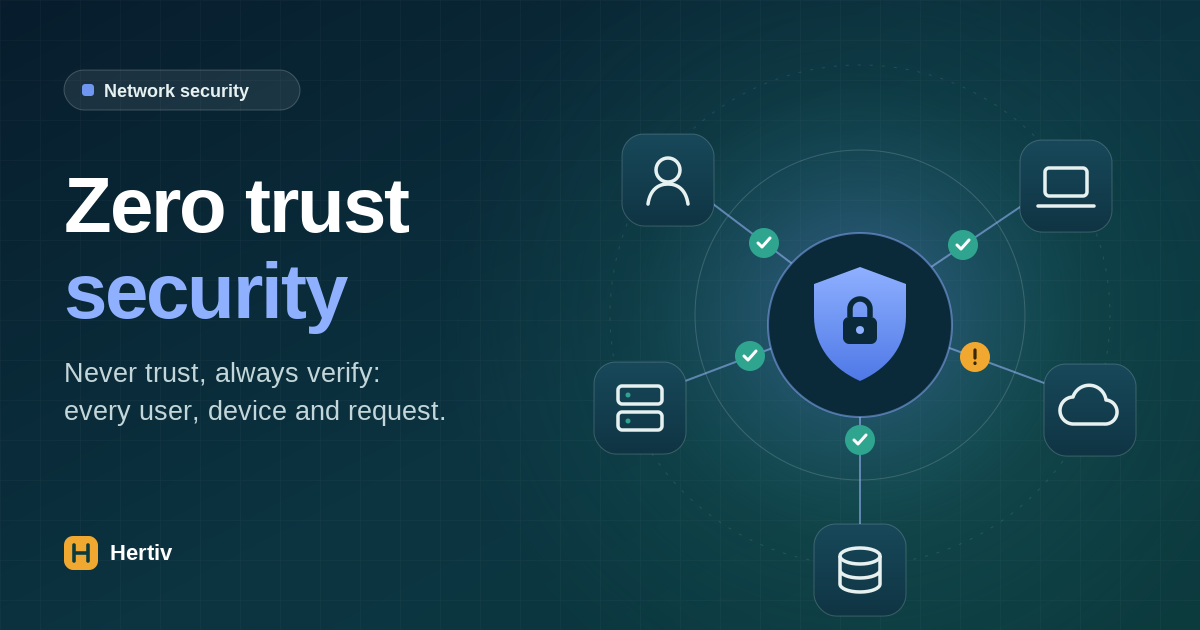
Zero trust security is a security model that assumes no user, device or network is trusted by default and requires every access request to be verified before it is allowed. It replaces the older idea of a trusted internal network surrounded by a firewall.
In a perimeter model, once someone is on the corporate network or VPN they can often reach many systems. In zero trust, being inside the network means nothing on its own. Each request is checked against identity, device health, location, time and the sensitivity of the resource.
The model is built on a few principles:
- Verify explicitly. Authenticate and authorise every request using all available signals.
- Use least privilege. Give people and services the minimum access they need, for the shortest time.
- Assume breach. Design as if an attacker is already inside, and limit how far they can move.
Zero trust is not a single product. It is an architecture and a set of operating practices that touch identity, networking, endpoints, applications and data. You can link these practices to broader cybersecurity services as your programme grows.
Why does zero trust matter now?
Zero trust matters because the perimeter model no longer matches how systems are built and used. Applications run in cloud accounts, staff work from many networks, and services talk to each other across environments that a firewall cannot meaningfully enclose.
Three shifts make the old model fragile:
- Remote and hybrid work. People and contractors connect from home networks and personal devices, so 'inside the office network' is no longer a reliable signal.
- Cloud and SaaS sprawl. Data lives in many providers and regions, and each connection is a potential entry point.
- AI agents and automation. Software now takes actions on behalf of users, which multiplies the number of identities and permissions to manage.
A stolen password or token is one of the most common ways attackers get in. With explicit verification and least privilege, a single compromised account is far less useful to an attacker. That is why zero trust is now a baseline expectation in enterprise security reviews and vendor questionnaires.
How zero trust works in practice
Zero trust works by putting a policy decision point in front of every resource, so access is granted per request rather than per network. The system checks who is asking, from what device, and whether that combination should reach this specific resource.
A typical flow looks like this:
- A user or service requests access to an application or data.
- An identity provider confirms who they are, often with multi-factor authentication.
- A policy engine evaluates context: device compliance, role, location and risk signals.
- Access is granted with the narrowest permission that fits, sometimes only for a limited time.
- The session is logged and monitored, and access can be revoked mid-session if risk changes.
Key building blocks include strong identity management, device posture checks, network segmentation, and logging that supports investigation. For teams building AI systems, the same thinking applies to model access and tool calls, which is where AI security becomes relevant.
What are the main components of a zero trust architecture?
The main components of a zero trust architecture are identity, devices, networks, applications and data, each with its own controls and all feeding a central policy and monitoring layer.
- Identity. A single source of truth for users and service accounts, with multi-factor authentication, conditional access and short-lived credentials.
- Devices. Visibility into which devices are connecting, whether they are managed, patched and encrypted, and whether they meet policy.
- Networks. Micro-segmentation so that workloads only reach what they need, and encrypted connections even internally.
- Applications and workloads. Authentication at the application layer, not just the network layer, and service-to-service authorisation.
- Data. Classification, encryption and access rules tied to data sensitivity, which is central to data security and compliance.
- Monitoring. Centralised logs, anomaly detection and alerting so policy violations are caught quickly.
No single vendor covers all of these well. Most organisations combine an identity provider, endpoint management, a zero trust network access tool and cloud-native controls.
How do you start implementing zero trust?
You start implementing zero trust by mapping your most sensitive assets and the identities that reach them, then closing the biggest gaps first rather than trying to change everything at once.
A workable sequence:
- Inventory identities and applications. List human users, service accounts, APIs and third-party integrations. Most teams find more service accounts than expected.
- Protect the identity layer. Enforce multi-factor authentication, remove stale accounts and review privileged roles.
- Add device checks. Require managed, patched devices for sensitive applications, and define what happens when a device fails the check.
- Introduce least privilege. Replace broad roles with scoped permissions and time-limited access for admin work.
- Segment the network. Start with the highest-value systems and separate production from development and corporate networks.
- Instrument and monitor. Make sure access decisions and anomalies are logged somewhere your team actually reviews.
Treat this as a series of funded steps tied to real risks, not a single migration project. A security review of the current state is the usual first move.
Example: a mid-market SaaS company starting zero trust
Example (hypothetical): a 200-person SaaS company runs its product in one cloud account and its internal tools on a flat VPN. Staff, contractors and automated jobs all share access to a handful of broad roles.
The team starts with identity. It enforces multi-factor authentication for all staff and contractors, removes dormant accounts and splits one shared admin role into scoped roles for engineering, finance and support. Next it requires managed devices for access to production dashboards, so a personal laptop can no longer reach customer data.
For the network, the team separates production, staging and corporate networks and applies rules so that only specific services can reach the database. Automated jobs get their own service accounts with narrow permissions and rotating credentials.
Finally, it centralises access logs and sets alerts for unusual sign-in locations and failed authorisation attempts. The programme is not finished after this, but the highest-risk paths are now verified and logged, and each later step builds on the same pattern.
What are the common mistakes?
The most common zero trust mistakes are treating it as a product purchase, skipping identity hygiene, and breaking workflows so badly that teams route around the controls.
- Buying a tool before defining policy. A zero trust network access product without clear access rules just moves the problem.
- Ignoring service accounts and APIs. Automated credentials often have more access than any human and are rarely reviewed.
- Blocking work without an alternative. If a control makes a task slow with no approved path, people find workarounds.
- No logging or ownership. Access decisions that nobody reviews provide little security value.
- Big-bang rollouts. Trying to convert every system at once stalls and creates outages.
How to prioritise your zero trust rollout
You prioritise a zero trust rollout by risk and effort, starting with the assets whose compromise would hurt most and where a control is achievable quickly.
- Score assets by impact. Customer data, production systems, financial tools and admin consoles come first.
- Find the widest access paths. Shared accounts, broad roles and always-on VPN access are high priority.
- Pick controls with fast, visible payoff. Multi-factor authentication, stale account removal and device checks usually give the largest early reduction in risk.
- Sequence dependencies. Identity and logging must be in place before stricter network and application controls make sense.
- Review quarterly. Access changes as teams and products change, so schedule recertification of roles and service accounts.
If you are building or modernising the software itself, a partner for custom software development can help design authentication and authorisation into the product rather than bolting it on later.
Key takeaways
- Zero trust treats identity, not network location, as the primary security boundary
- Every request is authenticated, authorised and logged, even from inside the corporate network
- Least privilege and just-in-time access limit the blast radius of a compromised account
- Micro-segmentation stops lateral movement between workloads and environments
- A practical start: inventory identities and apps, then enforce MFA and device checks on the highest-risk systems
Frequently asked questions
Is zero trust the same as a VPN?
No. A VPN typically grants broad network access once connected, while zero trust grants access to specific applications per request after checking identity and device context. Some organisations replace VPN access with zero trust network access tools, but the model is broader than any single tool.
Does zero trust require cloud migration?
No. Zero trust principles apply to on-premise systems as well. Identity checks, least privilege, segmentation and logging can be implemented in data centres, though cloud environments often make policy enforcement and logging easier to centralise.
How long does zero trust take to implement?
It is an ongoing programme rather than a fixed project. Many teams close the highest-risk gaps, such as multi-factor authentication and privileged access, within a few months, then expand coverage over one to several years depending on size and legacy systems.
What is the difference between zero trust and least privilege?
Least privilege is one principle within zero trust: give each identity only the access it needs. Zero trust is the broader model that also covers explicit verification of every request, device checks, segmentation and continuous monitoring.
How does zero trust apply to AI agents and LLM applications?
AI agents act with their own credentials and tools, so they should be treated as untrusted identities. Give each agent scoped permissions, verify its requests, log its actions and limit what it can reach, the same way you would for a service account.
What metrics show zero trust is working?
Useful signals include the share of accounts with multi-factor authentication, the number of standing admin roles, time to revoke access after a role change, and the share of access decisions that are logged and reviewed. Track trends rather than a single score.


