Kotlin vs Flutter: Which Fits Your App?
Kotlin Multiplatform shares Kotlin logic and keeps native screens; Flutter builds the whole app from one Dart codebase. Which one fits your team, design and budget?
On this page
Short answer
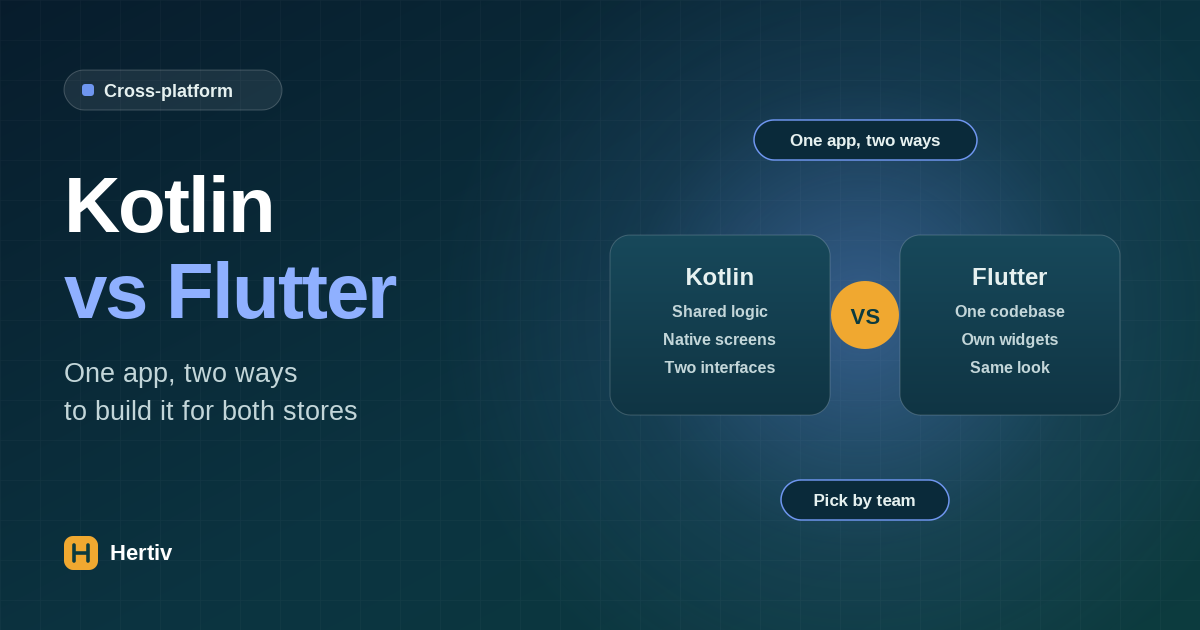
Kotlin and Flutter are two ways to build an app for both iOS and Android from one project. Kotlin Multiplatform shares business logic written in Kotlin while each platform keeps its own native screens, while Flutter builds the whole interface from a single Dart codebase. The choice comes down to your team, your design and how native the app must feel.
What Kotlin and Flutter are
Kotlin Multiplatform is a way to share code between platforms using Kotlin, the language Google recommends for Android. The shared code usually holds the business logic: data fetching, validation, calculations and state. Each platform then keeps its own native interface, built with SwiftUI on iOS and Jetpack Compose on Android, so the app looks and feels like a normal app on each device.
Flutter is a framework from Google that builds the whole app, interface included, from one codebase written in Dart. Flutter draws its own widgets instead of using the platform's native controls, so the same code produces the same look on iOS, Android, the web and desktop. A team writes once and ships everywhere Flutter supports.
Both approaches cut the cost of building two separate apps, but they cut it in different places. Kotlin Multiplatform saves work on logic and data, while Flutter saves work on screens as well. Learn what Flutter is and how it works before comparing the two in detail.
Kotlin vs Flutter at a glance
The table below compares the two on the points that decide most projects. No single row should decide the choice on its own; the weight of each row depends on your app.
| Point | Kotlin Multiplatform | Flutter |
|---|---|---|
| Language | Kotlin | Dart |
| Shared code | Business logic and data | Logic and interface |
| Interface | Native controls per platform | Flutter's own widgets |
| Look and feel | Feels native on each platform | Same look everywhere |
| Team skills | Kotlin and platform skills | Dart and Flutter skills |
| Best for | Apps that must feel native | Apps that need one design everywhere |
Read the table as a guide to trade-offs. Kotlin Multiplatform keeps the native feel at the cost of building two interfaces. Flutter builds one interface at the cost of a less native feel on each platform.
When Kotlin Multiplatform wins
Kotlin Multiplatform wins when the app must feel native on each platform. A banking app, a health app or any app where users expect platform-standard navigation, gestures and accessibility should keep native screens. Shared Kotlin logic still saves work on the parts users never see, such as syncing data and checking rules.
It also wins for teams that already write Android apps in Kotlin. Those developers can share code with iOS without learning a new language, and the Android app keeps its existing architecture. If your team already knows Kotlin well, the learning curve is short. Kotlin vs Java is a useful read if your Android team is still choosing its language.
The cost is two interfaces. The team builds and maintains an iOS screen and an Android screen for every feature, so the savings are smaller than with Flutter. For apps with many screens, that cost adds up.
When Flutter wins
Flutter wins when one design must look the same everywhere. A brand-led app, a startup app with a custom interface, or an app that ships on mobile, web and desktop from one team all benefit from a single interface codebase. The team designs once, builds once and tests once.
Flutter also wins for small teams. One team of Dart developers can ship on both stores without hiring separate iOS and Android developers. Hiring is simpler, and a new feature reaches both platforms in the same release. Flutter compares well with other cross-platform options too, as our Flutter vs React Native comparison shows.
The trade-off is feel. Flutter draws its own controls, so small details such as scrolling, text selection and system dialogs can differ from what users expect on each platform. Most users will not notice, but apps that live or die by platform feel should weigh this carefully.
Cost, team and hiring
Cost follows the amount of code you write twice. With Kotlin Multiplatform you write the interface twice and the logic once. With Flutter you write almost everything once. For a simple app with few screens the difference is small, but for an app with fifty screens the interface work dominates, and Flutter's single codebase saves real money.
Hiring follows the language. Kotlin developers are common because Kotlin is the standard Android language, and many teams already have them. Dart developers are fewer, so a Flutter team may take longer to hire, though Dart is quick to learn for developers who know Java, Kotlin or JavaScript. Plan the first hire before you commit to a stack.
Long-term maintenance matters too. Native screens age well because each platform updates its own controls. Flutter screens need Flutter updates when the framework changes. Neither is free; count the maintenance cost over two years, not just the build cost.
How to choose in five steps
Choose with a small test, not a debate. A one-week spike that builds the same two screens in both approaches tells you more than a month of meetings. The steps below keep the decision grounded in your own app.
- List the three screens users see most, and note which platform details they need.
- Check what your team already knows: Kotlin, Dart, Swift or nothing yet.
- Build the same login and list screens in both approaches over one week.
- Compare build time, look and feel, and how the test run went.
- Pick the approach that finished faster and felt better to use.
If the spike is a tie, pick the one your team wants to maintain, because the team lives with the choice for years. A short guide to how to create a mobile app for business covers the planning steps that come before the stack choice.
Example (hypothetical): a clinic booking app
Example (hypothetical): a clinic wants a booking app for patients on iOS and Android. The app has 12 screens: login, clinic list, doctor profiles, booking, reminders, payments, records, chat, settings and three admin screens. The team estimates 80 hours per screen for a native build, so two native apps would take 12 times 80 times 2, which is 1,920 hours.
With Flutter, the team builds each screen once at about 80 hours, plus 120 hours of platform setup, giving 12 times 80 plus 120, which is 1,080 hours. With Kotlin Multiplatform, the logic takes about 40 percent of the work, so the shared logic is 12 times 32, which is 384 hours, and the two interfaces take 12 times 48 times 2, which is 1,152 hours, for a total of 1,536 hours.
Flutter saves 840 hours against two native apps and 456 hours against Kotlin Multiplatform in this example. But the clinic's patients are mostly older people who expect standard iOS and Android controls, so the team picks Kotlin Multiplatform despite the higher hours. The numbers guide the choice; they do not make it.
Common mistakes when choosing between Kotlin and Flutter
The most common mistake is choosing by popularity alone. Flutter is popular for startups, and Kotlin Multiplatform is popular with Android teams, but neither fact says anything about your app. The screens, the team and the users decide.
Another mistake is forgetting the web or desktop. If the app must also run on the web, Flutter covers it from the same codebase, while Kotlin Multiplatform needs a separate web approach. Decide the full platform list before you choose.
A third mistake is underestimating the interface work. Teams that pick Kotlin Multiplatform for its shared logic are surprised by how much time two interfaces take. Count the screens first, then count the hours, and the trade-off becomes clear.
Key takeaways
- Kotlin shares logic and keeps native screens; Flutter shares everything.
- Flutter saves more hours when the app has many screens.
- Kotlin wins when the app must feel fully native on each platform.
- Hiring follows the language: Kotlin developers are easier to find.
- Build the same two screens in both before you decide.
Frequently asked questions
Is Kotlin Multiplatform the same as Kotlin for Android?
No. Kotlin for Android builds an Android app only. Kotlin Multiplatform shares Kotlin code, usually business logic, between Android, iOS and other platforms, while each platform keeps its own native interface.
Is Flutter good for large apps?
Yes, for apps where one design can serve every platform. Large apps with many screens benefit most from Flutter's single codebase. Apps that need deep platform features may need native code alongside Flutter.
Can I mix Kotlin Multiplatform and Flutter?
You can, but it is rarely worth it. Mixing two cross-platform approaches adds two sets of tooling and two skill sets to one project. Pick one approach for the whole app.
Which is faster to learn, Kotlin or Dart?
Both are quick to learn for developers who know a modern language. Kotlin is easier for teams that already write Android apps, while Dart is easier for teams coming from JavaScript or Java.
Does Flutter feel native enough for most users?
For most consumer apps, yes. Flutter's widgets look close to native controls, and most users will not notice the difference. Apps that rely on platform-specific gestures or accessibility features should test carefully.
Should a startup pick Flutter or Kotlin Multiplatform?
A startup with a small team and a custom design usually picks Flutter, since one team ships on both stores. A startup with an Android team already in place may pick Kotlin Multiplatform to reuse its Kotlin skills.


