iOS vs Android App Development: Which Should You Build First?
iOS and Android differ in language, tools, cost, review rules and audience. This guide compares both so you can pick the right first platform.
On this page
Short answer
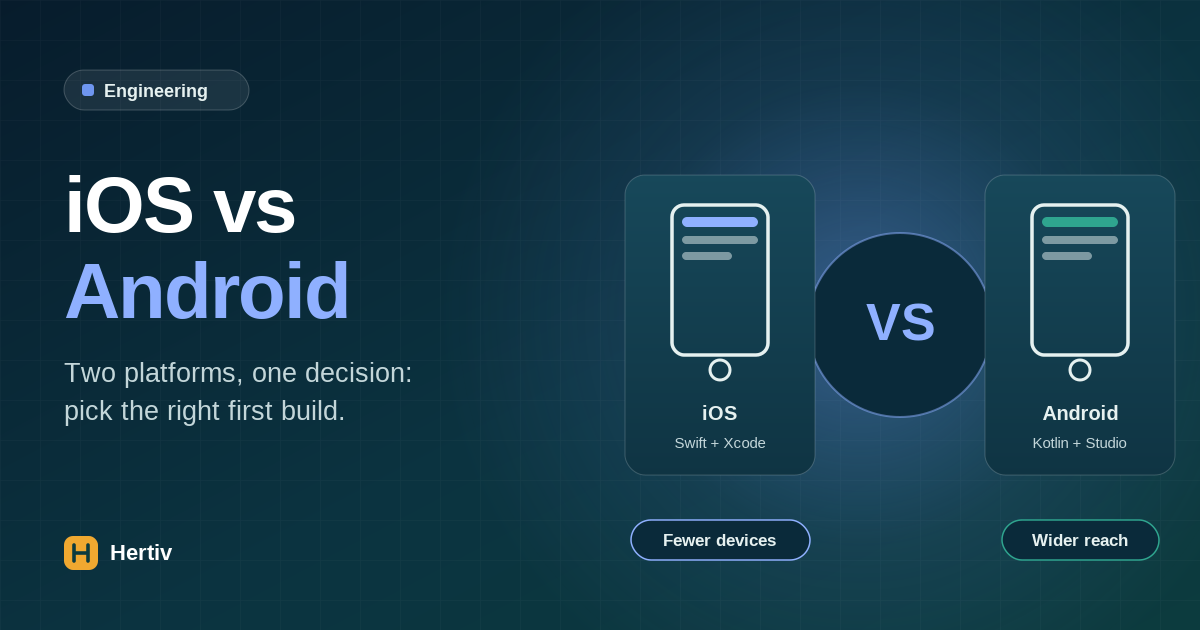
iOS and Android app development differ mainly in language, tooling and audience. iOS apps are built with Swift in Xcode for a smaller set of Apple devices, while Android apps use Kotlin in Android Studio for thousands of device models. iOS usually costs less to build first because there are fewer screens and devices to test, but Android reaches more users worldwide.
What is the difference between iOS and Android app development?
iOS app development is the work of building apps for iPhone and iPad using Apple's tools, while Android app development builds apps for the many phones, tablets and other devices that run Google's Android system. The two platforms use different languages, design rules and store review processes, so a team usually builds one first and the other later.
The core difference is control. Apple controls the hardware, the operating system and the store, so iOS developers work with a short list of screen sizes and OS versions. Android runs on devices from many makers, so developers test against far more screen sizes, hardware levels and OS versions.
That difference shapes everything else: how long testing takes, how the app looks, how much the build costs and who the first users are. The table below gives the quick comparison, and the sections after it explain each row.
| Area | iOS | Android |
|---|---|---|
| Language | Swift (Objective-C for older code) | Kotlin (Java for older code) |
| Main tool | Xcode on a Mac | Android Studio on Mac, Windows or Linux |
| Devices | iPhone and iPad only | Thousands of models from many makers |
| Design rules | Apple Human Interface Guidelines | Material Design guidelines |
| Store review | Strict review, usually days | Lighter review, usually hours |
| Typical first users | Higher-spending users in rich markets | Wider global reach |
Neither platform is better in general. The right choice depends on who your first users are, what the app must do and how much testing your team can handle. A native vs hybrid app development comparison is worth reading if you are weighing a shared codebase instead.
Which languages and tools do iOS and Android use?
iOS apps are written in Swift, Apple's modern language, and built in Xcode, which only runs on a Mac. Android apps are written in Kotlin, Google's preferred language, and built in Android Studio, which runs on Mac, Windows and Linux.
Both languages are modern, safe and well supported, so the choice is rarely about the language itself. What matters more is the team you can hire: Swift developers are fewer and often cost more per hour, while Kotlin and Java developers are more common in many markets.
Both platforms also support shared code. Flutter and React Native let one team write most of the app once and ship it to both stores. That cuts build time, but it adds a layer between the app and the device, which can slow down features that need deep hardware access, such as camera work or offline maps. Teams that need the fastest possible performance usually still build native first.
If your team already knows one stack, start there. Learning a new language and toolset adds weeks to a first release, and a first release that ships late teaches you nothing about your users.
How do cost and time compare?
An iOS app usually costs less to build first, because the team tests on fewer devices and fewer OS versions. An Android app takes longer to test, since the same screen must work on cheap phones with small screens and on large tablets with high-end chips.
As a rough guide, a simple app with a login, a list of items and a payment step takes a small team about 8 to 12 weeks on one platform. Adding the second platform adds roughly 60 to 80 percent of the first build's time, because the design and the backend are shared but the interface, the store setup and the testing are new.
Maintenance differs too. iOS users update quickly, so most users run the latest version within weeks. Android users update slowly, so teams support older versions for longer and fix bugs that only appear on old devices. See iOS app development cost for the cost drivers in detail.
The Android side has its own drivers, covered in Android app development cost.
The cheapest option is not always the best one. A team that builds for the wrong audience first spends more later rebuilding trust with users who got a poor first version.
Who uses each platform, and where?
Android holds most of the world's phone users, especially in Asia, Africa and South America, where cheaper phones are common. iOS holds most users in the United States, Canada, the UK, Japan and Australia, and its users spend more on apps and in-app purchases on average.
That split decides many first-platform choices. A consumer app that sells subscriptions in the US or Europe usually starts on iOS, because the paying audience is there. An app aimed at a mass market in India, Indonesia or Brazil usually starts on Android, because that is where the users are.
Business apps are different. If the app is for staff, the platform follows the phones the staff already carry. Many companies build both from the start for internal tools, or they build a web app first and add native apps later.
Check your own numbers before you decide. App store data, analytics from a website and customer surveys tell you more about your audience than any market share chart can.
How do app store review and release differ?
Apple reviews every app submission by hand, and a review can take from a day to a week. Rejections are common for first submissions, often for small reasons such as a broken link, a missing privacy label or a payment flow that does not follow Apple's rules.
Google's review is lighter and mostly automated, so most apps go live within hours. That speed helps teams that release often, but it also means a bad app can reach users before anyone notices, so your own testing matters more.
Both stores ask for privacy labels, screenshots, descriptions and support links. Apple also requires a privacy nutrition label and, for many apps, an account deletion option inside the app. Android requires a data safety section with the same kind of detail.
Plan for rejection on iOS. Submit early, expect at least one round of fixes and keep a week of slack before a launch date that depends on the store.
Example: a clinic booking app choosing its first platform
Example (hypothetical): a small clinic chain in one city wants a booking app. Most of its patients are over 40, book by phone today, and use a mix of iPhones and mid-range Android phones. The team has a budget for one platform first.
The team checks its website analytics: 55 of every 100 visitors use Android and 45 use iPhones, but iPhone visitors book online twice as often. The clinic decides to build iOS first, because the online bookers are the users most likely to use the app, and the smaller device list keeps the first build fast.
The first version takes 10 weeks: 6 weeks to build the booking flow, 2 weeks to test on iPhones and iPads, and 2 weeks for store review and fixes. The Android version follows 8 weeks later, reusing the same backend and design.
After three months, the clinic counts bookings: 400 bookings a month come through the iOS app and 260 through the Android app. The iOS-first choice paid off because it reached the most active bookers first, and the Android version arrived before those users lost patience.
What are the common mistakes?
The most common iOS vs Android mistakes are choosing a platform by personal preference, assuming one codebase fits both, and skipping device testing.
- Picking the platform you use yourself. Your phone is not your market. Check where your users actually are.
- Assuming a shared codebase is free. Flutter and React Native save time, but they still need platform-specific work for payments, notifications and store rules.
- Testing on one device only. An Android app that works on a flagship phone can break on a cheap phone with less memory.
- Ignoring store rules until the end. Payment, privacy and account rules should shape the design from week one.
- Building both platforms at once with a small team. Two half-finished apps teach you less than one finished app with real users.
If you are still weighing a shared codebase, Flutter vs React Native compares the two main options in detail.
Key takeaways
- iOS uses Swift and Xcode; Android uses Kotlin and Android Studio.
- iOS usually costs less to build first because there are fewer devices to test.
- Android reaches more users worldwide; iOS users spend more on apps.
- Apple reviews apps by hand and takes longer; Google's review is mostly automated.
- Pick the platform where your first users already are, not the one you use yourself.
Frequently asked questions
Do I need a Mac to build an iOS app?
Yes, for the final build and store submission. Xcode, the tool that builds iOS apps, only runs on macOS. Teams without a Mac can rent a cloud Mac or hire a developer who has one, but the release step always needs macOS. Android apps can be built on Mac, Windows or Linux.
Is Swift harder to learn than Kotlin?
Both are modern languages with similar ideas, and a developer who knows one can learn the other in a few weeks. The harder part is learning each platform's libraries, design rules and store processes, which takes longer than learning the language itself.
Can one app work on both iOS and Android?
Yes, with a shared codebase built in Flutter or React Native. Most of the code is written once and the app ships to both stores. You still need platform-specific work for payments, notifications, maps and store setup, and the result is rarely identical on both platforms.
Which platform earns more money?
iOS usually earns more per user, because its users spend more on apps and subscriptions. Android earns more in total in many markets simply because it has far more users. The right question is which platform your paying users are on, not which platform earns more overall.
How long does App Store review take?
Apple review usually takes one to three days, and a first submission often needs a round of fixes. Plan for at least a week from submission to a live listing. Google Play review is usually a few hours, because it is mostly automated.
Should a startup build for both platforms at once?
Most startups should not. Building one platform first lets a small team ship faster, learn from real users and fix the product before spending on the second build. Build both at once only if your users are split evenly and you have the team to support two releases.


