iOS 13 Top Features: Dark Mode, Sign in with Apple and More
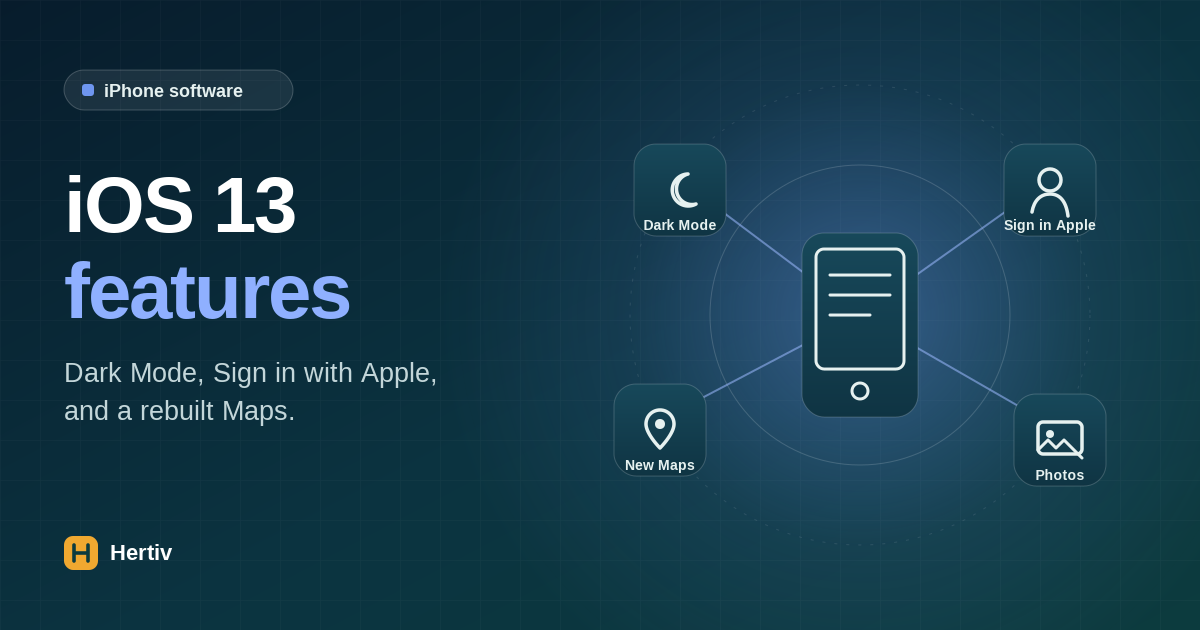
iOS 13 arrived in September 2019 with Dark Mode, Sign in with Apple and a rebuilt Maps app. These are the features that mattered most.
On this page
Short answer
iOS 13 is the 2019 release of Apple's iPhone operating system, and its headline features were Dark Mode, Sign in with Apple, a rebuilt Maps app with Look Around, a redesigned Photos app, a new Reminders app, a swipe keyboard and stronger location privacy controls. It also brought faster Face ID and app launches, and it dropped support for older devices such as the iPhone 6 and iPhone 5s.
What is iOS 13?
iOS 13 is the version of Apple's iPhone operating system released in September 2019, following iOS 12. It was the first iOS release that ran only on iPhone, because iPad moved to its own system, iPadOS, at the same time. That split let Apple design iPhone features without having to fit the iPad as well.
The release is best known for Dark Mode and Sign in with Apple, but it also rebuilt several built-in apps and changed how apps ask for location data. For users, it changed the look of the phone at night, the way they sign in to apps, and how much control they had over who could see where they were.
For developers, iOS 13 mattered because it set new rules: apps had to support Dark Mode properly, offer Sign in with Apple if they offered other social sign-ins, and handle the new location permission choices. Those rules shaped how apps were built for years after. For the full version history, see the iOS evolution timeline.
What did Dark Mode change?
Dark Mode changed the whole iPhone interface from light backgrounds with dark text to dark backgrounds with light text. It applied to the system, to built-in apps such as Messages, Mail and Photos, and to any third-party app that added support for it.
The point was comfort and battery life. A dark screen is easier on the eyes at night, and on iPhones with OLED displays, dark pixels use less power than bright ones. Users could turn it on from Control Centre, schedule it to switch at sunset, or tie it to the bedtime schedule.
For app makers, Dark Mode was more than a colour swap. Text, icons and images had to stay readable on dark backgrounds, and hard-coded colours that looked fine on white broke badly on black. Teams that designed with named colours, which the system swaps automatically, had far less work than teams that had set every colour by hand.
What is Sign in with Apple?
Sign in with Apple is a way to create an account in an app using an Apple ID instead of a new username and password. Apple checks who you are and passes the app a unique identifier, so the app never sees your real email address unless you choose to share it.
The key feature is Hide My Email. When an app asks for an email address, you can choose to share a random Apple-generated address instead of your real one. Mail sent to that address is forwarded to you, and you can turn the forwarding off at any time, which stops the app from reaching you without deleting the account.
Apple made the button a requirement: any app that offered sign-in with a third-party service such as Google or Facebook also had to offer Sign in with Apple. That rule pushed the button into most major apps within a year, and it gave users a sign-in option that did not hand their email address to every service they tried.
Which apps were rebuilt in iOS 13?
Several built-in apps were rebuilt or heavily redesigned in iOS 13, and the changes were visible the first time you opened them.
| App or feature | What changed | Why it mattered |
|---|---|---|
| Maps | New base map with Look Around street views | Closer detail and a street-level view of places |
| Photos | Redesigned library with days, months and years views | Large libraries became easier to browse |
| Reminders | Smart lists, attachments and subtasks | Reminders worked as a simple task manager |
| Memoji | Custom stickers for Messages and other apps | Personal stickers without a special camera |
| Keyboard | QuickPath swipe typing built in | Faster one-handed typing |
| Find My | Find My iPhone and Find My Friends combined | One place for devices and people |
The Maps rebuild was the largest job, with Apple re-mapping the United States from its own data. Look Around, the street-level view, arrived city by city after launch. Photos used machine learning on the device to sort out duplicates and highlight the best shots, which made the library feel organised without sending photos to a server.
What changed for privacy and performance?
iOS 13 changed how apps could ask for location data. Apps could no longer ask for always-on location access up front; they had to ask for access while using the app first, and the user could grant always-on access later from Settings. The system also showed reminders when an app had used location in the background, with a map of where it had looked.
Apple also added warnings for Bluetooth and Wi-Fi. Apps that wanted Bluetooth access had to explain why, which exposed apps that had been scanning for nearby devices without a clear reason. Photo location data could be stripped when sharing a photo, so a shared image no longer gave away where it was taken.
On performance, Apple said Face ID became faster and apps launched faster, with smaller downloads. The practical effect for users was a phone that felt quicker without new hardware. Older devices such as the iPhone 6, iPhone 6 Plus and iPhone 5s could not install iOS 13 at all, so the release also drew a line under which phones Apple still supported.
Example (hypothetical): a team supporting iOS 13
Example (hypothetical): an app team with five testers supports three iOS versions across four iPhone models. That gives 3 versions times 4 models, which is 12 combinations to test before each release. If each combination takes 2 hours to check, one release cycle needs 24 hours of testing.
When the team drops iOS 12 and supports only iOS 13 and newer, the combinations fall to 2 versions times 4 models, which is 8 combinations. At 2 hours each, that is 16 hours per cycle, saving 8 hours each release. Over six releases a year, the team saves 48 hours, which it spends on Dark Mode checks and accessibility testing instead.
The same logic applied to Sign in with Apple. Adding the button took the team about a week, but it removed the password reset emails that had been a steady support cost. The example shows why version support is a budget decision, not just a technical one: every version kept adds test combinations, and every version dropped frees time for something else.
What are the common mistakes?
The most common mistakes teams made with iOS 13 were treating Dark Mode as a theme, ignoring the new sign-in rule, and forgetting that iPad had split away.
- Hard-coded colours. Apps that set colours by hand looked broken in Dark Mode. Named colours that the system swaps automatically were the fix.
- Skipping Sign in with Apple. Apps that offered other social sign-ins had to offer Apple's button too. Missing it risked rejection in App Store review.
- Forgetting iPadOS. iOS 13 was iPhone only, so iPad layouts and features moved to a separate system. Teams that tested only on iPhone missed iPad problems.
- Asking for always-on location first. The new flow required asking for while-using access first. Apps that demanded always-on access up front confused users and got refused.
- Assuming every device could update. iPhone 6 and older could not install iOS 13, so features that depended on it had to degrade gracefully on older phones.
Key takeaways
- iOS 13 shipped in September 2019 as an iPhone-only release, with iPad moving to iPadOS
- Dark Mode changed the whole interface and required apps to use named colours, not hard-coded ones
- Sign in with Apple lets users hide their real email address, and Apple required apps to offer it
- Maps, Photos, Reminders, Memoji, the keyboard and Find My were all rebuilt or redesigned
- Location access changed to while-using first, with background use shown to the user
Frequently asked questions
What iPhones can run iOS 13?
iOS 13 runs on iPhone 6s and newer, including the first iPhone SE. The iPhone 6, iPhone 6 Plus and iPhone 5s cannot install it, because Apple dropped support for them with this release. If a phone cannot update past iOS 12, it will not get iOS 13 features.
Is Dark Mode in iOS 13 only a dark theme?
No. Dark Mode changes the system interface and every built-in app, and third-party apps can support it too. It also affects how images and web pages render in some apps. A proper implementation uses named colours that the system swaps, rather than a single dark background colour.
Does Sign in with Apple share my email with apps?
Only if you choose to share it. You can share your real email address, or you can use Hide My Email, which gives the app a random Apple-generated address that forwards to you. You can switch off forwarding for any app at any time from your Apple ID settings.
What happened to Find My Friends in iOS 13?
It was combined with Find My iPhone into a single Find My app. The new app shows your devices and the people who share their location with you in one place, and it can help locate a lost device even when that device is offline, using nearby Apple devices.
Can I still use iOS 13 features on an older iPhone?
Only if the phone can install iOS 13, which means iPhone 6s or newer. Features that depend on the new system, such as Dark Mode and Sign in with Apple, do not exist on iOS 12. Apps that need those features will either offer an older version or not work on the older phone.
Why did Apple split iPadOS from iOS 13?
Apple wanted iPad features such as desktop-class browsing, better multitasking and external drive support without forcing the same changes onto iPhone. The split let each system grow in its own direction, with iOS 13 staying focused on the phone.


