iOS Evolution Timeline: From iPhone OS 1 to iOS 26
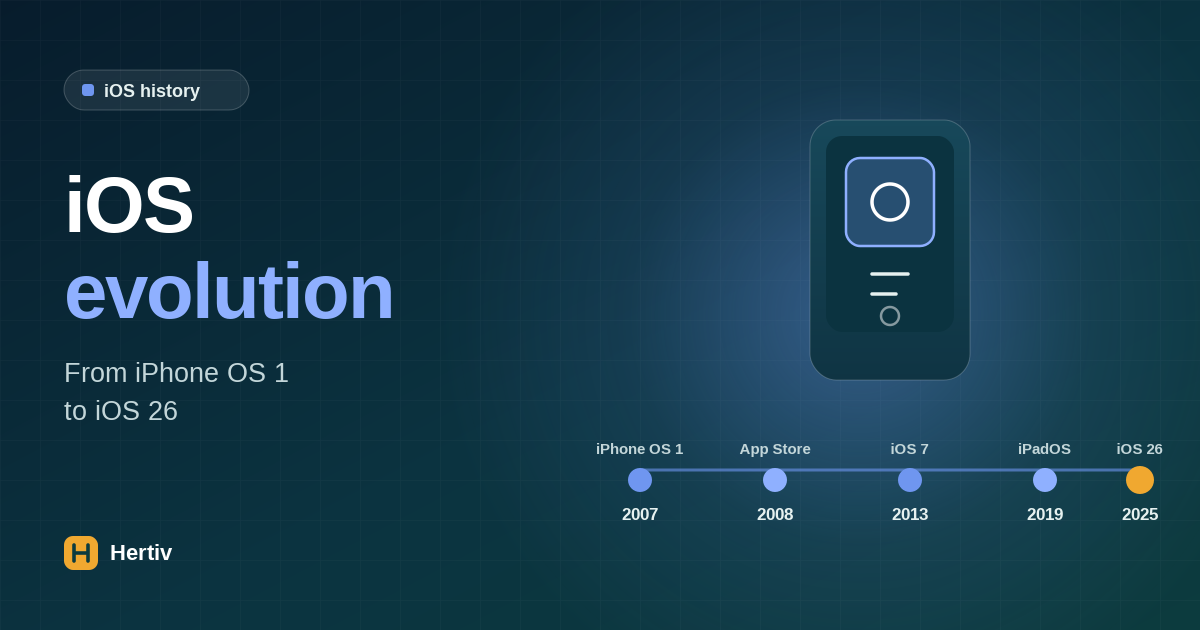
iOS moved from iPhone OS 1 in 2007, with no App Store, to iOS 26 in 2025, with a year-based name, a new Liquid Glass design and Apple Intelligence built in.
On this page
Short answer
The iOS evolution timeline runs from iPhone OS 1 in 2007 to iOS 26 in 2025. It covers the launch of the App Store, the move from numbered versions to year-based names, the split of iPadOS, and the arrival of widgets, privacy labels and on-device AI. Each major release changed what iPhones could do and what app developers had to support.
What is the iOS evolution timeline?
The iOS evolution timeline is the history of Apple's operating system for the iPhone, from its first release in 2007 to today. Apple first called it iPhone OS. The name changed to iOS with version 4 in 2010, and in 2025 Apple switched to year-based names, so the release after iOS 18 was iOS 26.
The timeline matters because iOS shapes the whole iPhone experience: the home screen, the App Store, notifications, privacy controls and the tools developers use. A feature that seems normal today, such as installing apps from a store or copying text between apps, arrived in a specific release and changed how people used their phones.
For app teams, the timeline is also a support plan. Each release drops support for some older devices, and Apple stops signing older versions soon after a new release. Knowing when features arrived helps a team decide which iOS versions an app must still support.
iOS versions at a glance
The table below lists the major releases, the year each one arrived, and the change that defined it. Minor releases added fixes and smaller features, but these are the versions that moved the platform forward.
| Version | Year | Defining change |
|---|---|---|
| iPhone OS 1 | 2007 | First iPhone; no App Store, web apps only |
| iPhone OS 2 | 2008 | App Store and third-party apps |
| iPhone OS 3 | 2009 | Copy and paste, Spotlight search |
| iOS 4 | 2010 | New name iOS; multitasking, FaceTime |
| iOS 5 | 2011 | iCloud, Notification Center, iMessage |
| iOS 7 | 2013 | Flat redesign, Control Center |
| iOS 8 | 2014 | Extensions, Health app, Apple Pay |
| iOS 10 | 2016 | Redesigned lock screen, rich notifications |
| iOS 11 | 2017 | Files app, drag and drop on iPad |
| iOS 13 | 2019 | Dark Mode; iPadOS splits off |
| iOS 14 | 2020 | Widgets, App Library, App Clips |
| iOS 16 | 2022 | Lock Screen widgets, Live Activities |
| iOS 17 | 2023 | StandBy mode, Contact Posters |
| iOS 18 | 2024 | Apple Intelligence, custom home screens |
| iOS 26 | 2025 | Year-based naming, Liquid Glass design |
Two gaps in the numbering tell their own story. There was no iOS 19 to 25: Apple jumped from 18 to 26 when it moved to year-based names. And the iPad left the iOS line in 2019, when iPadOS became its own system with features built for larger screens.
What changed for iPhone users?
For users, the biggest change was the App Store in 2008. The first iPhone shipped with only Apple's own apps, and developers could only build web apps. The App Store turned the iPhone into a platform: within a few years, people could bank, navigate, stream music and order food from apps made by other companies.
The second big change was design. iOS 7 in 2013 replaced the textured, skeuomorphic look with flat icons, thin type and translucent panels. It was the largest visual change in the system's history, and it set the look that later versions refined. iOS 26 continued that story with Liquid Glass, a design that uses light and depth across the interface.
The third change was privacy. Apple added app tracking controls, privacy labels on the App Store, and on-device processing for features such as Siri and photo search. Users now see what data an app asks for before they install it, and they can stop an app from tracking them across other apps and sites.
What changed for app developers?
For developers, the App Store changed the business of software. A small team could reach millions of iPhone users without a publisher or a retail deal. Apple took a cut of sales, and it reviewed every app before release, which set rules on quality, payments and privacy that developers still work within today.
The tools changed too. Apple introduced Swift in 2014 as a newer language beside Objective-C, and SwiftUI in 2019 as a new way to build interfaces. Each new iOS release also adds frameworks: HealthKit, ARKit, Core ML and App Intents all arrived in specific versions, and each one opened a new kind of app.
Support windows changed as well. Apple drops older devices from each major release, so a developer who targets the newest iOS leaves some older phones behind. Teams usually support the current version and the one before it, which covers most active users. For more on building for the platform, see iOS app development trends.
How to plan app support across iOS versions
Planning iOS support starts with the numbers, not with the newest features. The steps below work for most consumer and business apps.
- Check the installed base. Look at which iOS versions your current users run. Apple's own adoption figures and your analytics both help; most users move to a new version within months of release.
- Pick a minimum version. Support the current release and the one before it. Drop older versions when they fall below a small share of users, such as 5%.
- List the features you need. Write down which new frameworks the app needs, such as widgets or on-device AI. A feature that needs iOS 18 sets the minimum version by itself.
- Test on real devices. Test on the oldest supported device, not only the newest phone. Old devices are slower and have less memory, and that is where layout and speed problems show up first.
- Plan the yearly update. Apple releases a major iOS version each autumn. Put a compatibility check in the yearly plan, and budget time for the new design and privacy rules.
Teams that follow this plan avoid the two common traps: supporting too many old versions, which slows development, and jumping to the newest version on day one, which cuts off users who have not updated yet. A short wait after release lets Apple fix early bugs before your users meet them.
Example (hypothetical): a travel app team
Example (hypothetical): a travel app team supports iOS 17 and iOS 18. Its analytics show 100,000 users: 62,000 on iOS 18, 28,000 on iOS 17 and 10,000 on older versions. The team wants to add a feature that needs iOS 18, which would cut off 38,000 users, or 38% of the base.
The team waits three months after iOS 26 arrives. By then, 20,000 of the iOS 17 users and 4,000 of the older users have updated, so 86,000 users are on iOS 18 or later. The team then ships the new feature with a minimum of iOS 18, and keeps a simpler version of the app working for the 14,000 users still on older versions.
The cost of the wait is small: the feature ships one quarter later. The gain is real: the team keeps 14,000 users who would otherwise have lost the app, and it avoids a rush of support messages from people whose phones could not update. The team reviews the numbers again at the next major release.
What are the common mistakes?
The first common mistake is treating the iOS version number as the whole story. Apple ships point releases through the year, and a feature can arrive in iOS 18.2 rather than 18.0. Teams that test only the major release miss changes that land in the smaller updates.
The second mistake is dropping old versions too fast. A new iOS version reaches most users quickly, but business users, schools and older phones update slowly. Cutting support on release day can lock out a real share of users for no good reason.
The third mistake is ignoring the design changes. Each major release changes the look of the system, and an app that still looks like the old design feels out of date. A short design pass each autumn keeps the app feeling native without a full rebuild.
The fourth mistake is forgetting privacy rules. Apple changes its privacy requirements often, from tracking prompts to privacy labels and data collection disclosures. An app that skips the new rules can be rejected in review, so the privacy checklist belongs in every release plan.
Key takeaways
- iOS began as iPhone OS in 2007 and became iOS with version 4 in 2010.
- The App Store in 2008 turned the iPhone into a platform for third-party apps.
- Apple moved to year-based names in 2025, jumping from iOS 18 to iOS 26.
- Support the current iOS version and the one before it for most apps.
- Plan a compatibility check each autumn when the major release arrives.
Frequently asked questions
When was the first iPhone released?
The first iPhone was released in June 2007 with iPhone OS 1. It had no App Store and no third-party apps; developers could only build web apps. The App Store arrived a year later with iPhone OS 2 in 2008.
Why did Apple skip iOS 19 to 25?
Apple moved to year-based version names in 2025, so the release after iOS 18 became iOS 26, matching the year 2026. The same naming change applied across Apple's other systems, including macOS and watchOS.
What is the difference between iOS and iPadOS?
iPadOS split from iOS in 2019 and is the operating system for iPad. It shares much of its code with iOS but adds features built for larger screens, such as multitasking with multiple windows, the Files app and Apple Pencil support.
Which iOS version should an app support?
Most apps support the current iOS version and the one before it. That covers most active users, since most people update within months of a major release. Drop older versions when they fall below a small share of your users.
What is Liquid Glass in iOS 26?
Liquid Glass is the design language Apple introduced with iOS 26 in 2025. It uses translucent materials, light and depth across the interface, from the lock screen to the control centre and app icons. It is the largest visual change since iOS 7.
Does Apple still support older iPhones?
Apple supports each iPhone model with major iOS updates for several years, then stops adding new versions for that model. Older models may still get security updates for a time. Developers should check the device list for each release before setting a minimum version.


