How to Select the Right AI Model for Your Product
Selecting the right AI model means matching the task, quality bar, speed and cost before you commit. Here is a practical way to choose and test.
On this page
Short answer
Selecting the right AI model means choosing the model that handles your task at the quality your users expect, at a speed they accept and at a cost your business can carry. The choice starts with the job itself, not with a leaderboard, because the best model for one task can be the wrong one for another.
What does selecting the right AI model mean?
Selecting the right AI model means choosing the model that handles your task at the quality your users expect, at a speed they accept and at a cost your business can carry. It is a decision about fit, not about finding the most capable model in the world.
Different tasks need different things. A support draft needs a model that follows instructions and stays polite. A code helper needs one that writes correct code. A search tool needs one that reads long documents and stays on topic. One model rarely leads on all of these at once.
The choice also covers how the model runs: hosted by a provider, or run on your own machines. That affects cost, data handling and how much control you have. A good choice balances all of these, and it is easy to change later if you keep the model behind a simple interface in your code.
Start with the job, not the model
Write down the job before you look at any model. What does the user type in, what should come out, and how will you know the output is good? A vague job, such as "help with documents", leads to a vague choice.
Collect twenty real examples of the job from your own users or support team. These become your test set, and they tell you more than any public benchmark. A model that scores well on a general test can still fail on your own examples.
Also decide what "good enough" means. A draft that a person checks can be looser than an answer shown straight to a customer. The quality bar decides how much you need to spend, and a lower bar often means a smaller, faster model is fine.
Compare models on five factors
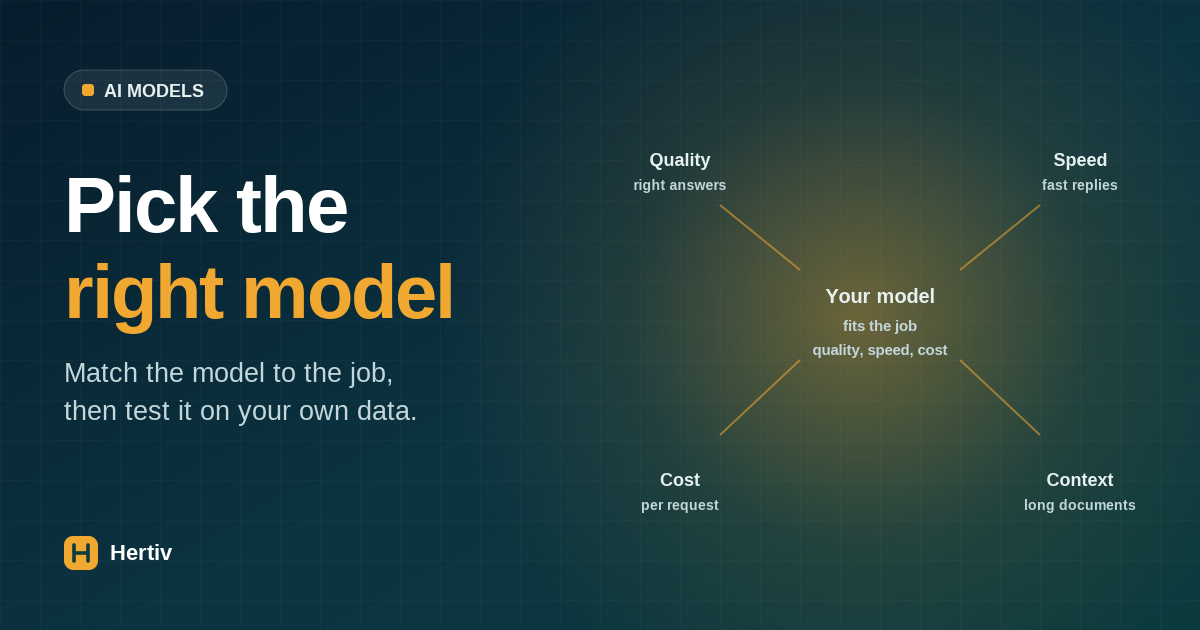
Judge each candidate on the same five factors, using your own test examples. A model that wins on one factor and fails on another is a bad fit, even if it looks strong overall.
| Factor | What to check | Why it matters |
|---|---|---|
| Quality | Correct, on-topic answers on your examples | Users notice wrong answers first |
| Speed | Time to first word and total reply time | Slow replies lose users |
| Cost | Price per request at your volume | Small costs grow with usage |
| Context length | How much text it can read at once | Long documents need long context |
| Data handling | Where your data goes and how long it stays | Rules and customer trust depend on it |
Test two or three models on the same twenty examples and score them by hand. That small test is more useful than reading about a model, because it shows how each one behaves on your own work. If you want help running that test, LLM development services cover model choice and testing.
Open weights vs hosted models
Hosted models are reached through a provider's service, so you pay per use and the provider runs the machines. They are quick to start with, and you get new versions without any work. The trade-off is that your data leaves your systems, and the price rises with every request.
Open-weight models can run on machines you control. That gives you more say over data handling and a fixed cost once the machines are running. The trade-off is the work: someone has to set them up, keep them running and update them.
Most small teams start with a hosted model, because it is fast to test. Teams with strict data rules, or with very high volume, often move to open weights later. Either way, keep the model behind a simple interface so you can swap it without rewriting your product.
How to evaluate before you commit
Run a small, honest evaluation before you choose. Pick twenty to fifty real examples, write down the right answer for each, and score every candidate on the same set.
- Gather real examples. Use requests your users actually made, not made-up ones.
- Write the expected answer. A short note of what "correct" means for each example.
- Run each model on the same set. Same inputs, same settings, so the comparison is fair.
- Score by hand. Mark each answer right, partly right or wrong, and note why.
- Check cost and speed too. Record the time and the price per request for each model.
Keep the test set small enough to run often, and grow it when you find new failure cases. How to test AI models explains how to build that test set and keep it honest as your product grows.
Example (hypothetical): a document summariser
Example (hypothetical): a team summarises 2,000 documents a day, each about 2,000 tokens long, so the model reads 2,000 x 2,000 = 4,000,000 tokens a day. At an assumed rate of $1 per million tokens, model A costs $4 a day, while model B at an assumed $5 per million costs $20 a day.
On a test set of 50 documents, model A scores 43 right and model B scores 46 right. Model B is better, but only by 3 documents in 50, while it costs five times as much. The team picks model A for the routine summaries and sends only the longest documents to model B.
Over a month, model A costs about $120 and model B would have cost about $600, so the team saves about $480 a month for a small drop in quality that users do not notice. The numbers are assumed, but the method is the point: test on your own examples, then weigh quality against cost.
Common mistakes
The most common mistake is picking the most capable model by default. It costs more, replies more slowly, and the extra ability often goes unused. A smaller model that handles your task well is the better choice.
Another mistake is testing on a public benchmark instead of your own examples. Benchmarks measure general ability, not your task. A model can lead a benchmark and still fail on your documents, your tone or your edge cases.
Teams also forget to plan for change. Models are updated and prices move, so a choice that is right today may not be right in a year. Keep the model behind a simple interface, and re-run your test set when you consider switching.
- Biggest model by default: extra ability you pay for and never use.
- Benchmarks instead of your examples: a good public score hides task failures.
- No plan to switch: the model is wired so deeply that changing it means a rewrite.
Key takeaways
- Start with the job and a test set of real examples, not a leaderboard.
- Judge candidates on quality, speed, cost, context length and data handling.
- A smaller model that handles your task well beats a bigger one you pay for and never use.
- Hosted models are quick to start; open weights give more control over data and cost.
- Keep the model behind a simple interface so you can switch it later.
Frequently asked questions
How many models should I test?
Test two or three candidates on the same set of twenty to fifty real examples. That is enough to see clear differences in quality, speed and cost without turning the choice into a long project. Score each answer by hand and keep the notes so you can defend the choice later.
What is the most important factor when choosing a model?
It depends on the job, but quality on your own examples comes first. A model that writes wrong answers quickly and cheaply is still a bad choice. Once two models pass your quality bar, speed and cost usually decide between them.
Should I use the newest model available?
Not by default. Newer models are often more capable, but they can also cost more and reply more slowly. Test the new model on your own examples against the one you use now, and switch only if the gain is clear on work your users actually do.
What is context length, and why does it matter?
Context length is how much text a model can read in one request. A short context is fine for a single question, but summarising a long report or searching a full document needs a model that can take in the whole text at once. Check it against your longest real input.
Can I change models later without a rewrite?
Yes, if you keep the model behind a simple interface in your code, with one place that sends the prompt and reads the reply. Then switching means changing that one place, not every feature that uses the model. Plan for this from the start.
Do open-weight models cost less than hosted ones?
They can do at high volume, because you pay for machines rather than per request, but you also pay in setup and upkeep. At low volume, a hosted model is usually cheaper and faster to start with. Work out the cost at your own volume before deciding.


