How to Integrate AI Into Your App: A Practical Guide
Integrating AI into your app means adding one focused capability, such as drafting, search or triage, with human review and measured results.
On this page
Short answer
Integrating AI into your app means adding one focused AI capability, such as drafting, search or triage, to a product your users already use, behind a clear interface with human review and measured results. It is not a rebuild: the app stays the same, and the AI handles one job inside it.
What does integrating AI into your app mean?
Integrating AI into your app means adding a model-powered capability to a product that already works, so users get a new result without learning a new tool. The AI does one job: drafting a reply, finding a document, sorting a ticket, or summarising a report.
The app keeps its own data, screens and users. The AI sits behind an interface the app calls when it needs help, and the app decides what to show the user and what to keep for review. That separation matters, because the app owns the experience and the AI is a component inside it.
Integration is different from building a standalone AI product. You are not asking users to open a new tool; you are making the tool they already use a little smarter. That is usually the fastest way to get value from AI, and the easiest to measure.
Teams that do this well start with one job and one screen. The generative AI integration service covers the same pattern for larger systems.
Where does AI fit in an app?
AI fits in an app where there is a repeated task that follows a pattern but needs judgement: reading, writing, sorting, searching or summarising. The table below shows the most common fits and what each one needs.
| Job | What the AI does | What it needs |
|---|---|---|
| Drafting | Writes a first draft for review | Examples of good output |
| Search | Finds answers in your documents | Clean, searchable content |
| Triage | Sorts and routes incoming items | Labelled examples |
| Summarising | Shortens long text to key points | Source text, length target |
| Classification | Tags items by type or topic | A clear tag list |
| Extraction | Pulls fields from documents | Sample documents, schema |
Pick the job with the most repeated work and the clearest examples. A job nobody can describe is not ready for AI, because there is nothing to measure it against.
How do you integrate AI into an app, step by step?
You integrate AI into an app in six steps, starting with the job and the data, and ending with measurement. The model choice comes late, not first.
- Pick one job. Choose a single repeated task with a clear result, such as drafting support replies.
- Collect examples. Gather good examples of the input and the output you want, so you can test against them.
- Design the interface. Decide where the AI result appears, what the user can edit, and what happens when the AI is unsure.
- Connect the model. Call a model service from your app, or run a model you host, with the data it needs and nothing more.
- Add review and fallback. Let a human check the result before it reaches a customer, and define what happens when the model fails.
- Measure and improve. Track how often the result is accepted, edited or rejected, and use the rejected cases to improve.
Step five is the one teams skip most often, and it is the one that protects users. A draft that nobody checks will eventually reach a customer with a mistake in it. The how to build an AI proof of concept guide follows the same sequence for a first pilot.
What about data, privacy and cost?
Data, privacy and cost decide whether an integration is safe to run, not just whether it works. Each one needs a decision before launch, not after.
On data, send the model only what it needs for the job. A support draft needs the ticket and the relevant help articles, not the customer's full history. Keep personal data out of prompts where possible, and check what your provider stores and for how long.
On privacy, know where the data goes. If the model runs with a third-party provider, the data leaves your systems, so the contract and the data handling need to be checked. If the data must stay inside your systems, a hosted model is the alternative, with higher running costs.
On cost, the main drivers are the amount of text sent and received and the number of calls. A feature used a thousand times a day with long inputs costs far more than the same feature used ten times. Measure the cost per use during the pilot, and set a limit so a bug or a spike cannot run up an unexpected bill.
These are the same checks that apply to any AI feature, and the how to test AI models guide shows how to test them before launch.
Example: adding AI drafting to a support app
Example (hypothetical): a support team handles 300 tickets a day. Each ticket takes a support agent about 5 minutes to read and answer, which is 300 times 5 minutes, or 25 hours a day across the team.
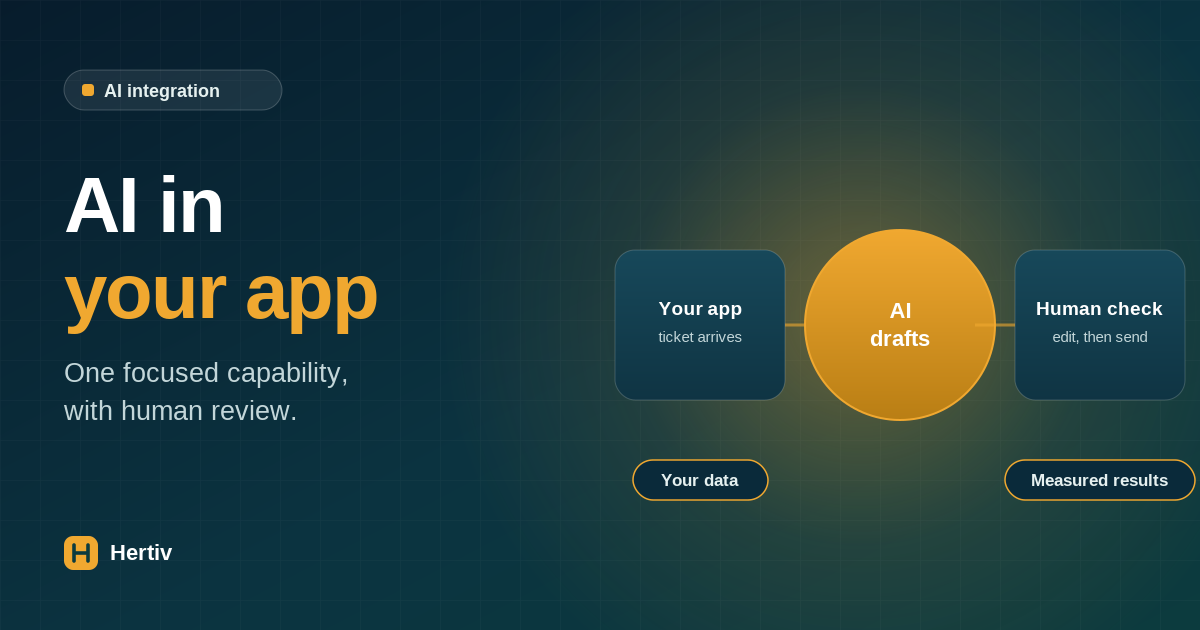
The team adds AI drafting to their support app. The model reads the ticket and the relevant help article, then drafts a reply. An agent reads each draft, which takes about 1 minute, so the team now spends 300 times 1 minute, or 5 hours a day on review. The team saves about 20 hours a day, and the customer still gets a reply checked by a person.
The team also tracks how often drafts are accepted without edits. In the first month, about half need a small change, so the team improves the instructions and the help articles the model can see. The saving grows as the drafts get better, and the review step stays, because it is what keeps the quality up.
What are the common mistakes?
The most common mistakes when integrating AI into an app are adding AI to a job nobody asked for, skipping human review, and sending too much data to the model.
- AI for its own sake. A feature that nobody uses is worse than no feature, because it still costs money to run.
- No review step. Letting model output reach customers without a check is the fastest way to lose trust.
- Too much data in the prompt. Sending whole histories wastes money and risks leaking personal data.
- No fallback. If the model is down or unsure, the app should still work, even if it means a slower manual path.
- No measurement. Without tracking acceptance and edits, the team cannot tell whether the feature is helping or hurting.
How do you know the integration is working?
You know an AI integration is working when users accept the result, the work gets faster, and the cost per use stays predictable. Measure all three, not just one.
Useful signals include the share of drafts accepted without edits, the time saved per task, the cost per call, and the number of complaints about the AI feature. A feature with high acceptance and low complaints is working; a feature with low acceptance needs better instructions, better data or a different job.
Review the numbers weekly during the pilot, then monthly. If acceptance is rising and cost per use is steady, the feature is ready to grow. If acceptance is flat and cost is rising, stop and fix the job before adding more features. That discipline is what turns a demo into a product.
Key takeaways
- Add one focused AI job to an app users already use
- Pick the job with the most repeated work and the clearest examples
- Human review and a fallback protect users when the model is wrong
- Send the model only the data it needs for the job
- Measure acceptance, time saved and cost per use
Frequently asked questions
Do I need to rebuild my app to add AI?
No. Most integrations add a model call behind an existing screen, so the app stays the same and gains one new capability. A rebuild is only needed if the app's data is too messy to feed the model or the screens cannot show a draft for review.
Should I use a hosted model or an API?
An API is usually faster to start with, because there is no model to run yourself. A hosted model makes sense when data must stay inside your systems or when usage is high enough that running your own model costs less. Start with an API and move only if the numbers justify it.
How do I keep AI output safe for customers?
Put a human review step before anything reaches a customer, limit what the model can do, and log what it produces. Review the rejected cases regularly, because they show where the instructions or the data need work.
What data does the AI need?
Only the data for the job: the ticket and the relevant articles for a draft, the document for a summary, the message for triage. Keep personal data out of prompts where possible, and check what your provider stores.
How much does AI integration cost?
It depends on usage: the amount of text sent and received and the number of calls. A small pilot with a few hundred calls a day is cheap to run, while a feature used thousands of times a day needs a cost limit and regular review. Measure cost per use during the pilot.
How long does it take to integrate AI into an app?
A single focused feature usually takes a few weeks from picking the job to a pilot with real users. The slow parts are collecting good examples and setting up review, not the model call itself. Teams that start small ship sooner than teams that plan a large rollout.


