How to Implement a Data Pipeline Without Losing Data
A data pipeline moves data from source systems to a warehouse or dashboard on a schedule, cleaning and checking it along the way. Here is how to build one.
On this page
Short answer
A data pipeline is a set of automated steps that moves data from one or more source systems to a destination such as a warehouse or dashboard, transforming and checking it along the way. You implement one by mapping sources, choosing an extraction pattern, building the transforms, adding tests and monitoring, and then running it on a schedule.
What is a data pipeline implementation?
A data pipeline implementation is the work of turning a manual data handoff into an automated, repeatable flow. Instead of someone exporting a spreadsheet each week, the pipeline pulls data from a source, cleans and reshapes it, checks it, and loads it where it is needed.
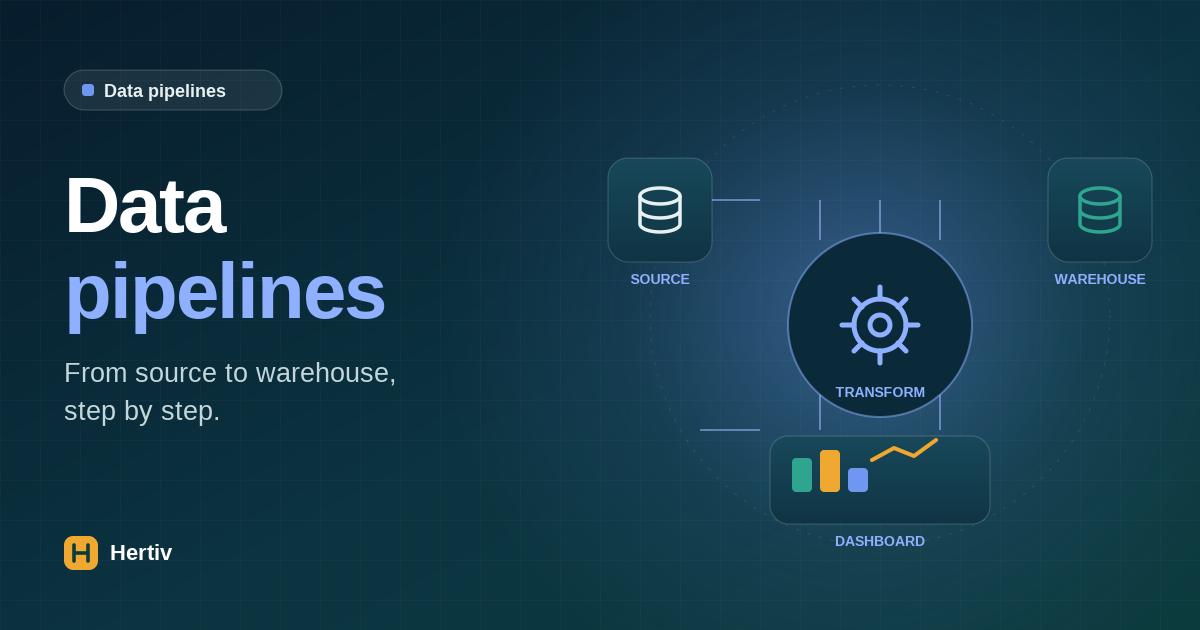
Every pipeline has the same five stages, whatever the tools are:
| Stage | What happens | Example |
|---|---|---|
| Extract | Pull data from a source | Orders API, CRM export |
| Load | Put raw data in storage | Warehouse staging table |
| Transform | Clean, join and reshape | Currency, dates, joins |
| Validate | Check the data is sound | Row counts, null checks |
| Serve | Make it available to users | Dashboard, report, model |
The order of load and transform can vary. Some teams load raw data first and transform inside the warehouse; others transform before loading. Both patterns work, and the choice depends on where your team is comfortable working.
Which sources and destinations do you need?
You need a clear list of sources and destinations before you pick any tool. A source is any system that holds data you need: a database, an API, a file store, a SaaS app or a spreadsheet. A destination is where the cleaned data lands: usually a warehouse, a data lake or a dashboard.
For each source, write down three things: how you connect to it, how often it changes, and how much data it holds. An orders database that changes every minute needs a different approach from a monthly spreadsheet upload.
Keep the first version small. One or two sources and one destination is enough to prove the pattern. Adding a third source is easy once the first two run reliably; debugging three new sources at once is not.
If you are unsure what a pipeline is at all, what a data pipeline is explains the parts and the common patterns in more depth.
How do you design the pipeline?
You design a pipeline by deciding what the data should look like at the end, then working backwards to the sources. Start with the question the business wants answered, and define the tables and fields that answer it.
Decide the grain of each table: one row per order, per customer or per day. Getting the grain wrong is the most common design error, because it is hard to fix after downstream reports are built on it.
Choose how the pipeline runs. A batch run once an hour or once a day suits most reporting. A streaming run suits alerts and live dashboards, but it costs more to build and watch. Pick batch unless you have a clear reason to need data within minutes.
Write the design down in one page: sources, grain, transforms, checks and the schedule. That page becomes the spec the team builds from, and the document you check when something breaks.
How do you build and test the pipeline?
You build a pipeline in small steps, testing each one on a sample of real data before moving on. A pipeline that is built in one big push is hard to debug when the numbers look wrong.
- Connect one source and load it raw. Land the data unchanged in a staging table so you can inspect it.
- Write one transform at a time. Clean a field, join a table, then check the result before adding the next step.
- Add checks after each step. Row counts, null rates and range checks catch bad data early, where it is cheap to fix.
- Run it on a full day of real data. A sample of ten rows hides the edge cases; a full day shows them.
- Compare the output with the old manual process. If the numbers do not match, find out why before you switch anyone over.
- Schedule it and watch the first runs. Check each run for a week before you call the pipeline done.
Keep the transforms readable. A future engineer will need to understand them at 2 a.m. when a run fails, so name steps clearly and add a short note where the logic is not obvious.
Example (hypothetical): an orders pipeline for a small shop
Example (hypothetical): a shop with 400 orders a day wants a daily sales report. Its orders live in a shop platform, and customer data lives in a CRM. Today someone exports both files by hand and merges them in a spreadsheet, which takes about 90 minutes a day.
The team builds a pipeline that pulls orders and customers each night, joins them on customer ID, converts currencies to one base currency and loads the result into a warehouse table. The daily run takes about 12 minutes, and the report reads from the warehouse table.
The arithmetic is simple: 400 orders a day is 12,000 a month. If the manual merge takes 90 minutes a day, that is 45 hours a month. At 12 minutes a day, the pipeline costs about 6 hours a month of machine time and 30 minutes of checking. The saving is roughly 38 hours a month, plus the report is ready before the team arrives.
The team also adds two checks: the loaded row count must match the orders count for the day, and no order may have a missing customer. If either check fails, the run stops and the team gets an alert instead of a wrong report.
How do you run and watch it in production?
You run a pipeline in production by scheduling it, watching each run and having a plan for when it fails. A pipeline nobody watches will fail silently, and the first person to notice will be the one reading a wrong report.
Set up alerts for the failures that matter: a run that does not start, a run that fails, a row count that drops by more than a fifth, or a check that fails. Send alerts to a channel the team actually reads, not to an inbox nobody opens.
Keep a run history with start time, end time, rows moved and checks passed. When a report looks wrong, the run history is the first place to look. It also shows whether the pipeline is getting slower as data grows.
Plan for backfills. When a source is fixed or a transform changes, you will need to re-run past days. Make sure the pipeline can re-run a single day without duplicating rows, or the fix will create a second problem.
What are the common mistakes?
The most common mistakes are building too much at once, skipping checks, and letting the pipeline run unwatched.
- Starting with ten sources. Each new source adds failure modes. Start with one or two and prove the pattern first.
- No checks on the data. A pipeline without checks will happily load bad data and serve it as if it were true.
- Transforms nobody can read. Clever, dense transforms become a mystery when they break. Keep them plain and named.
- No plan for failure. Sources go down and APIs change. If the pipeline has no retry and no alert, the team finds out from a user.
- Mixing raw and cleaned data. Keep raw staging tables separate from cleaned tables, or a bad transform can destroy the only copy of the source data.
Budget is part of the plan too: data pipeline cost breaks down the five parts of the bill, from ingestion to monitoring.
For the tooling side, data pipeline tools for startups compares the common options.
Key takeaways
- A pipeline has five stages: extract, load, transform, validate and serve
- Start with one or two sources and one destination, then add more
- Add checks after each step so bad data stops early, not in a report
- Test on a full day of real data and compare with the manual process
- Watch every run and keep a history, so failures are found fast
Frequently asked questions
How long does it take to implement a data pipeline?
A simple pipeline with one or two sources usually takes a few weeks, including design, build, testing and a week of watched runs. A pipeline with many sources, real-time needs or heavy transforms can take a few months. The schedule depends more on data quality and access than on the tools.
Should we use batch or streaming?
Use batch for most reporting, since an hourly or daily run is cheaper and easier to test. Use streaming only when the business needs data within minutes, such as fraud alerts or live operations dashboards. Streaming costs more to build, test and watch, so it should be a deliberate choice.
What tools do we need to build a data pipeline?
You need an extraction tool or a few scripts, a place to store raw data, a transform layer, an orchestrator to schedule runs and a way to watch them. Many teams start with managed tools for extraction and orchestration, and write transforms in SQL. The exact stack matters less than the checks and the run history.
How do we handle bad data in a pipeline?
Add checks after each step: row counts, null rates, duplicate keys and value ranges. When a check fails, stop the run, alert the team and keep the last good data in place. Fix the source or the transform, then re-run the affected days. Never let a failed check load silently.
How often should a pipeline run?
Match the run to how the data is used. Daily is enough for most reports, hourly suits teams that check numbers during the day, and near-real-time suits alerts. Running more often than the business needs adds cost and failure chances without adding value.
Who should own a data pipeline?
One named owner should watch the runs, fix failures and approve changes. Without an owner, a pipeline drifts: checks go stale, sources change and nobody notices until a report is wrong. The owner does not need to build everything, but they need to be the person who gets the alert.


