How to Implement a Data Lakehouse Step by Step
A data lakehouse pairs low-cost object storage with warehouse-style tables. This guide walks through the decisions and steps to build one your team can trust.
On this page
Short answer
To implement a data lakehouse, store raw data in object storage, add an open table format such as Delta Lake or Iceberg, connect a query engine, and put governance and testing in place before teams build on it. Start with one workload and one set of tables, prove the pattern, then expand it.
What is a data lakehouse?
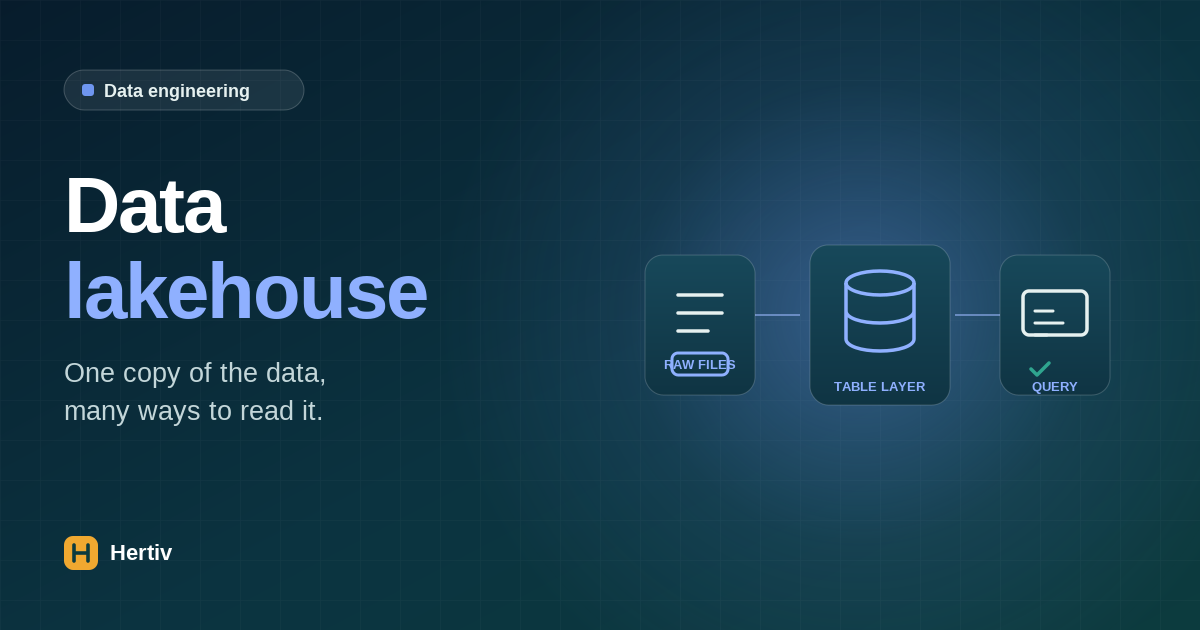
A data lakehouse is a data platform that stores raw files in low-cost object storage and adds a table layer on top, so teams can query the same data with warehouse-style SQL and with data-science tools. It keeps the open file formats of a data lake and adds the structure, transactions and governance that made warehouses useful.
The table layer is the part that makes it a lakehouse rather than a plain lake. Open table formats such as Delta Lake, Iceberg and Hudi add versioning, schema rules and the ability to update or delete rows, which raw files on their own do not offer. Query engines such as Spark, Trino or a cloud warehouse engine then read those tables directly.
Teams usually move to a lakehouse when their warehouse is getting expensive or their lake is getting hard to trust. The lakehouse is a middle path: one copy of the data, several ways to read it. The background on what a data lakehouse is explains the idea in more detail.
How is a lakehouse different from a warehouse and a lake?
A lakehouse differs from a warehouse in where data lives and from a lake in how much structure the data carries. The table below shows the practical differences a team will feel.
| Feature | Data warehouse | Data lake | Data lakehouse |
|---|---|---|---|
| Storage | Proprietary storage | Object storage, raw files | Object storage, raw files |
| Table structure | Strong, built in | None by default | Open table formats |
| Updates and deletes | Yes | Hard, file rewrites | Yes, through the table layer |
| Who can read it | SQL tools mainly | Any engine, with effort | SQL and data-science tools |
| Cost shape | Storage plus compute | Cheap storage | Cheap storage, pay for compute |
| Governance | Built in | Added by hand | Catalogue and access rules |
The lakehouse does not remove the need for good modelling. It removes the need to copy data between a lake and a warehouse every time a new team wants to use it.
What should you decide before you build?
You should decide the storage, table format, compute engine and ownership model before you load any data. Changing a table format later means rewriting tables, and changing ownership later means reworking every access rule.
- Storage. Pick one object store and one layout: one bucket per environment, folders by source system and date. Keep raw files untouched so you can always reload.
- Table format. Pick one format for all new tables. Delta Lake, Iceberg and Hudi all work; the point is to standardise, not to pick the newest one.
- Compute. Decide which engine answers SQL queries and which runs batch or streaming jobs. Two engines reading the same tables is fine if they share the catalogue.
- Catalogue and access. One catalogue should list every table, its owner and its columns. Access rules should live there, not in each tool.
- Owners. Every table needs a named owner who answers for its quality. A table without an owner drifts.
Write these decisions down in one page. A short design note saves more time than any tool choice, because it stops each team from building its own variant.
How do you implement a data lakehouse?
You implement a data lakehouse by building the storage and table layer first, then moving one workload onto it, then widening the scope once the pattern works.
- Set up storage and the catalogue. Create the buckets, the folder layout and the catalogue. Load nothing until the catalogue can list tables and owners.
- Pick the table format and write one table. Choose a format, then write a single table from an existing source. Check that updates, deletes and time travel work as expected.
- Connect the query engine. Point your SQL engine at the catalogue and run the reports the team already uses. Compare the results with the old system row for row.
- Build the first pipeline. Move one source system end to end: raw files, cleaned tables, and one modelled table for reporting. Keep the raw files so you can rebuild.
- Add tests and access rules. Test row counts, key columns and freshness on every load. Apply access rules in the catalogue before the first real users arrive.
- Move one workload and switch it off elsewhere. Migrate one report or dashboard, run both versions side by side for a short period, then retire the old one. Only then start the next workload.
Resist the urge to move everything at once. One workload done well teaches you what the next five will need. The cost of a data lakehouse is worth reading before you size the compute, since compute is where most of the bill lands.
Example: a retailer moves reporting to a lakehouse
Example (hypothetical): a retailer with 12 stores wants one place for sales reporting. Each store sends 5,000 sales rows a day, so the lakehouse receives 60,000 rows a day, or about 1.8 million rows a month.
The team stores the raw files in object storage and writes one sales table in an open table format. At roughly 150 bytes per row, a month of sales is about 270 MB, and a full year is about 3.2 GB. Storage is a small part of the bill; the query engine is the part to watch.
It moves one report first: daily sales by store. The new report is checked against the old one for two weeks, and the counts match. Only then does the team move the weekly stock report, using the same table and the same tests. The pattern, not the tool, is what gets reused.
What are the common mistakes?
The most common lakehouse mistakes are treating it as a cheaper warehouse, skipping the catalogue, and moving every workload before the first one works.
- Loading data with no table rules. Raw files with no schema checks become a second lake. Enforce types and required columns at load time.
- Two catalogues. If the SQL engine and the batch jobs use different catalogues, teams will disagree about which table is real.
- No table owners. Tables without owners go stale, and stale tables produce wrong reports that nobody trusts.
- Moving everything at once. A big-bang migration hides problems until cutover. One workload at a time keeps problems small.
- Ignoring small files. Thousands of tiny files slow queries down. Compact tables on a schedule.
- No tests on loads. A load that silently drops rows is worse than a load that fails loudly.
How do you know the lakehouse is working?
You know the lakehouse is working when reports match the old system, loads are tested, and new teams can find and use tables without asking the data team for help.
- Correctness. Key reports match the previous system within an agreed tolerance, and differences are explained, not ignored.
- Freshness. Tables land on schedule, and a missed load raises an alert instead of sitting quietly.
- Discovery. A new analyst can find a table, see its owner and its columns, and understand what each column means.
- Cost. Compute spend per workload is visible, so a runaway query can be traced to its owner.
- One copy. Teams stop asking for exports, because the table they need is already in the catalogue.
Review these signals monthly for the first quarter. If discovery and freshness are improving, the platform is on track. If teams are still exporting files, the catalogue or the access rules need work. A partner for data engineering can help set up the storage, table layer and tests if your team is short on time.
Key takeaways
- A lakehouse stores raw files in object storage and adds an open table layer on top
- Pick one table format, one catalogue and one storage layout before loading data
- Move one workload end to end and prove it before migrating the next
- Every table needs a named owner, load tests and access rules
- Small files, missing tests and a second catalogue are the usual failure modes
Frequently asked questions
Is a data lakehouse a replacement for a data warehouse?
It can be, for many teams. A lakehouse covers the reporting and analysis a warehouse handled, while keeping data in open formats. Some teams keep a warehouse for a few workloads and use the lakehouse for the rest.
Which table format should we choose?
Delta Lake, Iceberg and Hudi all work well. The important choice is to standardise on one format across new tables, so every engine and every team reads the same tables the same way.
Do we need to move all our data at once?
No. Move one source and one workload first, run the old and new versions side by side, then retire the old one. A staged move keeps problems small and teaches the team the pattern.
How does a lakehouse handle updates and deletes?
The open table format adds versioning and row-level operations on top of the raw files. You can update or delete rows through the table layer without rewriting every file by hand.
What skills does our team need?
You need someone who can model tables, write pipelines and run a query engine, plus an owner for governance and access. The storage itself is simple; the modelling and testing are where the skill sits.
How long does a first lakehouse take to build?
A first workload, from storage setup to a live report, often takes a few weeks when the source data is clean. Cleaning messy source data and agreeing on definitions usually takes longer than the platform work.


