How to Implement AI in 10 Steps: A Practical Guide
Implementing AI takes ten steps, from picking one job to measuring the result. Learn each step, what it costs, and the mistakes that stall most projects.
On this page
Short answer
Implementing AI means taking a business job, such as answering support tickets or checking invoices, and giving it to a model that can do part of it reliably. The work follows ten steps: pick one job, check the data, set a pass mark, build a small pilot, test it with real users, fix the weak spots, connect it to your systems, train the team, launch it, and measure the result.
What does it mean to implement AI?
To implement AI is to put a model to work on a real job inside your business, not to run a demo. The job might be answering support tickets, sorting incoming mail, drafting replies, or checking documents. The model does part of the job, a person checks the rest, and the result is measured in time saved or errors avoided.
Implementation is mostly not about the model. The model is one part; the data, the checks, the connection to your systems and the team's habits are the rest. Teams that skip those parts get a demo that never reaches real users. The guide to building an AI proof of concept covers the earliest version of this work.
The ten steps below are written for a team doing this for the first time, with one job and one small pilot, rather than a company-wide programme. They work for a support team, a finance team or an operations team alike.
What are the 10 steps to implement AI?
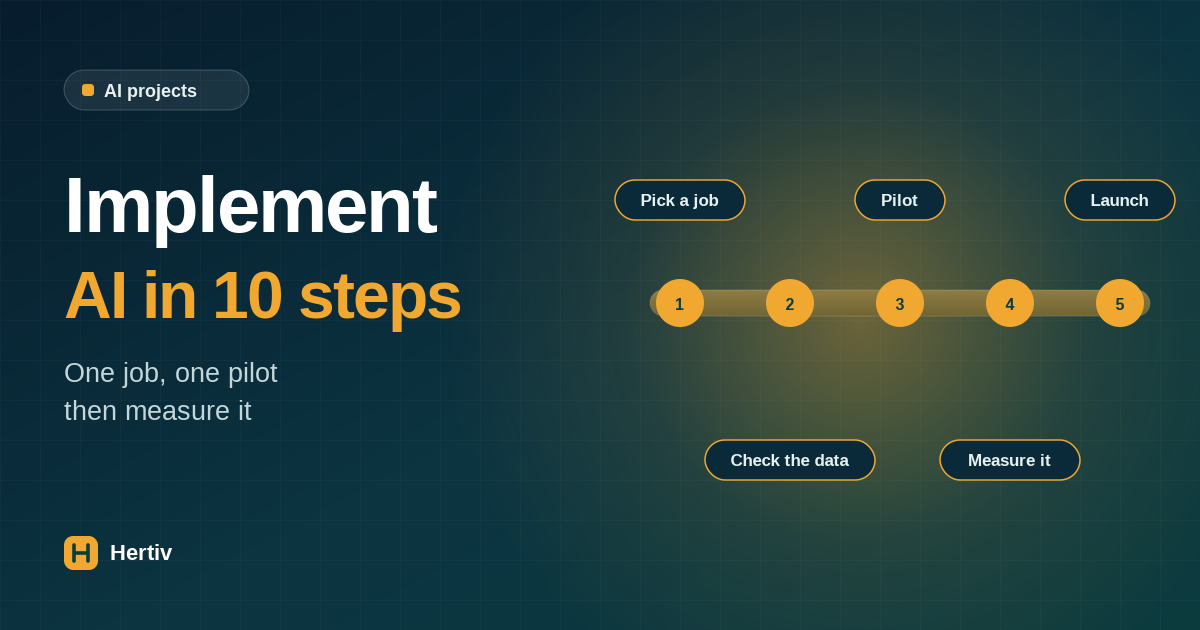
The ten steps run in order, and each one has a clear output you can check before moving on. Skipping a step does not save time; it moves the problem to a later step, where it costs more to fix.
| Step | What you do | Output to check |
|---|---|---|
| 1. Pick one job | Choose a repeated, measurable job | A one-sentence job description |
| 2. Check the data | Find and inspect the records the job uses | A data sample and its gaps |
| 3. Set the pass mark | Decide what good looks like, in numbers | A written target and a baseline |
| 4. Pick the tool | Choose a model or vendor that fits | A shortlist of two options |
| 5. Build a pilot | Build the smallest working version | A pilot on real data |
| 6. Test with real users | Let the team use it on live work | A test log with scores |
| 7. Fix the weak spots | Correct the errors the test found | A list of fixes, done |
| 8. Connect the systems | Link the pilot to your tools | A working integration |
| 9. Train the team | Teach the team when to trust it | A short guide and a review habit |
| 10. Launch and measure | Roll it out and track the result | A weekly report on the target |
The rest of this article explains each step in turn, with the checks that show it is done. A step is finished when its output exists in writing, not when someone says it is mostly done.
Steps 1 to 3: pick the job, check the data, set the pass mark
Step 1 is picking one job that repeats often, takes real time, and has a clear right answer. Answering the same ten support questions, sorting invoices, or checking contract dates all qualify. Pick the job with the clearest payoff, not the most exciting one, and write it down in one sentence.
Step 2 is checking the data the job uses. Find the records, read a sample, and note what is missing or messy. If the data is in five spreadsheets with different column names, the AI will not fix that; clean it first. A pilot built on bad data teaches you nothing except that the data was bad.
Step 3 is setting the pass mark before you see any results. Write down the baseline, such as "a support reply takes 5 minutes today", and the target, such as "the model drafts a reply a person can check in 1 minute, and at least 8 in 10 drafts are usable". Without a pass mark, every pilot looks like a success.
Steps 4 to 6: pick the tool, build a pilot, test it
Step 4 is picking the tool. For most first pilots, a hosted model with an API is the fastest start, because there is no server to run. Shortlist two options, test both on the same ten real examples, and pick the one that scores better on your own work. Prices are on the vendor site, so check current rates before you budget.
Step 5 is building the pilot: the smallest version that does the job end to end on real data. Keep it narrow, one job, one input, one output, and give it a time limit of two to four weeks. A pilot that grows into a full product before it is tested is no longer a pilot.
Step 6 is testing with real users on live work. Give the pilot to the team that does the job today, and ask them to score each output: usable as it is, usable after a small fix, or wrong. Log the scores. The guide to testing AI models shows how to score the results fairly.
Steps 7 to 10: fix, connect, train, launch and measure
Step 7 is fixing the weak spots the test found. The usual fixes are better prompts, cleaner data, or a check that catches the most common error before the output reaches a person. Fix the biggest error first, then re-test on the same examples to confirm the fix worked.
Step 8 is connecting the pilot to your systems, so the team does not have to copy text between windows. This is where many pilots stall, because the connection needs access, security review and a way to handle failures. Plan for it early, and keep a manual fallback so work continues if the connection fails.
Step 9 is training the team: when to trust the output, when to check it, and what to do when it is wrong. Step 10 is launching to the full team and measuring the target from step 3 every week. If the number does not move after a month, change the job or stop, and keep the learning.
Example (hypothetical): a support team implements AI in 10 steps
Example (hypothetical): a support team handles 300 tickets a day, and each reply takes a support agent 5 minutes to write, which is 1,500 minutes, or 25 hours, of writing a day. The team picks ticket drafting as the job, checks 200 past tickets, and sets a pass mark: the model drafts a reply that an agent can check in 1 minute, and at least 8 in 10 drafts are usable.
After the pilot, the team finds 240 of the 300 drafts are usable, which is 8 in 10, and checking takes 1 minute each, so the team spends 300 minutes, or 5 hours, a day on checks instead of 25 hours writing. That saves about 20 hours a day, which the team spends on the 60 tickets that still need a full human reply.
The arithmetic is the point: 300 tickets times 5 minutes is 25 hours, and 300 checks at 1 minute is 5 hours. If the pilot had only made 5 in 10 drafts usable, the team would have spent 150 minutes checking and still written 150 replies, which would have saved little. The pass mark from step 3 is what makes the decision honest.
Common mistakes
The most common mistake is starting with the model instead of the job. A team that picks a model first, then looks for a use, ends up with a demo nobody asked for. Start with a job that hurts today, and the model choice becomes obvious.
Another mistake is skipping the pass mark and calling the pilot a success because the demo looked good. Without a baseline and a target, there is nothing to measure, and the project drifts.
A third mistake is launching without a human check: the model will be wrong sometimes, and the first wrong answer a customer sees can cost more than the time the pilot saved. Keep a person in the loop, and review the outputs every week.
Key takeaways
- Pick one repeated job with a clear right answer
- Check the data and set the pass mark before you build
- Test the pilot on real work with real users
- Fix the biggest error first, then re-test
- Keep a human in the loop and measure weekly
Frequently asked questions
How long does it take to implement AI?
A first pilot usually takes two to four weeks to build and two weeks to test, plus time to connect it to your systems. A full launch takes longer, so start with one job and one pilot rather than a company-wide plan.
How much does it cost to implement AI?
It depends on the tool, the data work and the integration. Hosted models charge by use, and prices are on the vendor site. The biggest cost is usually staff time for data cleaning and testing, not the model itself.
Do I need a data science team to implement AI?
No. A first pilot needs someone who knows the job, someone who can read the data, and someone who can call an API. A data science team helps later, when the pilot grows into a larger system.
What is the hardest step?
Most teams find step 2, the data, the hardest, because the records are messier than expected. Step 8, connecting the systems, is the second hardest, because it needs access and security review. Plan time for both.
How do I know if the pilot worked?
Compare the result with the pass mark you set in step 3. If the model meets the target on real work for two weeks in a row, it worked. If it does not, change the job, the data or the tool, and test again.
Should I build the AI myself or buy a tool?
Buy first for a first pilot, because a hosted tool is faster to test. Build only when the job is unusual, the data must stay inside your systems, or no vendor tool fits the job.


