How to Develop a RAG-Powered Application
To develop a RAG-powered application, load your documents, split them into chunks, search them for each question and let the model answer from what it finds.
On this page
Short answer
A RAG-powered application is an app that answers questions by first searching your own documents, then asking a language model to write an answer from what it found. RAG stands for retrieval-augmented generation: retrieval finds the facts, and generation writes the reply. This guide shows how to build one, step by step.
What is a RAG-powered application?
A RAG-powered application is an app that answers questions from your own documents instead of from the model's memory. When a user asks a question, the app searches your documents for the most relevant passages, gives those passages to the language model, and the model writes an answer based on them. The answer can then be checked against the source it came from.
That is the main difference from a plain chatbot. A plain chatbot answers from what it learned in training, which may be out of date or wrong for your business. A RAG app answers from your price list, your policy pages and your manuals, so the answer matches what your business actually does.
| Part | What it does | Example |
|---|---|---|
| Documents | Hold the facts | Policy pages, manuals |
| Chunks | Split text into small pieces | One paragraph each |
| Search index | Finds the right pieces | Vector or keyword search |
| Language model | Writes the answer | Reads the passages given |
| Guardrails | Blocks unsafe answers | Say "I do not know" rule |
RAG is a good fit when your answers live in documents that change often, such as prices, policies or product guides. If you want the background, read what retrieval-augmented generation is first.
How does RAG work, step by step?
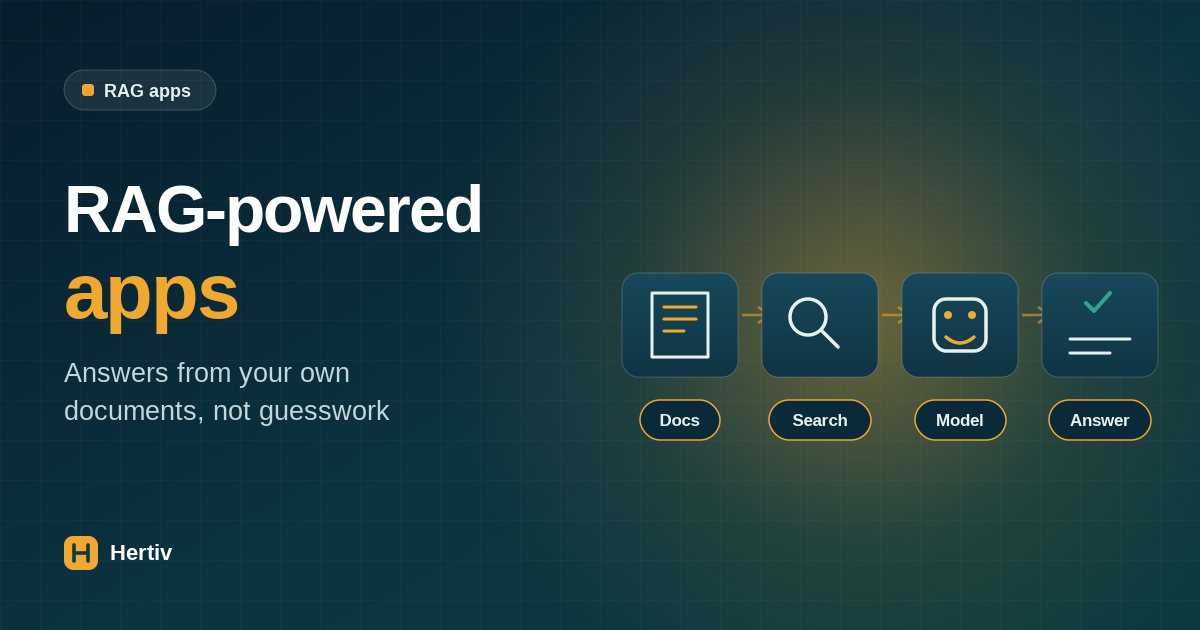
RAG works in four steps. First, your documents are split into small chunks, usually one paragraph or one section each, so the search can find the exact passage that answers a question. Each chunk is stored in a search index with a short summary of what it means.
Second, when a user asks a question, the app searches the index for the chunks that match best. Third, those chunks are handed to the language model together with the question and a clear instruction: answer only from these passages. Fourth, the model writes the answer, and the app can show which passages it used.
The quality of the answer depends on the quality of the search. If the wrong chunks are found, the model will answer from the wrong facts. That is why testing the search matters as much as testing the model. A small pilot helps here, as shown in how to build an AI proof of concept.
What do you need before you start?
Before you build, you need three things: documents, a test set and a clear job for the app. The documents are the source of truth, so they must be correct, current and in a format you can read. A policy page that is two years out of date will produce wrong answers, however good the rest of the system is.
The test set is a list of 30 to 50 questions users actually ask, with the right answer for each one. You will use it to check the app before launch and after every change. Without it, you are guessing whether the app works.
The job must be narrow. An app that answers booking questions is easier to build well than an app that answers anything about your business. Start with one job, get it right, and add more later.
How to build it: six steps
Build the app in six steps, testing after each one. Each step is small, so you can stop and fix problems before they grow.
- Gather and clean the documents. Collect the pages, guides and policies the app should use, remove duplicates and old versions, and fix the errors you find.
- Split into chunks. Break each document into short passages, one idea per chunk, and keep the heading with each one so the model knows the context.
- Build the search. Put the chunks in a search index and test it with your questions: the right passage should come back in the top few results.
- Write the prompt. Tell the model to answer only from the passages given, to say it does not know when the answer is missing, and to keep the tone plain.
- Add guardrails. Block unsafe topics, remove personal data from answers, and log every question and answer for review.
- Test and launch small. Run the test set, fix the worst failures, then launch to a small group of users before opening it to everyone.
Most teams spend more time on steps one and three than on the model itself. Clean documents and good search decide the quality of the answers; the model only writes them up. For the build-or-buy choice, see build vs buy for RAG.
How do you test a RAG application?
Test a RAG application in two ways: check the search, then check the answers. For the search, run each test question and look at the passages returned. If the right passage is not in the top five results, fix the chunks or the search before you touch the model.
For the answers, run the test set and mark each answer right, wrong or partly right. Count the results and read the wrong ones: most failures come from missing documents, wrong chunks or a prompt that lets the model guess. Fix the source of the failure, not just the single answer.
Also test with real user wording, not clean textbook questions. Users write short, vague and misspelled questions, and the app must handle those. Keep a log of real questions after launch and add the best ones to the test set.
Example (hypothetical): a support app for a small online shop
Example (hypothetical): a small online shop builds a RAG app to answer delivery and returns questions. It loads 40 pages: delivery times, returns policy, product guides and FAQs. The team writes a test set of 40 questions with the right answers.
On the first test run, 28 of 40 answers are right, 8 are partly right and 4 are wrong. The team reads the failures: 3 wrong answers come from an old returns page still in the index, and 5 partly right answers come from chunks that mix two topics. They delete the old page, split the mixed chunks, and run the test again.
On the second run, 36 of 40 answers are right, 3 are partly right and 1 is wrong. The team adds a rule: if the answer is not in the passages, the app must say it does not know. After that, the one wrong answer becomes a clear "I do not know" instead. The gain is plain: right answers rose from 28 in 40 to 36 in 40.
What are the common mistakes?
The most common mistakes in RAG applications are dirty documents, bad chunks, and letting the model guess.
- Dirty documents. Old, duplicated or wrong pages produce wrong answers, so clean the sources first.
- Chunks too big or too small. A whole page is too much for the model to use, and a single sentence is too little; aim for one idea per chunk.
- No test set. Without questions with known answers, you cannot tell whether a change helped or hurt.
- Letting the model guess. If the answer is not in the passages, the app must say it does not know.
- Launching to everyone at once. Start with a small group, read the logs, and fix the worst failures first.
Key takeaways
- A RAG app answers from your documents, not from the model's memory
- Split documents into small chunks so the search finds the exact passage
- Test the search first, then test the answers with real user questions
- Tell the model to say it does not know when the answer is missing
- Clean documents and good search matter more than the choice of model
Frequently asked questions
What does RAG stand for?
RAG stands for retrieval-augmented generation. Retrieval means searching your documents for the facts that answer a question. Generation means the language model writes the answer from those facts. Together, they let an app answer from your own sources instead of guessing.
Do I need to train a model for RAG?
No. RAG works with an existing language model, because the model only writes answers from the passages you give it. You do not need to train anything. If the answers are wrong, the fix is usually in the documents or the search, not in the model.
How many documents do I need?
You need enough to cover the questions users ask, and no more. A support app might need 40 pages, while a product guide app might need 200. Start with the pages that answer the most common questions, and add more only when users ask about them.
What is the difference between RAG and fine-tuning?
RAG gives the model your documents at answer time, while fine-tuning trains the model on your data in advance. RAG is faster to update, because you change a document instead of retraining. Fine-tuning is better for tone and style. Many teams use both.
Can RAG answers be wrong?
Yes. If the search finds the wrong passage, or the documents are out of date, the answer will be wrong. That is why you test with known questions, keep the sources clean, and add a rule that the app must say it does not know when the answer is missing.
How much does a RAG application cost to run?
The main costs are the model calls and the search index, both of which grow with use. Short, focused answers cost less than long ones, and caching common questions helps. Start small, measure the cost per question, and set a limit before you launch widely.


