How to Create a Generative Audio Model: A Practical Guide
A generative audio model creates speech, music or sound from a prompt or a clip. This guide covers data, training, evaluation and the checks that keep output safe.
On this page
Short answer
To create a generative audio model, you collect and clean audio data, choose a model approach, train or fine-tune it, and test the output with listeners before launch. The data matters most: hours of clean, licensed recordings with matching text or labels. A small, well-tested model on your own data usually beats a large one trained on noisy audio.
What is a generative audio model?
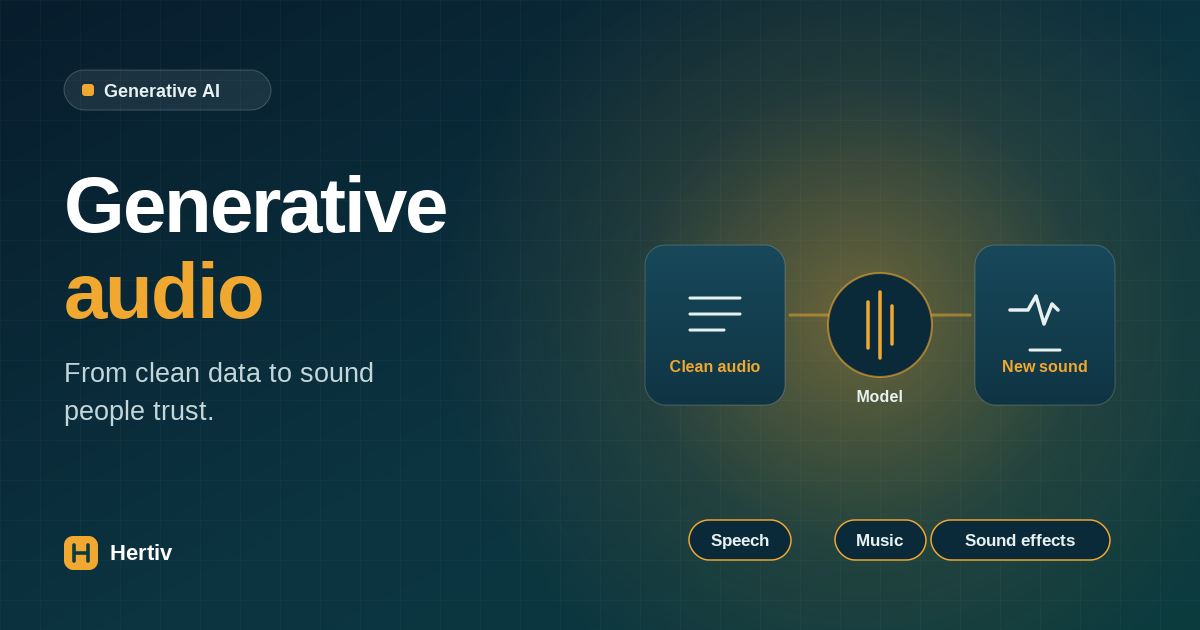
A generative audio model is a machine learning model that creates new audio, such as speech, music or sound effects, from a prompt or a reference clip. It learns patterns from training recordings and produces audio that sounds like the data it was trained on.
These models power voice assistants, audiobook narration, music tools and sound design. The output is only as good as the training data: clean, licensed recordings with accurate labels produce usable audio, while noisy or mislabelled data produces noise.
| Model type | What it creates | Typical use |
|---|---|---|
| Text-to-speech | Spoken words from text | Narration, assistants, accessibility |
| Voice cloning | Speech in a specific voice | Branded voices, dubbing |
| Music generation | Melodies and full tracks | Background music, jingles, demos |
| Sound effects | Short sounds and ambience | Games, video, apps |
| Audio enhancement | Cleaner versions of recordings | Calls, podcasts, archives |
A generative audio model is not a recording tool. It does not play back stored clips; it creates new audio each time, which is why the same prompt can produce a slightly different result on each run.
What data do you need?
Data is the biggest cost and the biggest risk in an audio model. You need hours of clean, licensed recordings that match the audio you want to produce, with text or labels that describe each clip.
For speech, that means recordings with accurate transcripts, ideally from one speaker per voice you want to clone. For music, it means tracks with notes on genre, tempo and instruments. For sound effects, it means labelled clips of each sound.
Three rules govern audio data:
- Licence everything. Only use recordings you own or have a clear licence for, and keep the paperwork.
- Clean before training. Remove background noise, silence and broken clips, or the model learns them.
- Match the target. A model trained on studio speech will not sound right on phone audio, and the reverse is also true.
Start with a small, clean dataset and test early. A few hours of good data teach you more about the pipeline than a large, noisy dataset that hides its problems until late.
How do you choose a model approach?
There are three ways to get a generative audio model: train from scratch, fine-tune an existing model, or use an API. The right choice depends on your data, your budget and how much control you need.
| Approach | When it fits | Trade-offs |
|---|---|---|
| Train from scratch | You have unique data and a large budget | Most control, highest cost and time |
| Fine-tune a base model | You have a few hours of your own audio | Good quality, moderate cost |
| Use an API | You need audio fast and can accept limits | Fastest start, least control, ongoing fees |
Fine-tuning is the usual starting point. A base model already knows how speech or music sounds in general, and your data teaches it your voice, style or domain. Training from scratch only makes sense when no base model fits your audio type.
An API is the right choice when audio is a feature, not the product. If the voice or sound is your core advantage, own the model; if it is one feature among many, rent it. For the wider decision, generative AI development covers how teams choose between building and buying.
How do you train or fine-tune the model?
Training or fine-tuning follows a fixed sequence: prepare the data, pick the base model, run the training, and check the output with listeners. Skipping a step here is how projects fail quietly.
- Prepare and split the data. Clean the audio, match it with transcripts or labels, and hold out a test set you never train on.
- Pick a base model and settings. Choose a model built for your audio type, and set the training length and learning rate to small, safe values.
- Run a short training pass. Train briefly first and listen to the output, so a data problem shows up before you spend the full budget.
- Train fully and checkpoint. Save the model at intervals, so you can roll back to the best version instead of the last one.
- Test on the held-out set. Generate audio from the test prompts and compare it with the real recordings.
- Listen with real people. Ask target listeners to rate naturalness and clarity, and record what they notice.
Keep every run logged: which data, which settings and which checkpoint produced each sample. Without that record, you cannot repeat a good result or explain a bad one. See how to fine-tune an LLM for the same discipline applied to text models.
How do you test audio quality?
Audio quality is judged by listeners, not by a single number. Automated scores can compare models, but only people can tell you whether a voice sounds natural or a track sounds right.
Use three kinds of testing:
- Listener ratings. Ask a fixed group to rate samples for naturalness, clarity and fit, on the same scale each time.
- Side-by-side comparison. Play the new model against the old one or a real recording, and ask which is better.
- Failure checks. Test edge cases: long sentences, unusual names, quiet passages and fast speech.
Keep a fixed test set of prompts and reference clips, and run the same tests after every change. If the score moves, you know the change caused it. Without a fixed set, quality debates become guesswork.
Also test the output in the product, not only in isolation. A voice that sounds fine in a test file may be too slow or too flat inside a real conversation.
Example (hypothetical): a voice for a clinic booking app
Example (hypothetical): a clinic wants a voice assistant that reads appointment reminders to patients by phone. The team has 12 hours of clean recordings from one staff member, with transcripts, and a small budget.
The team fine-tunes a text-to-speech base model on those 12 hours, holding out 1 hour for testing. A short training pass shows the voice is clear but rushes long sentences, so the team adds pauses to the training text and retrains.
The arithmetic is simple. The team tests 60 reminder sentences with 20 patients. In the first version, 48 of 60 are rated clear and natural, which is 80%. After the pause fix, 55 of 60 are rated clear, which is about 92%. The team ships the second version and keeps the first as a fallback.
The cost stays small because the team did not train from scratch. The 12 hours of data, one fine-tuning run and two rounds of listener testing are enough for a voice that only needs to read reminders clearly.
What are the common mistakes?
The most common mistakes are training on unlicensed or noisy data, skipping listener testing, and shipping a model that has never been heard in the real product.
- Unlicensed training data. Using recordings without a licence creates legal risk that can stop the product.
- No held-out test set. Testing on training data hides real problems.
- Judging by numbers alone. Automated scores miss the flaws listeners notice first.
- Ignoring consent for cloned voices. A voice that sounds like a real person needs that person's permission.
- No fallback. When the model produces bad audio, the product needs a safe default or a human path.
Start small, test with listeners, and keep the data paperwork clean. A model built on 12 good hours will serve you better than one built on 1,000 noisy ones. For the model side, LLM development covers the production patterns that apply to audio too.
Key takeaways
- A generative audio model creates new speech, music or sound from a prompt
- Clean, licensed data matters more than model size
- Fine-tuning a base model is the usual starting point
- Test with real listeners on a fixed test set, not by numbers alone
- Keep a fallback for bad output and paperwork for every hour of data
Frequently asked questions
How much audio data do I need to train a model?
It depends on the approach. Fine-tuning a text-to-speech model can start with a few hours of clean, licensed recordings from one speaker. Training from scratch needs far more data and budget, which is why most teams fine-tune instead.
Can I clone a voice with a generative audio model?
Yes, with the speaker's clear permission and a few hours of their recordings. Without consent, cloning a real person's voice creates legal and reputational risk, so get the permission in writing before you start.
What is the difference between text-to-speech and voice cloning?
Text-to-speech reads any text in a general voice, while voice cloning reads text in a specific person's voice. Cloning needs recordings of that person; general text-to-speech needs only a base model and a voice setting.
How do I know if my audio model is good enough?
Ask target listeners to rate samples for naturalness and clarity on a fixed test set, and compare the new model against the old one side by side. Ship when the ratings meet the threshold you set before training, not when the numbers look impressive.
Is it legal to train an audio model on music or podcasts?
Only with a licence or clear ownership. Music, podcasts and audiobooks are protected by copyright, and using them without permission creates legal risk. Use recordings you own, licensed libraries, or data released for training.
What does a generative audio model cost to build?
Costs vary with data, training time and the approach you choose. Fine-tuning a base model on a small dataset is the cheapest path, while training from scratch needs far more compute and data. Budget for data cleaning and listener testing, not just training.


