How to Build an App Like Yuka: A Practical Guide
An app like Yuka scans food barcodes and scores products for health. Here is what to build first, how scoring works, and what a first version costs.
On this page
Short answer
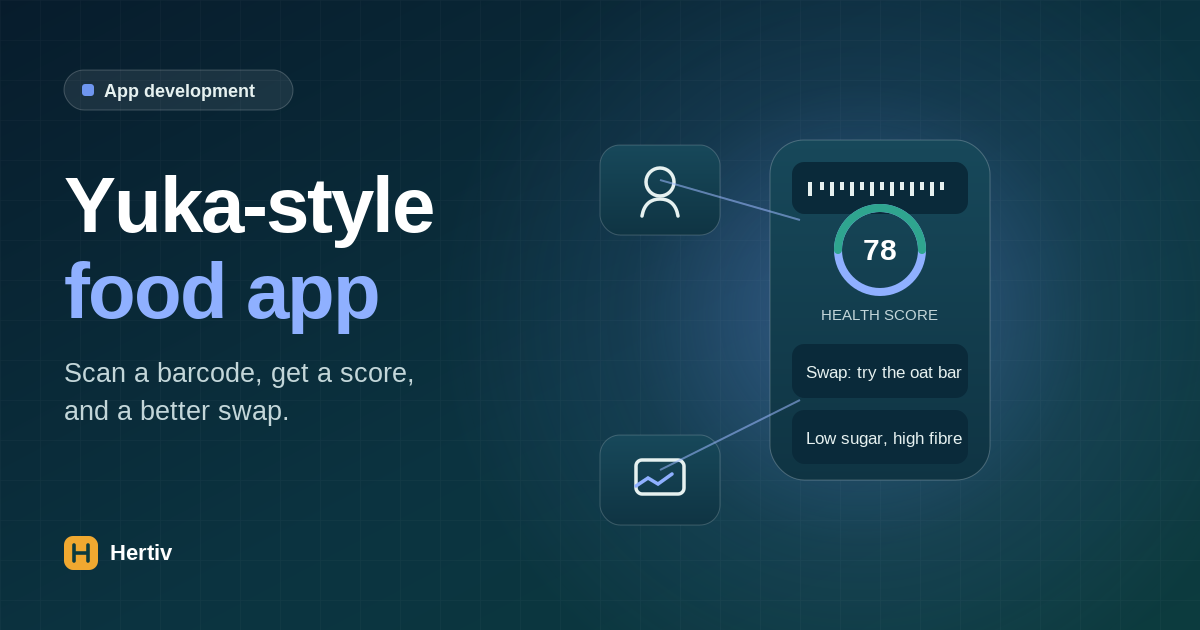
An app like Yuka is a food-scanning app: the user scans a product barcode with the phone camera, and the app shows a health score, the reasons behind it, and healthier alternatives. Building one needs a product database, a scoring method, barcode scanning and a simple interface that gives the answer in seconds.
What is an app like Yuka?
An app like Yuka is a mobile app that scans the barcode on a food or cosmetic product and rates it for health. Yuka, the original app, gives each product a score out of 100 and shows which ingredients help or hurt the score.
The core idea is simple: a phone camera reads a barcode, the app looks the product up in a database, and it shows a clear verdict. The user does not need to read a long label. That simplicity is why the format works, and it is also what makes the app hard to build well.
Your version does not need to copy Yuka. It needs the same loop: scan, look up, explain, suggest. If any step is slow or the database is thin, users stop scanning after a few days.
What features does a Yuka-style app need?
A Yuka-style app needs a small set of features that work together. The scanner is the front door, the database is the engine, and the score display is the reason people come back.
| Feature | What it does | Needed for launch? |
|---|---|---|
| Barcode scanner | Reads EAN codes with the phone camera | Yes |
| Product database | Stores products, ingredients and scores | Yes |
| Health score | Shows a 0-100 score with reasons | Yes |
| Alternatives | Suggests a better product in the same category | Yes |
| Search and history | Finds products by name and keeps past scans | Yes |
| Favourites and lists | Saves products and shopping lists | Later |
| Community data | Lets users add missing products | Later |
| Premium plan | Paid extras such as offline mode | Later |
Start with the five rows marked yes. Favourites, community contributions and a paid plan can wait until people scan regularly. For a first version, a team building a mobile app should treat the database as the product, not the scanner.
How does food scoring work?
Food scoring works by turning a product's nutrition facts and ingredient list into a single number, then showing the reasons behind that number so the user can trust it.
Most scoring methods combine a few inputs: energy, sugar, salt, saturated fat, fibre, protein, fruit and vegetable content, and additives. Each input adds or removes points, and the total is shown on a 0-100 scale with a colour. The exact weights are a product decision, and they should be published in plain language inside the app.
Two rules matter. First, the score must be explainable: if a cereal scores 42, the app should say why, such as high sugar and low fibre. Second, the score must be consistent across categories, so a user can compare two yoghurts and two biscuits fairly.
Data quality decides whether scoring works at all. Open databases such as Open Food Facts can seed your catalogue, but you will need to clean duplicates, fix wrong values and fill gaps for local brands before the scores mean anything.
What technology does the app need?
The app needs four technical pieces: a scanner, a product database, a scoring service and a mobile client that ties them together.
Barcode scanning can use the phone camera with a library such as ML Kit or the native camera frameworks on iOS and Android. A good scanner reads a code in under a second in a supermarket, including in low light and at an angle. Test it on real shelves, not just on a desk.
The backend stores products, runs the scoring rules and serves search results. A simple API with a product table, a search index and a cache is enough for a first version. The scoring rules should live on the server, so you can change weights without shipping a new app version.
You also need a way to add products that are missing. That can start as a small internal tool where your team adds products by hand, and later grow into user submissions with a review step before anything goes live.
How to build an app like Yuka in 6 steps
You build an app like Yuka by proving the scan-to-score loop on a small catalogue, then widening coverage before adding extras.
- Pick a market and a category. Choose one country and a few food categories, such as breakfast, snacks and dairy, so the database is deep where it matters.
- Seed the database. Import an open product database, clean duplicates and wrong values, and add the top-selling local products by hand.
- Define the scoring method. Write the rules, publish them in the app, and check them against a sample of products with a nutritionist reviewing the results.
- Build the scanner and score screen. The scan-to-score flow should take under three seconds, with the score, the reasons and one alternative on a single screen.
- Test in real shops. Give the app to twenty people and ask them to scan their normal shopping. Fix the misses and the wrong scores first.
- Launch narrow, then widen. Release with strong coverage in your chosen categories, then add categories and countries based on what users actually scan.
Before building, check that the idea has a real audience with a small validation step. See how to validate an app idea for a practical way to test demand before writing code.
Example (hypothetical): a first-version budget
Example (hypothetical): a small team builds a first version for one country with three food categories. The team has two developers, one designer and one part-time data editor, working for 16 weeks.
The build work is 1,920 hours at $70 an hour, which is $134,400. Data work adds $10,000 for cleaning the seed database and adding local products, design adds $8,000, and app store and testing tools add $4,000. The total is $156,400. A 10% reserve of $15,640 brings the planning figure to $172,040.
Running costs after launch are smaller but real: hosting and search at about $300 a month, a data editor at about $2,000 a month to keep products current, and app store fees. The database is the ongoing cost, not the code. If the team stops updating products, scores go stale and users leave.
What are the common mistakes?
The most common mistakes are a thin database, an unexplained score, and a scanner that fails in a real shop.
- Launching with a thin database. If half of scans return nothing, users delete the app. Cover fewer categories deeply instead of many categories badly.
- Hiding how scores work. A number without reasons looks arbitrary. Show the top reasons for every score.
- Skipping real-shop testing. A scanner that works on a desk can fail under supermarket lighting and on curved packaging.
- Adding features before coverage. Social feeds and paid plans do not help if the core scan loop is weak.
- Ignoring data licensing. Check the licence on any product database you import, and credit the source where required.
Key takeaways
- A Yuka-style app is a database product with a scanner on top, not a scanner with a database attached
- Launch with deep coverage in a few categories rather than thin coverage everywhere
- The score must show its reasons, or users will not trust it
- Test the scanner on real shelves, in real shops, before launch
- Budget for ongoing data work: stale products kill a scanning app faster than bugs do
Frequently asked questions
Is Yuka itself open source?
No. Yuka is a commercial app, and its product database and scoring method are its own. You can build a similar app using open product data such as Open Food Facts, but you need your own scoring rules, your own database work and your own design. Copying Yuka's branding, name or exact scores would be a legal problem, not a shortcut.
How much does an app like Yuka cost to build?
A first version for one country and a few food categories typically needs a small team for three to four months, plus ongoing data work. The build cost is mostly developer time; the running cost is mostly keeping the product database current. See the worked example in this article for a planning figure with the arithmetic shown.
Where does the product data come from?
Most teams start with an open database such as Open Food Facts, then add local products by hand and let users submit missing ones. Open data needs cleaning: duplicates, wrong nutrition values and missing ingredients are common. Budget real time for this, or the scores will be wrong.
Do I need a nutritionist to build the scoring?
Yes, for anything you publish as health guidance. A nutritionist should review the scoring rules and a sample of results before launch, and you should publish the method in plain language. This protects users and protects you if a score is questioned.
Can the app work offline?
Partly. A small offline cache of recently scanned products is practical, but a full product database is too large for most phones. Most teams keep search and scoring on the server and cache the user's own scan history on the device.
How do apps like Yuka make money?
Common models are a paid premium plan, affiliate links to healthier products, and partnerships with brands. Advertising inside a health app is risky for trust. Pick a model that does not reward you for showing high scores to paying brands.


