GitOps vs DevOps: What Is the Difference?
GitOps stores the desired state of your systems in Git and lets automation apply it. DevOps is the wider practice of building, testing and shipping software.
On this page
Short answer
GitOps is a way of running systems where Git holds the desired state of the infrastructure and applications, and automation applies that state to the live environment. DevOps is the wider practice of developers and operations working together to build, test and ship software quickly and safely, and GitOps is one method teams use inside it.
What is GitOps?
GitOps is a way of operating software systems where Git is the single source of truth for how the system should look. Every change to infrastructure or configuration starts as a pull request, is reviewed, and is then applied by automation.
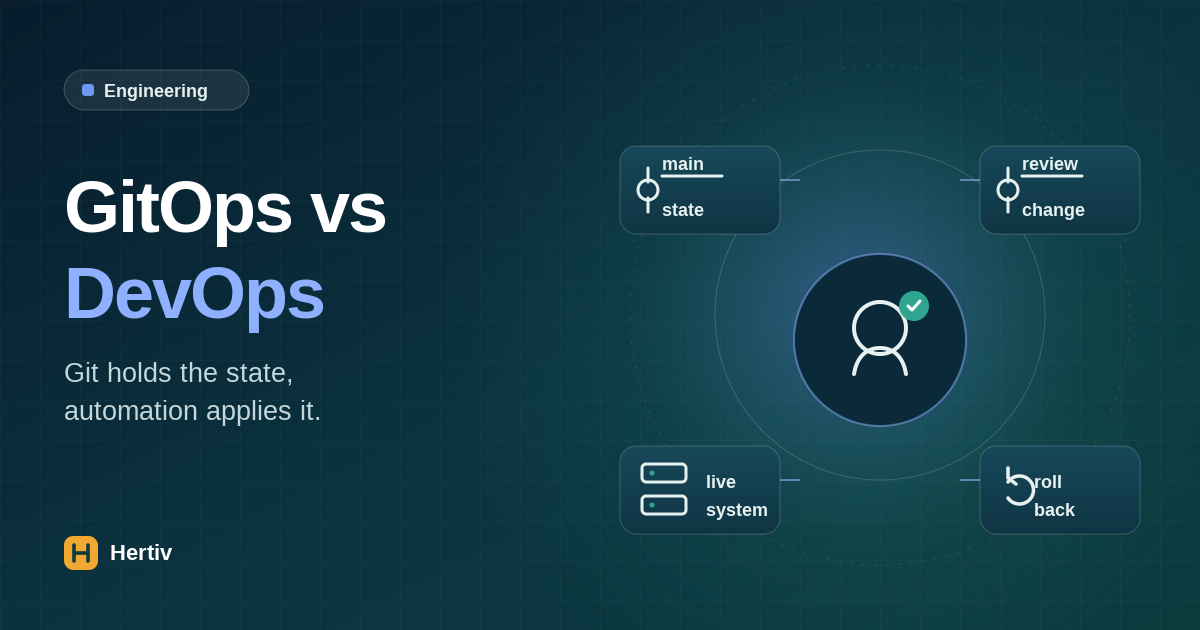
The pattern has three parts: a Git repository that holds the desired state, an automated agent that watches the repository, and a live environment that the agent keeps in sync. If someone changes the live system by hand, the agent notices the drift and restores the state from Git.
| Part | What it does |
|---|---|
| Git repository | Holds the desired state of the system as files |
| Automation agent | Watches the repository and applies changes |
| Live environment | The running system, kept in sync with Git |
| Pull request review | Every change is proposed, reviewed and approved |
GitOps works best for systems that change often and must be easy to roll back, such as Kubernetes clusters and cloud services. Because every change is a commit, the history of the system is the history of the repository.
What is DevOps?
DevOps is a way of working where developers and operations staff share responsibility for building, testing, deploying and running software. It is a culture and a set of practices, not a single tool or a job title.
The practice covers the whole delivery path: writing code, automated tests, building releases, deploying them, watching them in production and fixing what breaks. The goal is smaller, safer releases instead of rare, risky ones.
- Shared ownership. The team that builds a service also runs it, so problems are fixed by the people who know the code.
- Automation. Tests, builds and deploys run on their own, so releases do not depend on one person following a checklist.
- Small releases. Changes ship in small steps, which are easier to review, test and roll back.
- Monitoring and feedback. The team watches the live system and feeds what it learns back into the next release.
DevOps teams use many tools: version control, CI pipelines, infrastructure as code, containers and monitoring. GitOps fits inside this picture as one way to handle the deployment and operations part. A shortlist of DevOps tools for startups shows the range of tools teams combine.
GitOps vs DevOps at a glance
GitOps and DevOps answer different questions. DevOps asks how a team works together to ship software, while GitOps asks how the live system is kept in the state the team agreed. The table below puts the difference in one place.
| Aspect | DevOps | GitOps |
|---|---|---|
| What it is | A way of working across build and operations | A method for running systems from Git |
| Scope | The whole delivery path, from code to production | Deployment and operations state |
| Source of truth | Shared by the team, in code, tests and runbooks | Git, as files that describe the desired state |
| Change flow | Code, test, build, deploy, monitor | Pull request, review, merge, automation applies |
| Rollback | Rebuild and redeploy the old version | Revert one commit and let automation apply it |
| Main benefit | Faster, safer releases through shared ownership | A visible, reviewable, repeatable system state |
A team can practise DevOps without GitOps, using scripts or dashboards to deploy. And a team can store state in Git without the wider DevOps habits, though that rarely lasts. The two work best together: DevOps sets the habits, GitOps makes the state visible and repeatable.
How a GitOps deployment works
A GitOps deployment follows the same path every time, which is the point. Nothing is changed by hand in the live system, so the path is easy to review, repeat and roll back.
- Propose the change. A developer opens a pull request that changes the files describing the system, such as a deployment file or a configuration value.
- Review it. A teammate reviews the change, automated checks run, and the change is approved or sent back.
- Merge to the main branch. The approved change becomes the new desired state in Git.
- Automation notices. The agent watching the repository sees the new commit and compares it with the live system.
- Automation applies it. The agent updates the live system to match, and reports success or failure.
- Drift is corrected. If anyone changes the live system by hand later, the agent restores it to the state in Git.
Because the change is a commit, anyone can see who made it, when, and why. That audit trail is one reason regulated teams adopt GitOps, and it is also why a bad change is quick to reverse. The same review habit matters in DevOps versus DevSecOps, where security checks join the same pipeline.
When GitOps fits, and when it does not
GitOps fits best when the system is described as code, changes are frequent, and rollbacks must be fast. Kubernetes clusters, cloud infrastructure and multi-environment setups are the usual cases.
- Fits: container platforms, cloud infrastructure, and services deployed to several environments from one repository.
- Fits: teams that already review changes in pull requests and want the same habit for operations.
- Does not fit: systems that cannot be described in files, such as databases with live data or manual one-off fixes.
- Does not fit: teams with no version control habit yet, where the pull request review would be new for everyone.
In the cases that do not fit, keep the parts that can live in Git there, and handle the rest with a written runbook. A guide to real-world DevOps examples shows how teams mix methods in practice.
Start with one service, not the whole estate. Prove the loop on a small system, let the team learn the review habit, then extend it. A big-bang switch usually creates more confusion than it removes.
Example (hypothetical): faster rollbacks with GitOps
Example (hypothetical): a team deploys 20 times a week. A bad deploy used to take 45 minutes to roll back by hand, because someone had to find the old version, rebuild it and redeploy it.
With GitOps, a rollback is a revert of one commit, which the automation applies in about 5 minutes. That saves 40 minutes per rollback. Across 20 deploys a week, that is 800 minutes, or about 13 hours and 20 minutes, of recovered time each week.
The time saving is only part of the gain. Rollbacks become boring and routine, so the team deploys more often and in smaller steps. Smaller steps mean smaller failures, which is the real reason the practice sticks.
What are the common mistakes?
The most common GitOps mistakes are treating Git as a backup instead of the source of truth, letting people change the live system by hand, and storing secrets in the repository. Each one breaks the loop the practice depends on.
- Git as backup, not truth. If the live system is changed by hand and Git is updated later, the history is fiction and rollbacks cannot be trusted.
- Hand changes in production. Every manual fix must go through a pull request, or the agent will undo it and the team will be confused.
- Secrets in Git. Passwords and keys in a repository are a security failure, even in a private one.
- One giant repository. Putting every system in one repository makes reviews slow; split by service or by environment.
- No alerts on drift. If the agent restores drift silently, nobody learns why the live system changed.
Key takeaways
- GitOps is a method for running systems from Git; DevOps is the wider way of working
- In GitOps, every change is a reviewed pull request that automation applies
- A rollback is a commit revert, which is why it is fast and easy to trust
- GitOps fits systems described as code, and fits less well for live data or one-off fixes
- Start with one service and prove the loop before extending it
Frequently asked questions
Is GitOps the same as DevOps?
No. DevOps is the wider practice of developers and operations working together to build, test and ship software. GitOps is one method used inside DevOps: it stores the desired state of systems in Git and lets automation apply it.
Do I need Kubernetes for GitOps?
No, but Kubernetes is the most common place to use it, because its state is described in files. GitOps also works for cloud infrastructure and other systems described as code, as long as an agent can read the desired state from Git.
Can I use GitOps without DevOps?
You can store state in Git without the wider DevOps habits, but it rarely lasts. GitOps works best when the team already reviews changes, automates tests and deploys in small steps, which are the habits DevOps teaches.
What happens if someone changes the live system by hand?
The automation agent notices the difference between Git and the live system, which is called drift, and restores the state from Git. That is why manual changes must go through a pull request instead.
Is GitOps safe for secrets?
Only if secrets are kept out of Git. Store passwords and keys in a secrets manager and reference them by name in the repository. A secret committed to Git in plain text should be treated as leaked and rotated.
How do I start with GitOps?
Pick one small service, describe its state in a Git repository, and add an agent that keeps the live system in sync. Let the team learn the pull request habit on that service, then extend it to the next one.


