Functional Testing vs Integration Testing: What's the Difference?
Functional testing checks one feature against its requirements; integration testing checks parts working together. Learn how they differ and when to use each.
On this page
Short answer
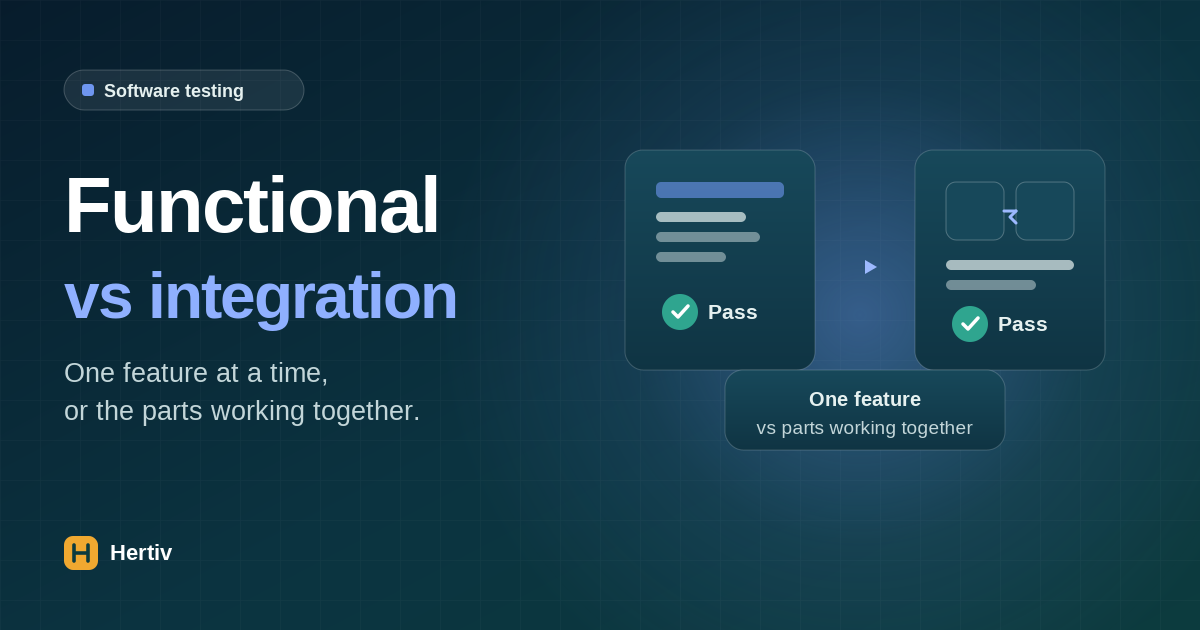
Functional testing checks whether one feature does what its requirements say it should do, by feeding it inputs and checking the outputs. Integration testing checks whether two or more parts of a system work correctly together, by running them connected and checking what passes between them. A team needs both, because a feature can pass every functional test and still break the system when it is connected.
What is functional testing?
Functional testing is testing that checks whether a piece of software does what it is supposed to do, by feeding it inputs and checking the outputs against the requirements. It treats the software as a box: the tester does not need to know how it works inside, only what it should do when given a certain input.
A functional test for a login form, for example, checks that a correct password lets the user in, a wrong password shows an error, and an empty field is rejected. Each test starts from a requirement: the software must do this when given that. If the output matches the requirement, the test passes.
Functional tests are usually written from the specification or from user stories, not from the code. That makes them a check on the product itself: does it do the job the user asked for? They are the most common kind of test in most teams, and they are often the first tests a team writes.
What is integration testing?
Integration testing is testing that checks whether two or more parts of a system work correctly together, by running them connected and checking what passes between them. It treats the connections as the thing under test: does the data that leaves one part arrive in the shape the next part expects?
An integration test for a checkout, for example, checks that the shop, the payment service and the stock system work together: the order is created, the payment is taken, and the stock count falls. Each part may work on its own, and still fail together if they disagree about a field, a format or a timing rule.
Integration tests are written from the design of the system, not from a single requirement. They need the real parts, or close copies of them, running together. That makes them slower and harder to set up than functional tests, but they catch the faults that only appear when parts meet.
How do functional and integration testing compare?
Functional and integration testing differ in what they check, what they need to run, and where they fail. The table below maps the main differences, so a team can see which kind of test fits which question.
| Aspect | Functional testing | Integration testing |
|---|---|---|
| What it checks | One feature against its requirements | Parts working together |
| Scope | A single function or screen | Two or more connected parts |
| Written from | Requirements or user stories | System design and interfaces |
| Needs to run | The feature on its own | The real parts, or close copies |
| Speed | Usually fast | Usually slower |
| Typical failure | Wrong result for a given input | Wrong data passed between parts |
The two kinds of test answer different questions, so a team needs both. Functional tests answer whether the feature does its job. Integration tests answer whether the feature plays well with the rest of the system. A feature can pass every functional test and still break the system when it is connected, because the connection was never tested.
That is why teams run functional tests first and integration tests after. Functional tests are cheap and fast, so they run on every change. Integration tests are slower, so they run when parts are connected, or before a release. Unit testing sits below both, checking single functions in isolation before either kind of test runs.
How do you write functional and integration tests?
You write functional and integration tests by starting from the question each one answers, then choosing the smallest check that answers it. Functional tests start from requirements. Integration tests start from the connections between parts.
For a functional test:
- Pick one requirement. Write it as one sentence: given this input, the software must do this.
- Choose the inputs. Include the normal case, the empty case and one wrong case, because wrong inputs are where features usually fail.
- Write the expected output. State exactly what should happen, including the message and the state after the action.
- Run it alone. The test should not depend on another test or on data left behind by an earlier run.
For an integration test:
- Pick one connection. Name the two parts and the data that passes between them.
- Run both parts together. Use the real parts where possible, and close copies only where the real part is slow or costly.
- Check the handover. Check that the data arrives in the right shape, that errors are passed on, and that a failure in one part does not corrupt the other.
- Clean up after. Remove the test data, so the next run starts from a known state.
Good tests in both kinds name the behaviour they check. A test called "checkout reduces stock by the ordered amount" tells the next reader what matters. A test called "test 12" tells them nothing. White box testing covers how teams check the code paths inside a feature, which is a different question again.
Example (hypothetical): testing a small shop checkout
Example (hypothetical): a small online shop has a checkout with two parts: the shop itself and a payment service. The team writes 50 functional tests for the shop and 30 integration tests for the shop and payment service together.
The functional tests check the shop alone: adding items, applying a discount, and showing the total. On the first run, 47 of the 50 pass. Forty-seven out of 50 is 94 out of every 100, so the functional pass rate is 94%. The 3 failures are all about a discount code that is applied twice.
The integration tests check the handover: the order total sent to the payment service, the payment result returned, and the stock update after payment. On the first run, 24 of the 30 pass. Twenty-four out of 30 is 80 out of every 100, so the integration pass rate is 80%. The 6 failures are all about the same cause: the shop sends the total as text, and the payment service expects a number.
The team fixes the discount bug and the total format, then runs both suites again. The functional suite passes 50 out of 50, and the integration suite passes 30 out of 30. The numbers are invented to show the method, not a real shop. The point is that the two suites found different faults: one in the feature, one in the connection.
What are the common mistakes?
The most common mistakes are testing only one kind, writing tests that depend on each other, and testing through the interface when the question is about the connection.
- Only functional tests. A team that never tests the connections finds integration faults in production, where they are expensive. Functional tests pass, and the system still breaks.
- Only integration tests. A team that only tests parts together gets slow, fragile suites where a failure could be in any part. Functional tests find faults faster and point at the cause.
- Tests that depend on order. If a test only passes when another test ran first, the suite is fragile. Each test should set up its own data and clean up after itself.
- Testing the connection through the screen. A test that clicks through the interface to check a handover is slow and can fail for screen reasons. Call the parts directly instead.
- Using real services in every test. Calling a real payment service in every test is slow and costly. Use a close copy for routine tests, and the real service for a small set of checks before release.
Another mistake is treating a green suite as proof the system works. Tests check the cases someone thought to write. A review of real production failures will always find cases the suite missed, and those are the tests to add next. API testing covers how teams check the interface between two systems, which is where many integration faults live.
How do you choose the right mix?
You choose the right mix of functional and integration tests by the shape of the system: many features and few connections means more functional tests, while many connections means more integration tests.
Start with functional tests for every feature, because they are fast and they run on every change. Then add integration tests for each connection that matters: where money moves, where data leaves the system, and where one team's part meets another team's part. Those are the connections whose failure hurts most.
Keep the integration suite small and focused. A hundred integration tests that run slowly will be skipped, while twenty that run fast will be run every day. When a production failure involves two parts, add an integration test for that connection, so the same fault cannot return quietly.
For teams building services for other teams, DevOps services work often includes setting up the pipeline that runs both kinds of test on every change, so a fault is found while the person who wrote the code still remembers it.
Key takeaways
- Functional testing checks one feature against its requirements
- Integration testing checks the connections between parts
- Functional tests are fast and run on every change; integration tests are slower and run at connection points
- Each kind of test finds different faults
- Start with functional tests, then add integration tests where money or data moves
Frequently asked questions
Is functional testing the same as unit testing?
No. Unit testing checks a single function in isolation, usually written by the developer who wrote the code. Functional testing checks a whole feature against its requirements, often without knowing how the code works inside. Unit tests sit below functional tests, and both sit below integration tests.
Which should a team write first?
Functional tests first, because they are fast, cheap and they run on every change. Then add integration tests for the connections that matter most: where money moves, where data leaves the system, and where one team's part meets another's.
Can integration tests replace functional tests?
No. Integration tests are slower and their failures are harder to pin down, because a failure could be in any part. Functional tests find faults faster and point straight at the cause. A team that only writes integration tests ends up with a slow suite that is hard to debug.
How many integration tests are enough?
Enough to cover the connections that matter: payments, data leaving the system, and handoffs between teams. Keep the suite small and fast, so it runs every day. When a production failure involves two parts, add an integration test for that connection.
Do integration tests need the real services?
Not for every test. Use close copies for routine tests, because they are fast and cheap. Use the real service for a small set of checks before release, so the team knows the real connection works, not just the copy.
What is the difference between integration testing and API testing?
API testing checks one interface against its specification, by sending requests and checking responses. Integration testing checks that two or more parts work together as a system. An API test might check one endpoint. An integration test checks the order, the payment and the stock update together.


