What Is API Testing, and How Do You Test an API?
API testing checks that an interface returns the right data, status code and errors. Learn the test types, how to write a test, and the mistakes to avoid.
On this page
Short answer
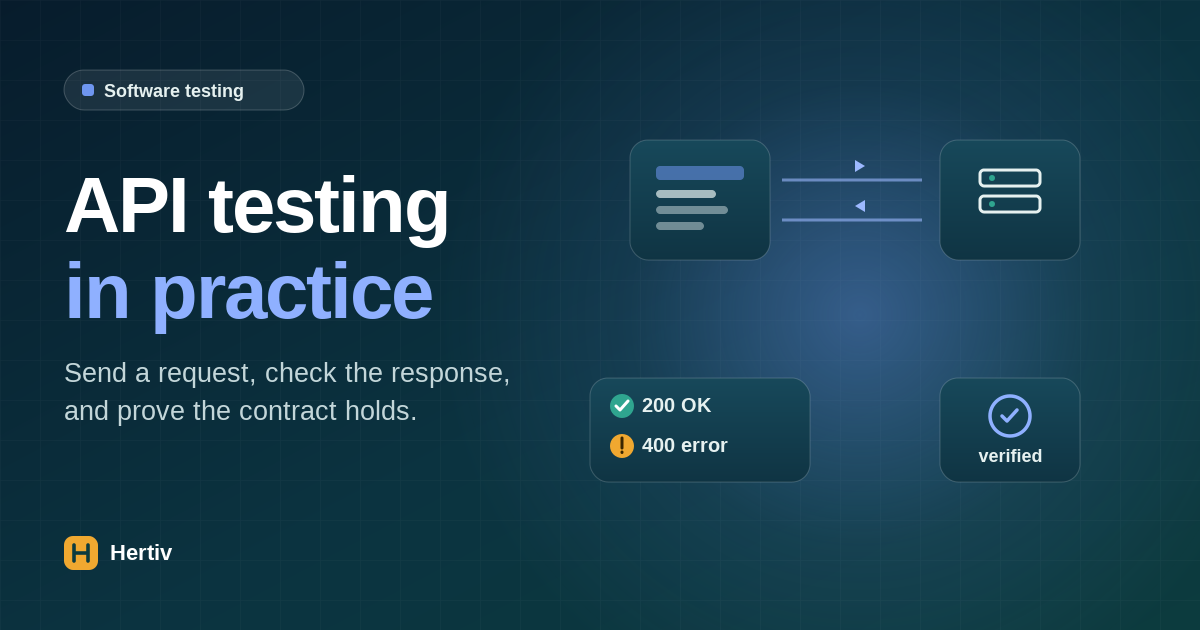
API testing means sending requests to an interface and checking that the responses match what was promised: the right status code, the right data shape and the right error for bad input. It tests the contract between systems directly, without going through the screens, so it is faster and more precise than testing through the interface.
What is API testing?
API testing is the practice of checking that an application programming interface (API) does what its specification says it should do, by sending it requests and checking the responses it returns. An API is the point where one piece of software asks another for data or an action, so testing it means testing the contract between systems.
When you use an app, you see buttons and screens. Behind them, the app calls APIs to log in, fetch a list, save a form or take a payment. If an API returns the wrong data, the wrong status code or nothing at all, the screen cannot work, however good it looks.
API testing checks the request and the response directly, without going through the interface. A test sends a request with known inputs, then checks the status code, the shape of the data, the values in the fields, and how long the response took. That direct check is what makes API tests fast and precise.
What do you test in an API?
You test an API by checking its behaviour at the points where it can go wrong: the request, the response, the data and the errors. The table below lists the main kinds of API test and what each one checks.
| Test type | What it checks | Example |
|---|---|---|
| Functional | The endpoint does the right job | Creating an order returns the order with an ID |
| Validation | Bad input is rejected cleanly | A missing price field returns a 400 error |
| Authorisation | Only the right callers get in | A request without a token returns a 401 error |
| Contract | The response matches the agreed shape | Every user object has name and email fields |
| Performance | The API answers fast enough | Search answers within the agreed time limit |
| Error handling | Failures give useful, safe messages | A down database returns a 503, not a crash page |
Validation testing matters because APIs take input from many callers, and not all of them are friendly. A test that sends a text value where a number is expected, or a date in the wrong format, shows whether the API rejects it with a clear error or lets bad data through.
Contract testing matters when several teams share an API. If the team that owns the API renames a field or drops one, every caller breaks. A contract test catches that change before it reaches production, and it gives both sides a shared document to argue from.
How is API testing different from UI testing?
API testing differs from user interface (UI) testing in what it looks at and how fast it runs. A UI test drives the app through its screens, clicking buttons and reading what appears. An API test talks to the service directly, skipping the screens entirely.
That difference makes API tests faster and less fragile. A UI test can fail because a button moved or a page loaded slowly, even when the underlying service works. An API test fails only when the service itself is wrong, so a failure points straight at the cause.
API tests also reach cases a UI test cannot. You can test an error that the interface never shows, a limit the interface never reaches, or a call made by another system rather than a person. For teams that build services other teams consume, that coverage is the main value.
The two kinds of testing work together rather than replacing each other. API tests cover the logic, the data and the errors. UI tests cover the parts a person actually sees: layout, wording and flows. A team that only tests the UI finds service bugs late; a team that only tests the API can ship an app that works but is hard to use.
How do you write an API test?
You write an API test by picking one endpoint, deciding what a correct response looks like, and writing that expectation down as a check a machine can run. Start with the most-used endpoints, because those are the ones whose failure hurts most.
- Read the specification. Note the URL, the method, the required fields and the expected status codes for success and for each error.
- Set up the data. Create the records the test needs, such as a test user or a test order, so the test does not depend on whatever happens to be in the database.
- Send the request. Call the endpoint with known inputs, exactly as a real caller would.
- Check the response. Check the status code first, then the fields that matter: IDs, totals, dates and the fields the caller depends on.
- Check the error cases. Send a bad token, a missing field and a wrong type, and check that each one gets the right error and no data changes.
- Clean up. Delete the test records, so one test run does not change the result of the next.
Good tests name the behaviour they check, not the mechanics. A test called "creating an order returns the order total" tells the next reader what matters. A test called "test case 7" tells them nothing, and it will be the first test deleted when someone is in a hurry.
Teams usually run API tests in a pipeline, so every change to the code runs the tests before it can be merged. Unit testing covers single functions in the same pipeline, while API tests cover the service as a whole, so the two levels catch different faults.
Example (hypothetical): testing a checkout API
Example (hypothetical): a small online shop has a checkout API with one endpoint that takes a basket and returns an order total. The team writes 150 checks for it: valid baskets, empty baskets, missing prices, expired discount codes and wrong tokens.
On the first run, 141 checks pass and 9 fail. Nine out of 150 is 6 out of every 100, so the failure rate is 6%. The failures cluster in one place: discount codes that expired are accepted instead of rejected, so the total is too low.
The team fixes the expiry check and runs the same 150 checks again. This time 148 pass and 2 fail. Two out of 150 is about 1.3 out of every 100, so the failure rate falls from 6% to about 1.3%. The two remaining failures are about error messages, not totals, so the team fixes the wording and the suite goes green.
The numbers are invented to show the method, not a real shop. The point is that a failing test names the fault, and re-running the same suite proves the fix worked instead of hoping it did.
What are the common mistakes?
The most common mistakes in API testing are testing only the happy path, hard-coding data that changes, and letting tests depend on each other.
- Testing only success. A suite that never sends bad input will pass until a real caller does, and then the failure happens in production instead of in a test run.
- Hard-coding IDs and dates. A test that depends on a record created by hand breaks when the database is reset. Create the data in the test, and delete it after.
- Tests that depend on order. If test B only passes when test A ran first, the suite is fragile and hard to debug. Each test should set up its own data.
- Checking too little. A test that only checks the status code misses a response with the right code and the wrong data. Check the fields the caller actually uses.
- Ignoring time. An API that answers in 50 milliseconds in testing and 5 seconds under load is a different API. Check response times under realistic load, not just in isolation.
Another mistake is treating a green suite as proof the API is correct. Tests check the cases someone thought to write. A review of the specification, and a look at real failures in production, will always find cases the suite missed. For a broader view of testing levels, white box testing covers how teams check the code behind the API.
How do you start with API testing?
You start with API testing by picking the one endpoint your product cannot work without, and writing tests for it before you widen coverage to the rest.
Begin with a small set: one success case, one missing-field case, one bad-token case and one wrong-type case. Run them by hand first, then put them in the pipeline so they run on every change. Four tests that run every day are worth more than a hundred tests that nobody runs.
Then add tests where production has actually failed. Every bug report that names an API is a test that should have existed, so write it after the fix and keep it. Over time the suite grows around the real faults, not the imagined ones.
For teams building services for other teams, custom software development work often starts with the API contract, because a clear contract is what makes testing possible at all.
Key takeaways
- API testing checks the contract between systems, not the screens
- Test success, validation, authorisation, contract and error cases
- API tests run faster and fail closer to the cause than UI tests
- Each test should set up its own data and clean up after itself
- Start with the most-used endpoint, then add tests where production has failed
Frequently asked questions
Do I need a special tool for API testing?
No, but most teams use one. A simple tool can send requests and show responses by hand, which is enough to learn. For repeatable tests, teams use a test runner or a small script that sends the request and checks the response automatically, so the same checks run on every change.
What is the difference between API testing and integration testing?
API testing checks one interface against its specification, while integration testing checks that two or more parts work together. An API test might check that creating an order returns the right total. An integration test would check that the order, the payment and the stock update all happen together correctly.
Should API tests use real data?
Use test data, not real customer data. Create the records the test needs inside the test, then delete them after. Real data changes, contains private information, and makes tests depend on things outside the test, which is how suites become fragile.
How many API tests are enough?
Enough to cover the endpoints your product depends on, plus the error cases that production has actually produced. Start with the most-used endpoint and the most common errors, then grow the suite from real failures rather than trying to write every possible case up front.
Can API testing find security problems?
It can find some, such as missing authorisation checks and input that is not validated, because those show up as wrong responses. It is not a full security review. A dedicated security check is still needed for issues such as injection, leaked data and broken access control.
When should API tests run?
On every change, in the pipeline, before the change can be merged. Running tests only before a release lets faults sit for weeks. Running them on every change means a fault is found while the person who wrote the code still remembers it.


