What Does a Fitness App Cost to Build?
A fitness app costs what its scope, platform, content and integrations demand. Learn what drives the price and how to keep the budget in check.
On this page
Short answer
A fitness app costs as much as its scope, platform, content and integrations demand, with a first version for one platform typically taking 1,200 to 1,800 hours of design and development. The biggest cost drivers are the feature list, live classes and wearable sync, so a tight first version keeps the budget in check.
What is a fitness app?
A fitness app is a mobile application that helps people plan workouts, track exercise and food, follow coaching, or book classes, and it earns money through subscriptions, one-off purchases or in-app coaching. The category covers everything from a simple workout timer to a full platform with live classes, nutrition plans and wearable sync.
Most fitness apps fall into four types. Workout apps guide training sessions with video and timers. Tracking apps record runs, lifts and meals and show progress over time. Coaching apps pair users with a trainer who sets plans and checks in. Class apps stream live or recorded sessions and handle bookings.
The type decides the cost. A workout timer with a fixed exercise library is a small build, while a coaching platform with live video, payments and wearable sync is a large one. Before budgeting, the team should decide which type it is building, because the feature list, the content and the integrations all follow from that choice.
What drives the cost of a fitness app?
The cost of a fitness app is driven by scope, platform choice, content, integrations and compliance. A single-platform app with a fixed workout library costs far less than a cross-platform app with live classes, social features and wearable sync.
| Cost driver | What changes the price | Effect |
|---|---|---|
| Scope | Number of features and screens | Largest single factor |
| Platform | iOS only, Android only, or both | Two apps cost more than one |
| Content | Video, coaching plans, nutrition data | Ongoing production cost |
| Integrations | Wearables, payments, calendars | Each adds build and testing |
| Compliance | Health data rules, app store review | Extra design and legal work |
| Design | Custom UI, animations, branding | Moderate, varies by polish |
Scope is the largest factor, and it is also the one the team controls most. Every feature added to the first version adds design, build and testing time, and features that look small, such as social sharing or a streak system, can take weeks once edge cases are handled. Content is the second hidden cost: an app with 200 workout videos needs filming, editing and updates long after launch.
How much do the main features cost?
How much the main features cost depends on effort, and effort is best measured in hours rather than a single price, because rates vary by team and region. The table below shows typical effort ranges for a first version, so a team can see where the time goes.
| Feature | Typical effort | Notes |
|---|---|---|
| Accounts and profiles | 80-120 hours | Sign-up, login, settings |
| Workout library | 120-200 hours | Browse, search, filters |
| Workout player | 150-250 hours | Video, timers, rest periods |
| Progress tracking | 100-180 hours | Charts, history, goals |
| Payments and plans | 120-200 hours | Subscriptions, trials, receipts |
| Wearable sync | 100-200 hours | Apple Health, Google Fit |
| Live classes | 200-400 hours | Streaming, booking, chat |
A first version with accounts, a workout library, a player, tracking and payments lands in the region of 1,200 to 1,800 hours of design and development. Live classes and wearable sync are the features that push the total up fastest, so many teams launch without them and add them later. Teams weighing the same trade-offs for a health product should read the guide to healthcare app development cost, which follows the same pattern.
How do you build a fitness app step by step?
You build a fitness app by defining the audience and the core loop, designing the key screens, building a small first version, testing it with real users, and then adding features in order of demand. The core loop is the one action the user repeats, such as starting a workout or logging a meal, and everything else supports it.
- Define the audience and the core loop. Pick one user, such as beginners at home, and one loop, such as a 20-minute guided workout.
- Map the screens. List every screen the first version needs and cut anything that does not serve the core loop.
- Design the key flows. Design sign-up, the workout player and progress tracking first; the rest can follow.
- Build the first version. Build the smallest app that delivers the core loop well, with payments and a trial.
- Test with real users. Give it to 20 to 50 people, watch where they stop, and fix the friction before adding features.
- Launch and measure. Release, watch retention after day one and day seven, and let the numbers decide the next feature.
- Add features in order. Add the feature most requested by paying users, not the one that sounds most impressive.
Testing with real users is the step that saves the most money. A feature that looks essential in a planning meeting often turns out to be ignored in practice, while a small fix to the workout player can lift retention more than a whole new section. The same staged approach works for any app, as the guide to iOS app development cost shows.
Example (hypothetical): a first version for one gym chain
Example (hypothetical): a gym chain with five locations wants an app for its members, with a workout library, a player, progress tracking and payments. It launches on iOS first and adds Android later.
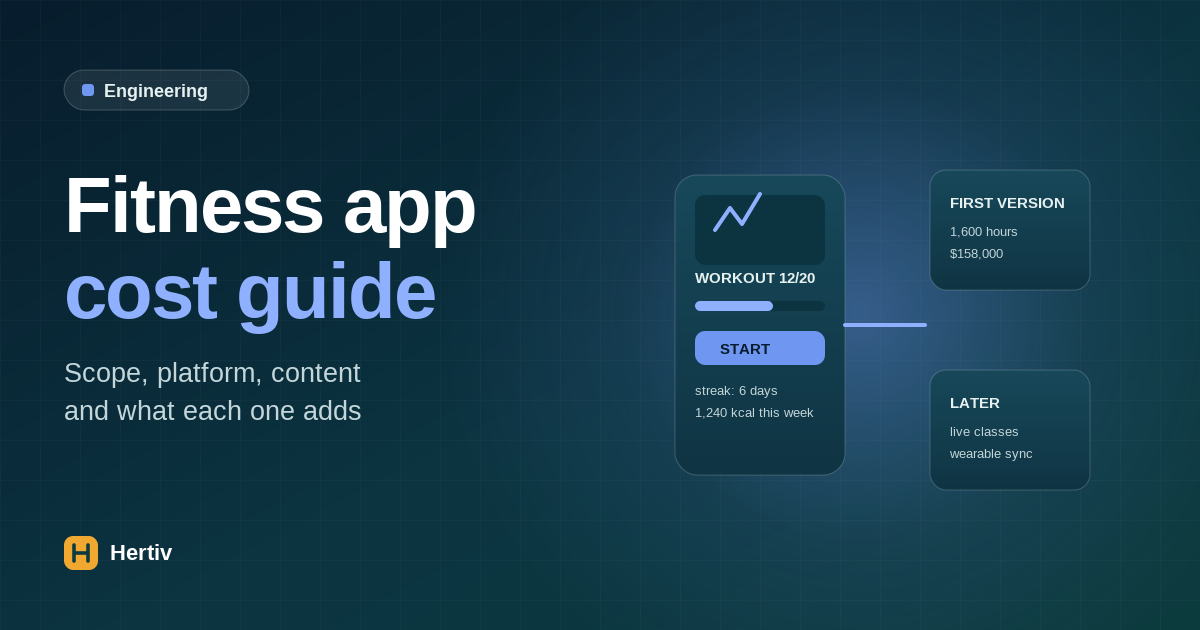
The team estimates 1,600 hours of design and development at $85 an hour, which comes to $136,000. Design work, including the brand, screens and workout video templates, adds $10,000. Testing across devices and the app store review process adds $12,000. The total for the first version is $136,000 + $10,000 + $12,000 = $158,000.
The gym keeps the scope tight to hold that number: no live classes, no social feed and no wearable sync in the first version. Those features are planned for later, once the app has paying subscribers. The first version ships in four months, and the gym measures retention before deciding what to build next.
How can you keep the cost down?
You keep the cost down by cutting scope, launching on one platform, reusing content and integrations, and adding features only after users ask for them. The cheapest feature is the one you do not build.
Four moves save the most. Launch on one platform first, usually the one most of your audience uses, and add the second once the app earns money. Use a cross-platform framework if both platforms are needed from day one, which shares most of the code.
Buy rather than build for video hosting, payments and analytics, since those services are mature and cheap. And use the gym's existing trainers and videos for content instead of filming a full library before launch.
Phasing is the other lever. A first version with the core loop and payments can launch in a few months, while live classes, challenges and wearable sync wait for the second or third release. Each phase is funded by the revenue of the last, so the team is not betting the whole budget on untested features. A clear minimum viable product scope is what makes this possible.
What are the common mistakes?
The most common fitness app mistakes are building too much for the first version, ignoring content costs, and launching without a retention plan.
- Too many features. A first version with live classes, social feeds and challenges takes twice as long and still needs the core loop to work well.
- Ignoring content costs. Workout videos need filming, editing and updates. An app with stale content loses users fast.
- No retention plan. Downloads are easy; keeping users after week one is the hard part, and it needs reminders, streaks and fresh content.
- Skipping wearable sync. Many users expect their watch data in the app. If it is planned, budget for it; if not, say so clearly.
- Weak onboarding. A long sign-up with too many questions loses users before they see a workout.
- No offline mode. Gyms often have poor signal, so workouts that need a constant connection frustrate users.
Key takeaways
- A fitness app's cost is driven by scope, platform, content and integrations
- A first version typically takes 1,200 to 1,800 hours of design and development
- Live classes and wearable sync push the total up fastest
- Launch on one platform, then add features users ask for
- Content and retention matter as much as the build itself
Frequently asked questions
How much does a fitness app cost to build?
It depends on scope. A simple workout app for one platform typically takes 1,200 to 1,800 hours of design and development, while a platform with live classes, coaching and wearable sync takes considerably more. See the vendor site for current rates.
What features do fitness apps need?
Most fitness apps need accounts, a workout library, a workout player with video and timers, progress tracking and payments. Live classes, social features and wearable sync are useful additions, but they can wait for a later release.
Should I build for iOS, Android, or both?
Build for the platform most of your audience uses first, then add the second once the app earns money. If both are needed from day one, a cross-platform framework shares most of the code between them.
How long does it take to build a fitness app?
A first version with the core features usually takes three to five months, including design, development and testing. Adding live classes, coaching or wearable sync extends that, so many teams launch a tight first version and add features in phases.
How do fitness apps make money?
Most earn money through monthly or yearly subscriptions, with some offering one-off purchases, in-app coaching or class bookings. A free trial that converts to a paid plan is the most common model for workout and coaching apps.
Do fitness apps need wearable integration?
Not for the first version, but many users expect their watch data in the app once it grows. If wearable sync is planned, budget for it early, since each platform adds build and testing time.


