Embeddings as a Service: What It Is and When to Use It
Embeddings as a service turns text into search-ready vectors through a hosted API, so your product gets semantic search without training or running a model.
On this page
Short answer
Embeddings as a service is a hosted API that converts text into vectors — lists of numbers that capture meaning — so software can search by similarity instead of keywords. You send text to the provider, receive a vector for each item, store those vectors in a database, and rank results by distance. It suits teams that need semantic search or retrieval for AI features without running their own models.
What is embeddings as a service?
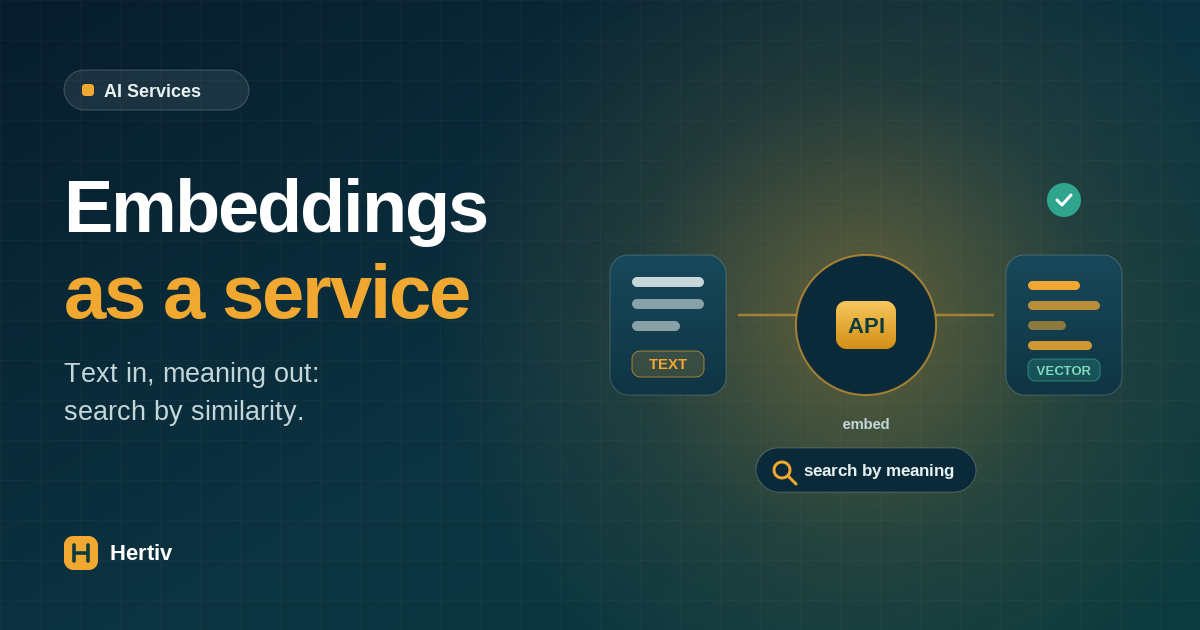
Embeddings as a service is a hosted API that turns text into vectors, which are lists of numbers that capture what the text means, so software can compare meaning instead of matching keywords.
You send a sentence, a paragraph or a whole document to the provider and get back one vector per item. The vector has a fixed length, often 768 or 1,536 numbers, and texts with similar meanings end up close together in that space. Your application stores the vectors in a database and, at query time, turns the user's question into a vector and returns the nearest neighbours. An embedding is the unit this service produces.
The service handles the model, the hardware and the scaling. Your team writes the code that calls the API and the code that searches the stored vectors, and the provider runs the model behind the endpoint. That split is the whole point: you get semantic search without training, hosting or tuning a model yourself.
How does an embeddings API work?
An embeddings API works in four stages: the text is cleaned and split, the model turns each chunk into a vector, the vectors are stored with a reference to the source text, and a query is turned into a vector and matched against the store.
| Stage | What happens | What you control |
|---|---|---|
| Prepare | Split long text into chunks of a few hundred words | Chunk size and split points |
| Embed | Send each chunk to the API and receive one vector | Which model and provider to call |
| Store | Save vectors with the source text and metadata | Database, filters and update rules |
| Search | Turn the query into a vector and rank by distance | How many results to return |
Chunk size matters because a vector represents the whole chunk. If a chunk covers three topics, the vector blends them and the match gets weaker. Most teams split documents at paragraph or section boundaries and keep chunks short enough that each one covers a single idea.
Distance is usually measured with cosine similarity, which compares the direction of two vectors rather than their length. The closest vectors win, and the application returns the source text behind them. That result feeds a search page, a chatbot or a retrieval step in front of a language model.
Hosted API or self-hosted model: which fits?
A hosted API fits when you want semantic search running quickly and your text can leave your systems. A self-hosted model fits when data must stay inside your network, when you need a specialised model, or when request volume is high enough that per-request pricing stops making sense.
| Factor | Hosted API | Self-hosted model |
|---|---|---|
| Setup | An API key and a few calls | Hardware, deployment and monitoring |
| Data control | Text leaves your systems | Text stays inside your network |
| Cost shape | Pay per request or per token | Fixed cost, regardless of volume |
| Model choice | Whatever the provider offers | Any model you can run |
| Best for | Proving a feature fast | High volume or strict data rules |
The middle path is common: start with a hosted API to prove the feature, then move the model in-house once volume and requirements are clear. The vectors themselves are portable in most cases, since a vector is just a list of numbers, but vectors from one model cannot be compared with vectors from another, so a switch means re-embedding everything. Comparing embedding models on your own data helps you pick the right starting point.
What does embeddings as a service cost?
Providers charge for embeddings as a service by the amount of text you send, usually priced per token or per request, and the exact rate depends on the model and the provider. See the vendor site for current prices, since rates change and plans differ between providers.
The text you embed is the main cost driver, not the number of searches. A document is embedded once and searched many times, so a large collection costs more up front and little afterwards. Re-embedding the whole collection after a model change is the bill that catches teams out, so plan for it before you switch models.
Storage and search add a smaller cost on top. A vector database holds the vectors, and most teams pay for the database separately from the embedding API. For a rough sense of scale, the vector store is usually the smaller part of the bill unless the collection runs into tens of millions of items.
How to choose an embedding service in 5 steps
Choosing an embedding service comes down to five checks, done in order, so the decision rests on your own data rather than on marketing pages.
- Define the task. Search, classification, clustering and duplicate detection reward different models, so name the job before you compare options.
- Test on your own text. Take a sample of real documents and queries, embed them with two or three services, and check which one ranks the right answers first.
- Check the data rules. Read the provider's terms on retention and training use, and confirm they fit your privacy and contract duties. If data cannot leave your network, a hosted API is out.
- Measure latency and limits. Send bursts of requests the way your product will, and note the response time and the rate limits at your expected volume.
- Price the whole collection. Estimate the tokens in your full set, add a re-embedding run, and compare the total with the cost of running a model yourself.
Keep the test small and the scoring simple: count how often the right document lands in the top five results. A service that wins on your data beats one that wins on a public benchmark. That ranking test is the core of any retrieval setup, since the same vectors feed the search step.
Example (hypothetical): a support team adds semantic search
Example (hypothetical): a support team has 40,000 help articles and wants search that understands meaning, so a user who types 'refund for a broken item' finds the returns article even though it never uses the word refund.
Each article becomes one vector of 1,536 numbers. Stored as 4-byte floats, one vector takes 6,144 bytes, so 40,000 vectors take 245,760,000 bytes, about 234 MB. The team embeds the collection once, stores the vectors with the article IDs, and turns each search query into a vector at request time.
The first test shows the right article in the top five results for 8 out of 10 sample queries, up from 5 out of 10 with keyword search. The team ships the new search behind a flag, watches the share of searches that end in an article click, and keeps the old search as a fallback for exact product codes.
What are the common mistakes?
The most common embeddings mistakes are embedding text that was never cleaned, picking a model on a public benchmark, and forgetting that vectors from different models cannot be mixed.
- Embedding whole documents. Long chunks blend topics and weaken matches; split at paragraph or section boundaries.
- Skipping your own test. A model that tops a benchmark can still rank badly on your documents and your queries.
- Mixing models. Vectors from one model live in a different space from another, so a model change means re-embedding the whole collection.
- Ignoring data rules. Sending customer text to a hosted API without checking retention and training terms creates a privacy problem.
- No fallback for exact matches. Semantic search is weak on product codes and names, so keep keyword search for those queries.
Key takeaways
- Embeddings as a service turns text into vectors through a hosted API, so you get semantic search without running a model
- A vector captures meaning, which lets software rank results by similarity instead of matching keywords
- Chunk size decides match quality: each chunk should cover one idea, split at paragraph or section boundaries
- Vectors from one model cannot be compared with another, so switching providers means re-embedding everything
- Test on your own documents and queries; a model that wins on a public benchmark can still fail on your data
Frequently asked questions
Can I use embeddings as a service with my own vector database?
Yes. The API only produces vectors; you choose where to store them. Most teams pair a hosted embedding API with a vector database they run themselves or rent separately, and the two parts connect through the vector format, not through a single vendor.
Do I need to train a model to use embeddings?
No. A hosted service ships a trained model behind the API, and you call it with text. Training only enters the picture if you need a model tuned for unusual text, such as heavy jargon or a low-resource language, and most teams never reach that point.
How are embeddings different from keyword search?
Keyword search matches exact words, so 'refund' only finds pages that contain 'refund'. Embeddings match meaning, so a query about returning a broken item can find the returns page even when it uses different words. The two approaches work well side by side.
What happens to my text when I send it to an embedding API?
That depends on the provider's terms. Some keep request data for a short period for abuse monitoring, some offer zero-retention modes, and some may use data to improve models. Read the terms before sending customer text, and check whether a zero-retention option exists.
Can I switch embedding providers later?
Yes, but it means re-embedding your whole collection, because vectors from one model cannot be compared with vectors from another. The switch is a batch job, not a settings change, so keep the source text and budget time for a full re-embed.
How many dimensions should my vectors have?
It depends on the model you pick, since the model fixes the size: common sizes are 768 and 1,536. Larger vectors can capture finer distinctions but take more storage and search time. Start with the model that ranks best on your own test data, not the largest size.


