EHR vs EMR: What Is the Difference for a Clinic?
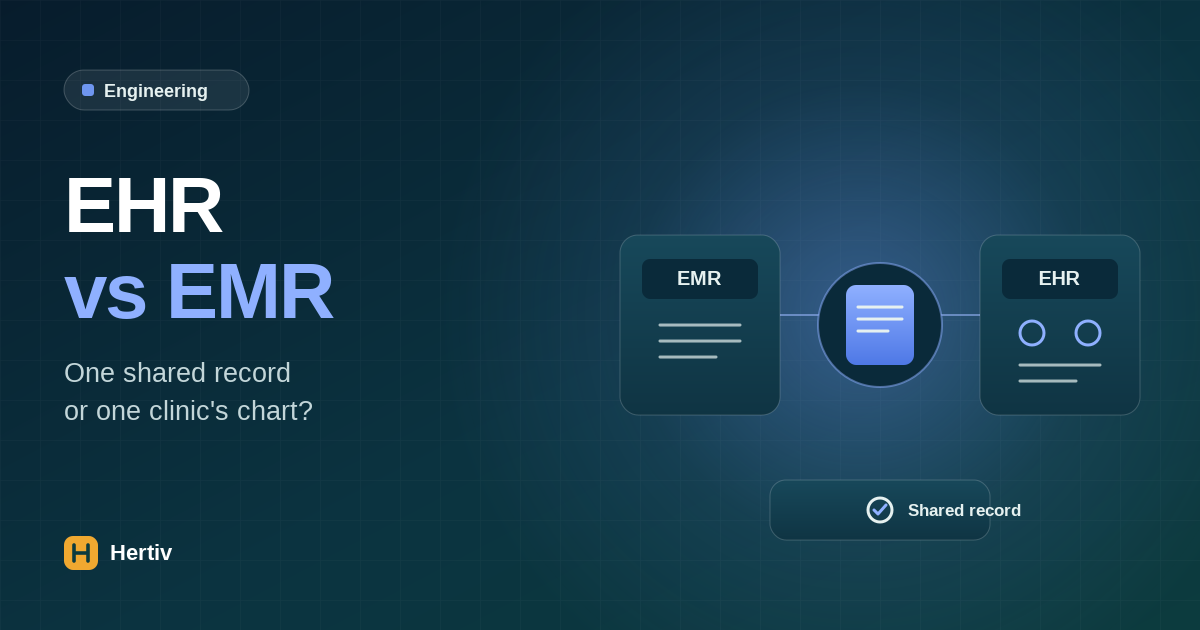
An EMR holds one clinic's records; an EHR shares records across clinics, hospitals and labs. Here is how to tell which one your business needs.
On this page
Short answer
An EMR, or electronic medical record, is a digital version of the patient chart kept inside one clinic or practice. An EHR, or electronic health record, holds the same clinical information but is designed to be shared across clinics, hospitals, labs and pharmacies. For a healthcare business, the difference decides who can see a patient's history, how referrals work, and how much the system costs to run.
What is the difference between EHR and EMR?
An EMR is a digital chart for one practice. It holds the notes, prescriptions, test results and history that a clinic records about its own patients, and it stays inside that clinic's system. An EHR holds the same kind of information, but it is built to travel: it shares records across clinics, hospitals, laboratories and pharmacies, so a new doctor can see what the last one did.
The simplest way to remember it is that an EMR is local and an EHR is shared. A small clinic that only treats its own patients can run on an EMR. A business with several clinics, or one that refers patients to hospitals, needs an EHR so the record follows the patient.
The two terms are often used as if they mean the same thing, and some vendors use them loosely. When you compare products, ask whether the system can share records with other providers, not just what it is called. That answer tells you which one you are looking at.
What does an EMR cover?
An EMR covers the day-to-day clinical work of one practice. It replaces the paper chart with a digital one, and it usually includes the features in the table below.
| EMR feature | What it does |
|---|---|
| Patient chart | Notes, history, allergies and diagnoses for each patient |
| Prescribing | Write and renew prescriptions, with checks for drug clashes |
| Test results | Receive and file lab and imaging results |
| Appointments | Book, cancel and remind patients about visits |
| Billing | Record charges and send invoices for the practice |
| Templates | Standard forms for common visits and conditions |
An EMR is usually cheaper and faster to set up than an EHR, because it does not need to connect to outside systems. For a single clinic that rarely refers patients elsewhere, that is often enough.
What does an EHR add?
An EHR adds sharing. It takes the same clinical record and makes it available to other providers who are involved in a patient's care, with the patient's consent. A hospital can see the GP's notes, a lab can send results straight into the record, and a pharmacy can see the current prescriptions.
That sharing needs standards: common formats for diagnoses, medicines and test results, so that one system can read what another wrote. It also needs consent and access controls, because more people can see the record. Those controls are the main reason an EHR costs more to run than an EMR.
An EHR also supports work that spans providers: referrals with the record attached, shared care plans for long-term conditions, and reporting across a whole clinic group. A business that runs several sites or works with hospitals gets real value from these, while a single clinic rarely uses them.
EHR vs EMR: which one does your business need?
The right choice depends on how your business works, not on which system sounds more modern. The table compares the two on the questions that matter most.
| Question | EMR | EHR |
|---|---|---|
| Who sees the record? | Staff in one clinic | Staff across clinics, hospitals and labs |
| Referrals | Paper or email, record stays behind | Referral carries the record with it |
| Setup cost | Lower, one system to install | Higher, needs links to outside systems |
| Running cost | Lower | Higher, more integrations to maintain |
| Best for | Single clinic | Clinic group, hospital network |
A single clinic with no referral network should pick an EMR and spend the saving on staff training. A group of clinics, or a business that refers patients to hospitals every week, should pick an EHR, because the time saved on chasing records pays for the higher cost.
If you are unsure, count how many times a week your staff phone another provider to ask for a record: if it is more than a few, you need an EHR.
Example (hypothetical): a three-clinic group chooses
Example (hypothetical): a group of three clinics in one city shares 20,000 patients. Each clinic runs its own EMR, and staff spend time phoning the other clinics to ask for records when a patient visits a different site.
The group counts 60 record requests a week across the three clinics, and each request takes a receptionist 15 minutes of phoning and faxing. That is 15 hours a week, or 780 hours a year. At $25 an hour, the chasing costs $19,500 a year in staff time.
Moving to a shared EHR costs $40,000 to set up and $12,000 a year to run. In the first year the total is $52,000, against $19,500 of staff time saved, so the move does not pay for itself in year one.
By year three, the running cost is $36,000 against $58,500 of staff time saved, and the clinics also gain faster referrals and fewer duplicate tests. The group decides the EHR is worth it, but only because the record requests were frequent enough to measure.
How to move from an EMR to an EHR in 5 steps
Moving from an EMR to an EHR is a data and people project, not just a software swap. The steps below keep it in order.
- List every system that holds patient data today, including labs, imaging and billing, and note what each one stores.
- Pick an EHR that connects to those systems and to the hospitals you refer to, and check its sharing and consent controls.
- Clean the data before you move it: merge duplicate patient records and fix missing fields, or the errors will follow you.
- Migrate one clinic first, run both systems in parallel for a month, and fix the problems before you move the rest.
- Train staff on the new sharing rules, especially who may see a record and how consent is recorded.
Allow three to six months for the move, and keep the old EMR readable for at least a year after the switch. Our guide to EMR integration covers the technical side of connecting the systems involved.
Common mistakes
The most common mistake is buying an EHR when an EMR would do. A single clinic that buys a shared record system pays for integrations, consent controls and reporting it never uses, and the extra complexity slows staff down.
A second mistake is the opposite: buying an EMR for a growing group, then discovering it cannot share records with the new clinic. Check the system's sharing limits before you buy, and ask the vendor to show a record moving between two sites, not just a slide about it.
A third mistake is moving dirty data. Duplicate patient records, missing allergies and half-filled fields all carry over into the new system, and they are harder to fix once staff rely on it. Clean the data first.
For the wider data picture, our guide to health data warehousing explains how groups bring records together for reporting.
For linking the record to patient communications, see EHR and CRM integration.
Key takeaways
- An EMR holds one clinic's records; an EHR shares them across providers.
- A single clinic usually needs an EMR; a clinic group usually needs an EHR.
- Count weekly record requests to decide: frequent requests mean you need sharing.
- Clean duplicate records and missing fields before you migrate.
- Migrate one clinic first and run both systems in parallel for a month.
Frequently asked questions
What is the difference between EHR and EMR?
An EMR is a digital patient chart kept inside one clinic. An EHR holds the same clinical information but is designed to be shared across clinics, hospitals, labs and pharmacies.
Is an EHR always better than an EMR?
No. An EHR costs more and is more complex to run. A single clinic that rarely refers patients elsewhere is usually better served by an EMR. The extra cost buys sharing and consent controls that a single clinic rarely needs.
Can an EMR share records with a hospital?
An EMR on its own cannot. Sharing needs an EHR, or an integration that sends records to the hospital system, with patient consent and proper access controls. Ask the vendor to show a record moving between two sites before you buy.
How long does it take to move from EMR to EHR?
Three to six months is typical, including data cleaning, a pilot at one clinic, and staff training. Keep the old system readable for at least a year after the switch.
What does an EHR cost compared with an EMR?
An EHR costs more to set up and run because it needs links to outside systems and stronger consent controls. The saving comes from less staff time spent chasing records. Measure your weekly record requests first to see whether the saving is real.
Do patients have to consent to record sharing?
Yes. Patients must agree to their records being shared, and the system must record that consent and let the practice switch sharing off for a patient who withdraws it. Consent can be withdrawn at any time.


