Document AI in Insurance: What It Reads and Why
Document AI reads insurance paperwork — claim forms, policies and medical reports — and turns it into structured data. Here is what it reads and where to start.
On this page
Short answer
Document AI in insurance is software that reads claim forms, policies, medical reports and invoices, then turns the text into structured data a claims or underwriting system can use. It combines text recognition with trained models that find names, dates, amounts and clauses. Staff still review the output, but the reading, sorting and first-pass checks happen far faster than by hand.
What is document AI in insurance?
Document AI in insurance is software that reads claim forms, policies, medical reports and invoices and turns the words on the page into structured data that a claims or underwriting system can use. It combines text recognition with trained models that find names, dates, amounts and clauses, then places each fact in the right field.
The difference from a simple scan is understanding. A scanned page is a picture; document AI knows which number is the policy number, which date is the date of loss, and which paragraph holds the exclusion. That structure is what lets a system route a claim, check a limit or pre-fill a form without a person retyping it.
Insurers use it most where paper volume is highest: first notices of loss, motor and property claims, and medical bills. The technology sits behind the same document AI services used in other industries, tuned for insurance forms and wording.
| Document | What document AI takes from it |
|---|---|
| Claim form | Policy number, date of loss, damage description |
| Medical report | Diagnosis, treatment dates, costs |
| Policy schedule | Cover limits, excess, exclusions |
| Invoice | Provider, amount, due date |
Which insurance documents does it read?
The short answer is most of them, as long as the layout is consistent enough for the model to learn. Claim forms and first notices of loss are the most common starting point, because they arrive in high volume and follow a fixed structure. Policies, endorsements and renewal schedules come next, since they hold the cover limits and exclusions every claim is checked against.
Medical reports, hospital bills and repair estimates are the harder set. They arrive as PDFs, photos and faxes, with handwriting, stamps and tables. A good model still reads them, but it flags more fields for a human to check. Identity documents, proof of address and bank details are usually read only to verify them, not to store them.
What matters is not the document type but the question the insurer wants answered. If the question is 'is this claim covered and for how much', the model needs the policy, the claim form and the bill. The same approach works in other document-heavy teams; see how document AI in logistics handles delivery notes and customs forms.
How does document AI work on a claim?
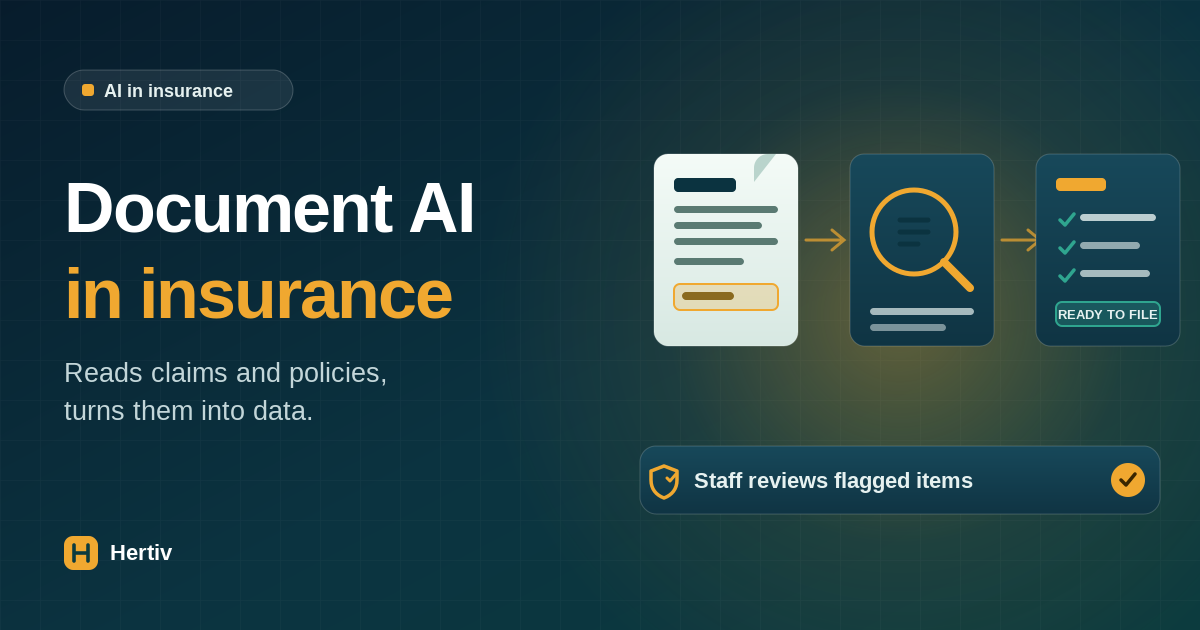
A claim passes through the same six steps whether it is a motor accident or a hospital bill. Each step is simple on its own; the value comes from running them in order, without a person opening every file.
- The document arrives by email, portal or scan and is sorted by type.
- Text recognition reads the words, including handwriting where the model supports it.
- The model finds the fields it was trained for: names, dates, amounts, codes.
- Each fact is checked against the policy: cover, limits, excess, dates.
- The claim is routed: clean claims go to payment, the rest to a handler with the gaps listed.
- A person reviews the flagged items and confirms the decision.
The handler's job changes from reading to checking. Instead of opening ten documents to find one missing invoice, they see a short list of what is present, what is missing and what looks wrong. The system keeps a record of every extraction, so an auditor can trace any decision back to the page it came from.
Where does it save time in an insurer?
The biggest saving is at intake. A first notice of loss that used to wait in a queue until someone typed it in can now be read, checked and routed in minutes. That matters most after a storm or flood, when hundreds of claims arrive in a day and the queue decides how fast customers hear back.
Underwriting gains a second pair of eyes. When a new policy is written, document AI can pull the risk facts from application forms and supporting documents and compare them with what the applicant declared. Mismatches surface before the policy is issued, not after a claim. Fraud teams use the same trick: the same invoice, photo or report appearing in two claims is easy to spot once documents are structured.
Payments close the loop. Once a claim is approved, the bank details and amounts are already in the system, so payment needs no retyping. Insurers that already use AI for insurance in claims, underwriting and fraud work usually start document AI in one of these four places and expand from there.
Example (hypothetical): a motor insurer triages 400 claims
Example (hypothetical): a motor insurer receives 400 claims in a week. By hand, each claim takes about 12 minutes to read and log, which is 400 × 12 = 4,800 minutes, or 80 hours of staff time.
With document AI, 300 claims are clean: each takes 2 minutes to confirm, or 600 minutes. The other 100 are flagged and take 10 minutes each to review, or 1,000 minutes. The total is 1,600 minutes, about 27 hours, saving roughly 53 hours in the week.
The saving is not the whole story. The flagged 100 are the claims that need a person most, so handlers spend their time on judgement instead of typing. The insurer also answers customers faster, because clean claims no longer wait behind the difficult ones in the same queue.
What are the limits and risks?
Document AI reads what is on the page, not what the writer meant. A handwritten note, a faded fax or a photo taken at an angle can all be misread, and a confident-looking wrong number is worse than a blank field. That is why every system should show a confidence score and send low-confidence fields to a person.
Privacy is the second limit. Claims carry medical details, bank numbers and identity documents, so the data must stay inside the insurer's systems and be deleted on schedule. A model trained on one insurer's forms may also fail on another's, so accuracy has to be measured on real documents before the system goes live, not on a demo set.
The safest pattern is human review for anything that changes money or cover. Document AI prepares the file; a person makes the call. The same rule applies to document AI in legal work, where a missed clause can change the outcome.
What are the common mistakes?
The first mistake is starting with the hardest documents. Medical reports with handwriting and mixed layouts are a poor first test; claim forms with a fixed layout are a better one. Prove the system on the easy set, then expand.
The second is trusting the output without checking it. Teams that skip the review step discover errors only when a customer complains or an audit finds them. A short daily sample check catches drift early, before it becomes a pattern.
The third is buying the tool before fixing the intake. If claims arrive by post, fax and five different inboxes, the model cannot help until documents reach it in one place. Sort the intake first, then automate the reading. And keep the training data fresh: forms change, and a model trained on last year's layout will miss this year's fields.
Key takeaways
- Document AI turns insurance paperwork into structured data a claims system can act on
- Start with fixed-layout claim forms; leave handwritten medical reports until accuracy is proven
- Every extraction should carry a confidence score, with low-confidence fields sent to a person
- The handler's job shifts from reading documents to checking flagged items and making decisions
- Fix document intake first: one channel in, then automate the reading
Frequently asked questions
Does document AI replace claims handlers?
No. It takes over reading, sorting and first-pass checks, but a person still reviews flagged items and makes the decision on cover and payment. The handler's work moves from typing to judgement, and complex or disputed claims stay with people throughout.
How accurate is document AI on insurance forms?
Accuracy depends on the document. Fixed-layout claim forms and printed invoices are read reliably, while handwritten notes and poor photos produce more errors. Measure accuracy on your own documents before going live, and track it weekly once the system is running.
What documents should an insurer start with?
Start with first notices of loss and claim forms. They arrive in high volume, follow a fixed layout and feed the most decisions. Add policies and schedules next, then medical reports and invoices once the review process is working well.
Does document AI work on handwritten notes?
Some models read clear handwriting, but accuracy drops sharply on rushed or faded writing. Treat handwritten fields as low-confidence by default and send them to a person. Typed forms and printed reports are the safer starting point.
How long does it take to set up?
A first pilot on one document type usually takes weeks, not months: gather samples, train or tune the model, and run it alongside staff for comparison. Full rollout takes longer, because intake, review steps and audit trails all need to be agreed first.
Is customer data safe with document AI?
It can be, if the data stays inside the insurer's systems, access is logged, and documents are deleted on schedule. Check where the provider stores and processes files before signing, and keep medical and identity documents under the strictest controls.


