What Does a Disney Plus-Like App Cost to Build?
A Disney Plus-like streaming app needs video delivery, subscriptions, TV and mobile apps, and content tools. Here is what each part costs to build.
On this page
Short answer
A Disney Plus-like streaming app is an app that plays films and shows on demand, with subscriptions, profiles and playback on phones, tablets, TVs and the web. The cost depends on how many platforms it supports, how the video is delivered, and how much of the catalogue and billing the team builds itself. A first version with the core features usually takes several months of work from a small team.
What is a Disney Plus-like app?
A Disney Plus-like app is a streaming app that plays films and shows on demand, with a subscription, profiles for each household member, and playback on phones, tablets, smart TVs and the web. It is the model most video services follow: a catalogue of titles, a player, a way to pay, and recommendations that help viewers find the next thing to watch.
Building one is not the same as building a normal app. Video needs a delivery pipeline that turns a master file into many versions at different quality levels, a player that switches quality when the connection changes, and a content system that organises titles, artwork and subtitles. The app itself is only the front of that system.
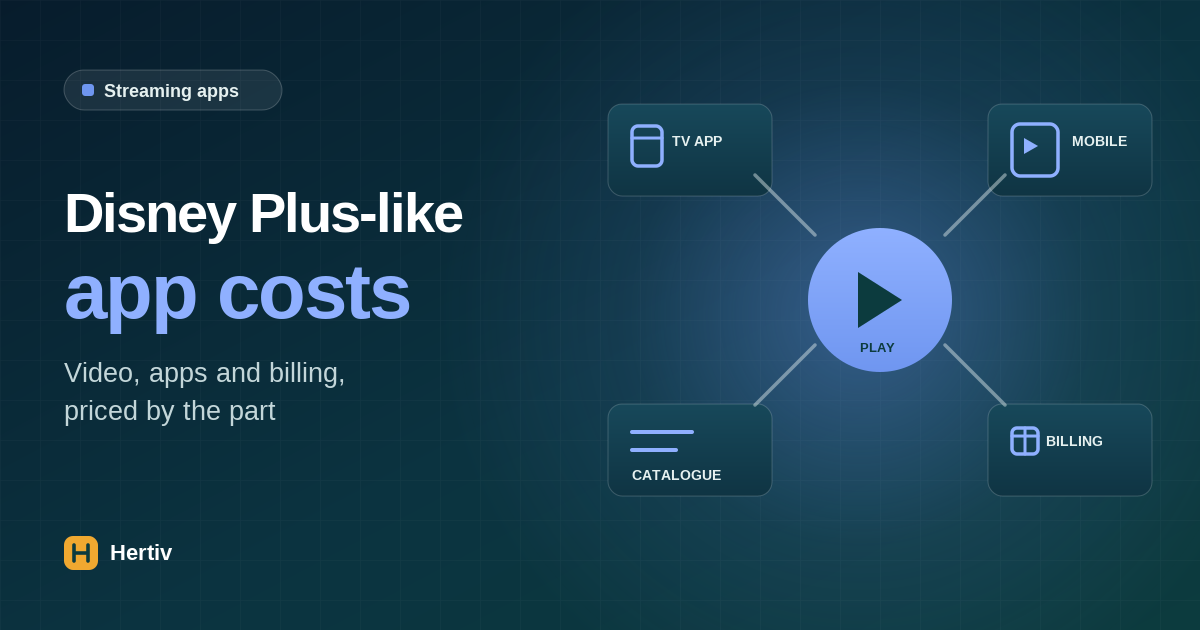
The cost question therefore has two parts: the apps people see, and the video and content systems behind them. Teams that price only the apps are surprised by the second part, which is often the larger share of the work.
What drives the cost of a streaming app?
The cost of a streaming app is driven by platforms, video delivery, content tools and the payment setup. Each of those is a separate system, and the bill grows with the number of platforms and the size of the catalogue.
| Cost driver | What it covers | Effect on cost |
|---|---|---|
| Platforms | iOS, Android, web, smart TV | Each platform adds weeks of work |
| Video pipeline | Encoding, storage, delivery network | Grows with catalogue size and quality |
| Content system | Titles, artwork, subtitles, search | Grows with the number of titles |
| Payments | Subscriptions, trials, refunds | Extra work for each store and region |
| Recommendations | Rows, search, personal picks | Simple lists are cheap; personalisation is not |
Platforms are the biggest single choice. A phone app and a web player are the usual starting point, and TV apps come later, because each TV platform has its own rules and its own store review. For the wider picture of streaming costs, OTT app development cost covers the same ground for a general streaming service.
What features does a streaming app need?
A streaming app needs a small set of features before it can launch, and each one has a cost attached. The list below is the usual first version; anything beyond it can wait for the second release.
- Sign-up and subscriptions. Accounts, plans, free trials, payment through the app stores and the web, and a way to cancel.
- Catalogue and search. Titles with artwork, descriptions, genres and cast, plus search that finds a title from a partial name.
- Video player. Playback that adapts to the connection, remembers where the viewer stopped, and supports subtitles and audio tracks.
- Profiles and lists. Separate profiles for household members, a watchlist, and a continue-watching row.
- Downloads. Offline viewing on phones and tablets, with storage limits and expiry rules.
- Admin tools. A back office where the team adds titles, sets artwork, manages plans and sees viewing numbers.
Recommendations are often the most underestimated feature. A simple row of popular titles is cheap. A personalised home screen that changes per viewer needs viewing data, a ranking step and a way to test what works, which is a project of its own.
How to build a Disney Plus-like app in 7 steps
Building a streaming app follows the same order as most apps, with the video pipeline added early because it shapes the rest of the work.
- Fix the scope. Decide the platforms, the catalogue size at launch, and whether downloads and profiles are in the first version.
- Choose the video pipeline. Pick an encoding service, a storage setup and a delivery network, and test it with real files before writing the apps.
- Design the content model. Decide how titles, seasons, episodes, artwork and subtitles are stored and edited by the team.
- Build the back end. Accounts, subscriptions, the catalogue API, the watch history and the admin tools come first.
- Build the apps. Start with web and one mobile platform, then add the second mobile platform and TV apps.
- Add payments and trials. Connect the app store billing and the web billing, and test trials, renewals, cancellations and refunds.
- Test on real networks. Play on slow connections, on old TVs and on a train, because playback is where streaming apps fail most.
Testing on real networks matters more than it looks. A player that works on office wifi can still stall on a mobile connection, and viewers blame the app, not their network. For the launch checklist, the mobile app development checklist covers the steps teams miss most often.
Example (hypothetical): a small streaming service's first version
Picture a small streaming service with 200 titles that wants a first version on web, iOS and Android, with subscriptions, profiles, downloads and a simple recommendation row.
The team estimates the work at 2,200 hours: 500 hours for the back end and content system, 400 hours for the video pipeline and player, 900 hours for the three apps, 200 hours for payments, and 200 hours for testing and launch. At $85 an hour, that is $187,000 for the build.
On top of that, the team budgets $8,000 for design, $10,000 for testing on devices and networks, and $6,000 for the first month of video storage and delivery. The total for the first version is $211,000, before the cost of the content itself, which is a separate budget.
The team also sets a monthly running cost: about $4,000 for the delivery network, storage and hosting at launch volumes, rising with viewing hours. That running cost is the part many teams forget, and it grows with every new viewer.
What are the common mistakes?
The most common mistakes when building a streaming app are starting with every platform, ignoring the video pipeline, and underestimating the content work.
- Launching on every platform. Each TV platform adds weeks of work and its own store review. Start with web and mobile, and add TVs once the service works.
- Leaving video delivery to the end. Encoding and delivery shape the player and the back end. Test the pipeline with real files before the apps depend on it.
- Forgetting the content system. Adding titles, artwork and subtitles by hand does not scale. Build the admin tools early, even if they look plain.
- Building personalised recommendations first. A simple popular-titles row is enough for launch. Personalisation needs viewing data that a new service does not have yet.
- Skipping offline testing. Downloads and playback on slow networks are where streaming apps fail. Test them on real devices and real connections.
Before committing to a full build, how to validate an app idea shows how to test demand with a smaller version first.
How to keep the cost under control
The cost of a streaming app stays under control when the team cuts platforms, not features, and when it buys the video pipeline instead of building it.
- Launch on two platforms. Web and one mobile platform prove the service. Add the rest after the first viewers arrive.
- Use a managed video service. Encoding, storage and delivery are a solved problem, and a managed service is cheaper than building a pipeline from scratch.
- Keep the first catalogue small. A hundred well-chosen titles with good artwork beat a thousand titles with missing subtitles.
- Delay personalisation. Launch with popular and recent rows, collect viewing data for a few months, then build personalised rows from real behaviour.
- Budget the running cost. Set a monthly limit for delivery and storage, and watch it weekly, because it grows with viewing hours.
The cheapest streaming app is the one that launches with a small catalogue and two platforms, learns from real viewers, and adds the rest in order of what viewers actually ask for.
Key takeaways
- A Disney Plus-like app is two systems: the apps viewers see, and the video and content systems behind them
- Platforms drive the cost most: each TV, mobile and web app adds weeks of work
- The video pipeline and content tools should work before the apps are built
- A first version with web, iOS and Android costs roughly $211,000 in the hypothetical example
- Launch small, use a managed video service, and add personalisation after you have viewing data
Frequently asked questions
How much does it cost to build a streaming app like Disney Plus?
It depends on the platforms, the catalogue size and whether the video pipeline is bought or built. A first version on web, iOS and Android with subscriptions, profiles and downloads is a multi-month build for a small team. The hypothetical example in this article puts it at about $211,000 before content costs.
Do I need TV apps at launch?
No. Most new streaming services launch on web and mobile first, because each TV platform adds weeks of work and its own store review. TV apps are worth adding once the service works and viewers ask for them, because TV is where most long viewing happens.
What is the biggest cost in a streaming app?
The video pipeline and the apps together are the largest share, with the pipeline covering encoding, storage and delivery. The content system is the part teams underestimate most, because adding titles, artwork and subtitles by hand does not scale past a few dozen titles.
Can I use a managed service for video delivery?
Yes, and most teams do. Managed services handle encoding, storage and delivery, and they charge by usage, which keeps the starting cost low. Building a pipeline from scratch is only worth it for teams with unusual quality or scale needs.
How much does a streaming app cost to run each month?
The running cost is hosting, video storage and delivery, and it grows with viewing hours. A small service at launch might spend a few thousand dollars a month, and the bill rises as more people watch. Set a monthly limit and watch it weekly.
Do I need my own content to launch a streaming app?
Yes, you need rights to the films and shows you stream, and that is a separate budget from the build. The app itself is the smaller part of the cost for most services; licensing or producing content is usually the larger one.


