How to Deploy Agentic RAG for Customer Service
Agentic RAG gives a support system tools and a plan, so it can look up answers, check order records and draft replies. Deploy it in small steps with human review.
On this page
Short answer
Agentic RAG for customer service is a support system that combines retrieval-augmented generation with an agent that can plan, call tools and check its own work. It reads your help centre and ticket history, looks up order and account records, and drafts replies or resolves simple questions, while a human reviews anything sensitive or uncertain.
What is agentic RAG for customer service?
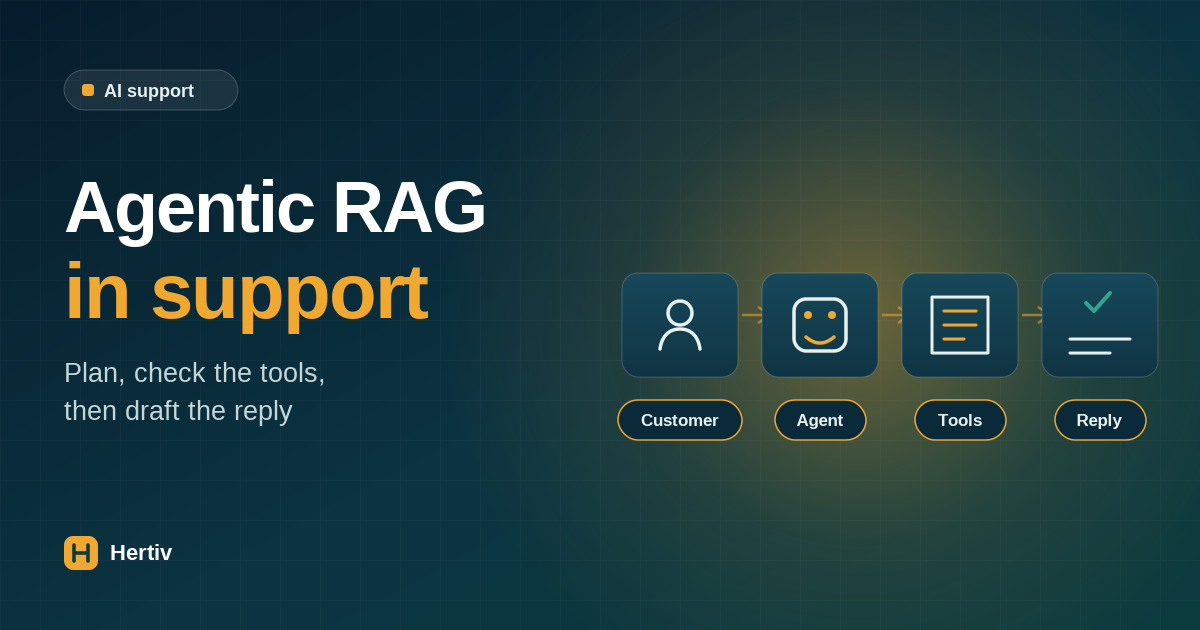
Agentic RAG for customer service is a support system that uses retrieval-augmented generation plus an agent that can plan and use tools. Plain RAG answers a question by searching documents and drafting a reply. Agentic RAG goes further: it breaks a request into steps, checks order records or account data, and decides what to do next, including when to hand off to a human.
The difference matters for real support work. A customer rarely asks one clean question. They say a delivery is late and ask for a refund, which means the system must check the order status, check the refund policy, and then draft a reply. Plain RAG can only answer from documents. Agentic RAG can run that small investigation first.
| Part | Plain RAG | Agentic RAG |
|---|---|---|
| Answer source | Documents only | Documents plus live data |
| Steps | One search, one reply | Plan, check, then reply |
| Tool use | None | Order, account, ticket tools |
| When unsure | Guesses or says nothing | Asks or hands off |
| Best for | Simple questions | Multi-step requests |
The agent part is what makes it useful, and also what makes it risky. An agent that can look up records and draft replies needs clear rules, scoped permissions and logs, or it will act on the wrong record. If you want the basics first, read what retrieval-augmented generation is.
What does the system look like?
An agentic RAG system for customer service has five parts: the documents, the live data, the agent, the tools and the human review step. Each part has a clear job, and the agent only works through the tools you give it.
- Documents. The help centre, policies and past tickets, cleaned and kept current, so the agent reads correct material.
- Live data. Order status, delivery tracking, account details and subscription state, reached through narrow tools, not raw database access.
- The agent. A language model that plans the steps, picks the right tool, reads the result and drafts the reply.
- The tools. Small, named actions such as "check order status" or "look up refund policy", each with clear inputs and limits.
- Human review. A queue where agents check drafts on sensitive topics and approve refunds or account changes.
Keep the tools narrow. A tool that can "look up any customer record" is a risk; a tool that can "check the status of one order by order number" is safe and easy to test. The same applies to actions: the agent should draft a refund, not issue one. A human approves anything that moves money or changes an account.
The documents deserve the most effort. If the help centre has two conflicting refund policies, the agent will pick one at random. Clean the sources before you build the agent, not after.
How to deploy it in six steps
You deploy agentic RAG for customer service by starting with one request type, wiring up the tools it needs, and letting the agent handle only that type until it proves itself.
- Pick one request type. Order status and delivery questions are a good first choice: high volume, low risk, and the answer comes from live data.
- Clean the sources. Fix the help articles and the policy pages that cover that request type, and remove duplicates.
- Build the tools. Add narrow tools for the data the agent needs, such as order lookup and delivery tracking, with read-only access.
- Write the rules. Define when the agent answers on its own, when it drafts for review, and when it must hand off, for example refunds and complaints.
- Test on real tickets. Run the agent on a sample of past tickets and compare its answers with the answers your team actually gave.
- Go live in stages. Start with drafts for agents to review, then let the agent answer the simplest questions directly, and expand one request type at a time.
Each step has a clear test. If the tools return wrong data, fix the tools. If the agent picks the wrong policy, fix the documents. If the drafts need heavy edits, the rules or the prompts need work. For the build pattern, see how to develop a RAG-powered application.
How do you test it before customers see it?
You test an agentic RAG system on a fixed set of real past tickets with known good answers, and you check not only the final reply but every step the agent took to get there.
Build an evaluation set of 50 to 100 tickets that cover the request types you plan to automate, including the awkward ones: missing order numbers, angry customers, two questions in one message. For each ticket, write down the correct answer and the correct steps, such as which order to look up and which policy applies.
Then run the agent and score it on three things: did it pick the right tools, did it use the right sources, and is the final reply correct and safe. A reply that is correct but cites the wrong policy is still a failure, because it will break when the policy changes. Log every tool call and every source so you can see where a failure started.
Test the failure paths too. Give the agent a fake order number, a policy question with no answer in the documents, and a request that should be refused, such as a refund above the allowed limit. The correct behaviour in each case is to ask for more information or hand off, not to guess. If the agent guesses, the rules need to be tighter.
Example: a shop support team deploys agentic RAG
Example (hypothetical): an online shop gets 300 support questions a day. Each one takes an agent about 6 minutes, so the team spends 300 x 6 = 1,800 minutes, or 30 hours a day, on replies.
The shop deploys agentic RAG for order and delivery questions only. The agent checks the order status, reads the delivery policy and drafts a reply. About 200 of the 300 questions are order status checks, and the agent resolves those on its own with no agent time.
The other 100 questions still need a person and still take 6 minutes each, so the team now spends 100 x 6 = 600 minutes, or 10 hours a day, on replies. That saves about 20 hours a day.
The team keeps the human review queue for refunds, complaints and anything the agent flags as uncertain. The saved time goes to those harder cases, and the agents check a sample of the automated replies each day to catch drift. The deployment did not remove the team; it moved the routine questions to the agent and the judgement calls to the people.
What are the common mistakes?
The most common agentic RAG deployment mistakes are giving the agent tools that are too broad, skipping the evaluation set, and letting it act on money or accounts without a human check.
- Broad tools. A tool that can read any record or change any account is a risk. Give the agent narrow tools with clear limits.
- No evaluation set. Without real tickets and known good answers, you cannot tell whether the agent is improving or drifting.
- Auto-actions on money. Refunds, credits and account changes should be drafted by the agent and approved by a person.
- Stale documents. If the help centre is out of date, the agent will give out-of-date answers with confidence.
- Too many request types at once. Each new request type needs its own tools, rules and tests. Add them one at a time.
- No logging. If you cannot see which tools the agent called and which sources it used, you cannot fix a bad answer.
What to measure after launch
After launch, measure whether the agent resolves questions correctly, how often it hands off, and how much agent time it actually saves. Pick a small set of numbers and review them every week.
- Resolution rate. The share of questions the agent resolves without a human, split by request type, so you can see which types work and which do not.
- Handoff rate. The share the agent passes to a person. A rising handoff rate can mean the agent is being careful, or that the documents are stale.
- Accuracy on a sample. Have agents review a random sample of automated replies each week and mark them right or wrong.
- Time saved. Compare the minutes agents spend per question before and after, using the same request types.
- Customer follow-ups. The share of customers who write back because the first answer did not solve their problem.
Review the logs for the failures, not just the averages. A handful of bad replies usually share one cause, such as a missing tool or a conflicting policy, and fixing that cause helps every future question. If you need help scoping the build, RAG development covers the design and evaluation work.
Key takeaways
- Agentic RAG plans steps and uses tools, while plain RAG only searches documents
- Keep tools narrow and read-only, and let humans approve anything that moves money
- Start with one request type, test on real tickets, and expand only when the numbers hold up
- An evaluation set of real tickets is the only way to know whether the agent is improving
- Measure resolution rate, handoff rate and follow-ups every week, and fix the shared causes
Frequently asked questions
What is the difference between RAG and agentic RAG?
RAG answers a question by searching your documents and drafting a reply in one step. Agentic RAG adds an agent that plans the work, calls tools such as order lookup, reads the results and then drafts the reply. That lets it handle multi-step requests, such as a late delivery plus a refund question, in one flow.
Does agentic RAG need fine-tuning?
Usually not at first. Most teams connect the agent to their own documents and tools with a clear prompt and good rules. Fine-tuning can help later for consistent tone or format, but it is easier to justify once you have an evaluation set and the system is already working.
How long does it take to deploy agentic RAG?
A narrow pilot for one request type typically takes a few weeks when the documents and tools are ready. Moving to production adds testing, logging and change management, which usually take longer than the model work itself. Add request types one at a time after the first one is stable.
Can the agent issue refunds on its own?
It should not. The safe pattern is for the agent to check the order and the policy, draft the refund, and put it in a queue for a person to approve. Anything that moves money or changes an account needs a human decision, even if the agent does the lookup work.
What happens when the agent does not know the answer?
It should say so and hand off to a person, or ask the customer for the missing detail, such as an order number. Guessing is the failure mode to avoid, so the rules should make handoff the default whenever the sources do not contain a clear answer.
What data does agentic RAG need?
It needs clean help articles and policies, plus narrow tools for live data such as order status and account details. If the documents are outdated or duplicated, clean them first, because the agent will follow whatever it reads, including the wrong version.


