What Does Dental Practice Software Cost to Build?
Building dental practice software costs less than a full clinic system but more than a simple booking app. Learn the cost parts, the drivers, and how to estimate it.
On this page
Short answer
Dental practice management software is the system a dental clinic uses to book appointments, hold patient records, plan treatments, send reminders, take payments and handle claims. Building it means building the booking diary, the patient record, the treatment plan, the billing and the reminders, with health privacy rules built in from the start.
What is dental practice management software?
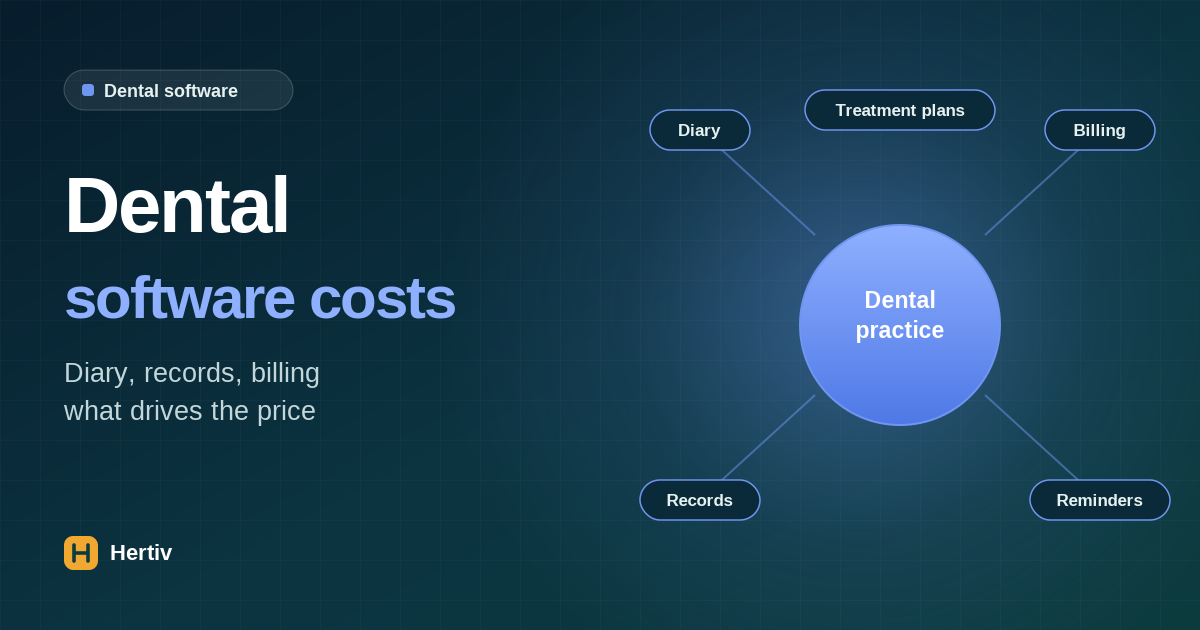
Dental practice management software is the daily operating system of a dental clinic. It holds the appointment diary, patient records, treatment plans, X-ray notes, invoices, payments and insurance claims in one place, so the front desk, the dentist and the hygienist all work from the same record.
It differs from a general booking app because it must handle health records, consent, treatment histories and clinical notes, and it must keep those records private. A clinic that buys off-the-shelf software gets these features ready-made; a clinic that builds its own gets software shaped to how its own team works.
The cost of building it depends on how many of these parts you build, how many clinics it must serve, and how strict the privacy rules are in the country where it runs. The guide to telemedicine apps covers a similar kind of health software.
What parts make up the cost?
The cost has four parts: design, build, testing and running it. Design covers the workflows for booking, records and billing. Build covers the code for the web app, the mobile app if there is one, and the database. Testing covers clinical checks, privacy checks and fixing bugs. Running it covers hosting, support and updates after launch.
The table below shows the parts and what each one includes.
| Cost part | What it includes | What drives it up |
|---|---|---|
| Design | Workflows, screens, patient flows | Many user roles, complex diary |
| Build | Booking, records, billing, reminders | More features, more clinics |
| Testing | Clinical checks, privacy, bug fixes | Health data rules, integrations |
| Running it | Hosting, support, updates | Uptime needs, data storage |
Testing costs more for dental software than for a simple app, because a wrong record or a leaked record has real consequences. Budget for it from the start rather than adding it at the end.
What drives the cost up or down?
Five things drive the cost. The first is the number of features: a diary plus reminders costs far less than a full system with treatment plans, imaging, claims and multi-clinic support. The second is the number of clinics: one clinic is simple, ten clinics need shared rules, permissions and reporting.
The third is integrations: connecting to an existing records system, a payment provider or an insurer adds work for each connection. The fourth is privacy rules, which differ by country and add legal advice and security testing. The fifth is who builds it: local teams usually charge more per hour but need less guidance on local rules.
The cheapest way to lower the cost is to cut features, not to cut testing. A smaller system that works well beats a large system that is half finished, and a clinic will notice the missing test long before it notices the missing feature.
A sixth driver is the team itself. A small team that has built dental or clinic software before will work faster than a larger team learning the domain from scratch, because it already knows the diary, the consent forms and the claims process. Ask each team to show one health system it has shipped, and check that the team, not just the company, has done this work before.
What features does dental software need?
A dental system needs a diary that shows chairs, dentists and hygienists, with bookings, recalls and waiting lists. It needs patient records with treatment history, allergies and consent. It needs treatment plans with costs, so a patient can see what a course of treatment will cost before it starts.
It also needs reminders by text or email, payments and invoices, and claims handling for insurers. The guide to healthcare software companies lists firms that build this kind of system. Optional extras include imaging storage, online forms, a patient portal and reports for the practice owner.
Start with the diary, the record and the reminders, because those three run the clinic day to day. Add treatment plans and claims next, and leave the patient portal and reports until the core system is in daily use.
How to estimate the cost in 5 steps
Estimating the cost starts with a written list of features, not with a quote. Write down what the software must do, who will use it, and which systems it must connect to. Then ask three teams for a price on that same written brief, and compare what each one includes.
- List the features the clinic cannot work without.
- Note the clinics, users and systems it must connect to.
- Ask three teams for a written quote on the same brief.
- Compare what each quote includes: testing, support and code ownership.
- Add a reserve of about 10% for the things the brief missed.
Prices vary widely, so check the vendor site or ask for a written quote before you compare costs. A quote that is far below the others usually leaves something out, and the missing part is often testing or support.
Example (hypothetical): estimating a dental system for one clinic
Example (hypothetical): a single dental clinic wants a system with a diary, patient records, treatment plans, reminders and payments. The team estimates 520 hours of build work at $60 an hour, which is $31,200. Privacy and security testing adds $4,000, and launch, training and first-month support add $3,000.
The total before reserve is $31,200 plus $4,000 plus $3,000, which is $38,200. A 10% reserve is $3,820, so the full estimate is $42,020. The reserve matters because a clinic always finds a missing workflow once the system is in daily use, and the reserve pays for it without a new budget request.
If the clinic adds a second location, the diary and permissions get more complex, and the build hours rise. If it drops treatment plans from the first version, the hours fall, and the team can add them later once the core system works. The estimate is a planning tool, not a price, and the real price comes from a written quote.
Common mistakes
The most common mistake is building every feature before the first clinic uses the system. A diary that works is worth more than a full system that nobody has tested, and the clinic's feedback will change the feature list anyway. Build the core, test it with one clinic, then add the rest.
Another mistake is treating privacy as an afterthought. Dental records are health data, and the rules on consent, storage and access are strict. Get advice on the rules in your country before you build, not after a patient asks. A third mistake is skipping the reserve: no brief is complete, and the 10% reserve is what pays for the workflow everyone forgot.
Key takeaways
- Dental software combines diary, records, billing and reminders
- Testing and privacy cost more than for a simple app
- Cut features to lower the cost, never cut testing
- Ask three teams for a quote on the same brief
- Add a 10% reserve for the things the brief missed
Frequently asked questions
How much does dental practice management software cost?
It depends on features, clinics and privacy rules, and prices vary widely. Ask three teams for a written quote on the same brief, and check the vendor site for current rates before you budget.
Is it cheaper to buy dental software than to build it?
Usually yes, if an off-the-shelf product fits how your clinic works. Building makes sense when your workflows are unusual, you run several clinics, or no product on the market fits your team.
How long does it take to build dental software?
A core system for one clinic usually takes a few months from a clear brief to daily use. More clinics, more integrations and stricter privacy rules add time, so start with the core and add features later.
Does dental software need to follow health privacy rules?
Yes. Dental records are health data, and the rules on consent, storage and access are strict. Get advice on the rules in your country before you build, and build the privacy checks into the system.
What is the first feature to build?
The diary, the patient record and the reminders, because those three run the clinic day to day. Add treatment plans, claims and the patient portal after the core system is in daily use.
Can one system serve several dental clinics?
Yes, but it costs more, because shared rules, permissions and reporting add work. Start with one clinic, prove the system works, then add the next clinic on the same platform.


